
 emalderson/thephish
ThePhish: an automated phishing email analysis tool


ThePhish is an automated phishing email analysis tool based on TheHive, Cortex and MISP. It is a web application written in Python 3 and based on Flask that automates the entire analysis process starting from the extraction of the observables from the header and the body of an email to the elaboration of a verdict which is final in most cases. In addition, it allows the analyst to intervene in the analysis process and obtain further details on the email being analyzed if necessary. In order to interact with TheHive and Cortex, it uses TheHive4py and Cortex4py, which are the Python API clients that allow using the REST APIs made available by TheHive and Cortex respectively.






The following diagram shows how ThePhish works at high-level:
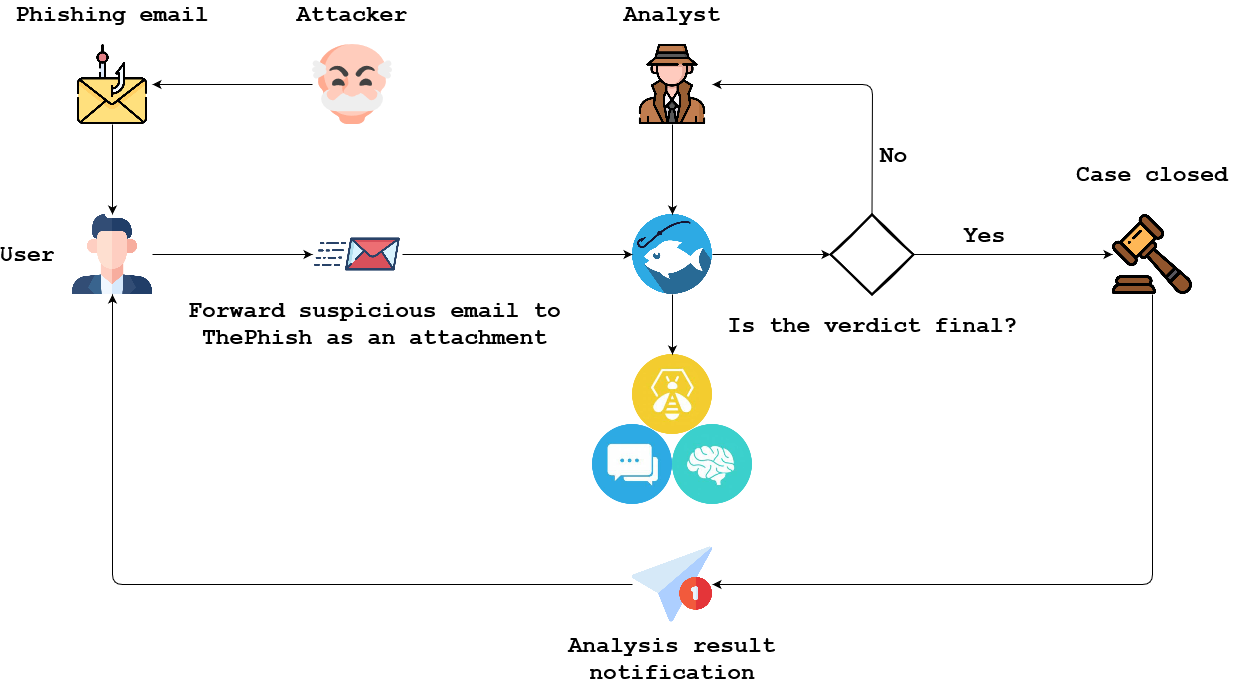
This example aims to demonstrate how a user can send an email to ThePhish for it to be analyzed and how an analyst can actually analyze that email using ThePhish.
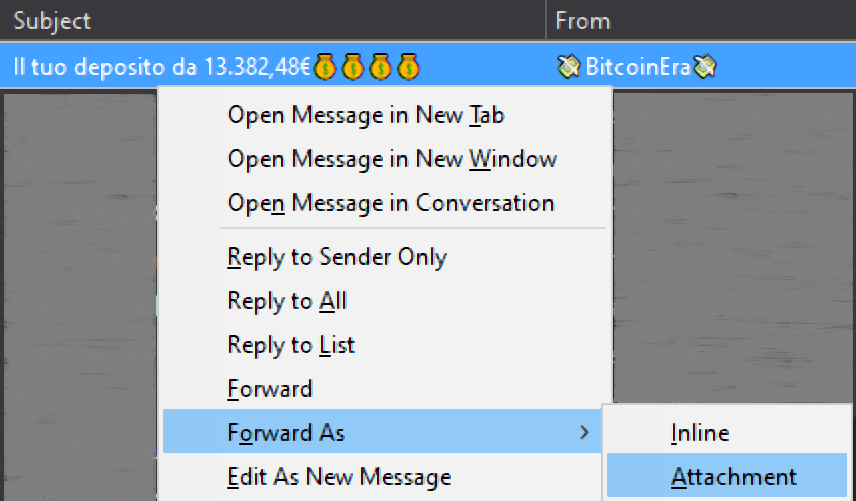
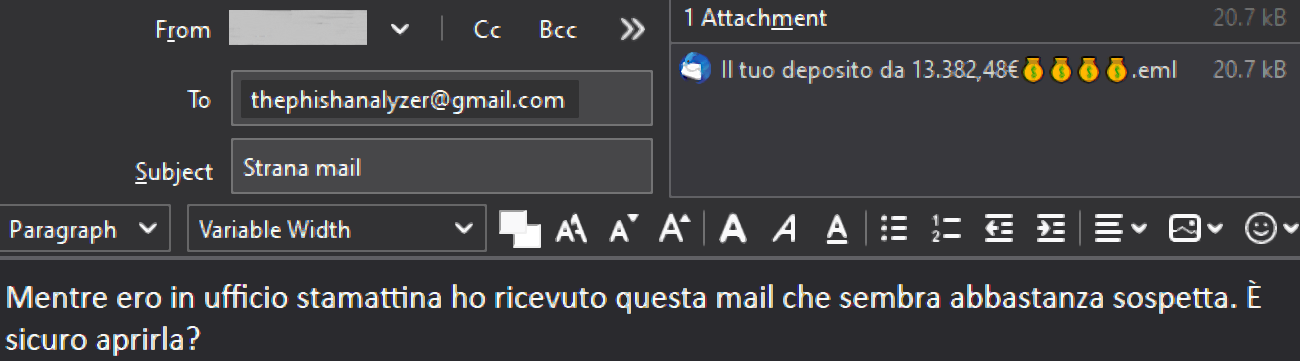
A user can send an email to the email address used by ThePhish to fetch the emails to analyze. The email has to be forwarded as an attachment in EML format so as to prevent the contamination of the email header. In this case, the used mail client is Mozilla Thunderbird and the used email address is a Gmail address.
The analyst navigates to the web page of ThePhish and clicks on the "List emails" button to obtain the list of emails to analyze.
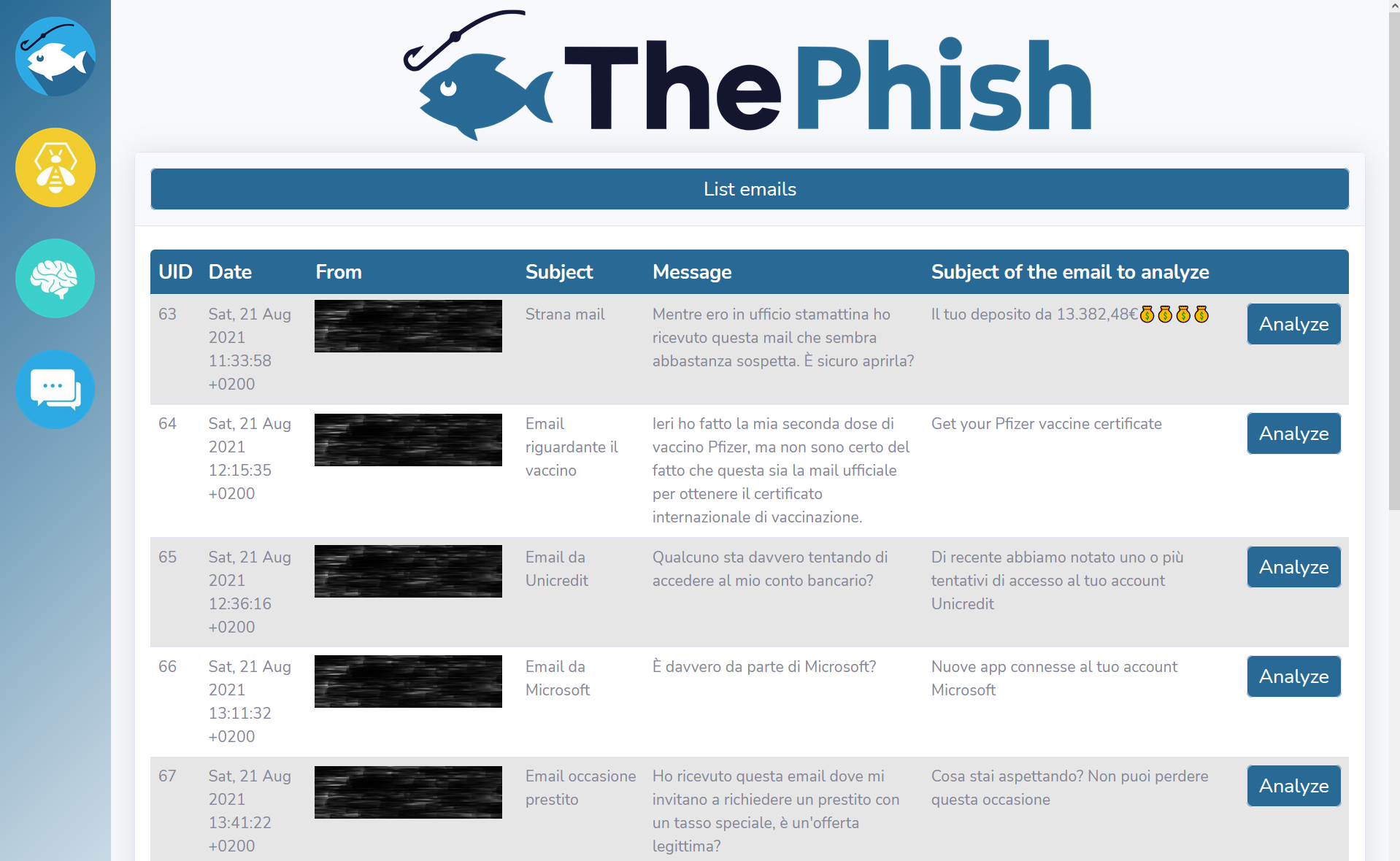
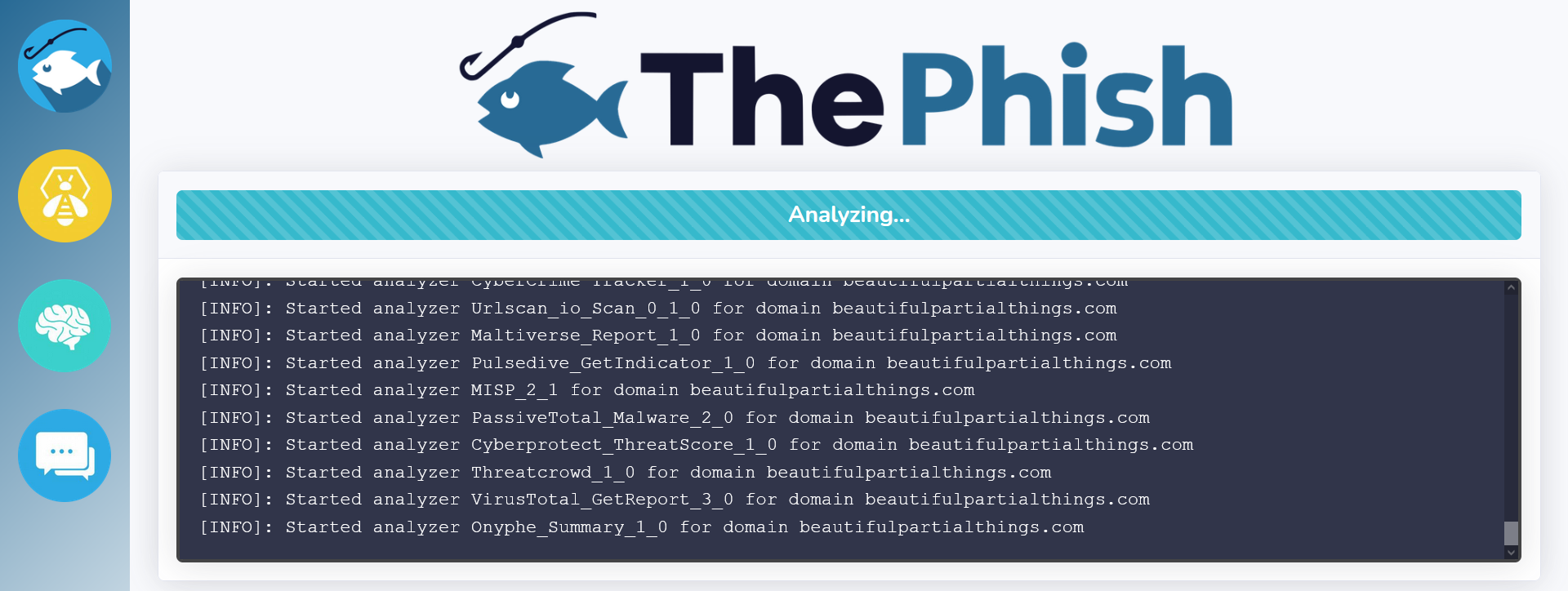
When the analyst clicks on the "Analyze" button related to the selected email, the analysis is started and its progress is shown on the web interface.
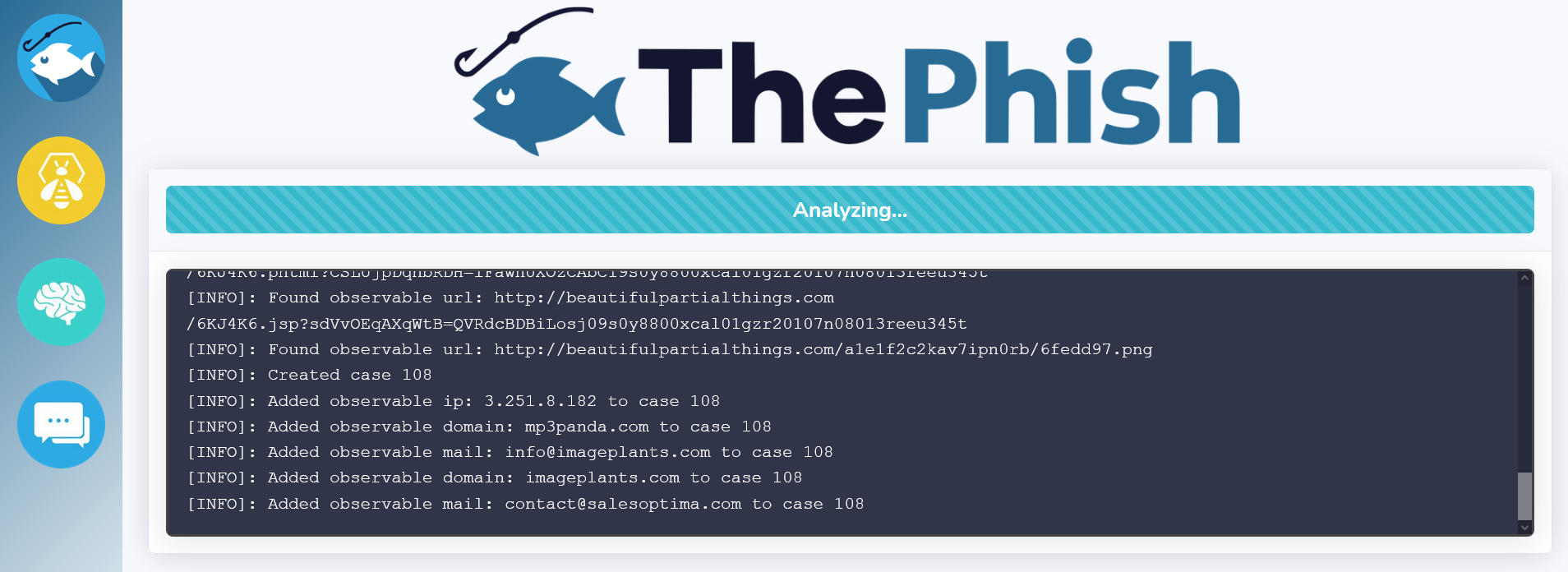
In the meantime, ThePhish extracts the observables (URLs, domains, IP addresses, email addresses, attachments and hashes of those attachments) from the email and then interacts with TheHive to create the case.

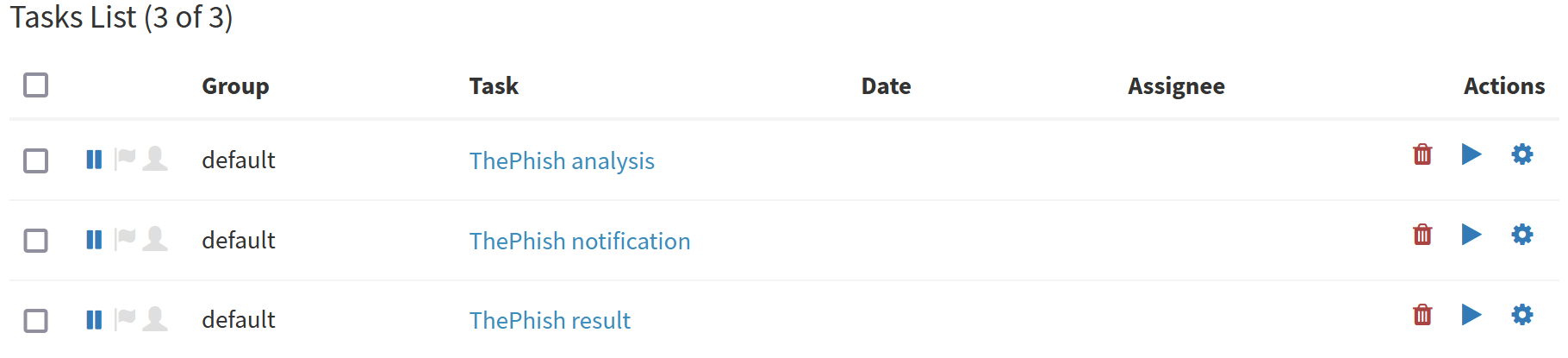
Three tasks are created inside the case.
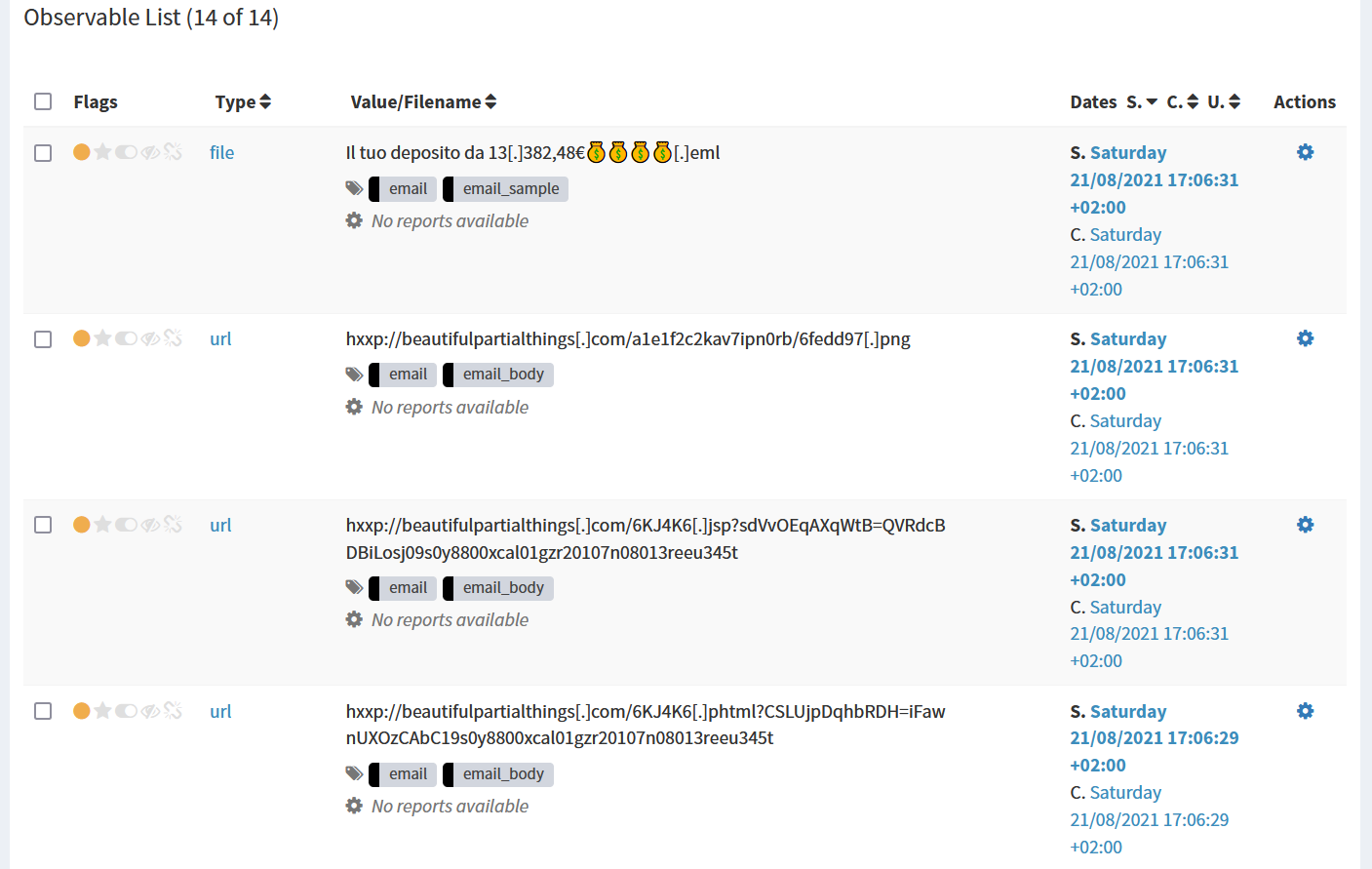
Then, ThePhish starts adding the extracted observables to the case.
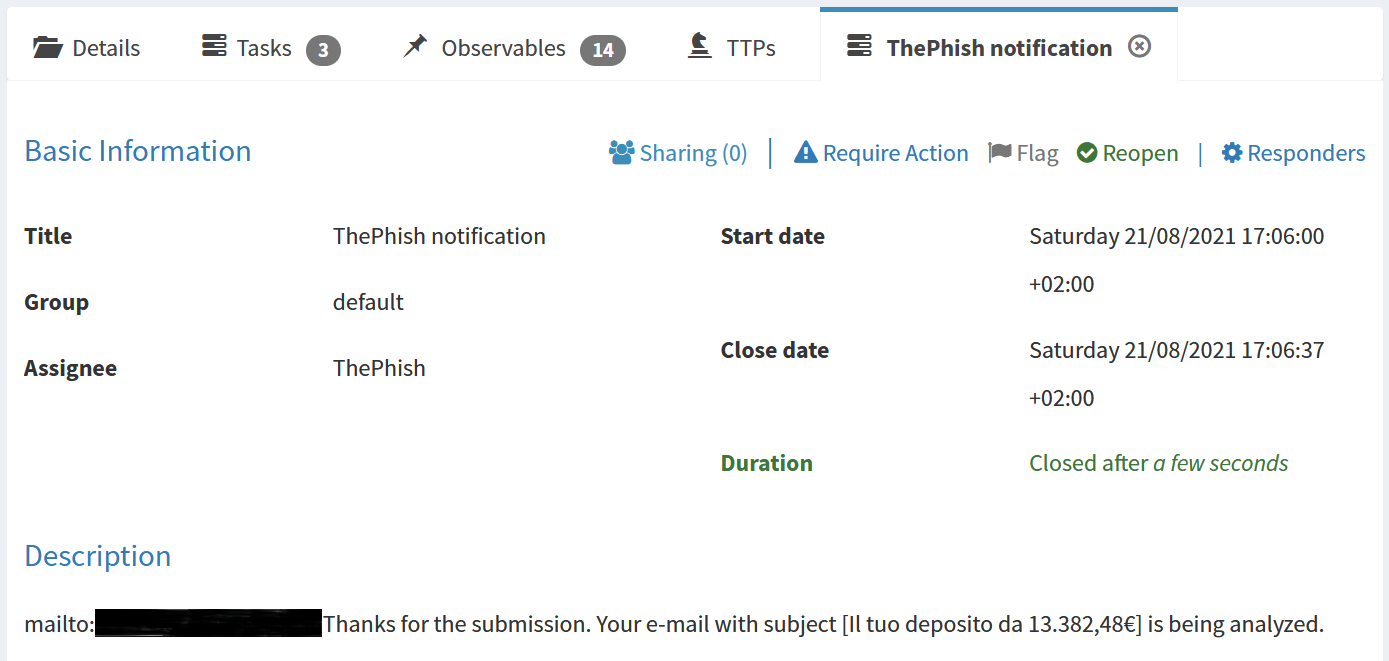
At this point the user is notified via email that the analysis has started thanks to the Mailer responder.

The description of the first task allows the Mailer responder to send the notification via email.
After the first task is closed, the second task is started and the analyzers are started on the observables. The analysis progress is shown on the web interface while the analyzers are started.
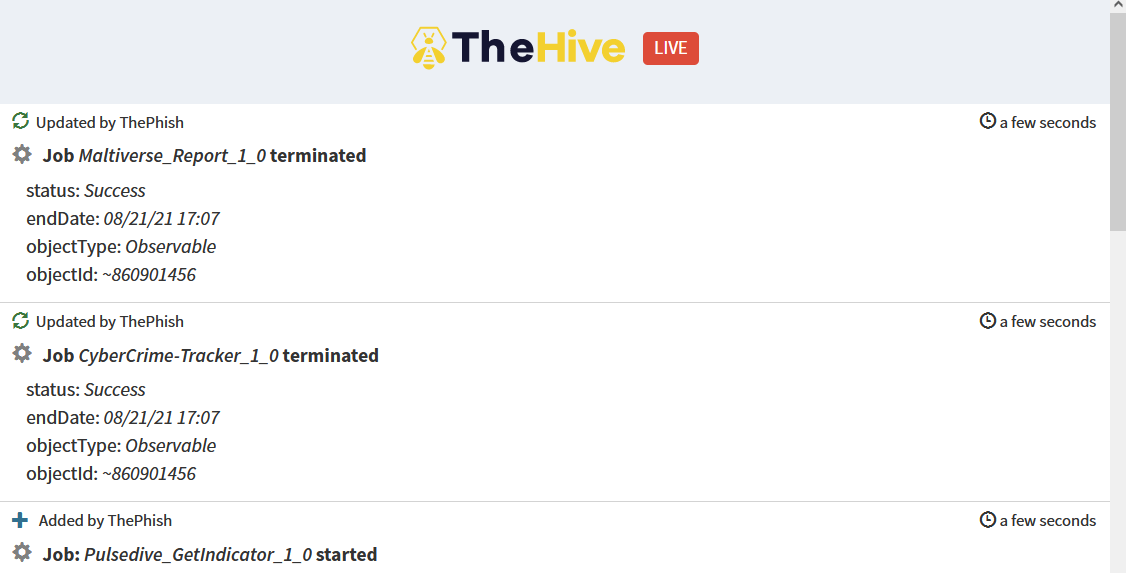
The analysis progress can also be viewed on TheHive, thanks to its live stream.
Once all the analyzers have terminated their execution, the second task is closed and the third one is started, then ThePhish calculates the verdict. Since the verdict is "malicious", all the observables that are found to be malicious are marked as IoC. In this case only one observable is marked as IoC.
