 captaingeech42/ransomwatch
Ransomware leak site monitoring



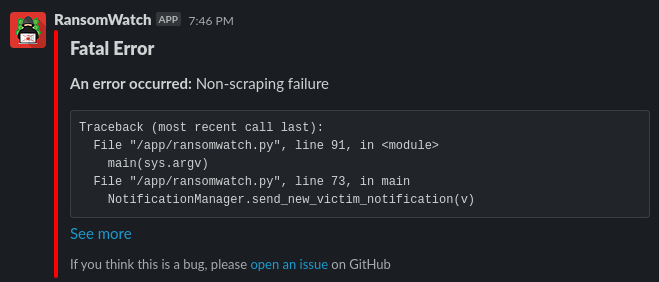
RansomWatch is a ransomware leak site monitoring tool. It will scrape all of the entries on various ransomware leak sites, store the data in a SQLite database, and send notifications via Slack or Discord when a new victim shows up, or when a victim is removed.
Note: RansomWatch isn't being actively updated for the latest sites, and is mostly reliant on third-party contributions. Please open a pull request, and/or DM me on Twitter.
In config_vol/, please copy config.sample.yaml to config.yaml, and add the following:
hiveapi... onion domain.Additionally, there are a few environment variables you may need to set:
RW_DB_PATH: Path for the SQLite database to useRW_CONFIG_PATH: Path to the config.yaml fileThese are both set in the provided docker-compose.yml.
This is intended to be run in Docker via a cronjob on whatever increment you decide to use.
First, build the container: docker-compose build app
Then, add it to your crontab. Example crontab entry (running every 8 hours):
0 */8 * * * cd /path/to/ransomwatch && docker-compose up --abort-on-container-exit
If you'd prefer, you can use the image published on Docker Hub (captaingeech/ransomwatch) instead, with a docker-compose.yml that looks something like this:
version: "3"

services:
  app:
    image: captaingeech/ransomwatch:latest
    depends_on:
      - proxy
    volumes:
      - ./db_vol:/db
      - ./config_vol:/config
    environment:
      PYTHONUNBUFFERED: 1
      RW_DB_PATH: /db/ransomwatch.db
      RW_CONFIG_PATH: /config/config.yaml

  proxy:
    image: captaingeech/tor-proxy:latest
This can also be run via the command line, but that requires you to have your own Tor proxy (with the control service) running. Example execution:
$ RW_DB_PATH=./db_vol/ransomwatch.db RW_CONFIG_PATH=./config_vol/config.yaml python3 src/ransomwatch.py
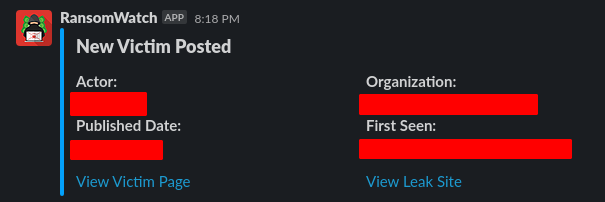
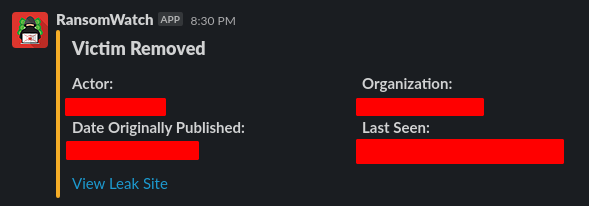
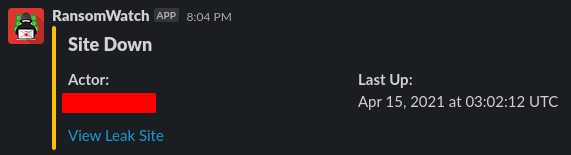
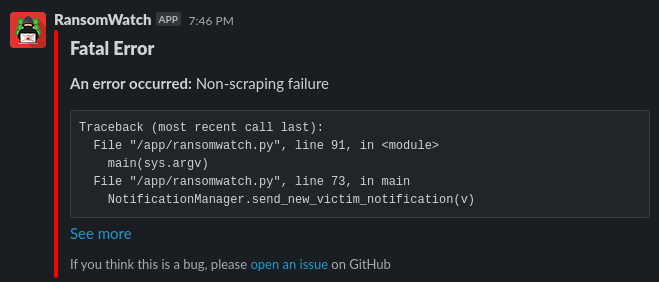
The messages sent to Discord and Teams are very similar in style, identical in content.
The following leak sites are supported:
If there are other leak sites you want implemented, feel free to open a PR or DM me on Twitter, @captainGeech42

