Skip to content
KitploitKITPLOIT
ToolsBlog
Submit
ToolsBlog
Submit

Hacking, PenTest, and Cybersecurity Tools for Your Security Arsenal!

Kitploit is a directory of hacking, cybersecurity, and pentesting tools. Discover the latest project updates to find vulnerabilities, analyze systems, automate testing, and strengthen your security.

··Feeds·Contact·Privacy·© 2026 Kitploit

Tool Directory

Categories

View all categories
Loading categories
Tools/GitHubGitHub/bicurico/vaxd
Embedded Systems SecurityReverse EngineeringDebuggersForensicsMalware AnalysisDigital ForensicsHardware SecurityBinary AnalysisLearning & EducationFirmware Analysis
GitHubbicurico/vaxd

VAXD

17132 months agoNot yet reviewed

Most Popular

View all →

Discover the most used tools by our community.

Explore all tools

Browse our collection of tools

View all tools →
Share

Lightweight Windows disassembler, PE inspection and patch-assistance tool for native EXE/DLL files.

View Repository

VAXD

VAXD Logo

VAXD is a lightweight Windows disassembler, PE inspection tool, MultiCPU binary inspection tool, and patch-assistance environment.

It is designed for fast analysis of executable files, firmware images, binaries, Office documents, PDF files, and Windows PE EXE/DLL files. VAXD provides a practical workflow focused on file identification, disassembly, navigation, strings, cross-references, jumps, calls, patch planning, pseudo-code generation, hex inspection, and binary patching assistance.

VAXD focuses on speed, simplicity, and usability. It is intended for users who want a quick and focused tool for inspecting executable files and suspicious documents without the complexity and overhead of larger reverse-engineering suites.


Official website, downloads, and licensing

The official VAXD page is available here:

https://vma-broadcast.com/vaxd-vma-executable-disassembler/

Please use the official website for:

  • latest downloads
  • licensing information
  • pricing
  • release notes
  • documentation
  • screenshots
  • support information

This GitHub repository is kept mainly as a stable project reference page for external links, forum posts, and discussions.


Main capabilities

VAXD can be used for:

  • inspecting Windows EXE and DLL files
  • checking what a file actually is, even when the extension is missing or misleading
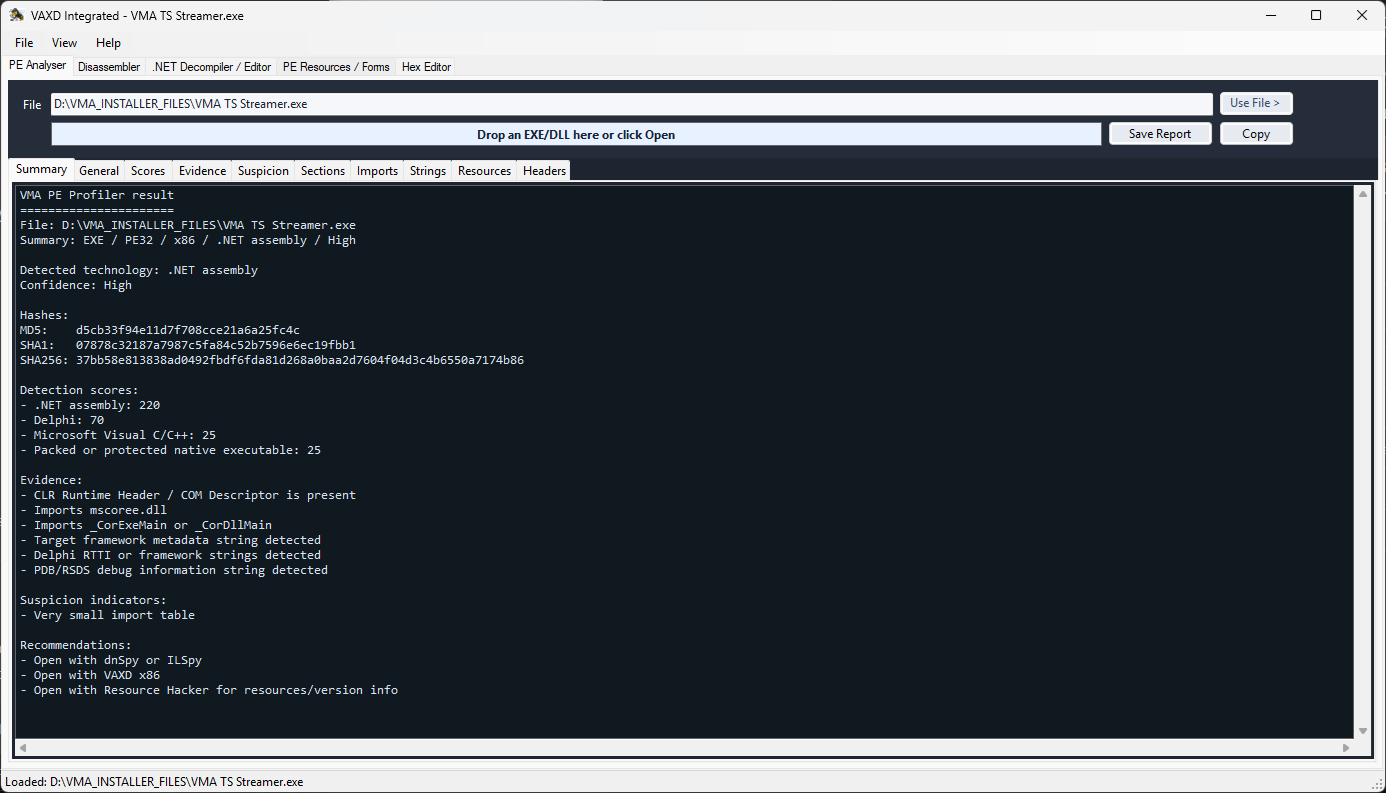
  • analysing PE headers, sections, imports, exports, strings, resources, and metadata
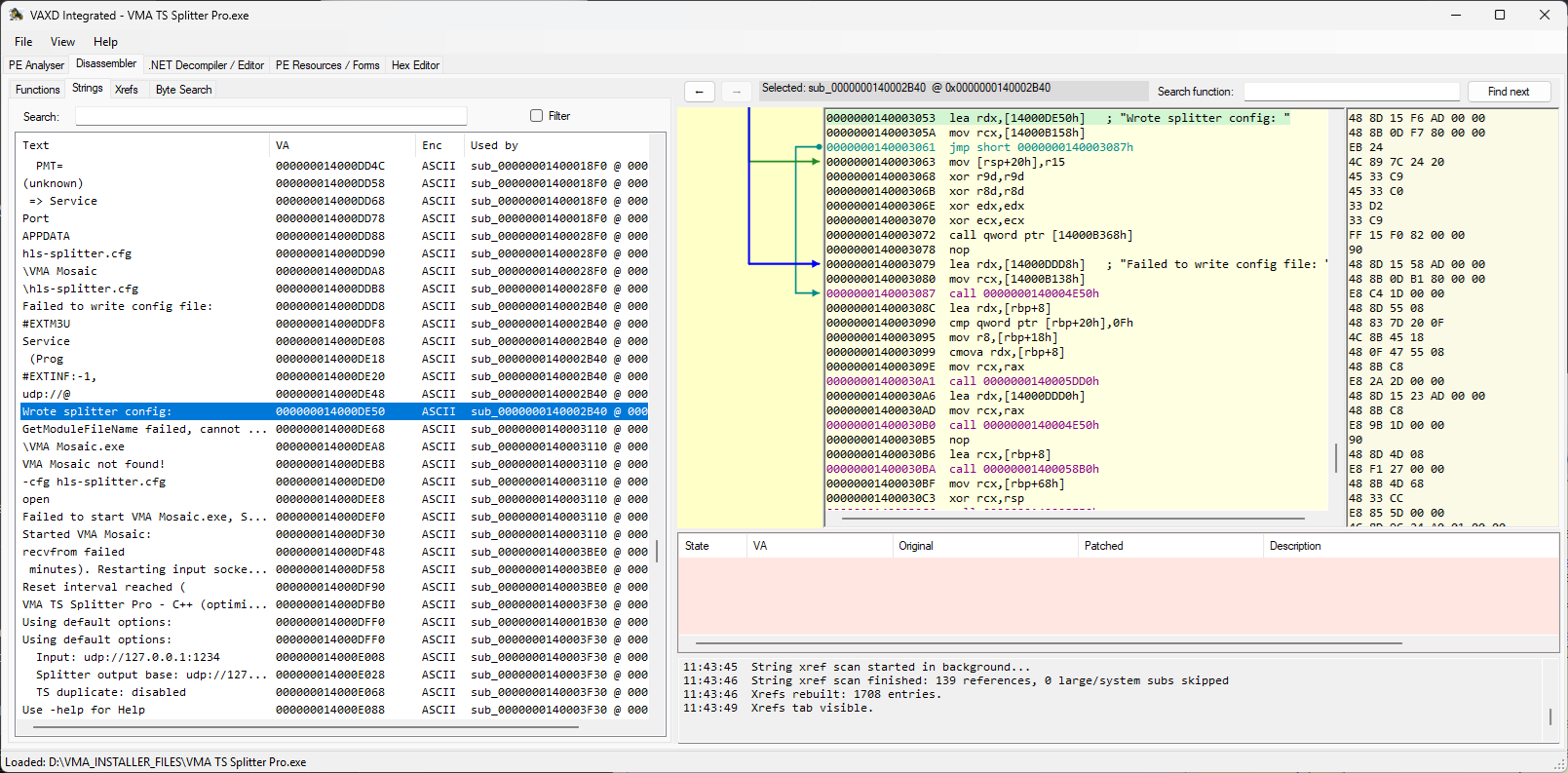
  • inspecting native x86 and x64 Windows code
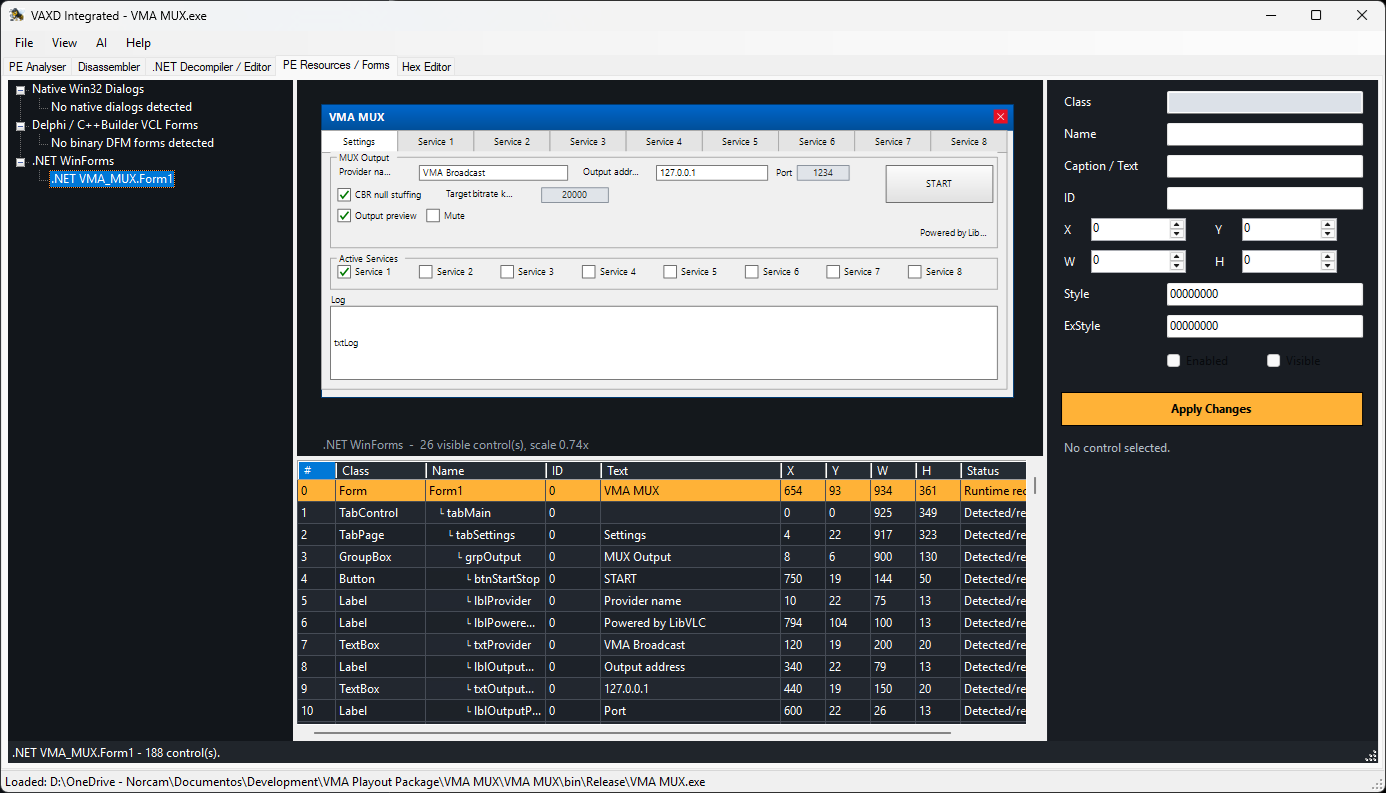
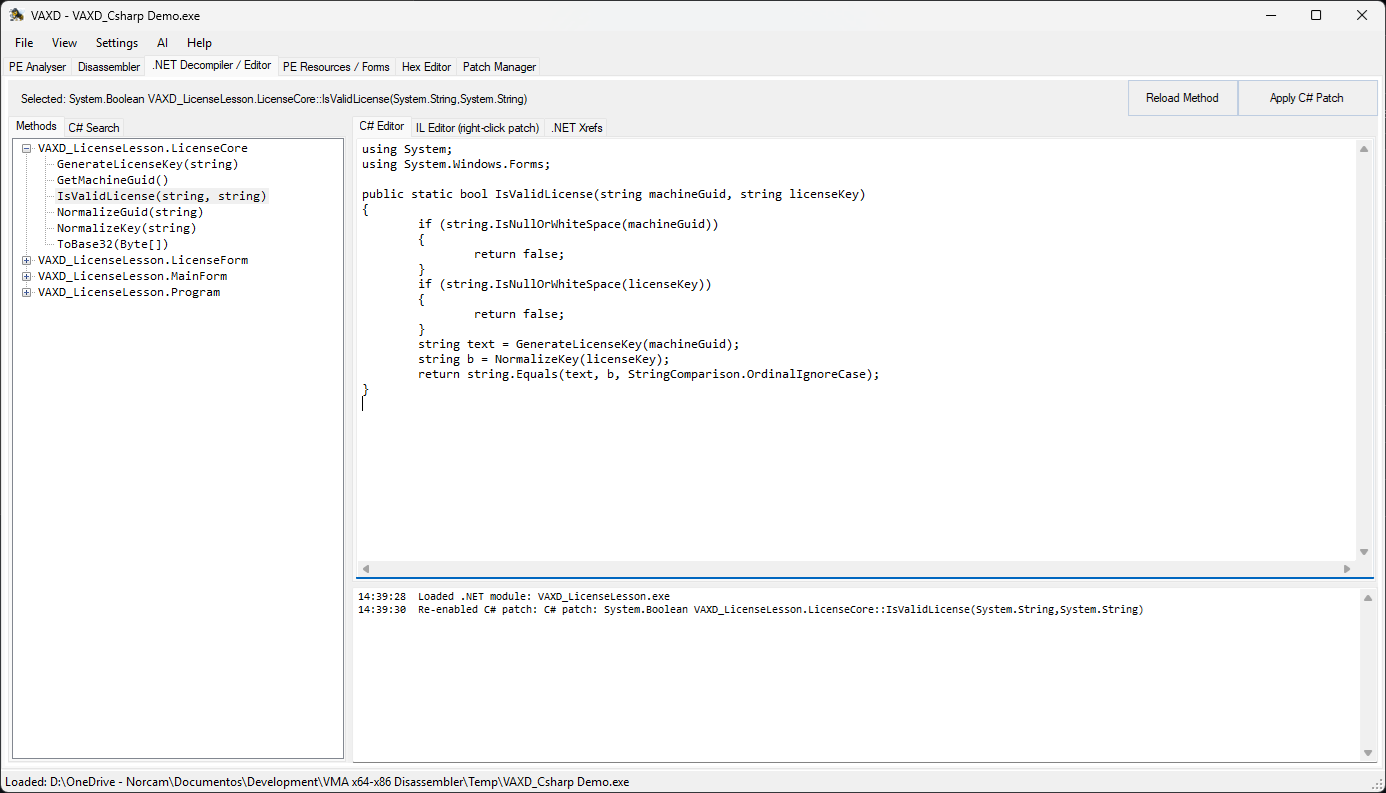
  • inspecting .NET executables and assemblies
  • inspecting non-Windows binaries and firmware images
  • working with multiple CPU architectures in one tool
  • reviewing strings, references, jumps, calls, and code flow
  • navigating disassembled code quickly
  • viewing and editing raw bytes in the hex editor
  • planning and managing binary patches
  • exporting patched binaries
  • fixing or modifying old Windows applications
  • inspecting Office documents for macros and embedded content
  • inspecting PDF files for suspicious structures, scripts, streams, and embedded objects
  • malware triage and suspicious-file analysis
  • software auditing and security research
  • reverse-engineering education and experimentation

VAXD is not intended to replace large professional reverse-engineering platforms. Its goal is to provide a faster, simpler, and more direct workflow for many common executable-inspection, document-inspection, firmware-analysis, and patch-assistance tasks.


MultiCPU support

VAXD includes MultiCPU disassembly and patch-assistance support for several processor families and binary formats.

Supported CPU families include:

  • Intel x86 / x64
  • 8088 / 80186 / 80286 / 80386 / 80486
  • ARM32
  • ARM64 / AArch64
  • MOS 6502
  • Motorola 680x0
  • Motorola 68HC11 / HCS12
  • Intel 8051
  • MIPS
  • PowerPC
  • AVR
  • PIC

Supported file and binary formats include, depending on architecture and file type:

  • Windows PE EXE
  • Windows PE DLL
  • .NET assemblies
  • DOS COM
  • DOS EXE
  • ELF binaries
  • raw binary files
  • firmware images
  • Intel HEX / Microchip HEX files
  • Office documents
  • PDF files

Patch-assistance workflow

VAXD is designed to help with practical binary patching tasks.

Typical patch-assistance features include:

  • instruction-level patching where supported
  • jump and branch inspection
  • branch inversion
  • branch forcing
  • NOP patching
  • patch list management
  • patched-byte tracking
  • hex-level editing
  • patched-file output

The exact patching options depend on the file type, CPU architecture, and instruction being edited.


Office and PDF inspection

VAXD can also be used as a lightweight suspicious-document inspection tool.

For Office files, VAXD can help inspect document structure, embedded content, and macro-related information.

For PDF files, VAXD can help inspect PDF objects, streams, scripts, embedded files, and suspicious structural elements.

This makes VAXD useful not only for executable reverse engineering, but also for quick triage of files that may not obviously be executables.


Typical users

VAXD may be useful for:

  • hobby reverse engineers
  • software developers
  • IT administrators
  • malware analysts
  • security researchers
  • software auditors
  • people maintaining or fixing old Windows applications
  • users who need to quickly inspect unknown files

Screenshot

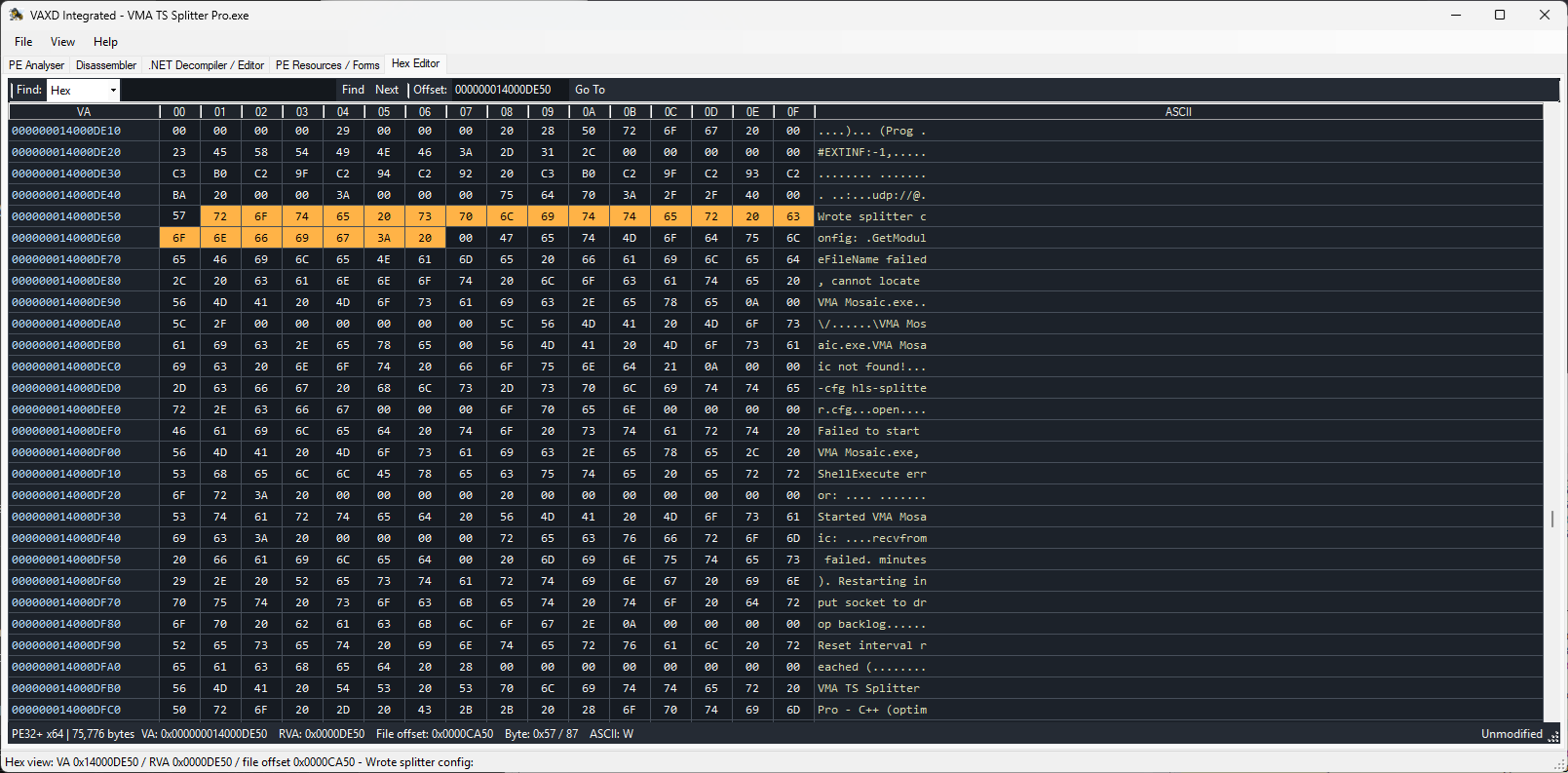
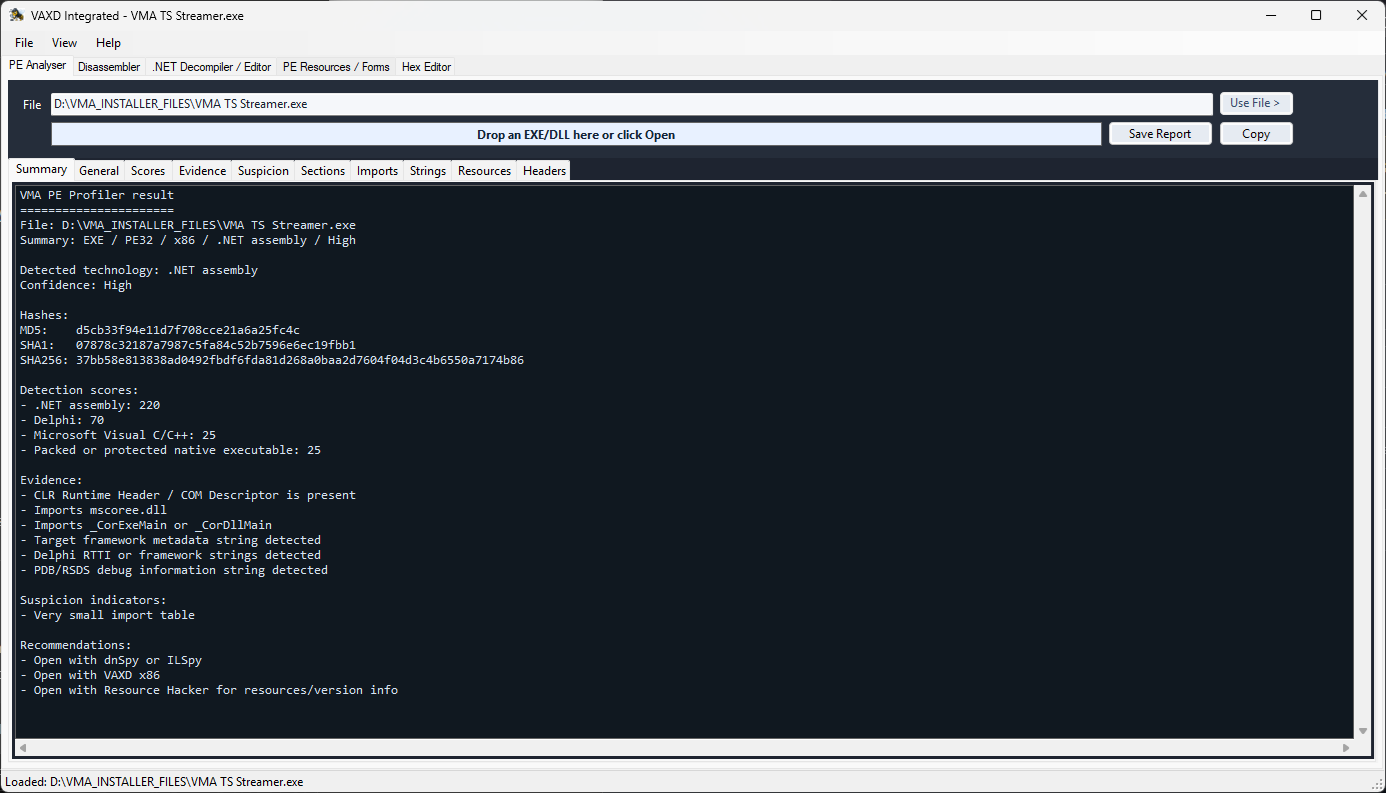
VAXD main window VAXD main window VAXD main window VAXD main window VAXD main window


Current status

VAXD is under active development.

For the current version, downloads, licensing, documentation, and support information, please use the official homepage:


https://vma-broadcast.com/vaxd-vma-executable-disassembler/

Download Tool