 backbay-labs/thrunt-god
Threat hunting command system for agentic IDEs



From signal, to swarm.
No gods. Only Thrunt.
Threat hunting command system for agentic IDEs.
Claude Code · OpenCode · Gemini · Codex · Copilot · Cursor · Windsurf
/thrunt:autonomous | one command, full hunt
Install · Phases · Commands · Flows · Artifacts
npx thrunt-god@latest --claude --local
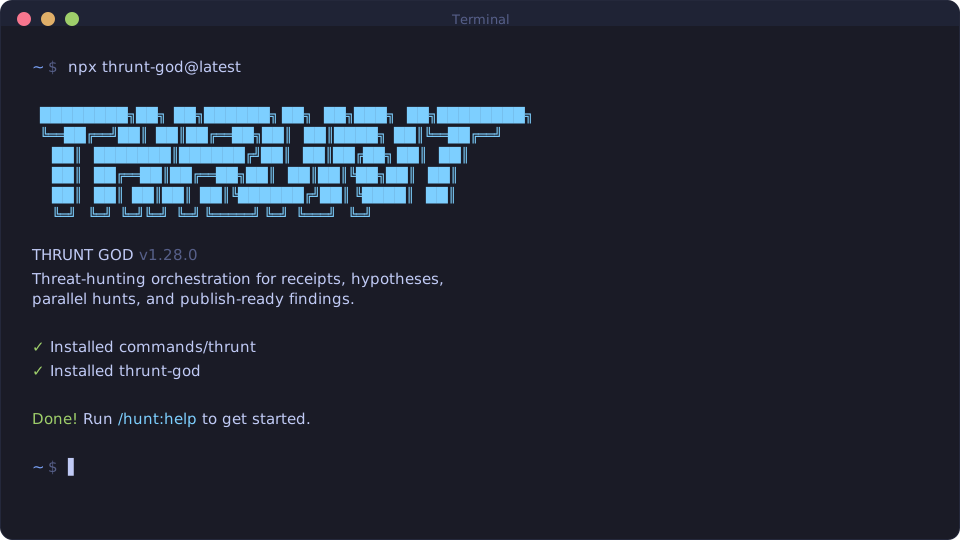
Bootstrap the hunt command surface into your local IDE environment.
| IDE | Command |
|---|---|
| Claude Code / Gemini | /hunt:help |
| OpenCode | /hunt-help |
| Codex | $hunt-help |
| Copilot | /hunt-help |
| Cursor / Windsurf | hunt-help |
Download thrunt-god-0.3.0.vsix from the v0.3.0 release.
Then install it one of two ways:
... menu, choose Install from VSIX..., and select the downloaded file.code --install-extension thrunt-god-0.3.0.vsix
After install, open a folder containing .planning/MISSION.md or .hunt/MISSION.md and the THRUNT sidebar will activate automatically.
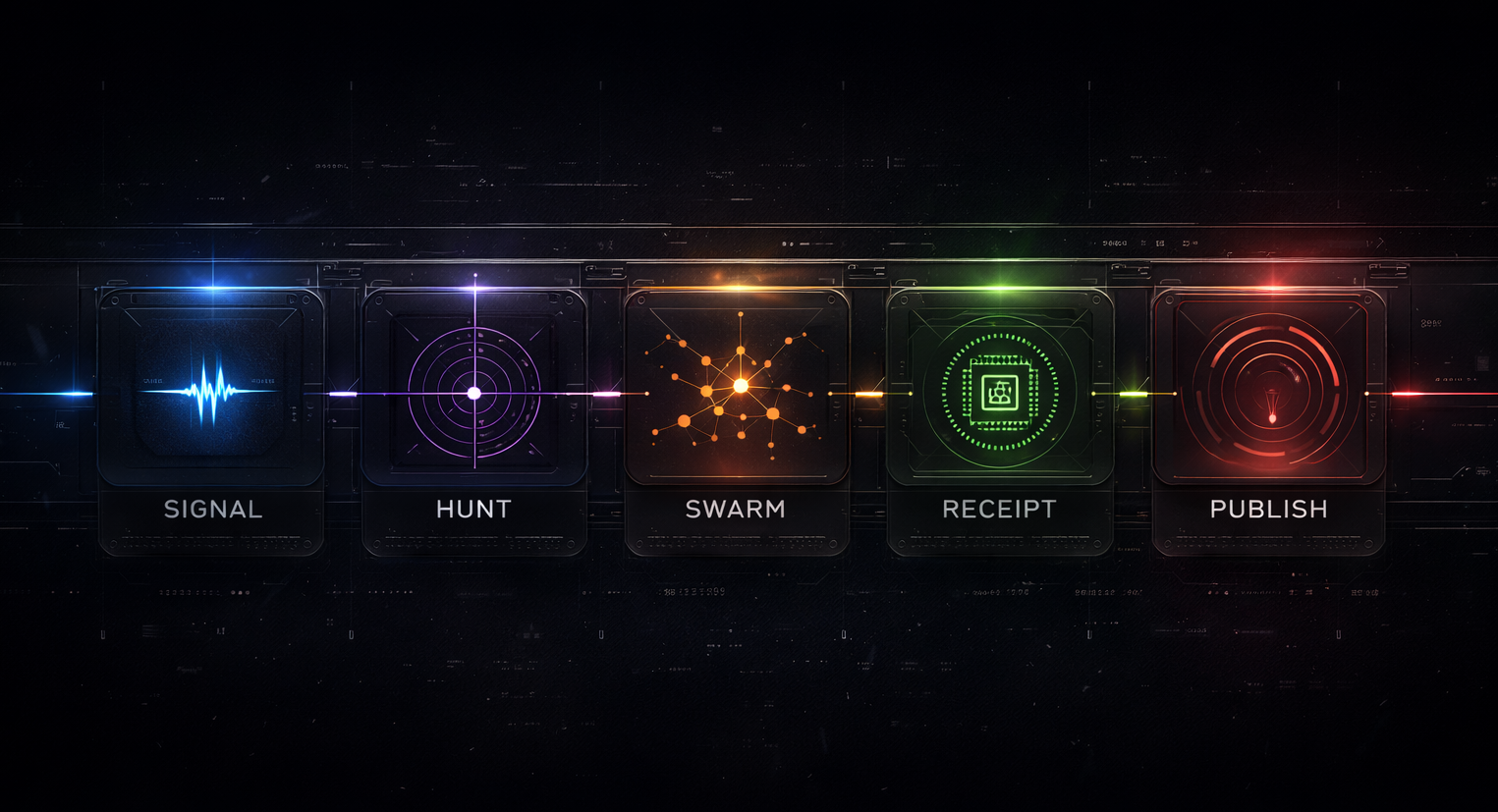
Every hunt resolves through five phases. Each step is explicit.
| Phase | |
|---|---|
| Signal | A detection, anomaly, lead, or intel input opens the case |
| Hunt | Hypotheses are formed, scoped, and made testable |
| Swarm | Parallel agents execute structured investigations across available sources |
| Receipt | Every claim is bound to exact queries, timestamps, and evidence lineage |
| Publish | Only validated findings are packaged for downstream consumers |
| Command | Purpose |
|---|---|
/hunt:new-program | Stand up a long-lived hunt program |
/hunt:new-case | Open a case from a signal |
/hunt:map-environment | Inventory data sources, access, and topology |
/hunt:shape-hypothesis | Develop and refine testable hypotheses |
/hunt:plan <phase> | Plan a hunt phase |
/hunt:run <phase> | Execute a hunt phase |
/hunt:validate-findings [phase] | Validate evidence chain for findings |
/hunt:publish [target] | Package and ship findings |
/hunt:help | Show all commands and usage |
Utility and orchestration commands (/thrunt:*) for workspace management, diagnostics, settings, and agent control.
Single signal |
Long-lived program |
Pack-seeded signal |
AutonomousRuns all remaining phases end-to-end: discuss, plan, execute. Pauses only for operator decisions. |
All hunt state lives in a planning directory at the project root (.planning/ by default). Every query, receipt, and finding is a file, not a summary.
.planning/
├── config.json             # Project settings (mode, profile, connectors, workflow toggles)
├── MISSION.md              # Hunt program mission and scope
├── HYPOTHESES.md           # Testable hypotheses with status tracking
├── SUCCESS_CRITERIA.md     # Definition of done for the program
├── HUNTMAP.md              # Phase breakdown and execution roadmap
├── STATE.md                # Current phase, progress, blockers
├── FINDINGS.md             # Validated findings only
├── EVIDENCE_REVIEW.md      # Evidence chain audit
├── QUERIES/                # Exact queries run, with timestamps
├── RECEIPTS/               # Execution receipts per phase task
├── DETECTIONS/             # Detection rules promoted from findings
├── environment/
│   └── ENVIRONMENT.md      # Data source inventory and access map
├── phases/                 # Per-phase plans, research, and results
├── workstreams/            # Parallel hunt cases (optional)
├── milestones/             # Archived completed milestones
└── published/              # Final deliverables
Settings live in .planning/config.json, created by /hunt:new-program and editable via /thrunt:settings. Global defaults in ~/.thrunt/defaults.json are merged into every new project config.
| Setting | Default | What it controls |
|---|---|---|
mode | interactive | interactive confirms at each step, yolo auto-approves |
granularity | standard | Phase count: coarse (3-5), standard (5-8), fine (8-12) |
model_profile | balanced | Model tier per agent: quality, balanced, budget, inherit |
planning.commit_docs | true | Whether .planning/ is committed to git |
git.branching_strategy | none | none, phase (branch per phase), milestone (branch per version) |
