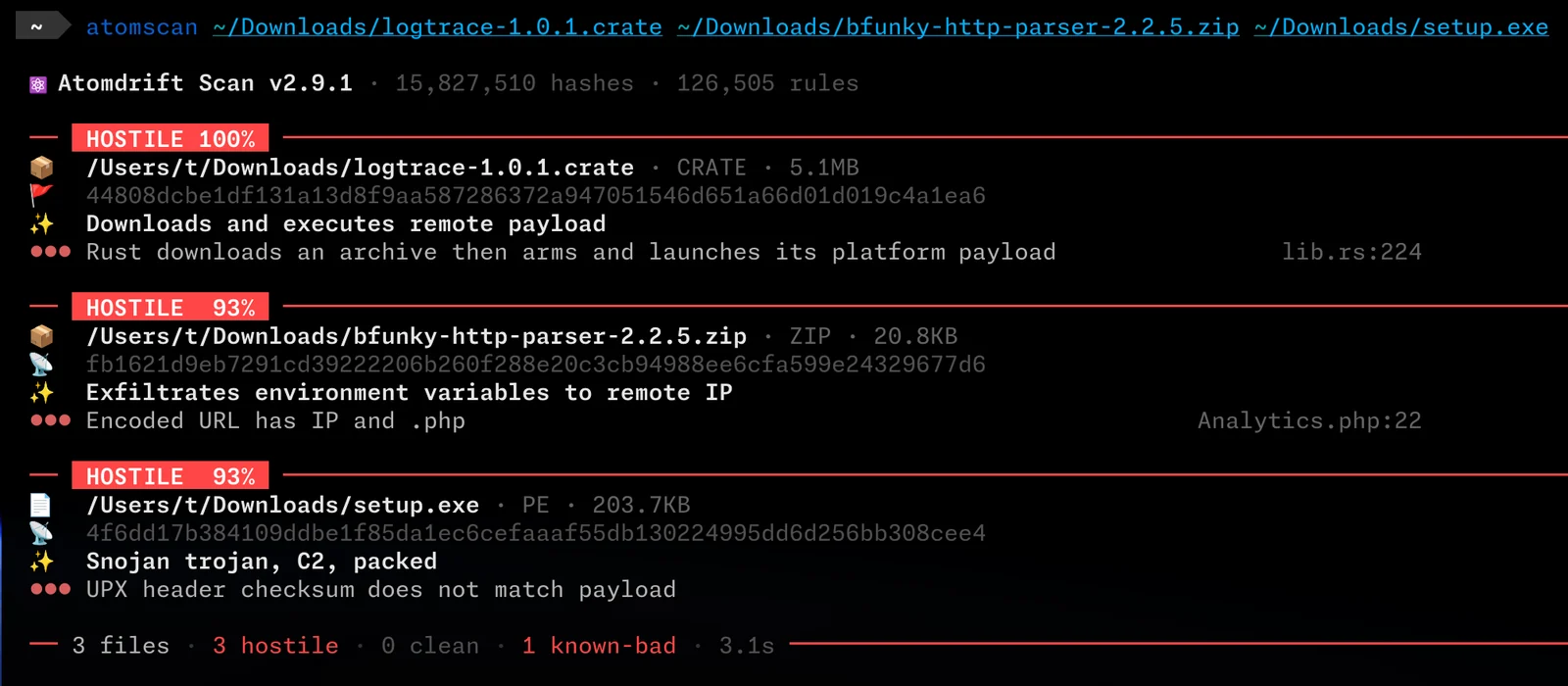
 atomdrift-project/scan
0-day malware detection for binaries, source & scripts (that doesn't suck)


Atomdrift Scan is a modern ML-based malware scanner designed to detect 0-day attacks against the software supply-chain.
It's designed to be deterministic, fast, and flexible, and embeddable in any workflow or security tool you have in mind, and can operate against files, archives, URLs, PURLs, or processes.
As of October 2026, Atomdrift Scan has a 82%+ 0-day detection rate, +23% ahead of any other scanner: commercial or open.
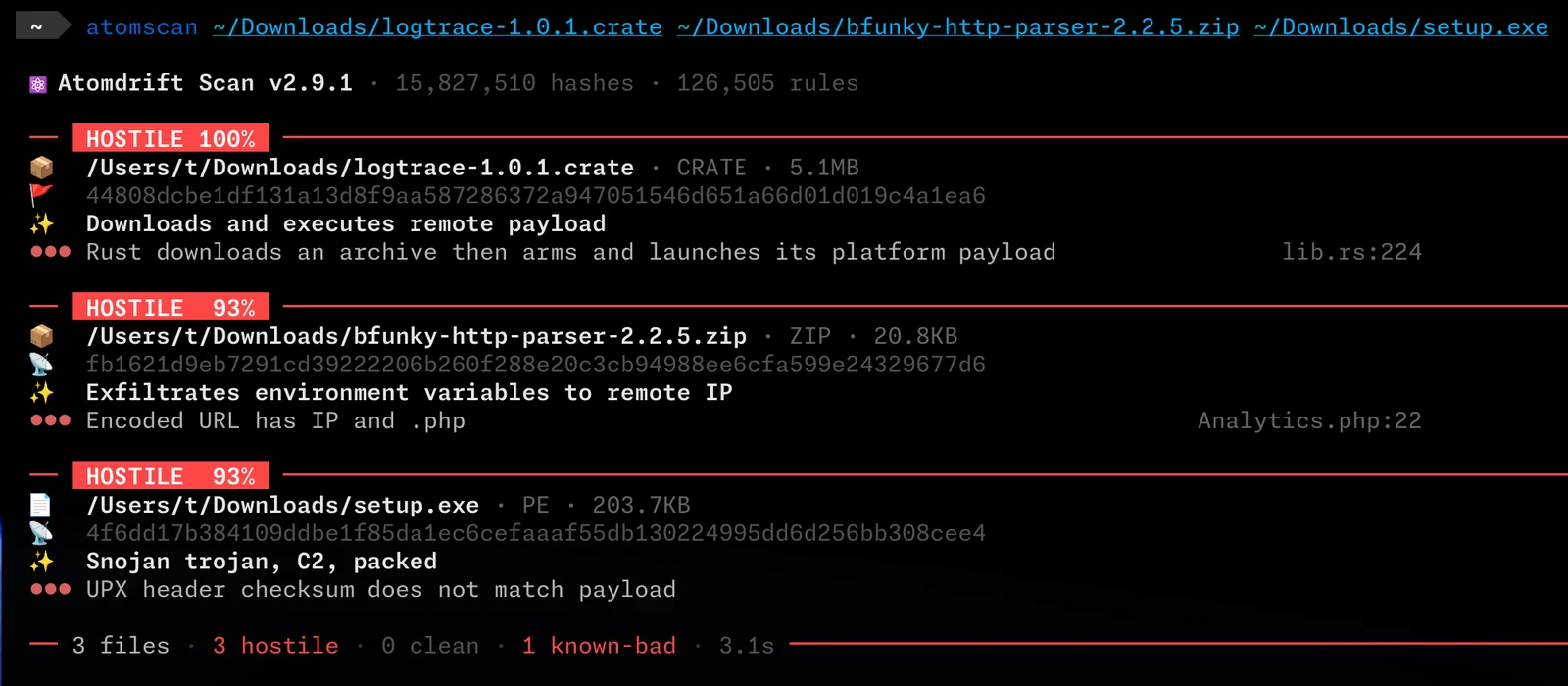
How does Atomdrift get such great results? First, it covers more ground than any other scanner:
Most importantly, rules are constantly refreshed using reinforcement learning against new samples, blogs, and technical articles, resulting in ~1000 updated rules daily.
If you are an a UNIX-flavored host (macOS, Linux, BSD, Solaris, illumos, Android):
curl -fsSL https://install.atomdrift.org/scan.sh | sh
If you are on Windows:
irm https://install.atomdrift.org/scan.ps1 | iex
Or, if you have Rust installed and just want to build it from source:
make install
If deeper binary analysis is required, you should also install 7-Zip, upx, and innoextract.
On Windows, using winget:
winget install --exact --id 7zip.7zip
winget install --exact --id UPX.UPX
winget install --exact --id dscharrer.innoextract
On Unix-like systems, install upstream 7-Zip (brew install sevenzip, apt install 7zip) rather than p7zip — its 7z cannot read APFS, so .dmg contents go unscanned.
# Scan a file, directory, or archive recusively:
atomscan ./project
atomscan release.tgz

# Fetch a package from its registry and scan it.
atomscan purl npm/[email protected]

# Fetch and scan a URL.
atomscan url https://example.com/download

# EXPERIMENTAL: Scan running process executables, or triage the wider host
atomscan ps
atomscan sys

# JSON output for programmatic access
atomscan -f json ./project
Exit codes make CI integration trivial:
0: all samples are benign1: hostile sample detected2: suspicious sample detected3: analysis error4: the rule set was incomplete — the scan ran with fewer rules than the
trait set defines, so anything short of hostile proves nothing. Re-run it.130: interrupted (Ctrl-C) before every file was analyzed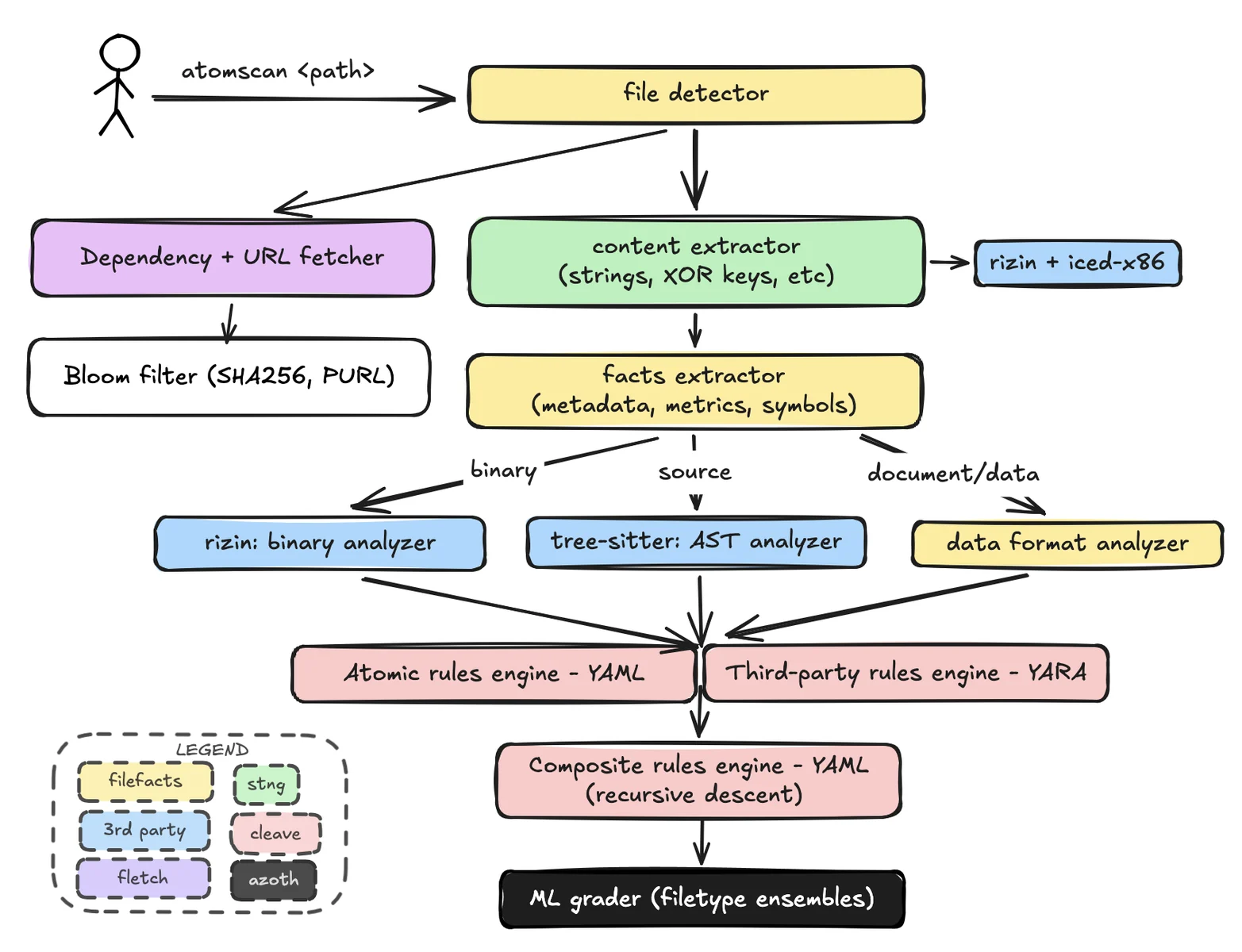
atomscan will never send telemetry data. It will however reach out to the Internet for 3 reasons:
--no-updateSCAN_NO_UPDATE_CHECK=1--follow=none to analyze only the requested artifact.Downloaded dependencies are analyzed under the current rules unless a local analysis report or a matching-analyzer corpus verdict can be reused. A recent clean verdict from another analyzer does not replace analysis of downloaded bytes. Package-coordinate lookups may still use that recent clean verdict to avoid downloading an already-known dependency.
Use -l to choose a pool-adjusted false-positive level:
-l0: zero observed calibration FPs; the strictest setting.-l1: one FP in the benign calibration pool.-l25: the default; one FP plus an estimated additional 24 per 100 million
benign files (approximately “one plus 25 per 100 million”).-l1000: one FP plus an estimated additional 999 per 100 million benign files.For a pool of N benign files, L0 allows zero observed false positives. Every positive level L has a continuous allowance of 1 + (L - 1) * N / 100_000_000; an integer FP-count budget rounds this down. L1 allows one FP. L25 means one FP plus an estimated additional 24 per 100 million benign files (approximately “one plus 25 per 100 million”). The initial FP belongs to the decision pool, not to each component model or each scan invocation.
These are calibration targets, not guaranteed future rates. Small pools need interpolation or extrapolation to estimate finer rate differences; observed counts, estimated rates, and uncertainty must remain separate. L0 means zero observed calibration FPs, not zero future risk.
Only detection regressions at L0 through L25 (inclusive) can block model acceptance. Changes above L25 remain reportable but do not block installation. Calibration FP allowances still apply at every level; empirical test FP overruns are reported and do not block installation by default.
The shared definition is in Collimator’s level contract. Existing model thresholds and reported measurements are unchanged by this documentation correction.
For additional interpretation, users can provide access to an LLM via the --llm flag. This flag serves two purposes:
By default, atomscan sends the interpreted evidence (not the original file) to http://localhost:8000/v1 - to be used with a local service like Ollama or vLLM; but it can also be setup to use a remote service like Claude, ChatGPT, or DeepSeek.
No model is hardcoded: unless you pass --llm-model, atomscan asks the endpoint which models it serves and uses the largest one it lists. We recommend serving Qwen/Qwen3.8-27B.
If the endpoint requires a bearer token, put it in ~/.tok/llm (mode 0600) and atomscan sends it automatically; SCAN_LLM_KEY overrides that file.
--llm also takes a comma-separated failover chain, tried in order — --llm 'https://llm.isotope13.ai/v1,openrouter' grades on your own endpoint and reaches for the billed one only when it cannot answer.
atomscan --llm ./project
atomscan --llm http://model-host:8000/v1 --llm-model my-model ./project
atomscan --llm openrouter --llm-model qwen/qwen3.8-27b ./project

