 ahmedkhlief/apt-hunter
APT-Hunter is Threat Hunting tool for windows event logs which made by purple team mindset to provide detect APT movements hidden in the sea of windows event logs to decrease the time to uncover suspicious activity


Threat hunting for Windows event logs, built with a purple-team mindset.



APT-Hunter is a threat hunting tool for Windows event logs. It uses pre-defined detection rules and log statistics to surface APT activity hidden in large volumes of events, cutting the time needed to uncover suspicious behaviour. It is especially effective for compromise assessments.
Results are written as a timeline that can be analysed directly in Excel, Timeline Explorer, Timesketch and similar tools, or explored in the built-in web dashboard with optional local-LLM triage.
Download compiled binaries from the Releases page, or run from source (Python 3.8+):
git clone https://github.com/ahmedkhlief/APT-Hunter.git
cd APT-Hunter
python3 -m pip install -r requirements.txt
python3 APT-Hunter.py -p /opt/wineventlogs/ -o Project1 -allreport
-p accepts a directory or a single file. Add -web to open the dashboard when the analysis finishes.
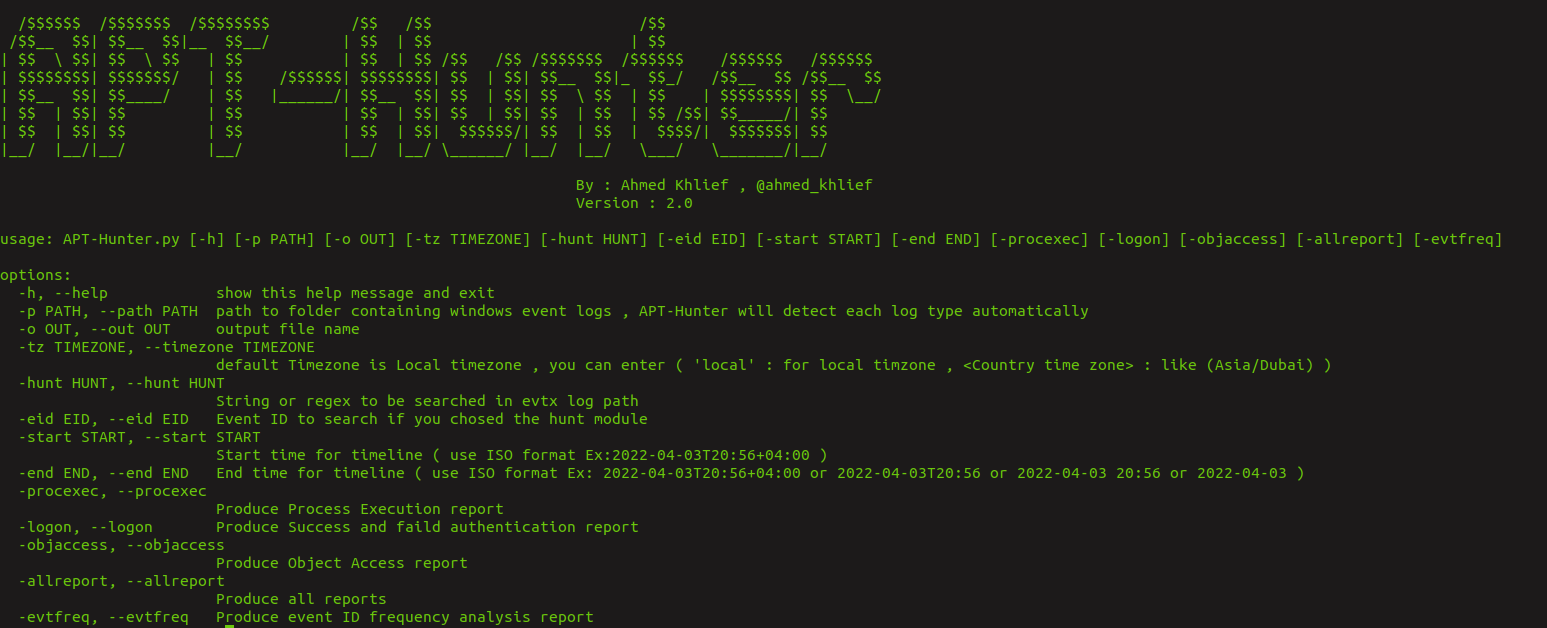

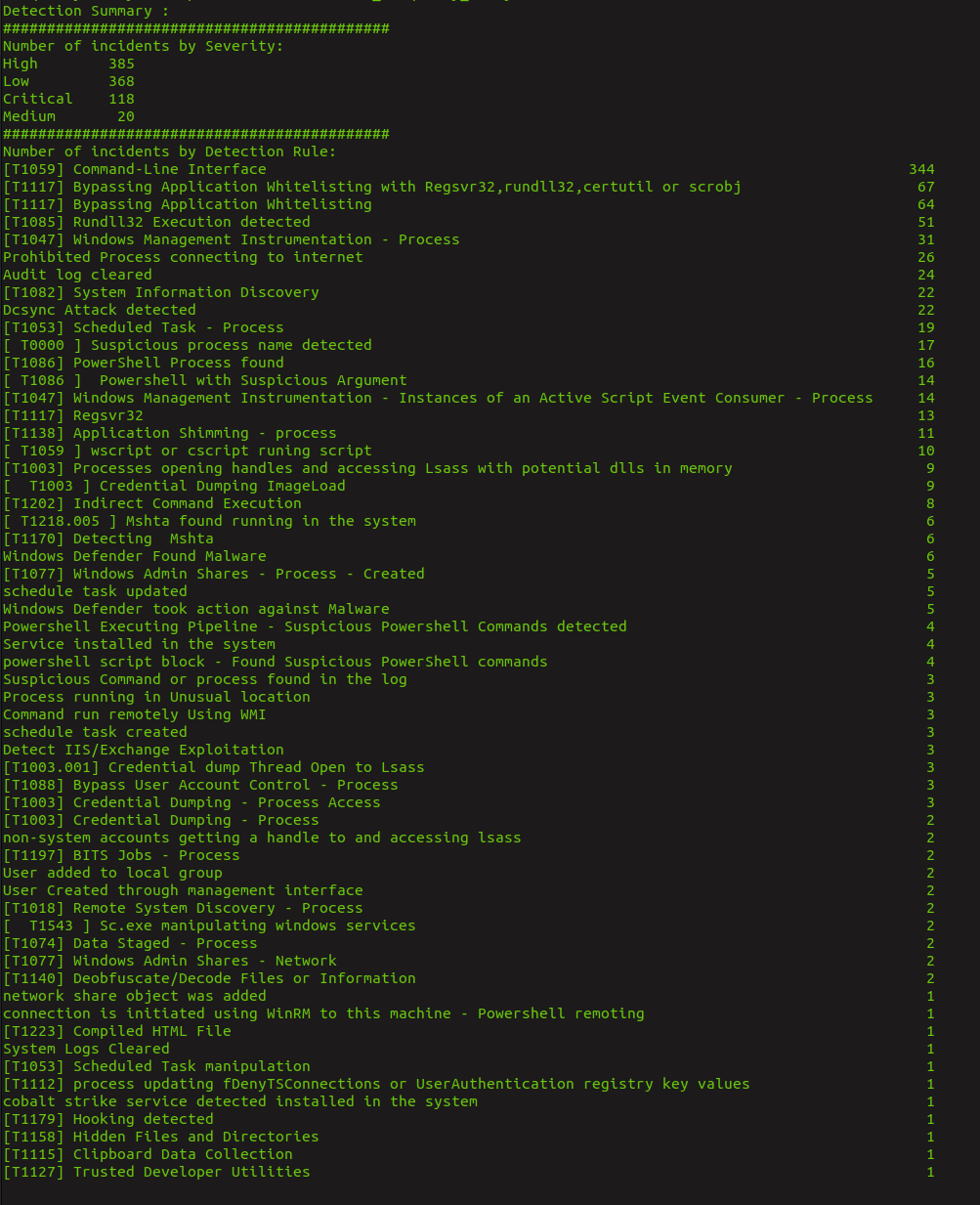
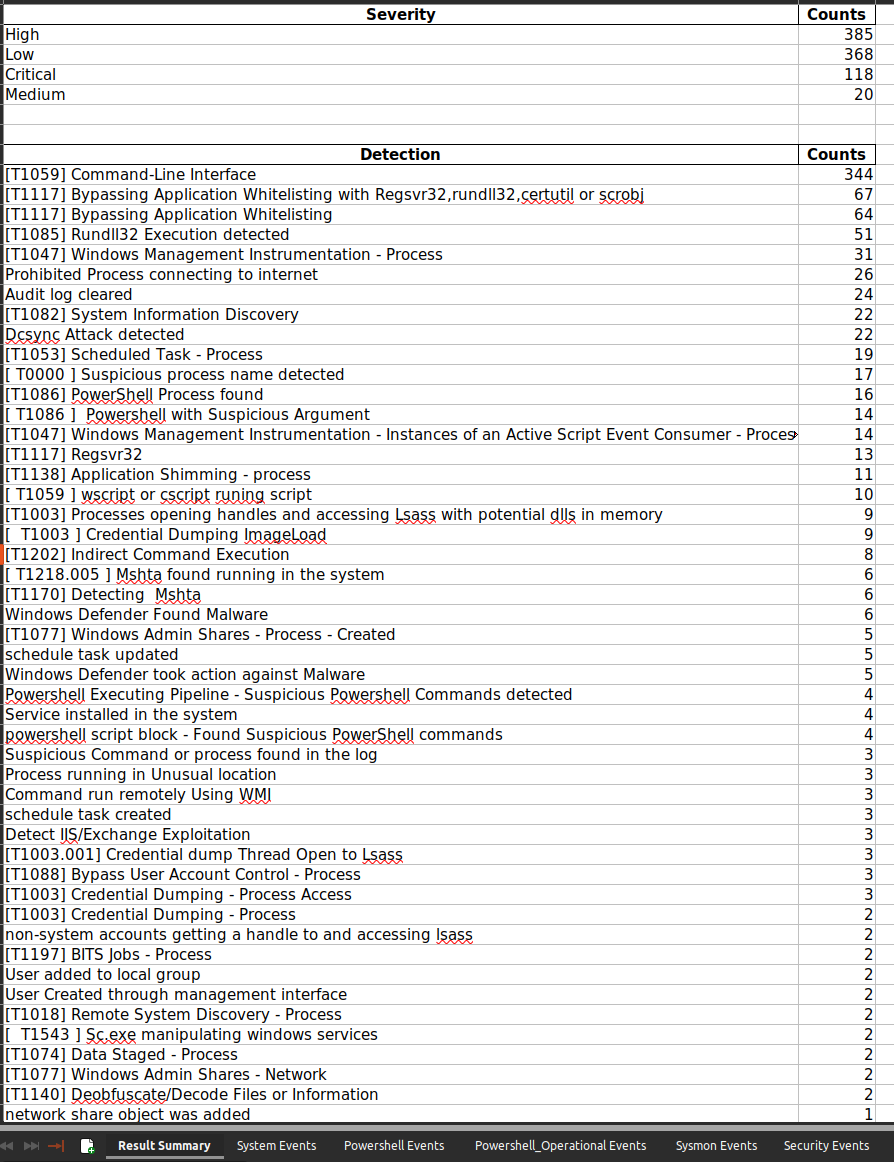
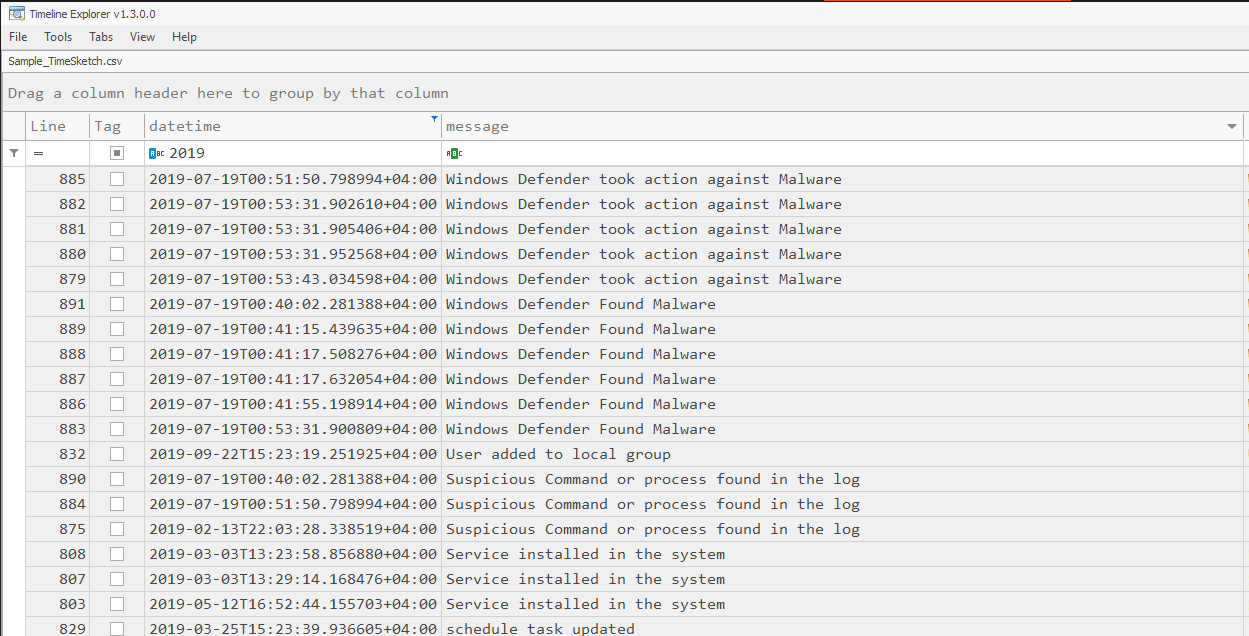
Run python3 APT-Hunter.py -h for the full list. Main options:
| Option | Description |
|---|---|
-p, --path | Log file or folder to analyse |
-o, --out | Output name / directory |
-start, -end | Restrict the timeline (ISO format) |
-tz | Timezone (local or e.g. Asia/Dubai) |
-cores | CPU cores to use (default: half of available) |
-hunt, -huntfile, -eid | Hunt by string/regex, regex file, or Event ID |
-sigma, -rules | Hunt with Sigma rules converted to JSON |
-o365hunt, -o365rules, -o365raw | Office 365 audit log hunting |
-procexec, -logon, -objaccess, -allreport | Extra reports |
-web, -webview, -webhost, -webport | Launch the web dashboard |
-llm, -llm-provider, -llm-url, -llm-model, -llm-key, -llm-severity, -llm-batch, -llm-context | Local LLM analysis |
Analyse a folder of EVTX files (log types are detected automatically):
python3 APT-Hunter.py -p /opt/wineventlogs/ -o Project1 -allreport
Focus on a time frame:
python3 APT-Hunter.py -p /opt/wineventlogs/ -o Project1 -allreport -start 2022-04-03 -end 2022-04-05T20:56
Hunt with a string, a regex, or a file of regexes:
python3 APT-Hunter.py -hunt "psexec" -p /opt/wineventlogs/ -o Project2
python3 APT-Hunter.py -huntfile "(psexec|psexesvc)" -p /opt/wineventlogs/ -o Project2
python3 APT-Hunter.py -huntfile huntfile.txt -p /opt/wineventlogs/ -o Project2
Hunt with Sigma rules:
python3 APT-Hunter.py -sigma -rules rules.json -p /opt/wineventlogs/ -o Project2
Fetch the latest Sigma rules converted for APT-Hunter (writes rules.json):
./Get_Latest_Sigma_Rules.sh
Browse a generated report in the browser: filtering, charts, incident timeline and IR report export.
python3 run_webapp.py <Output>/<Output>_Report.xlsx     # or pass the output directory
python3 APT-Hunter.py -p <logs> -o <Output> -web         # analyse, then open the dashboard
python3 APT-Hunter.py -webview <Output>                  # open an existing report
Accepting a triage finding pins it to the incident timeline together with its evidence, attached as collapsible sub-events: they sit under the finding in the table rather than interleaved with everything else, and they are kept off the timeline charts so the charts stay readable. Removing a finding removes its sub-events with it.
The server binds to 0.0.0.0:5000 by default. Use --host / --port (or -webhost / -webport) to change this, for example --host 127.0.0.1 to keep it local. Reviewed findings and the timeline are kept when the report cache is rebuilt.
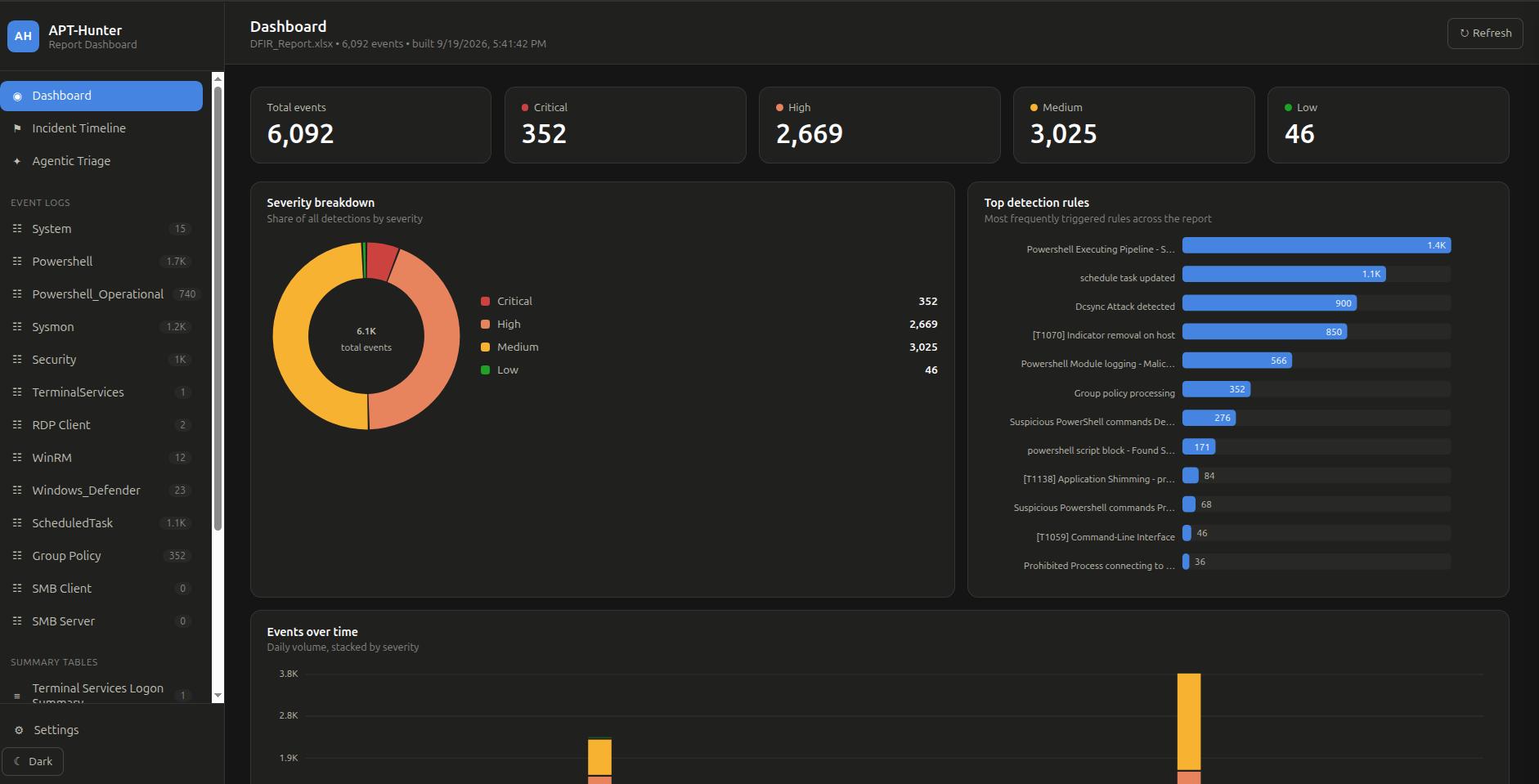
Main dashboard: total events and severity counts, severity breakdown, top triggered detection rules, and daily event volume. The sidebar lists every event log and summary table in the report.
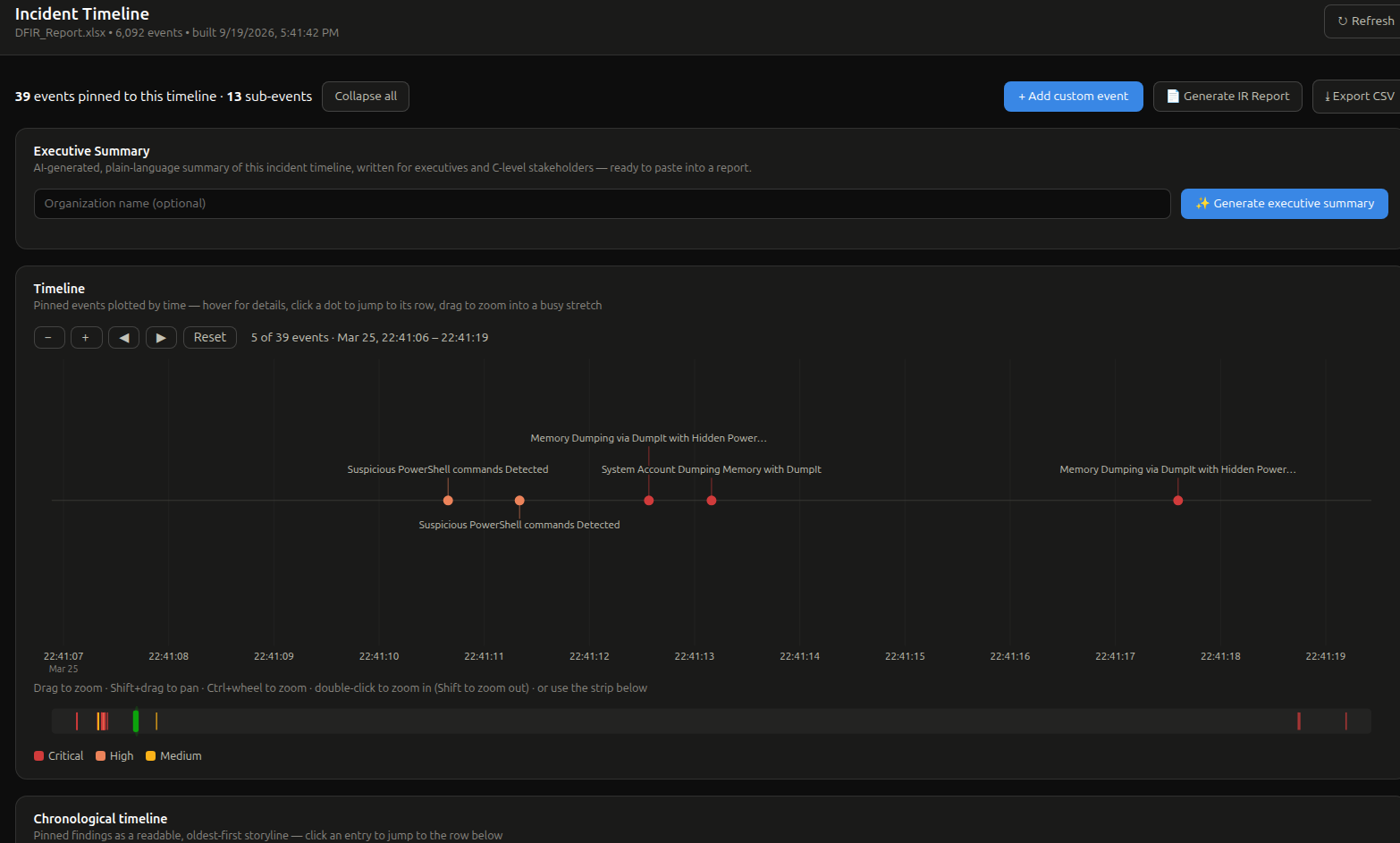
Incident Timeline: pinned findings plotted by time and colour-coded by severity. Zoom and pan into busy stretches, generate an AI executive summary, and export the IR report or CSV.
