 ahaggard2013/binaryninja-ollama
Plugin for Binary Ninja that integrates local Ollama models to rename functions and variables in decompiled HLIL code, preserving privacy by keeping analysis fully local and offline.


Author: Austin Haggard
Binary Ninja Ollama integrates with your own locally hosted ollama server to rename functions and variables with AI
Ollama is a tool that allows you to pull open source AI models and run them locally. Some models require extensive computing power, while others can be ran on your personal laptop. Results will vary greatly depending on the model you choose to use :).
Why use this over sidekick/openai?
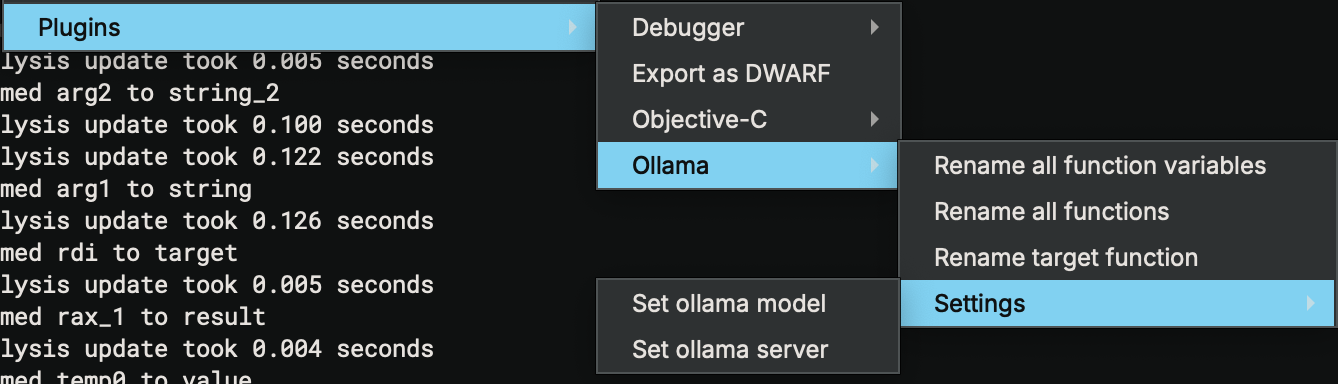
This plugin integrates Ollama with Binary Ninja and supports the actions listed below:
If you're installing this as a standalone plugin, you can place (or sym-link) this in Binary Ninja's plugin path. Default paths are detailed on Vector 35's documentation.
ollama installed with pip3 install ollamaThis requires you to have access to or host your own ollama server and pull down any models you would like to use.
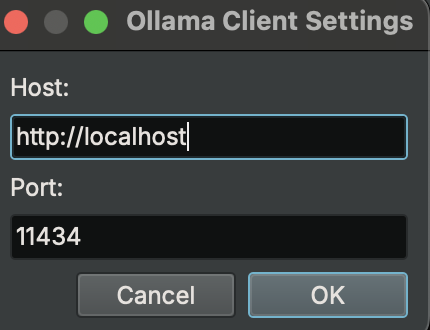
Follow the instructions on https://ollama.com to setup your server and pull any models you would like to try. Once this is done a server should be automatically started and accessed via localhost:11434.
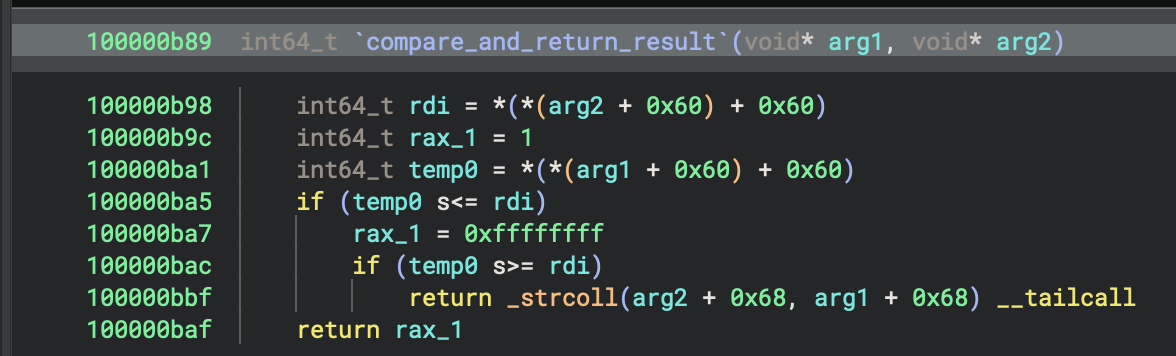
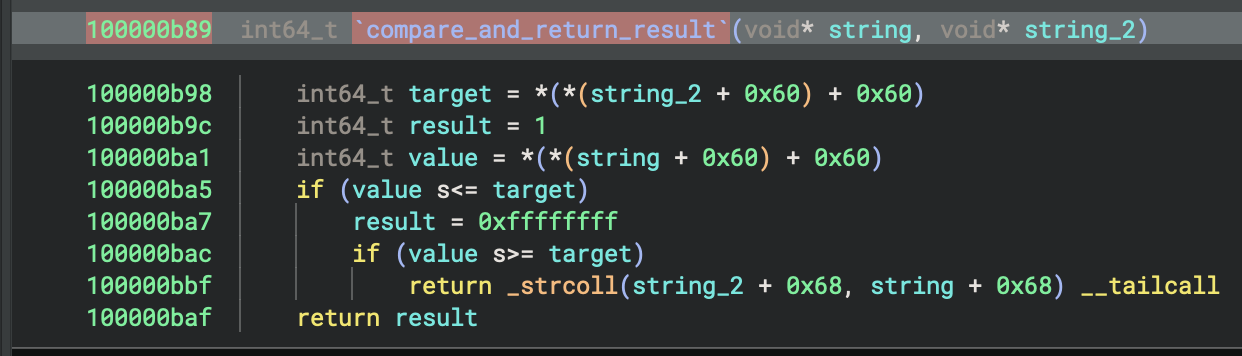
The rename all function variables option will parse all varaibles within a function and attempt to rename them based on the following prompt:
prompt = (
             f"In one word, what should the variable '{variable}' be named in the below Function? "
             f"The name must meet the following criteria: all lowercase letters, usable in Python code"
)
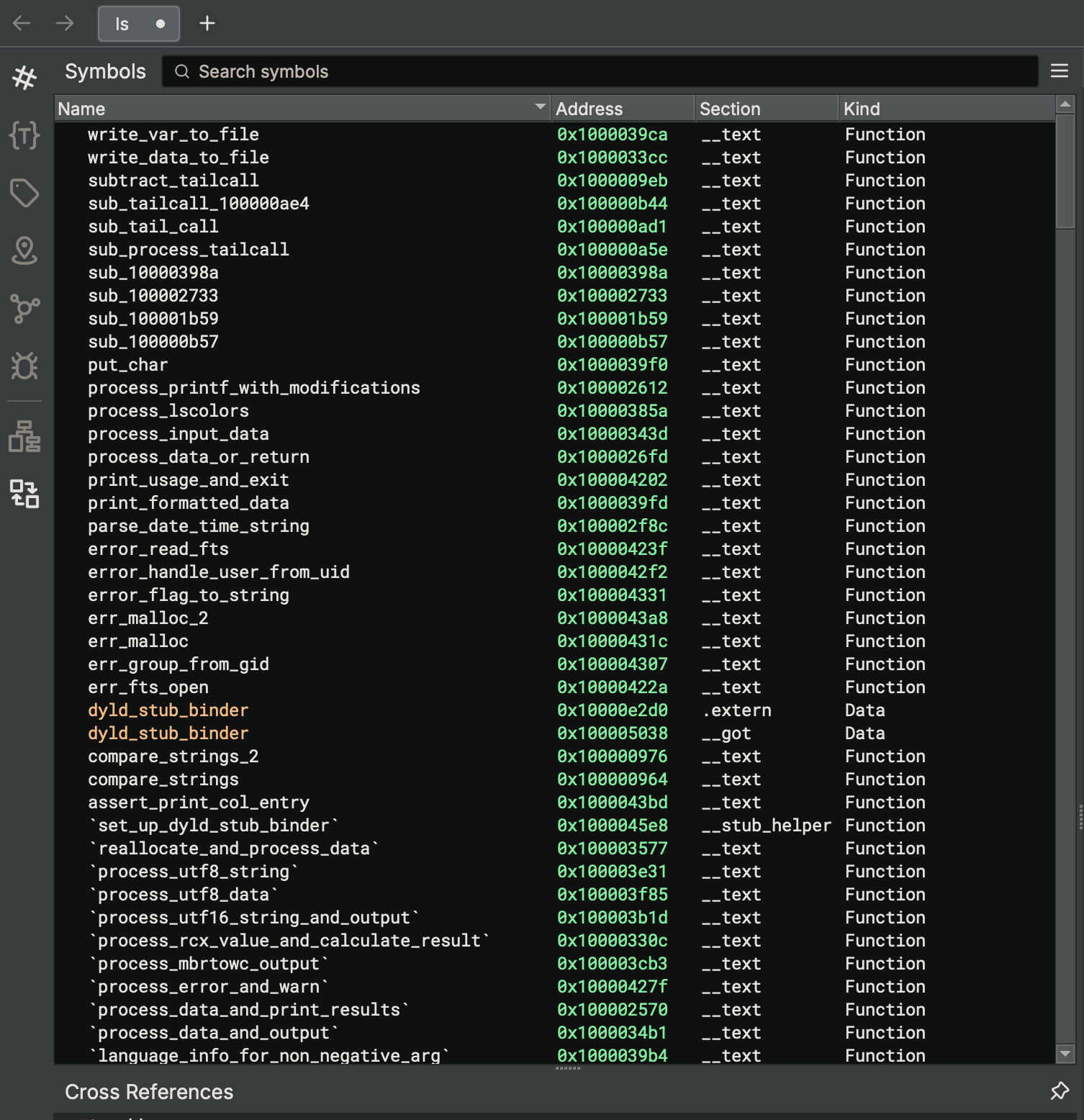
The rename all functions option will loop through all functions, smallest to largest, within a binaryview and rename them based on the prompt:
prompt = (
    f"Given the following HLIL decompiled code snippet, provide a Python-style function name that describes what the code is doing. "
    f"The name must meet the following criteria: all lowercase letters, usable in Python code, with underscores between words. "
    f"Only return the function name and no other explanation or text data included."
)
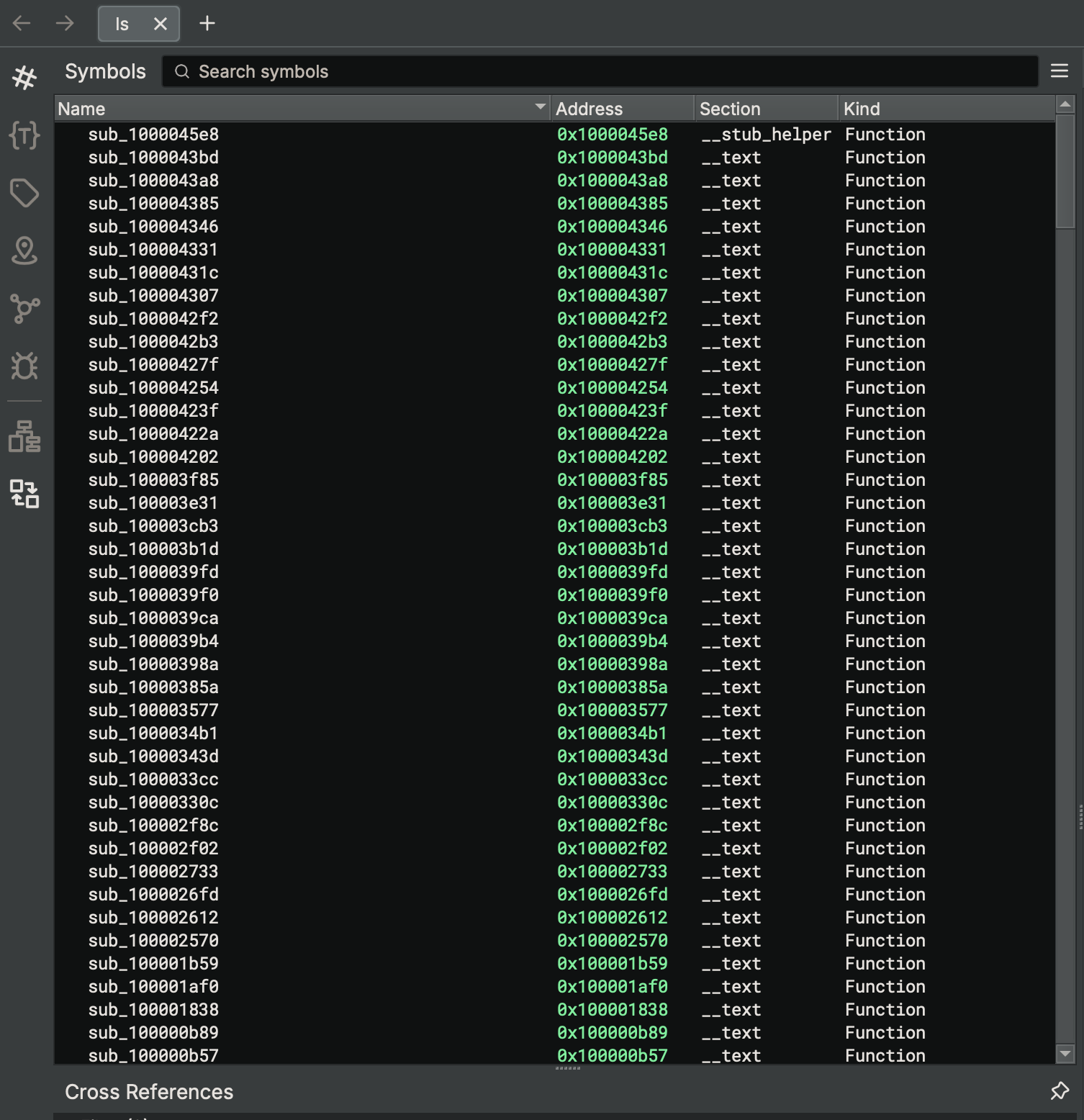
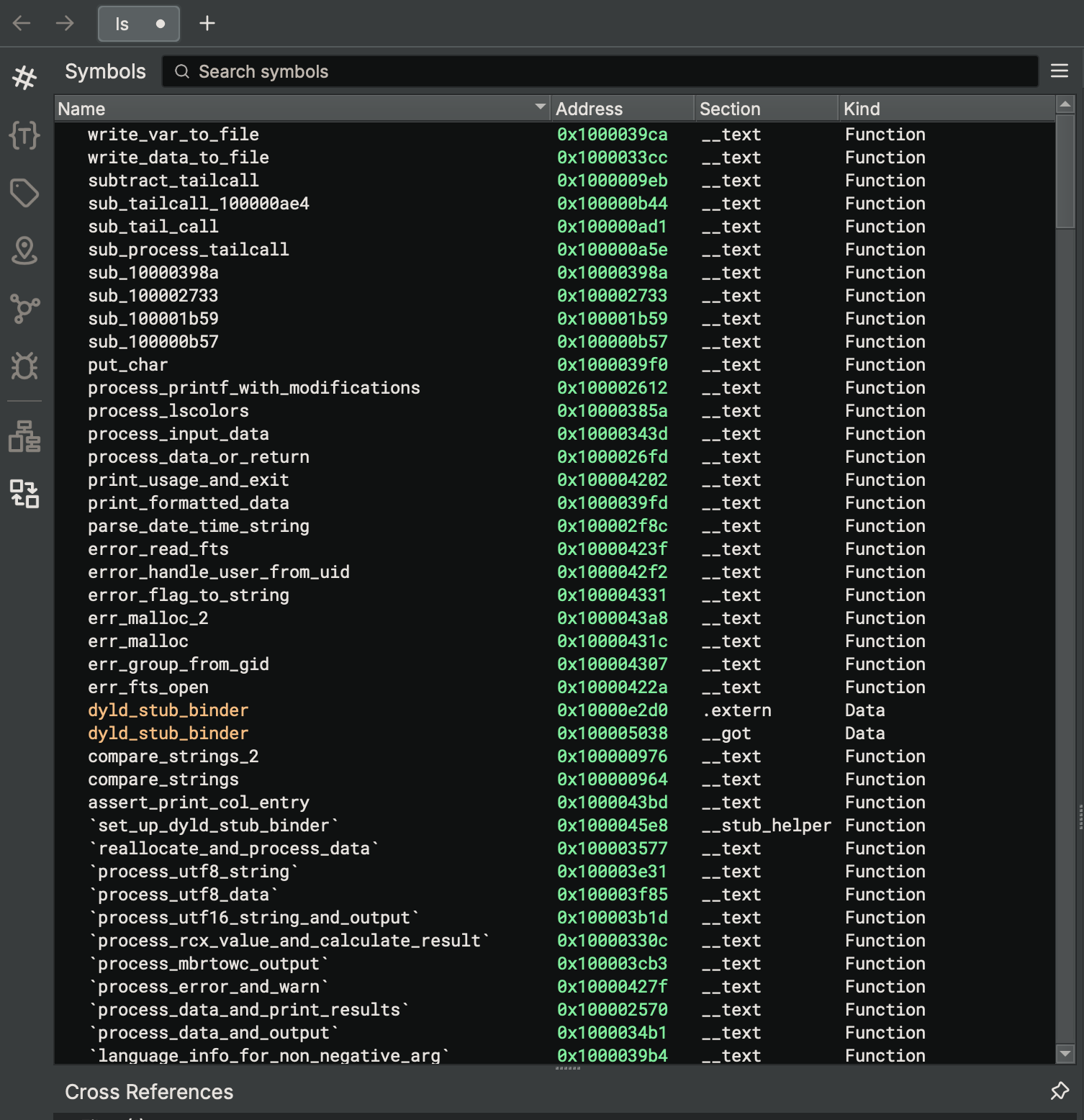
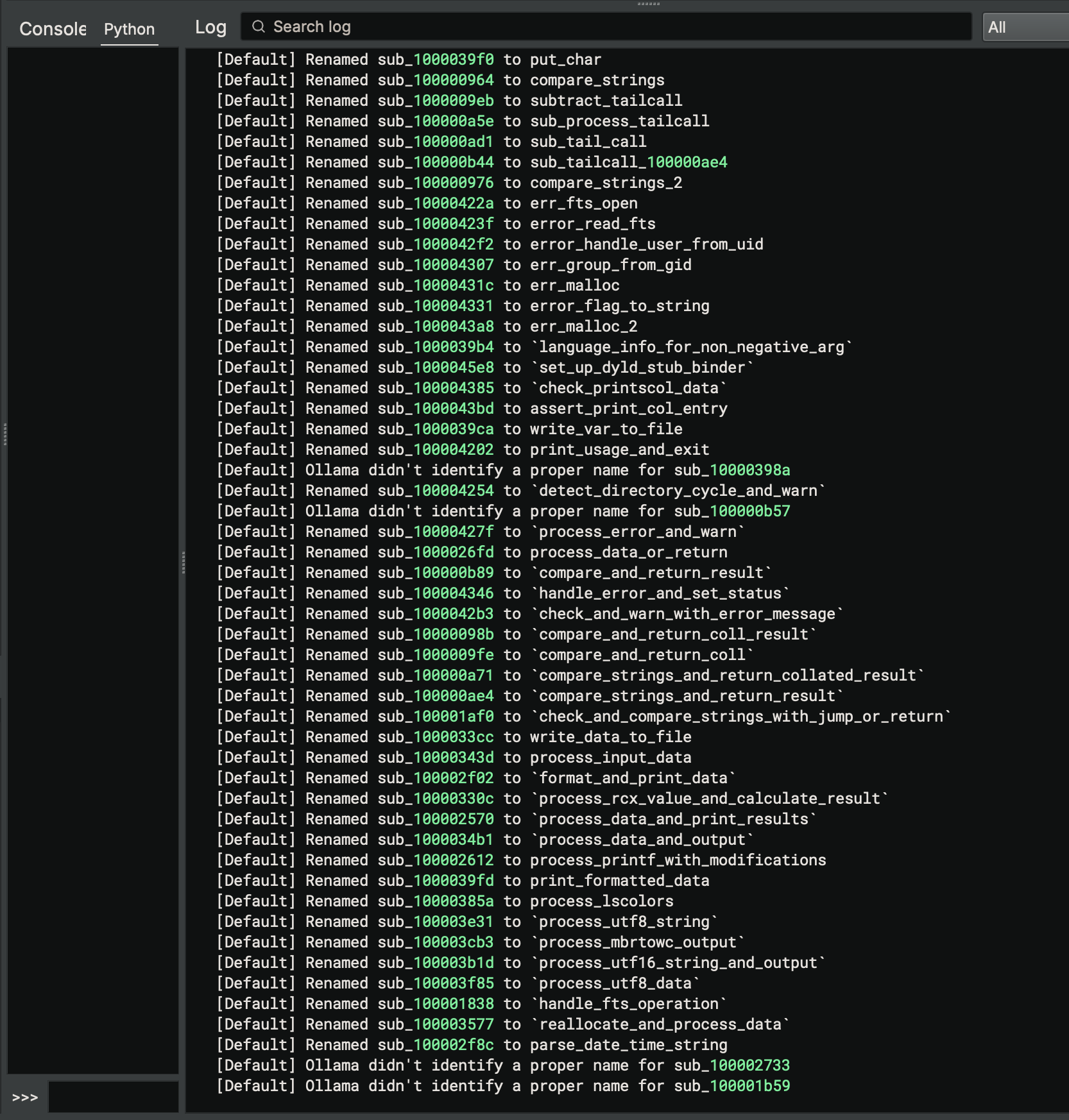
Renaming a target function uses the same prompt as renaming all functions, but limits it the selected function when triggering the plugin.
Renaming a target variable uses the same prompt as renaming all variables, but limits it the selected function when triggering the plugin.
Settings is triggered at the first call to any renaming operation when binary ninja is first started, or by triggering it manually. The appplied settings will persist within a binary ninja session.
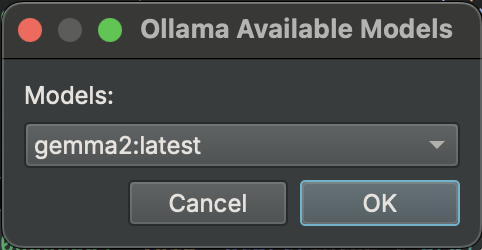
The settings window allows you to set the IP, port, and model to use within ollama. Only downloaded models are selectable.
Anything you are intesested in that is not included?
Ideas:
This plugin is released under a MIT license.
