
Sirius v1.1.0
Open-source vulnerability scanner with automated network discovery, CVE-based detection, CVSS scoring, risk dashboards, remote agents via gRPC, and a modern web UI for enterprise security teams.
Sirius Scan





Sirius is an open-source vulnerability scanner with automated discovery, CVE-based detection, and a modern web UI. Clone the repository, configure the agent TLS certificate, and start scanning.
Quick Start
Before starting the stack, provision the agent server certificate and key as described in Agent gRPC TLS configuration. The installer does not create them.
git clone https://github.com/SiriusScan/Sirius.git
cd Sirius
docker compose -f docker-compose.installer.yaml run --rm sirius-installer
docker compose up -d
Open http://localhost:3000 and log in:
[email protected] | |
| Password | printed by the installer (look for INITIAL_ADMIN_PASSWORD in the output) |
All six services start automatically once their required configuration is present. The installer generates application secrets on first run and is safe to re-run.
By default the installer leaves IMAGE_TAG unset, so Compose pulls latest from GHCR. To pin a release (for example v1.0.0 in .env), only do so after that tag exists for all six container images; verify with bash scripts/verify-ghcr-public-access.sh v1.0.0 from a shell that is not logged in to ghcr.io.
Requirements: Docker Engine 20.10+ with Compose V2, 4 GB RAM, 10 GB disk. Works on Linux, macOS, and Windows (WSL2).
What Sirius Does
- Network Discovery -- automated host and service enumeration via Nmap
- Vulnerability Detection -- CVE-based scanning with CVSS scoring
- Risk Dashboards -- real-time scanning progress, severity trends, and remediation guidance
- Remote Agents -- distributed scanning across multiple environments via gRPC
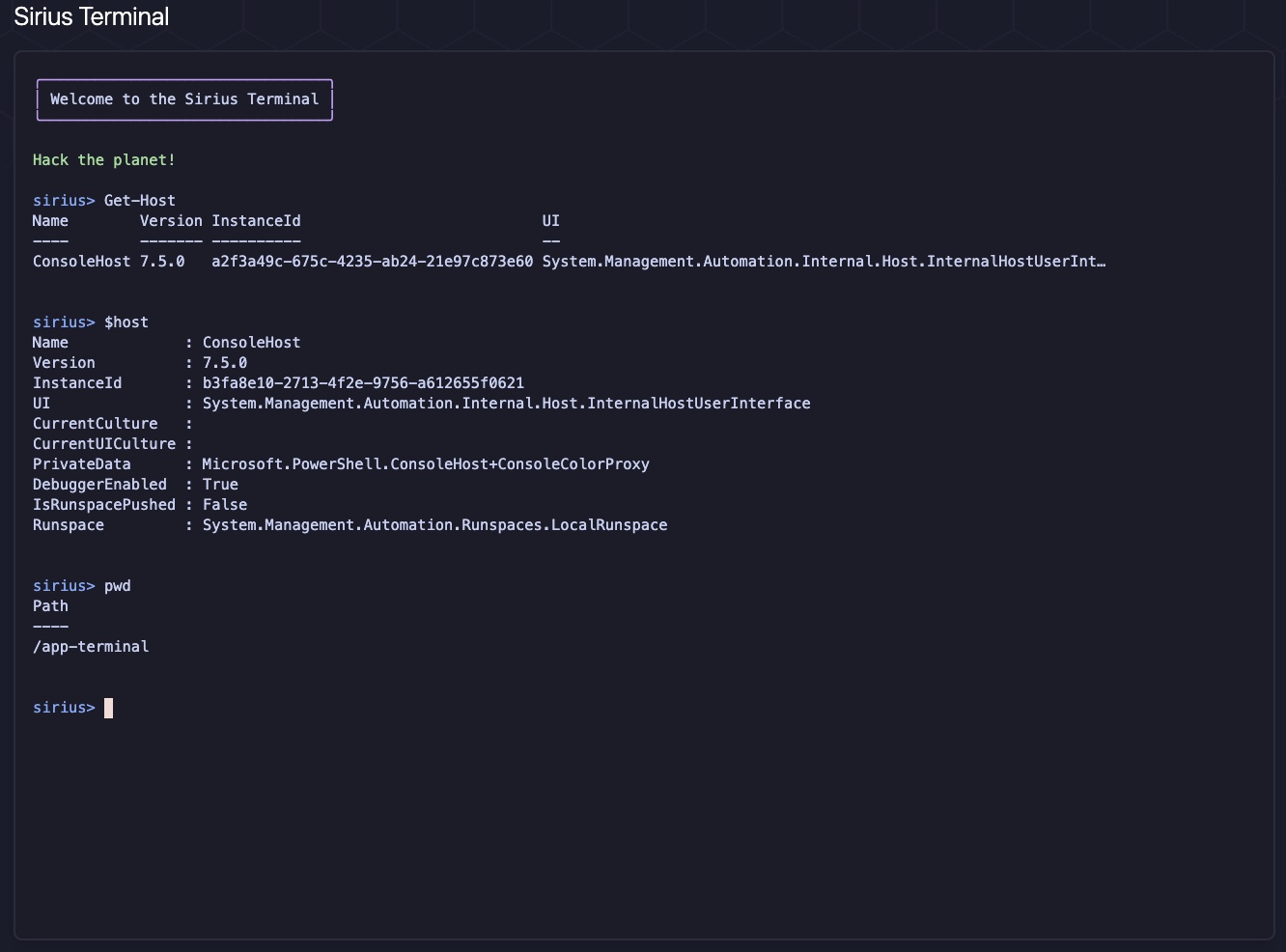
- Interactive Terminal -- PowerShell console for advanced scripting and automation
- REST API -- integrate with existing security workflows (
X-API-Keyauth on port 9001)
Deployment Options
The installer step is always the same. Only the docker compose up command changes.
| Mode | Command | Use case |
|---|---|---|
| Standard | docker compose up -d | Most users -- pulls the full release stack from GHCR |
| Development | docker compose -f docker-compose.yaml -f docker-compose.dev.yaml up -d | Live-reload for local code work |
| Source Build | docker compose -f docker-compose.yaml -f docker-compose.build.yaml up -d --build | Explicit local full-stack builds |
| Production | docker compose -f docker-compose.yaml -f docker-compose.prod.yaml up -d | Hardened settings, pull_policy: always |
Non-interactive setup (CI / Terraform / automation)
docker compose -f docker-compose.installer.yaml run --rm sirius-installer --non-interactive --no-print-secrets
docker compose up -d
Rotate secrets
docker compose -f docker-compose.installer.yaml run --rm sirius-installer --force
docker compose up -d --force-recreate
Verify Installation
docker compose ps                    # all 6 services should show "healthy" or "running"
curl http://localhost:3000            # UI responds
curl http://localhost:9001/health     # API responds
Expected services: sirius-ui (3000), sirius-api (9001), sirius-engine (5174, 50051), sirius-postgres (5432), sirius-rabbitmq (5672, 15672), sirius-valkey (6379).
Architecture
graph TD
    subgraph clients [Clients]
        UI["Sirius UI (Next.js)"]
        CLI["Terminal and Agent Runtime"]
    end

    subgraph core [Core Services]
        API["Sirius API (Go/Gin)"]
        Engine["Sirius Engine"]
    end

    subgraph infra [Infrastructure]
        MQ["RabbitMQ"]
        DB["PostgreSQL"]
        Cache["Valkey"]
    end

    UI -->|"HTTP/WebSocket"| API
    CLI -->|"gRPC"| Engine
    API -->|"AMQP publish"| MQ
    MQ -->|"Queue consume"| Engine
    API -->|"SQL read/write"| DB
    Engine -->|"SQL read/write"| DB
    API -->|"Session/cache ops"| Cache
    Engine -->|"Scan state cache ops"| Cache
| Service | Technology | Ports | Purpose |
|---|---|---|---|
| sirius-ui | Next.js 14, React, Tailwind | 3000 | Web interface |
| sirius-api | Go, Gin | 9001 | REST API and business logic |
| sirius-engine | Go + embedded gRPC agent | 5174, 50051 | Scanner, terminal, agent services |
| sirius-postgres | PostgreSQL 15 | 5432 | Vulnerability and scan data |
| sirius-rabbitmq | RabbitMQ | 5672, 15672 | Inter-service messaging |
| sirius-valkey | Valkey (Redis-compatible) | 6379 | Cache and session data |
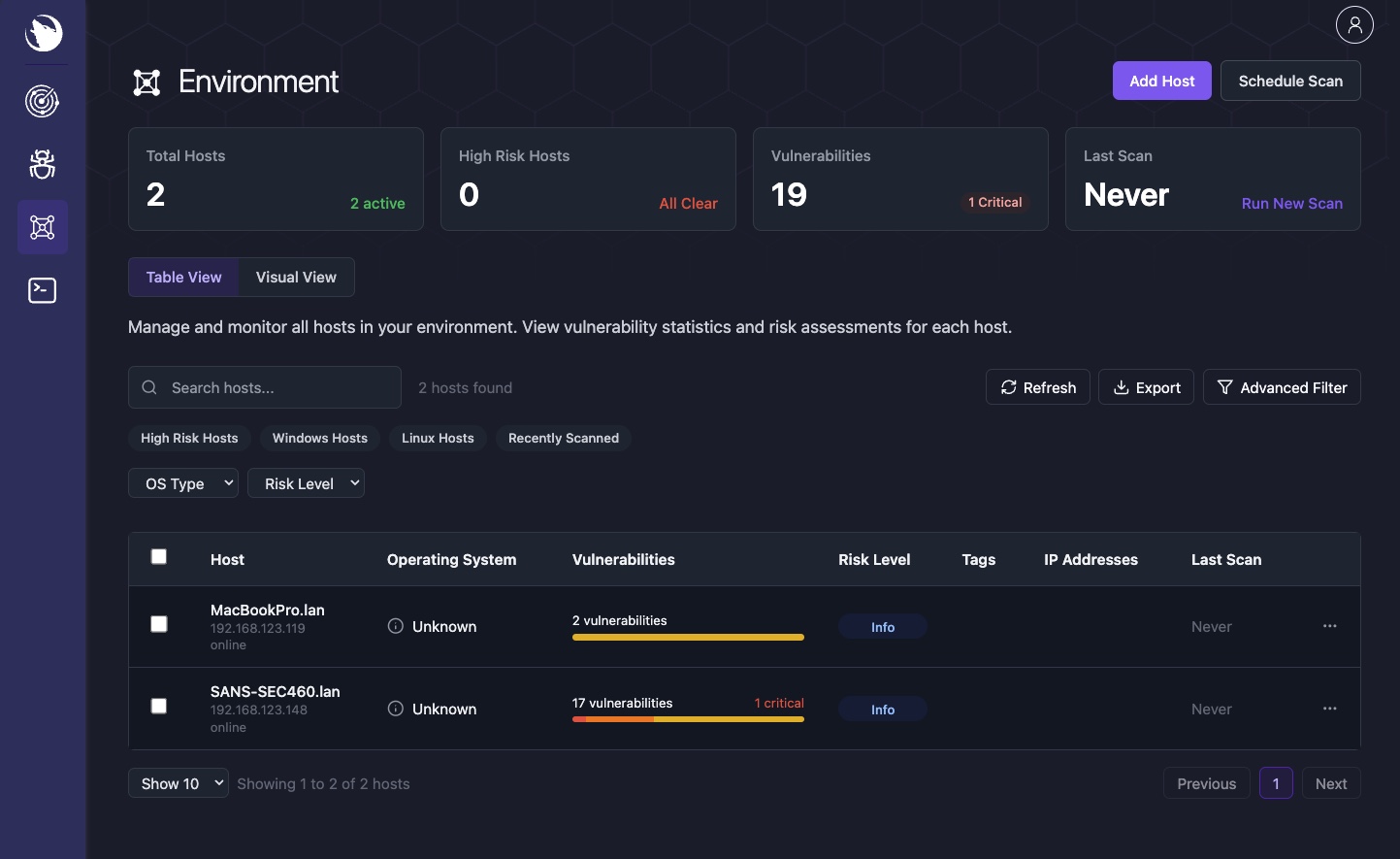
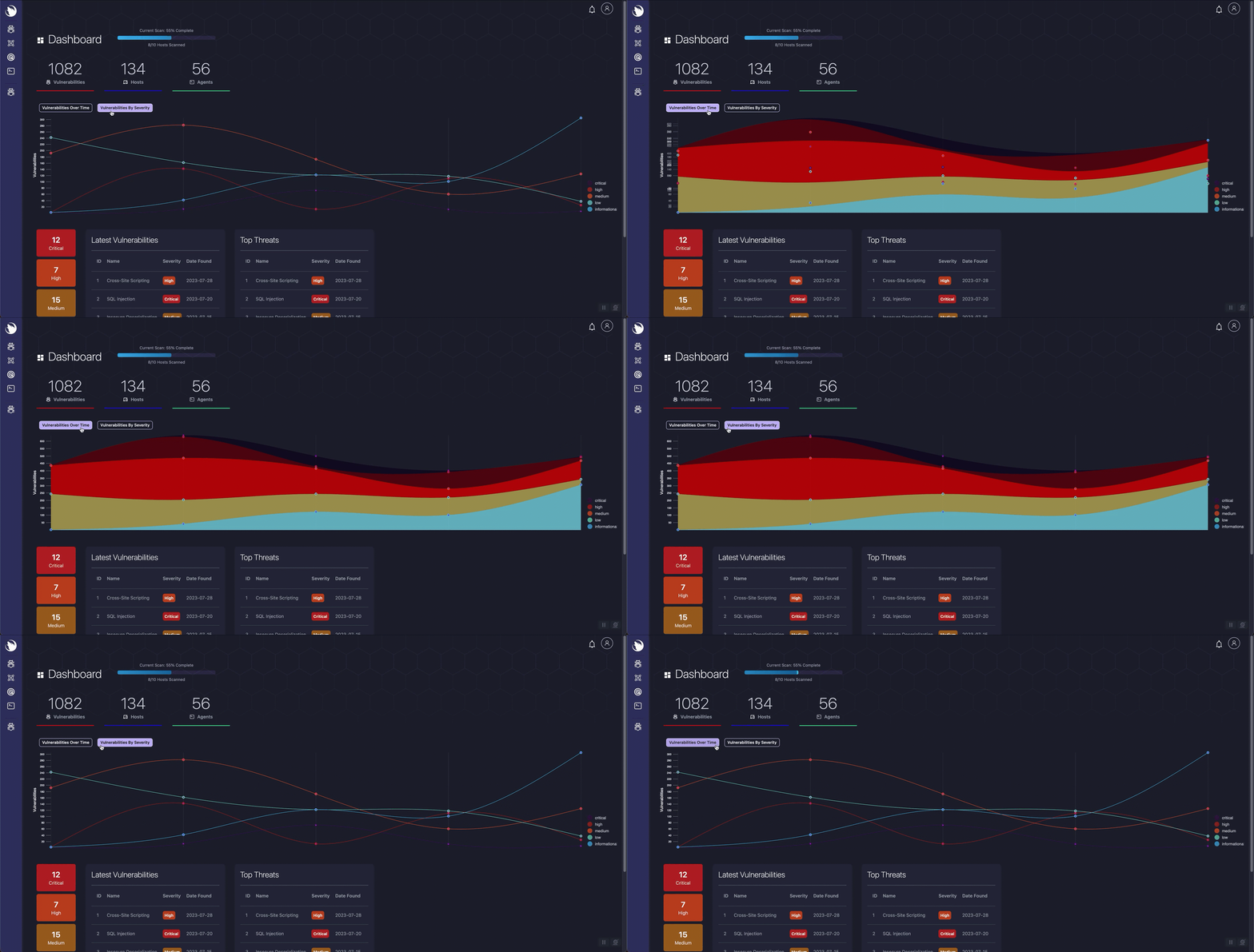
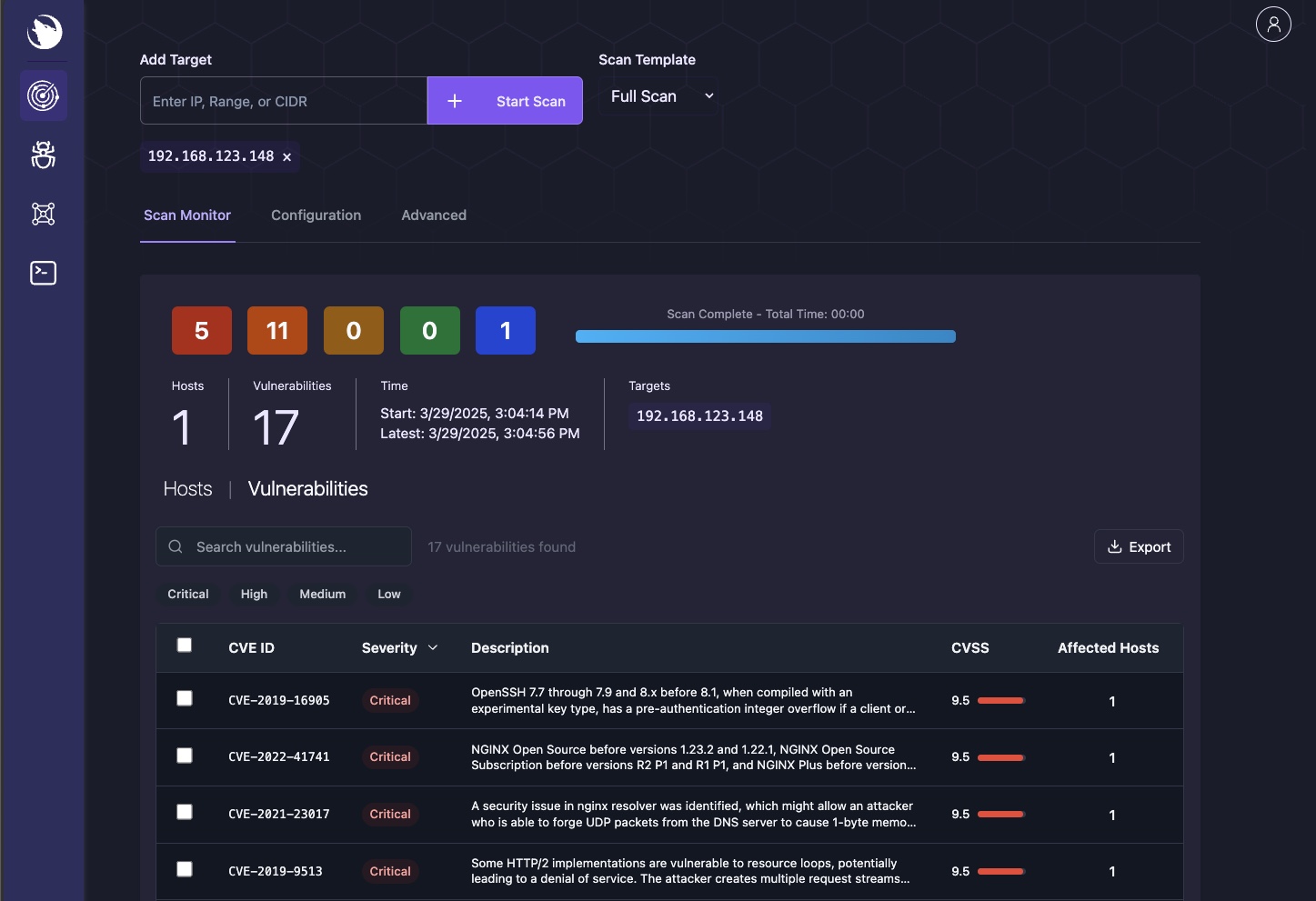
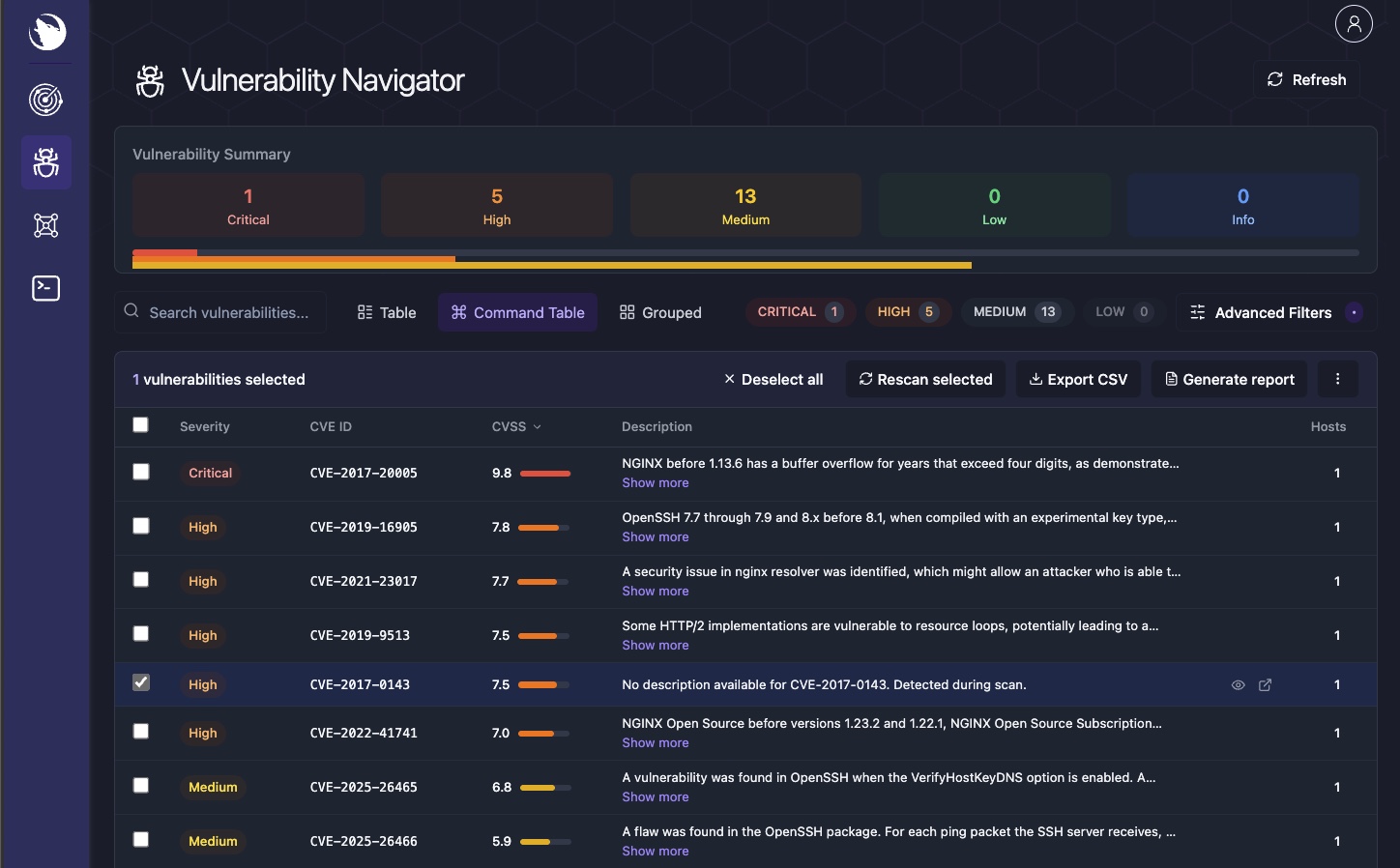
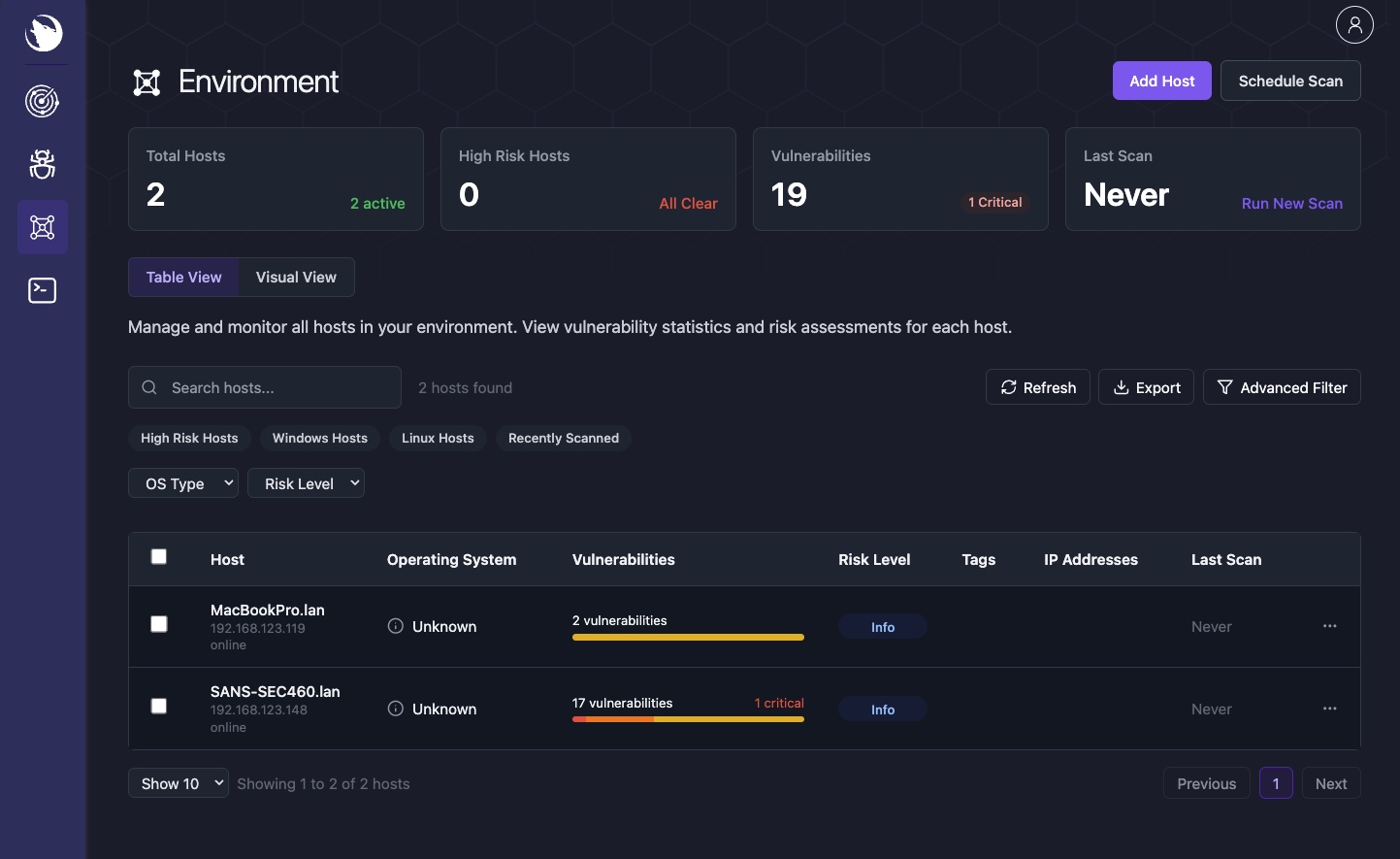
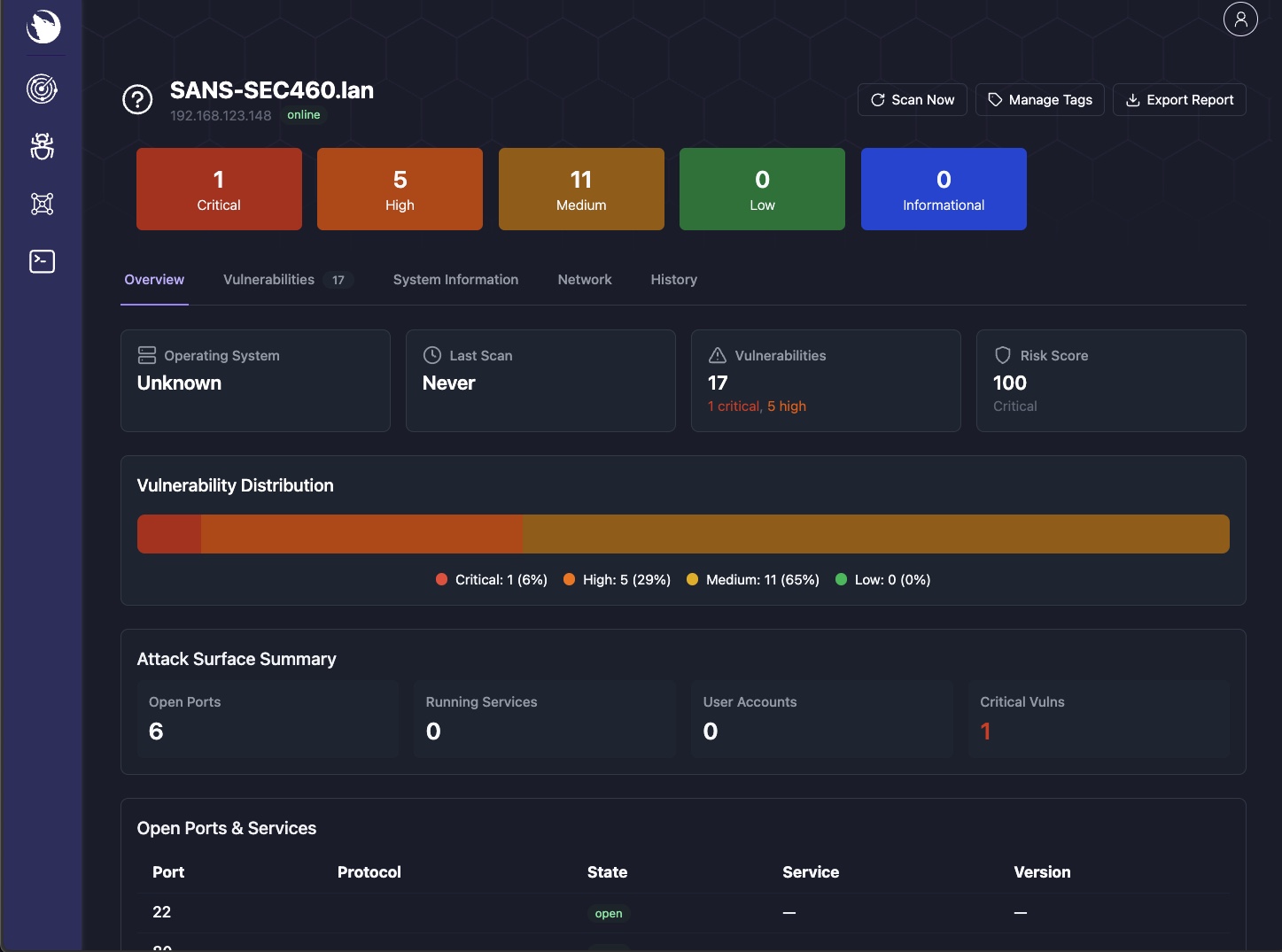
Interface
| Dashboard | Scanner | Vulnerability Navigator |
|---|---|---|
|  |  |
| Environment | Host Details | Terminal |
|---|---|---|
 |  |  |
API
Sirius exposes REST endpoints on port 9001, protected by the internal service API key. Prefer the Docker secret file (SIRIUS_API_KEY_FILE, default /run/secrets/sirius_api_key); SIRIUS_API_KEY remains a supported env fallback. The installer writes ./secrets/sirius_api_key.txt (mode 0644 so non-root app UIDs can read the bind-mounted secret) and configures both.
curl http://localhost:9001/health -H "X-API-Key: $SIRIUS_API_KEY"
curl http://localhost:9001/api/v1/scan/get/all -H "X-API-Key: $SIRIUS_API_KEY"
Full API docs: REST API Reference
Security Recommendations
For production deployments:
- Rotate secrets -- run the installer with
--forceto regenerate all credentials - Restrict ports -- only expose port 3000 (UI); keep 5432, 6379, 5672 internal
- Use a reverse proxy -- put nginx or Traefik in front with TLS
- Keep images updated --
docker compose pull && docker compose up -d
Troubleshooting
Quick fixes for common problems:
| Problem | Fix |
|---|---|
| Services won't start | docker compose logs <service> to find the error |
| Dev overlay missing infra | Use both files: -f docker-compose.yaml -f docker-compose.dev.yaml |
| Port conflict | lsof -i :3000 to find the conflicting process |
| Database connection error | docker exec sirius-postgres pg_isready |
| Stale secrets after reset | Re-run the installer, then docker compose up -d --force-recreate |