
screenpipe app-v2.7.42
YC (S26) | Open Computer History | Record your screen continuously locally and provide context to your agents (Claude, Codex, Openclaw, Hermes, Runner...)
DOWNLOAD SCREENPIPE


[ screenpipe | YC S26 ]
Screenpipe finds work worth automating in your company
Continuously record your company's computer work, map workflows, help find work worth automating, and power agents' context



https://github.com/user-attachments/assets/70fe94eb-6d2a-47ca-b7c3-c8ead13a5b7f
what is this?
screenpipe capture all your computer work locally and power your company's agents
┌─────────────────────────────────────────┐
│  screen + audio → local storage → ai   │
└─────────────────────────────────────────┘
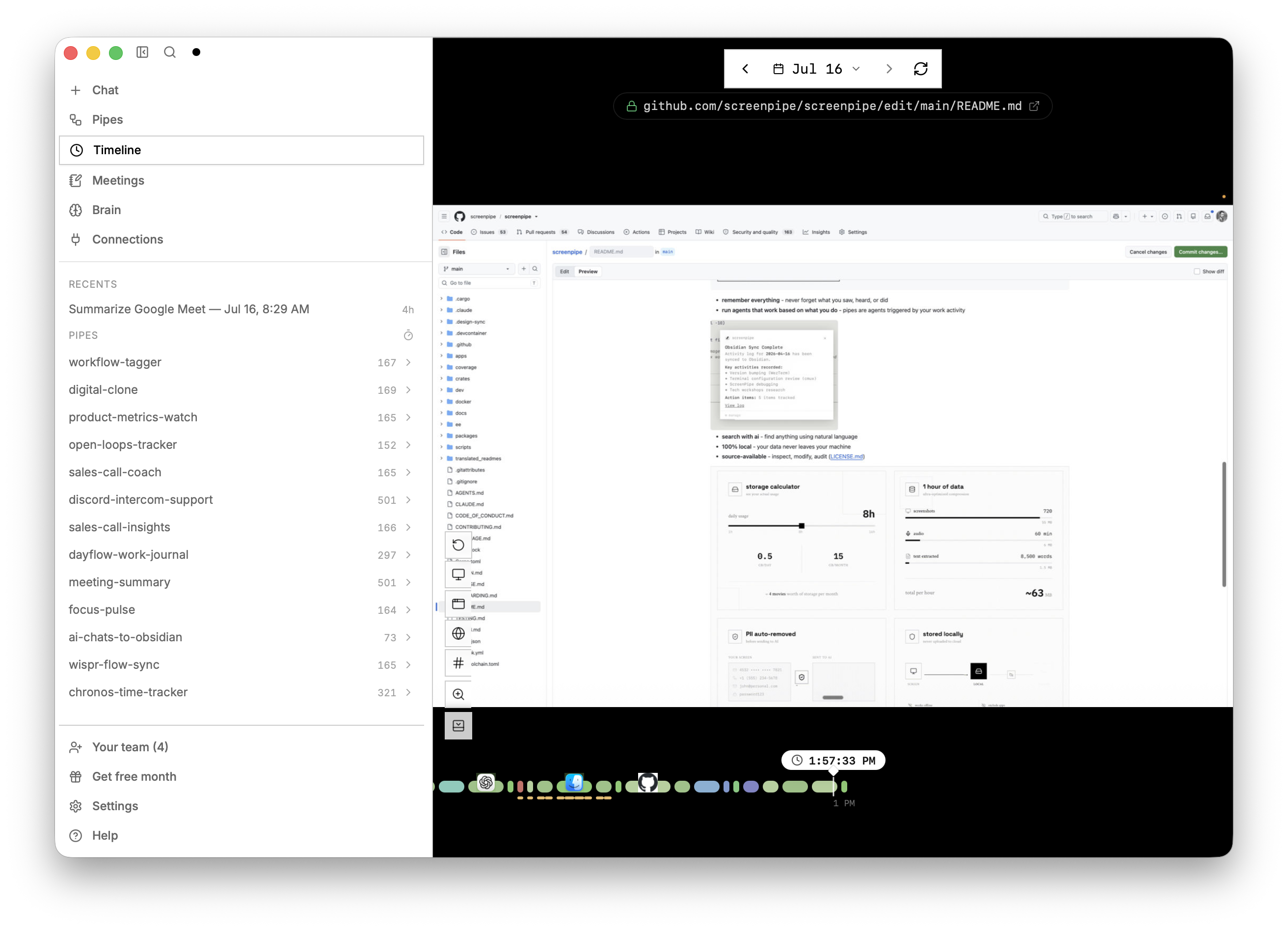
- remember everything - never forget what you did, saw, heard
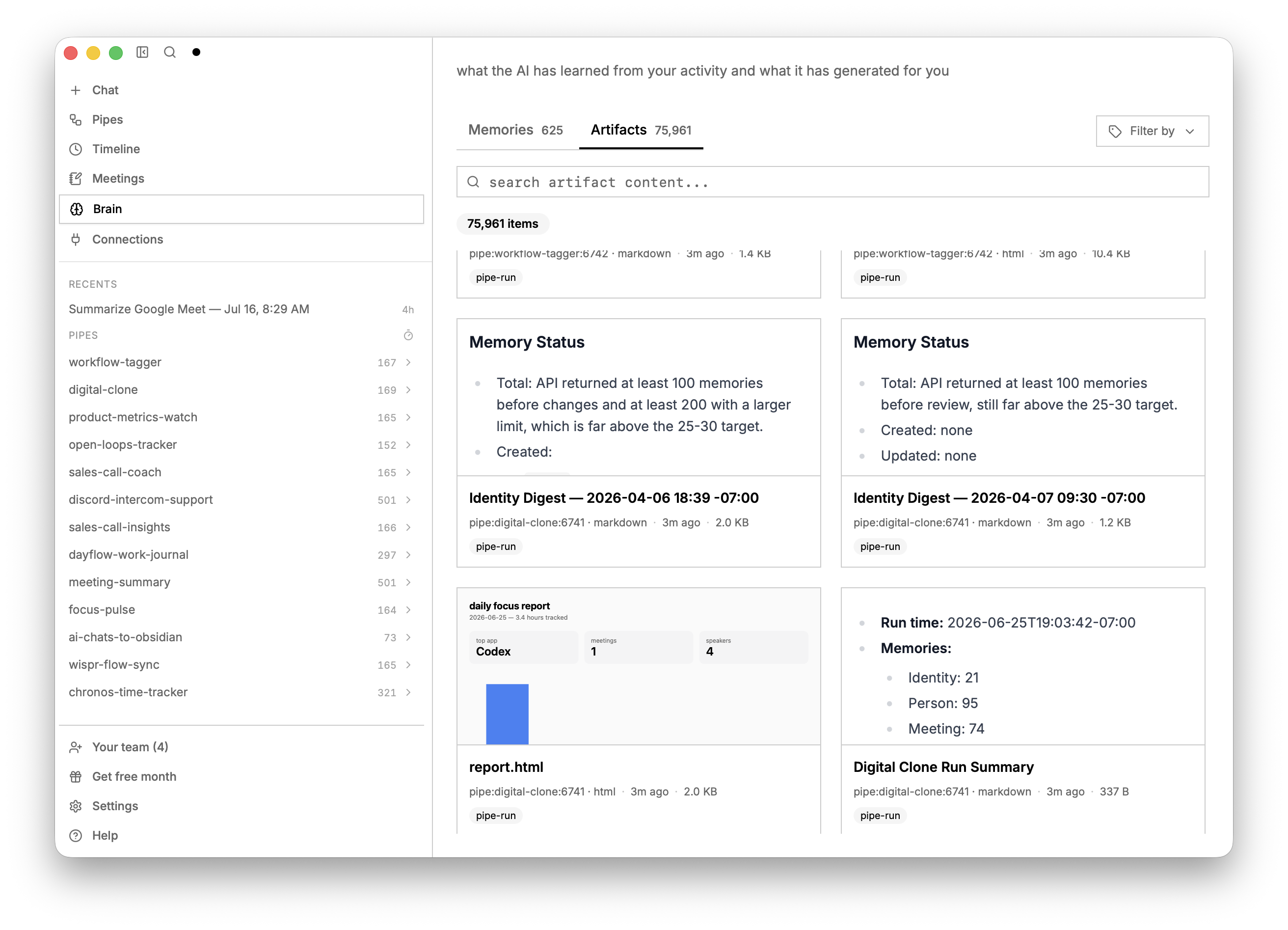
- map workflows - generate a list of workflows to automate (instead of interviewing people or hiring consultants)
- run agents that work based on what you do generate agents, skills, and automations based on what you do
- search with ai - find anything using natural language
- Local-first - capture history stays on your device by default. Cloud AI, sync, integrations, and managed team storage have separate data paths; see Privacy and security.
- source-available - inspect, modify, audit (LICENSE.md)
install
Download the desktop app for macOS, Windows, or Linux. Available features depend on your plan.
or run the CLI:
npx screenpipe record
then
npx screenpipe setup
# or
claude mcp add screenpipe -- npx -y screenpipe-mcp@latest
then ask claude what did i see in the last 5 mins? or summarize today conversations or create a pipe that updates linear every time i work on task X
🤖 CLI-only setup for coding agents
If Claude Code, Codex, Gemini CLI, Cursor, or another coding agent is working from this repository, give it this instruction:
Read the screenpipe CLI skill before operating screenpipe. Set up always-on local capture, verify capture freshness and storage, then query my history without relying on the desktop app.
To install the screenpipe skills and MCP configuration into every supported agent detected on your computer, run:
npx screenpipe setup
The skill covers the recorder-first service default, explicit API-only server mode, human and JSON status, local search, safe read-only SQLite access, pipes, and connections.
specs
- captures full accessibility tree, OCR as fallback, transcription, speakers, keyboard inputs, app switches
- CPU: approximately 5-20%; varies with hardware, capture settings, transcription, and AI workloads
- RAM: approximately 0.5-3 GB for capture; local models and additional workloads can use more
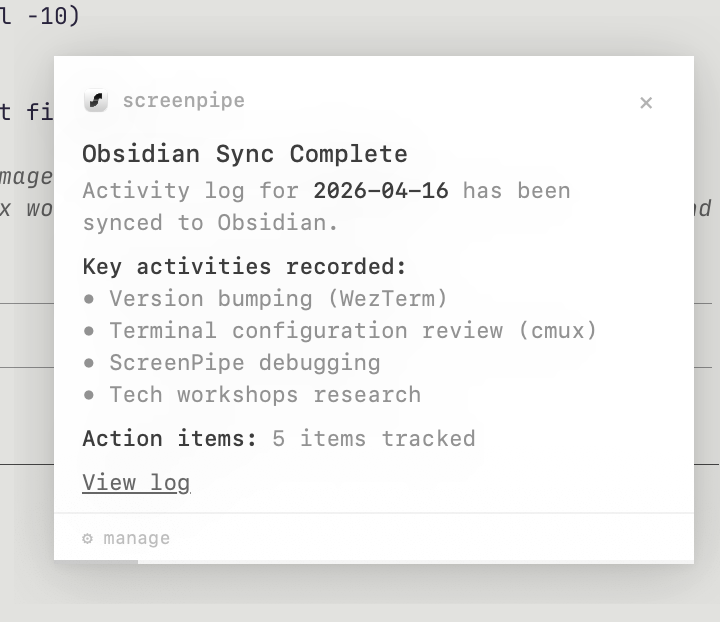
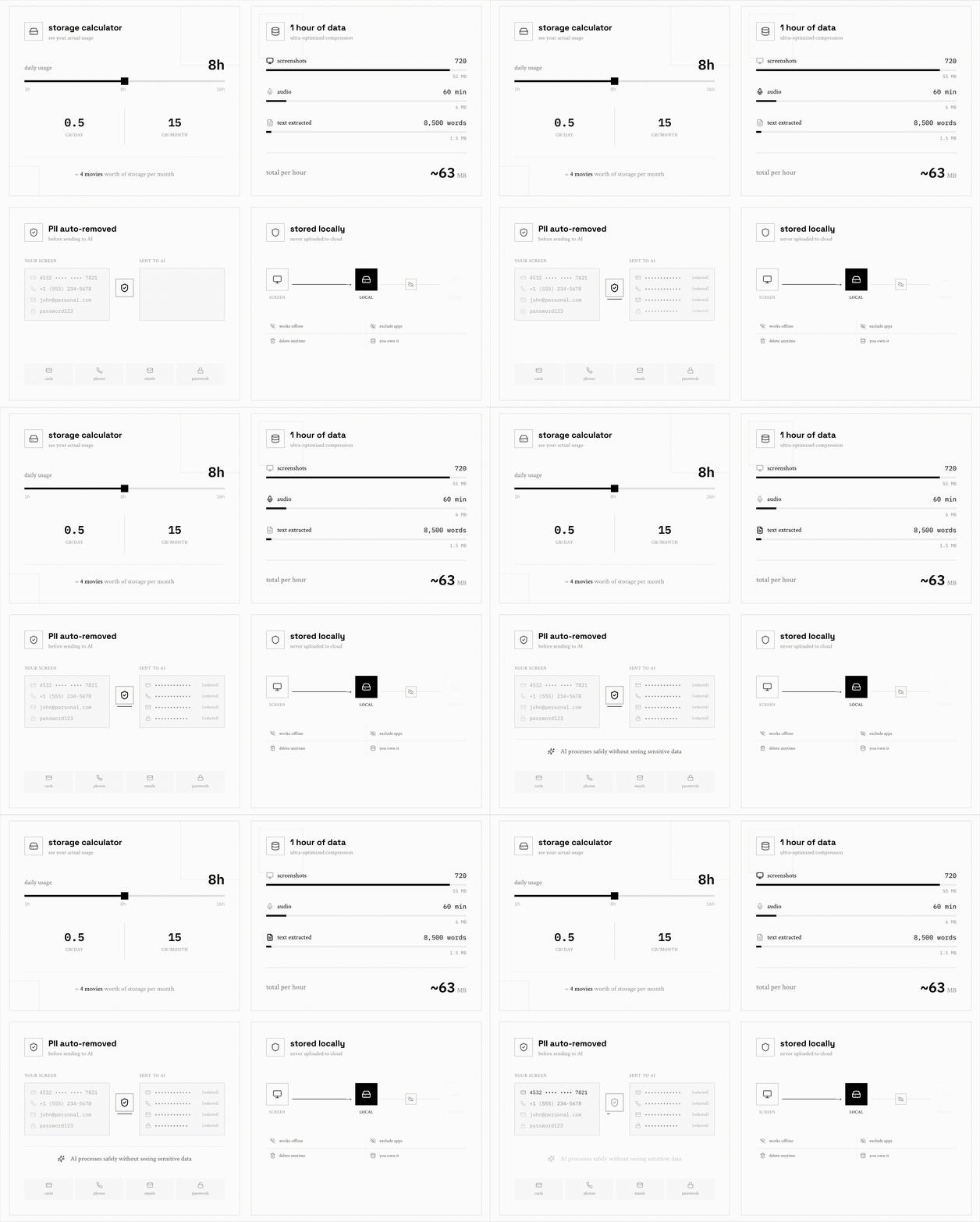
- Storage: varies with activity, displays, audio, capture settings, and retention. Measure a representative day on your device before sizing storage.
- filters (window, app, chrome extensions, passwords, proprietary AI PII model)
- optional encryption at rest
- Local capture and search work offline after setup. Cloud AI, sync, and connected services require network access.
docs · enterprise · discord · x · youtube · reddit
Repository guide
Start with CONTRIBUTING.md for development setup and contribution requirements. Agents should also read AGENTS.md; CLAUDE.md points to the same instructions.
| Directory | Contents |
|---|---|
apps/ | Desktop app and the Workflows web host |
crates/ | Rust capture, storage, engine, and service crates |
packages/ | SDK, CLI distribution, MCP server, browser extension, and shared UI |
docs/ | Contributor guides, product/design guidance, testing, and architecture specs |
evals/ | Coding-agent regression evaluations |
infra/ | Build runners and deployment infrastructure |
scripts/ | Repository development and maintenance tools |
Documentation for humans and agents
- Onboarding: walkthrough from setup to a first contribution.
- Vision: product priorities and scope.
- Design: interface principles and visual conventions.
- Testing: regression checklists and validation guidance.
- Coverage: generated E2E and core engine coverage summary.
- Native builds: supported build and test commands.
- App publication: release and publication boundaries.