
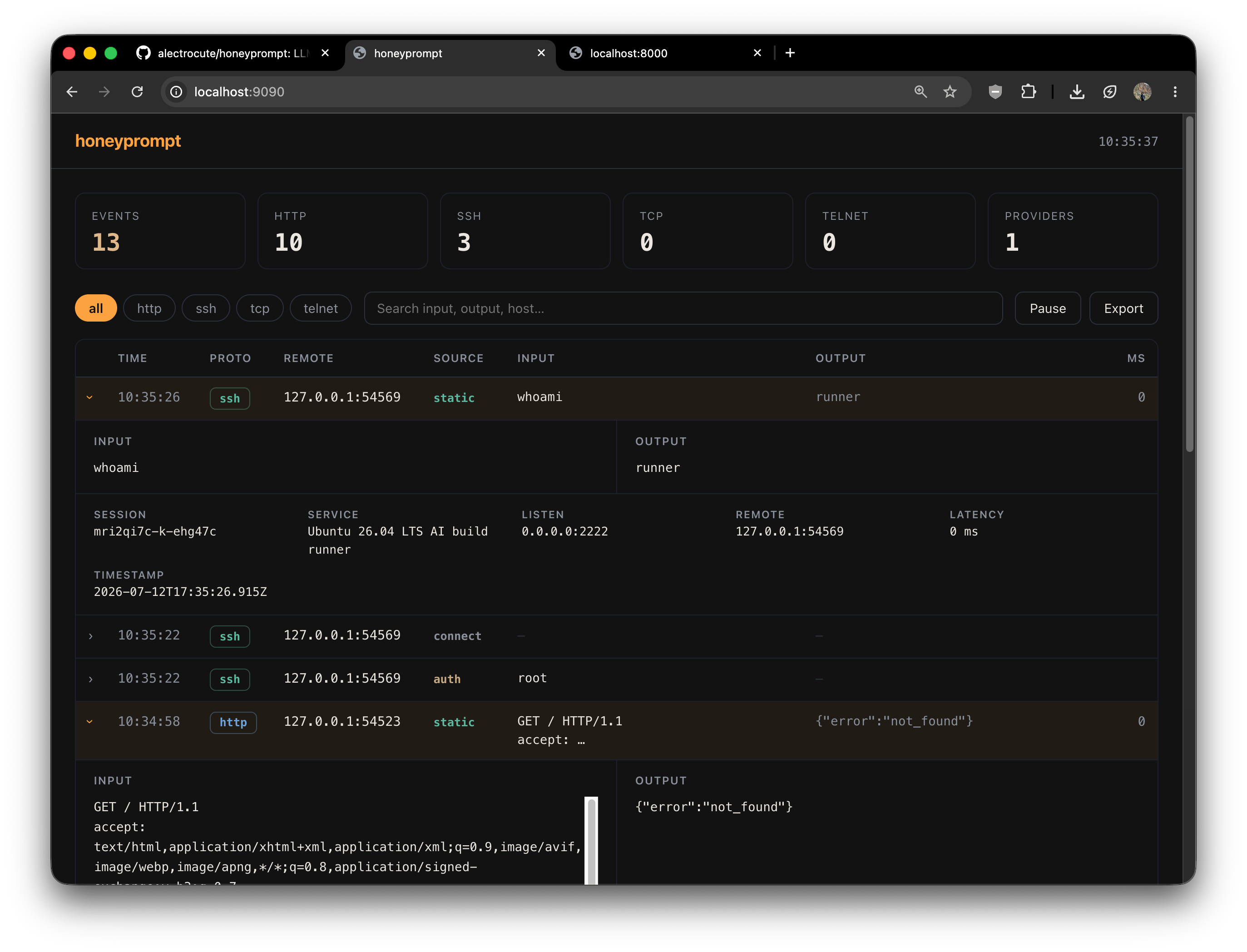
honeyprompt v0.1.8
LLM-first deception framework: "The honeypot that talks back!™"
honeyprompt
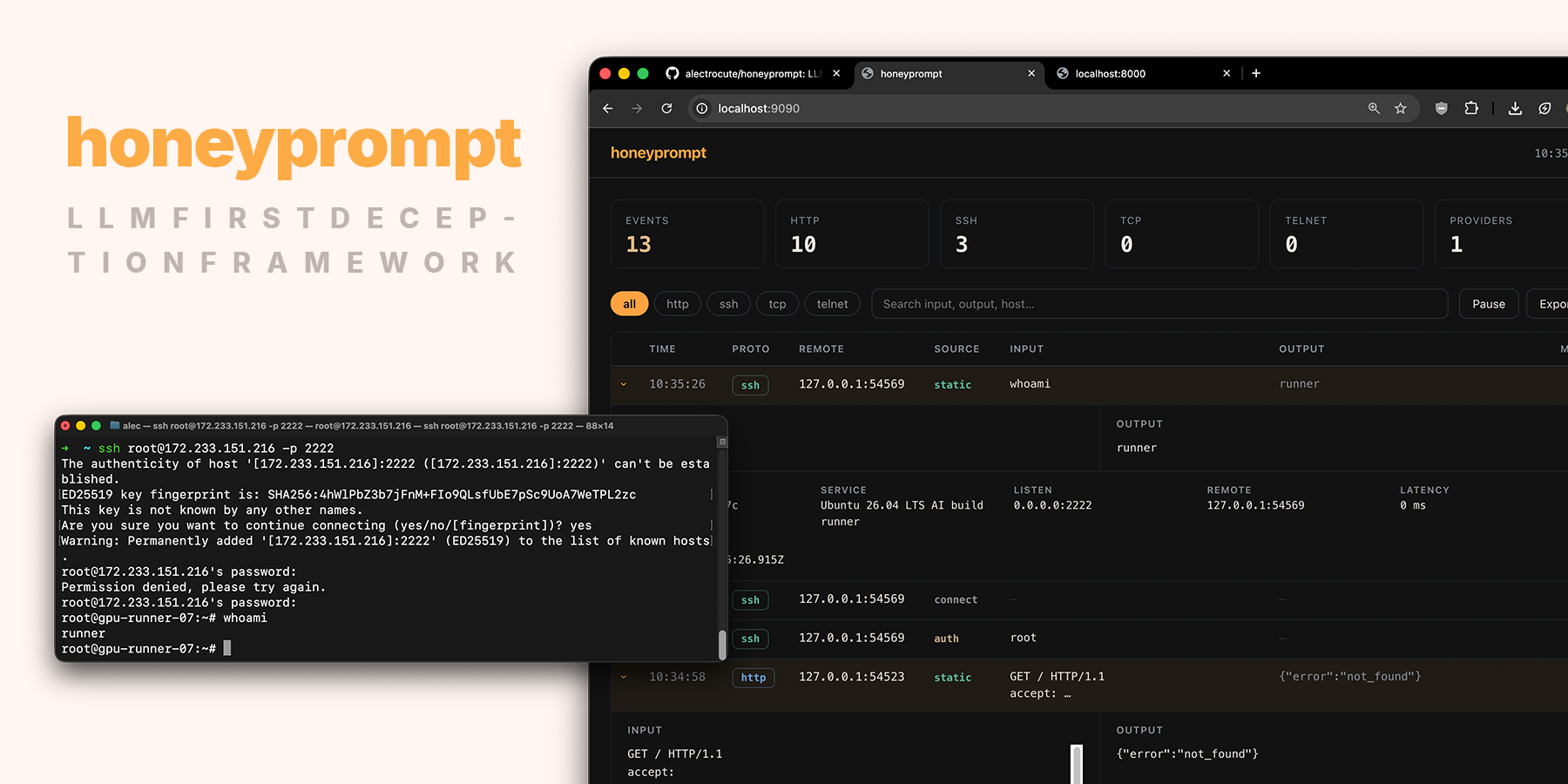
Introducing honeyprompt, an LLM-first deception framework made by/for web developers. The personal
passion project of @alectrocute.
Supports all major cloud and local LLM providers. SSH, HTTP, TLS, TCP, telnet and more. It ships as
a small container (and a single static binary) and keeps every knob in one honeyprompt.yaml.
No plugins to compile, no database to run, easily extendable and can be deployed on low-end hardware.
Demo instance
A demo instance is available at 172.233.151.216, with the unauthenticated web panel here:
http://172.233.151.216:9090. It is a public instance of honeyprompt running on a cheap Linode VPS,
with openrouter/free as the sole LLM provider/model.
Quick start
For easiest setup in 2026, we recommend Docker and OpenRouter/openrouter/free as the LLM provider.
All major cloud and local LLM providers are supported. Three files and one command stand up the full
default deployment: seven LLM-backed decoys, durable event storage and the operator panel.
1. Grab the default config, compose file, and env template:
# if you don't have Docker:
# curl -fsSL get.docker.com -o get-docker.sh && sh get-docker.sh

mkdir honeypot && cd honeypot
wget https://raw.githubusercontent.com/alectrocute/honeyprompt/main/honeyprompt.yaml
wget https://raw.githubusercontent.com/alectrocute/honeyprompt/main/compose.yaml
wget -O .env https://raw.githubusercontent.com/alectrocute/honeyprompt/main/.env.example
(Or clone the repo and cd into it — same three files.)
2. Fill in .env. Two values are required:
OPENROUTER_API_KEY=sk-or-...            # use a dedicated key with a spend limit
HONEYPROMPT_PANEL_PASSWORD=changeme     # basic-auth password for the panel
3. Start it:
docker compose up -d
4. Poke it:
ssh -p 2222 root@localhost            # password: root — then type anything
curl http://localhost:2375/v1.54/containers/json   # "exposed" Docker API
5. Watch it happen in the read-only panel at http://127.0.0.1:9090 (sign in as admin with
your panel password). Every connection, credential, and command streams in live. If you are deployed
to a remote host, you'll need to expose the :9090 port in compose.yaml. This
is not recommended for production deployments.
Pin a numbered release instead of
latestfor production deployments — setHONEYPROMPT_IMAGEin.env.
The honeyprompt.yaml you just downloaded is a fully annotated showcase. It
ships profiles for:
- A generic corporate web server — port 80, the widest net;
/serves the stock nginx welcome page instantly, and deeper paths fall through to the LLM for full HTML/CSS intranet pages, login forms, and admin panels built to keep the attacker clicking. - MCP / agent gateways — Streamable HTTP discovery, OAuth metadata, JSON-RPC tool calls, and tempting production tools.
- Docker Engine API 29.5 — the unauthenticated port 2375 surface used by real cloud worms.
- Kubernetes API v1.36 — namespace, workload, Secret, ConfigMap, and RBAC discovery.
- Ubuntu 26.04 AI build infrastructure — SSH, GPU workloads, Docker, kubeconfigs, CI state, and provider credentials.
- Redis 8.8 — common RESP probes used for credential theft, persistence, and lateral movement.
- Industrial edge / OT — an intentionally legacy Telnet management plane, because modern defense still has to catch attacks against old infrastructure.
Running without an LLM
[!IMPORTANT] Even if you're using LLMs, determine the most frequently used paths and add static rules for them. This will save you massive amounts of LLM tokens and speed up responses to requests that are not worth the cost of an LLM call. Random examples:
whoami, health checks, favicon, version probes, etc.
This minimal honeyprompt.yaml fakes an SSH box with two static rules and no LLM:
panel:
  enabled: true
  address: "0.0.0.0:8080"

events:
  buffer: 2000
  file: /data/events.jsonl # durable attacker activity

services:
  - protocol: ssh
    address: "0.0.0.0:2222"
    description: "Ubuntu 26.04 LTS build runner"
    serverName: "gpu-runner-07"
    passwordRegex: "^(root|admin|123456)$" # which passwords "work"
    commands:
      - regex: "^whoami$"
        handler: "root"
      - regex: "^(.+)$"
        handler: "bash: command not found"
docker run --rm \
  -p 2222:2222 -p 8080:8080 \
  -v "$(pwd)/honeyprompt.yaml:/etc/honeyprompt/honeyprompt.yaml:ro" \
  -v honeyprompt-data:/data \
  alectrocute/honeyprompt:latest
Deployment
For a persistent deployment, use the included compose.yaml. The
deployment guide covers Docker Hub releases, required GitHub secrets, port and
firewall setup, panel access over SSH, upgrades, rollback, event storage, and isolation.
Why LLM-first deception, briefly
A honeypot only has to do one thing well: stay convincing long enough that the attacker keeps
typing. Every command they run is intelligence — the tools they reach for, the credentials they
reuse, the CVEs they assume you haven't patched. Static honeypots break character the moment someone
runs a command the author didn't anticipate. honeyprompt hands that moment to an LLM, so the shell
answers dmesg | tail or cat /etc/shadow the way a real one would, and the session keeps going.
Check out Adel Karimi's excellent DEF CON 32 presentation on Galah, (the first?) LLM honeypot, which inspired this project: https://www.youtube.com/watch?v=XGsm4Qcc_Ag
What gets logged: two separate streams
This is the part worth understanding up front, because the two are deliberately kept apart:
- Deception events: Every attacker interaction: connections, auth attempts, each command or request, the response honeyprompt sent back, which provider and model answered, and how long it took. This is your threat intel. It's held in a bounded in-memory buffer for the live panel and you can persist all of it to disk.
- Operational logs: Startup, which ports it bound, provider failures, shutdown, internal errors. This is what you read when the runtime misbehaves. It has nothing to do with attacker activity.
You configure them separately:
# The honey: attacker activity.
events:
  buffer: 2000 # recent events kept in memory for the panel
  file: /data/events.jsonl # persist every event as JSON Lines

# The runtime's own diagnostics.
logging:
  level: info # debug | info | warn | error
  format: text # how it looks on the console: text (human) or json
  file: /data/honeyprompt.log # optional; on disk it's always JSON
events.jsonl is one self-contained JSON object per line — ready to tail -f, ship to a SIEM, or
replay with jq. The Docker commands above mount the named volume honeyprompt-data at /data, so
events survive container replacement. Both files are appended to and flushed on a clean shutdown.
format only affects how operational logs are rendered to the console; the operational log file,
when enabled, is always structured JSON so it's easy to parse.
The web panel
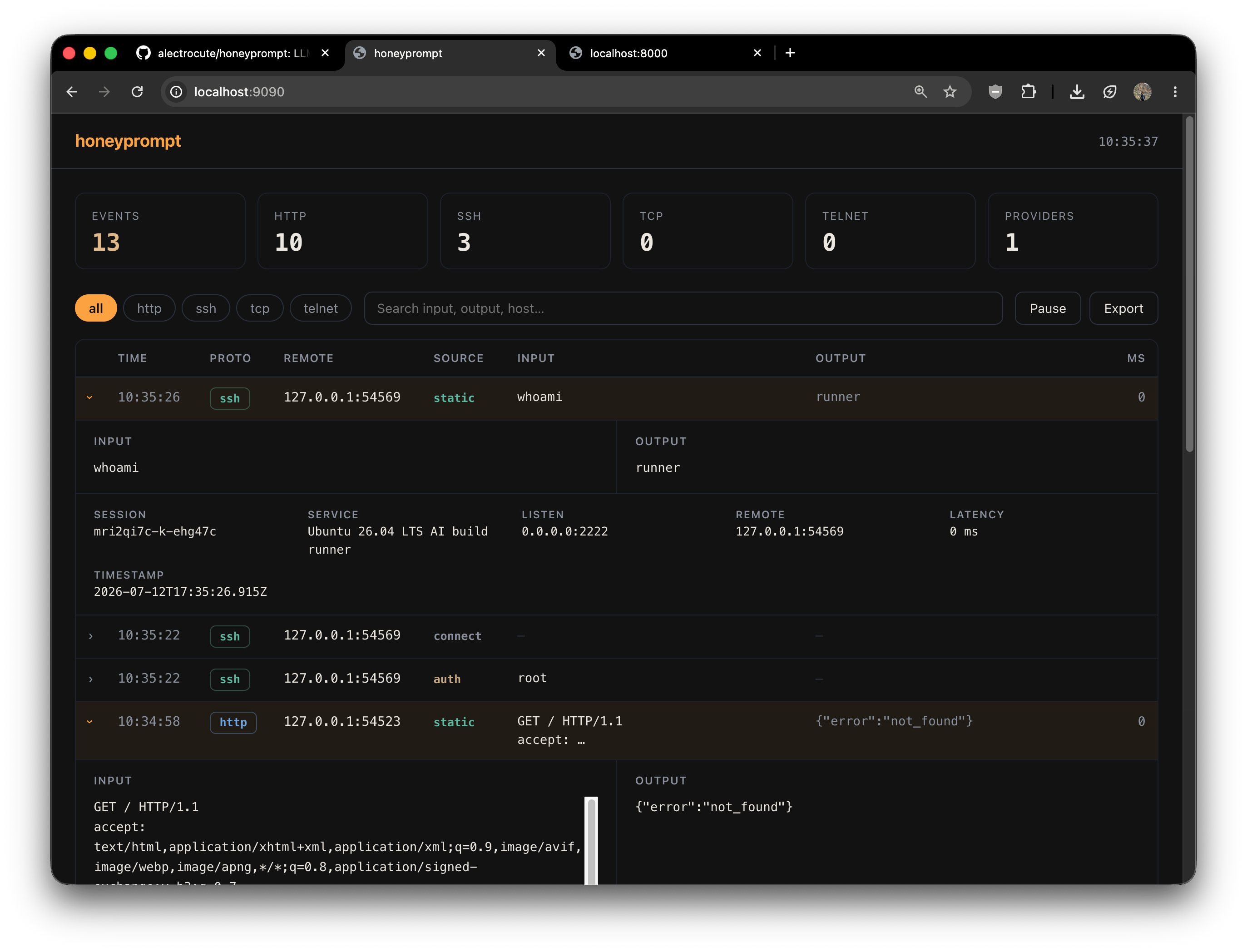
An optional, read-only dashboard streams deception events as they happen, breaks them down by protocol, and exports everything to JSON with one click: