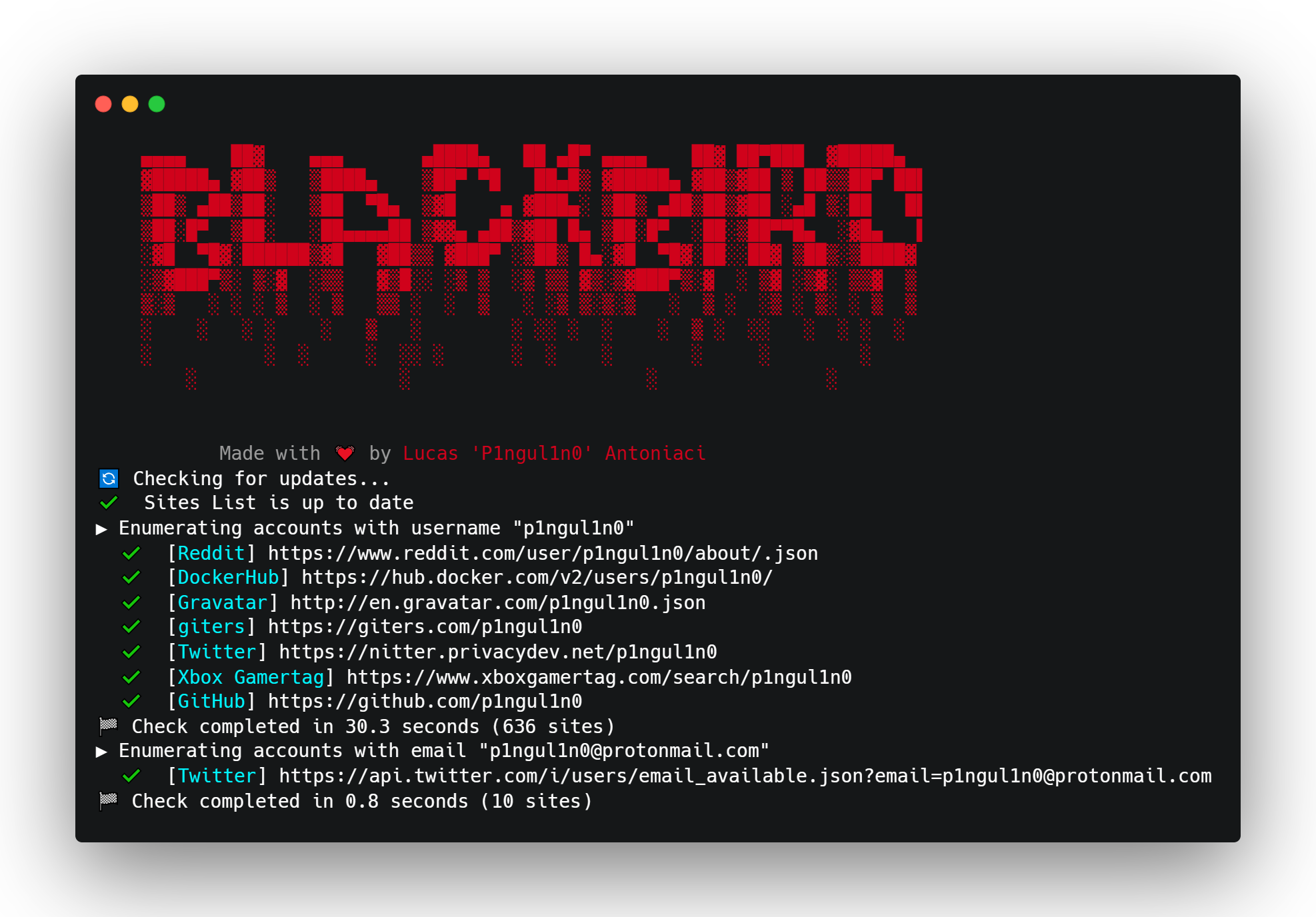

Ein OSINT-Tool zur Suche nach Konten anhand des Benutzernamens in sozialen Netzwerken.
Die Lockheed SR-71 „Blackbird“ ist ein strategisches Aufklärungsflugzeug für große Entfernungen und große Höhen mit mehr als Mach 3, das vom amerikanischen Luft- und Raumfahrtunternehmen Lockheed Corporation entwickelt und hergestellt wurde.
This or previous program is for Educational purpose ONLY. Do not use it without permission.
The usual disclaimer applies, especially the fact that me (P1ngul1n0) is not liable for any
damages caused by direct or indirect use of the information or functionality provided by these
programs. The author or any Internet provider bears NO responsibility for content or misuse
of these programs or any derivatives thereof. By using these programs you accept the fact
that any damage (dataloss, system crash, system compromise, etc.) caused by the use of these
programs is not P1ngul1n0's responsibility.
git clone https://github.com/p1ngul1n0/blackbird
cd blackbird
pip install -r requirements.txt
python blackbird.py -u username
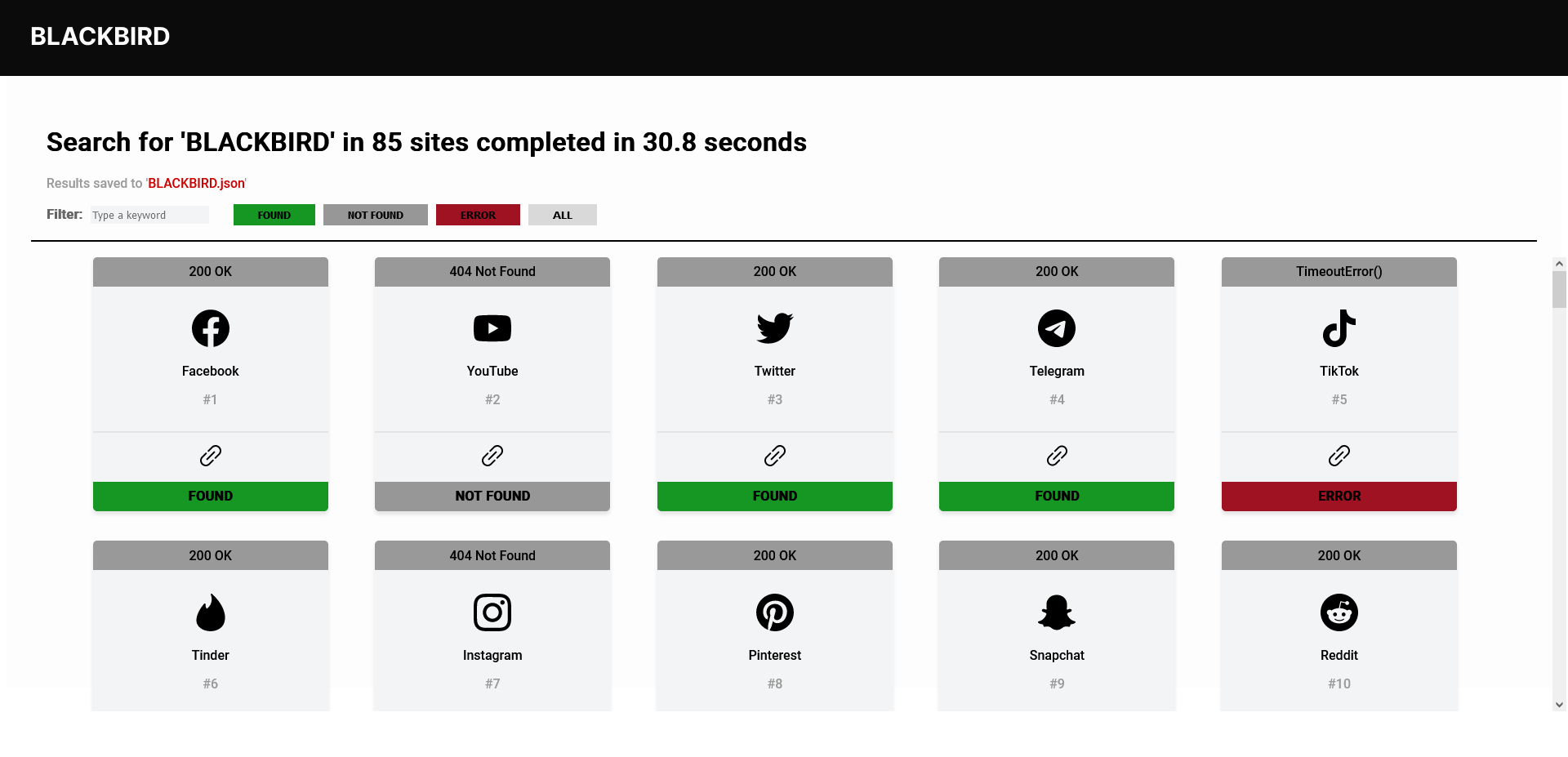
python blackbird.py --web
Rufe http://127.0.0.1:9797 im Browser auf
python blackbird.py -f username.json
python blackbird.py --list-sites
python blackbird.py -u crash --proxy http://127.0.0.1:8080
Standardmäßig werden nur gefundene Konten angezeigt; mit dem folgenden Argument kannst du jedoch alle sehen.
python blackbird.py -u crash --show-all
Blackbird kann auch mit Docker verwendet werden.
docker pull p1ngul1n0/blackbird:v2
docker run -p 9797:9797 p1ngul1n0/blackbird:v2 "--web"
Die Ergebnisse können als PDF-Bericht exportiert werden.
blackbird-pdf-cover
Wenn möglich, extrahiert Blackbird die Metadaten des Benutzers und liefert Daten wie Name, Bio, Standort und Profilbild.
Blackbird verwendet bei jeder Anfrage einen zufälligen UserAgent aus einer Liste von 1000 UserAgents, um eine Blockierung zu verhindern.
Blackbird sendet asynchrone HTTP-Anfragen, was beim Auffinden von Benutzerkonten deutlich mehr Geschwindigkeit ermöglicht.
Die Datei data.json speichert alle Websites, die Blackbird überprüft.
GET
{
"app": "ExampleAPP1",
"url": "https://www.example.com/{username}",
"valid": "response.status == 200",
"id": 1,
"method": "GET"
}
POST JSON
{
"app": "ExampleAPP2",
"url": "https://www.example.com/user",
"valid": "jsonData['message']['found'] == True",
"json": "{{\"type\": \"username\",\"input\": \"{username}\"}}",
"id": 2,
"method": "POST"
}
GET mit Metadaten-Extraktion
{
"app": "Twitter",
"id": 3,
"method": "GET",
"url": "https://nitter.net/{username}",
"valid": "response.status == 200",
"metadata": [
{
"type": "generic-data",
"key": "Name",
"value": "soup.find('a', class_='profile-card-fullname')['title']"
},
{
"type": "generic-data",
"key": "Bio",
"value": "soup.find('div',class_='profile-bio').string"
},
{
"type": "generic-data",
"key": "Site",
"value": "soup.find('div',class_='profile-website').text.strip('\\t\\r\\n')"
},
{
"type": "generic-data",
"key": "Member since",
"value": "soup.find('div',class_='profile-joindate').find('span')['title']"
},
{
"type": "image",
"key": "picture",
"value": "'https://nitter.net'+soup.find('a', class_='profile-card-avatar')['href']"
},
{
"type": "location",
"key": "location",
"value": "soup.select_one('.profile-location:nth-of-type(2)').text.strip('\\t\\r\\n')"
}
]
}
Ich bin allen Mitwirkenden dankbar, die das Projekt verbessert und Bugs behoben haben.
enumerate und Code-Splitting für Funktionen.Du kannst mich gerne auf Twitter kontaktieren
Falls du einen Vorschlag für eine Website hast, die in die Suche aufgenommen werden soll, erstelle einen Pull-Request gemäß der Vorlage.