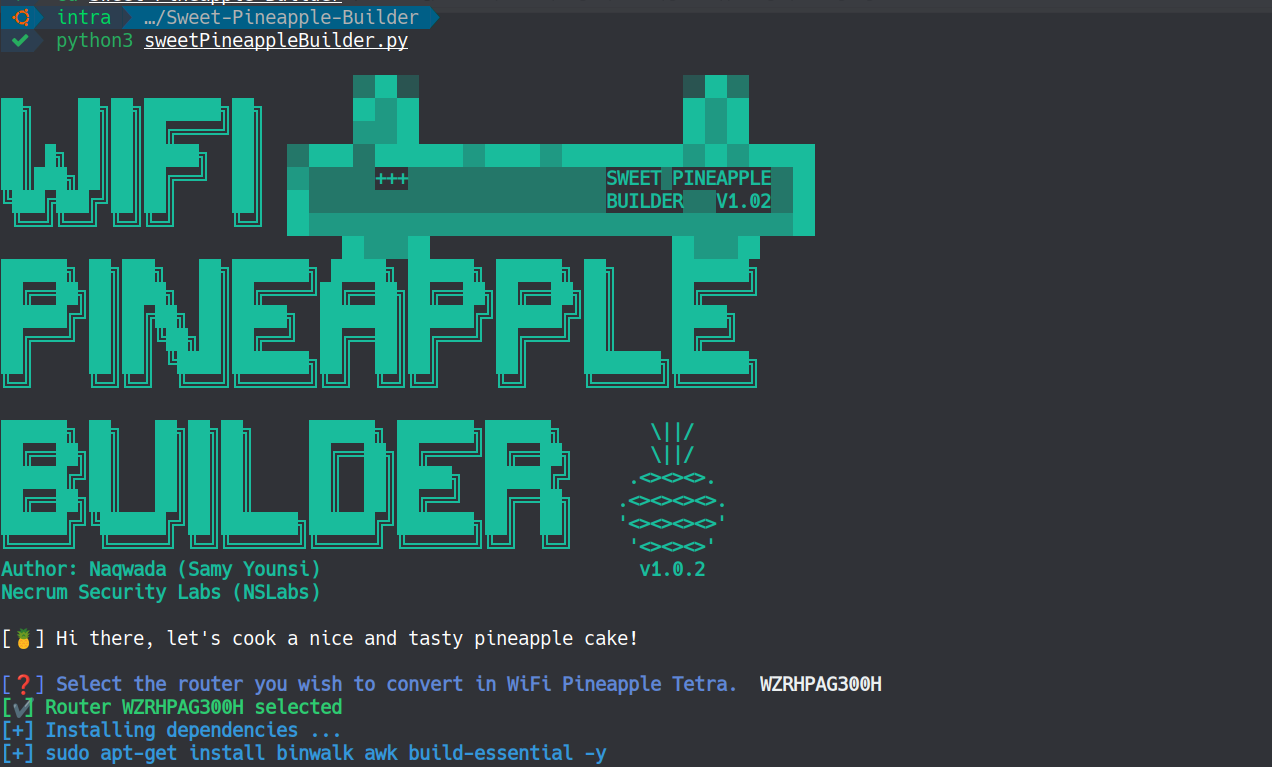
Erstellen Sie Ihre eigene benutzerdefinierte WiFi Pineapple Tetra Firmware, zugeschnitten auf jeden Router, der auf der MIPS 24Kc-Architektur basiert. (WiFi Pineapple Tetra DIY)

Sweet Pineapple Builder ist ein Python-Skript, das den gesamten Prozess der Erstellung eines benutzerdefinierten WiFi Pineapple Tetra-Images automatisiert. Da die Firmware des WiFi Pineapple Tetra eine benutzerdefinierte Version von OpenWrt (19.07.2) ist, ist es daher möglich, unsere eigene benutzerdefinierte Firmware zu erstellen, die auf jeden Router basierend auf der MIPS 24Kc-Architektur zugeschnitten ist.
Ausführlicher Blogbeitrag für weitere Details: https://samy.link/blog/build-your-own-wifi-pineapple-tetra-for-7

Derzeit unterstützt das Skript nur die folgenden Router:
Klone dieses Repository und führe aus:
pip install -r requirements.txt
python3 sweetPineappleBuilder.py
Wähle dann deinen Router aus der Liste und das war's.
Sei nun geduldig für etwa 10 Minuten, um den Download- und Kompilierungsprozess abzuschließen.
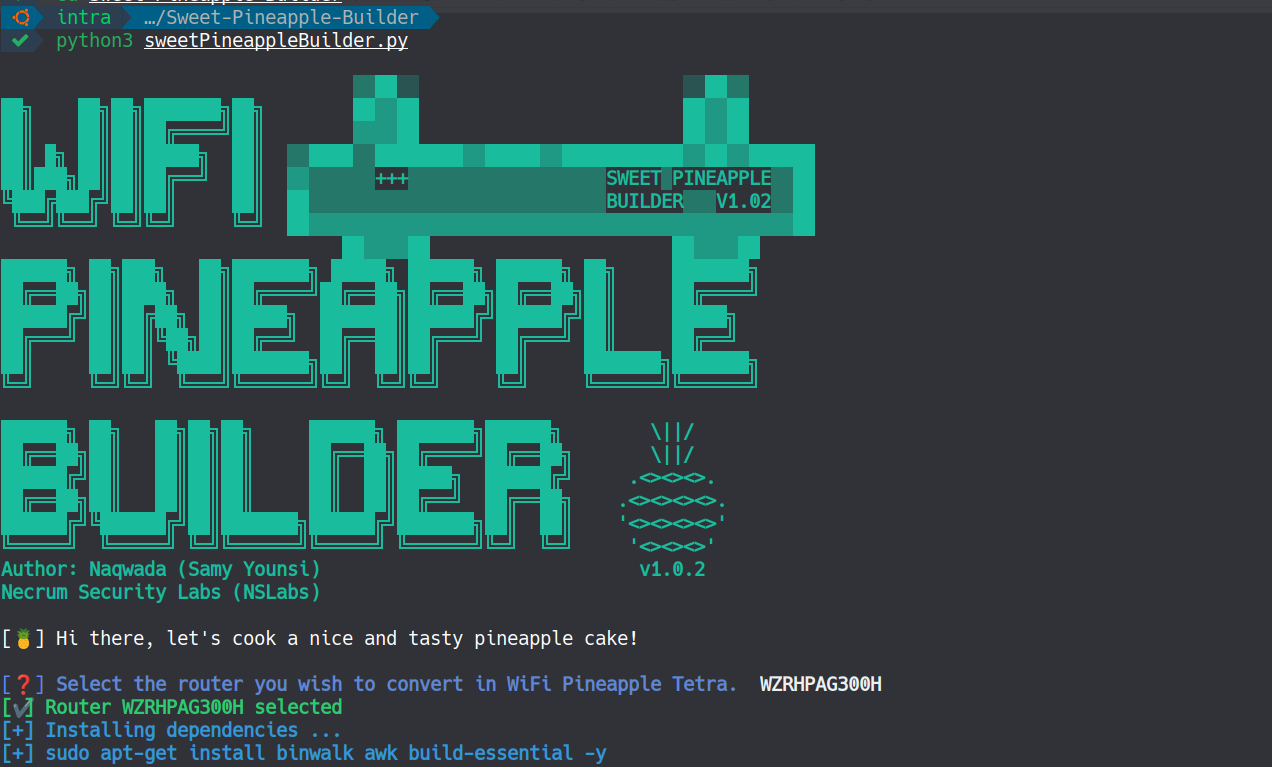
Um die Sache noch einfacher zu machen, habe ich auch ein Docker-Image mit dem Tool und allen bereits vorinstallierten OpenWrt-Paketen erstellt, ~1,4 GB.
Um es zu verwenden, führe einfach aus:
docker pull naqwada/sweetpineapplebuilder
docker run -dit naqwada/sweetpineapplebuilder sleep infinity
docker ps -a
docker exec -it <CONTAINER ID> /bin/bash
cd /home/Sweet-Pineapple-Builder
python3 sweetPineappleBuilder.py

Keine Sorge, du findest im Abschnitt Releases alle vorkompilierten Images!
https://gitlab.com/Naqwada/sweet-pineapple-builder/-/releases/v1.0.1
| Gerät | Firmware-Image |
|---|---|
| WZR450HP2 | Download latest version |
| WZR600DHP | Download latest version |
| WZRHPAG300H | Download latest version |
| WZRHPG300NH | Download latest version |
| WZRHPG300NH2 | Download latest version |
| WZRHPG450H | Download latest version |
| DGL5500A1 | Download latest version |
| DIR835A1 | Download latest version |
| dir-869-a1 | Download latest version |
| gl-ar300 | Download latest version |
| gl-ar300m | Download latest version |
| gl-ar750 | Download latest version |
| gl-ar750s | Download latest version |
| archer-c7-v2 | Download latest version |
| archer-c7-v4 | Download latest version |
| archer-c7-v5 | Download latest version |
Wenn du Schwierigkeiten hast, das Image zu kompilieren, kannst du dir meinen Blogbeitrag ansehen (https://samy.link/blog/build-your-own-wifi-pineapple-tetra-for-7) oder ein Ticket im Tab „Issues“ erstellen, und ich werde versuchen zu helfen.

