 threatunknown/jsubfinder
Go-basiertes Tool, das Webseiten und JavaScript-Dateien scannt, um versteckte Subdomains und Secrets zu entdecken, mit optionalem Crawling und Echtzeit-Proxy-Analyse für Bug-Bounty- und Penetrationstest-Workflows.


JSubFinder ist ein in Go geschriebenes Tool zum Durchsuchen von Webseiten und JavaScript nach versteckten Subdomains und Geheimnissen in der angegebenen URL. Entwickelt mit Bug-Bounty-Jägern im Auge, nutzt JSubFinder die erstaunliche Leistung von Go, um große Datensätze zu verarbeiten und einfach mit anderen Tools verkettet zu werden.
Installieren Sie die Anwendung und laden Sie die Signaturen herunter, die zum Auffinden von Geheimnissen benötigt werden.
Mit GO:
go install github.com/ThreatUnkown/jsubfinder@latest
wget https://raw.githubusercontent.com/ThreatUnkown/jsubfinder/master/.jsf_signatures.yaml && mv .jsf_signatures.yaml ~/.jsf_signatures.yaml
oder
Durchsucht die angegebenen URLs nach Subdomains und Geheimnissen.
$ jsubfinder search -h

Execute the command specified

Usage:
  JSubFinder search [flags]

Flags:
  -c, --crawl              Enable crawling
  -g, --greedy             Check all files for URL's not just Javascript
  -h, --help               help for search
  -f, --inputFile string   File containing domains
  -t, --threads int        Ammount of threads to be used (default 5)
  -u, --url strings        Url to check

Global Flags:
  -d, --debug               Enable debug mode. Logs are stored in log.info
  -K, --nossl               Skip SSL cert verification (default true)
  -o, --outputFile string   name/location to store the file
  -s, --secrets             Check results for secrets e.g api keys
      --sig string          Location of signatures for finding secrets
  -S, --silent              Disable printing to the console
Beispiele (die Ergebnisse sind in diesem Fall gleich):
$ jsubfinder search -u www.google.com
$ jsubfinder search -f file.txt
$ echo www.google.com | jsubfinder search
$ echo www.google.com | httpx --silent | jsubfinder search$

apis.google.com
ogs.google.com
store.google.com
mail.google.com
accounts.google.com
www.google.com
policies.google.com
support.google.com
adservice.google.com
play.google.com
Hinweis: --secrets="" speichert die Geheimnis-Ergebnisse in einer Datei secrets.txt
$ echo www.youtube.com | jsubfinder search --secrets=""
www.youtube.com
youtubei.youtube.com
payments.youtube.com
2Fwww.youtube.com
252Fwww.youtube.com
m.youtube.com
tv.youtube.com
music.youtube.com
creatoracademy.youtube.com
artists.youtube.com

Google Cloud API Key <redacted> found in content of https://www.youtube.com
Google Cloud API Key <redacted> found in content of https://www.youtube.com
Google Cloud API Key <redacted> found in content of https://www.youtube.com
Google Cloud API Key <redacted> found in content of https://www.youtube.com
Google Cloud API Key <redacted> found in content of https://www.youtube.com
Google Cloud API Key <redacted> found in content of https://www.youtube.com
$ echo www.google.com | jsubfinder search -crawl -s "google_secrets.txt" -S -o jsf_google.txt -t 10 -g
-crawl verwendet den Standard-Crawler, um Seiten nach anderen zu analysierenden URLs zu durchsuchen-s aktiviert die Suche nach Geheimnissen durch JSubFinder-S unterdrückt die Ausgabe auf der Konsole-o <file> speichert die Ausgabe in der angegebenen Datei-t 10 verwendet 10 Threads-g durchsucht jede URL nach JS, auch solche, bei denen wir keine vermutenAktiviert den vorgelagerten HTTP-Proxy mit TLS-MITM-Unterstützung. Dies ermöglicht Folgendes:
$ JSubFinder proxy -h

Execute the command specified

Usage:
  JSubFinder proxy [flags]

Flags:
  -h, --help                    help for proxy
  -p, --port int                Port for the proxy to listen on (default 8444)
      --scope strings           Url's in scope seperated by commas. e.g www.google.com,www.netflix.com
  -u, --upstream-proxy string   Adress of upsteam proxy e.g http://127.0.0.1:8888 (default "http://127.0.0.1:8888")

Global Flags:
  -d, --debug               Enable debug mode. Logs are stored in log.info
  -K, --nossl               Skip SSL cert verification (default true)
  -o, --outputFile string   name/location to store the file
  -s, --secrets             Check results for secrets e.g api keys
      --sig string          Location of signatures for finding secrets
  -S, --silent              Disable printing to the console
$ jsubfinder proxy
Proxy started on :8444
Subdomain: out.reddit.com
Subdomain: www.reddit.com
Subdomain: 2Fwww.reddit.com
Subdomain: alb.reddit.com
Subdomain: about.reddit.com
Burp Suite leitet nun den gesamten über sie weitergeleiteten Datenverkehr an JSubFinder weiter. JSubFinder ruft die Antwort ab, gibt sie an Burp zurück und sucht in einem anderen Thread nach Subdomains und Geheimnissen.
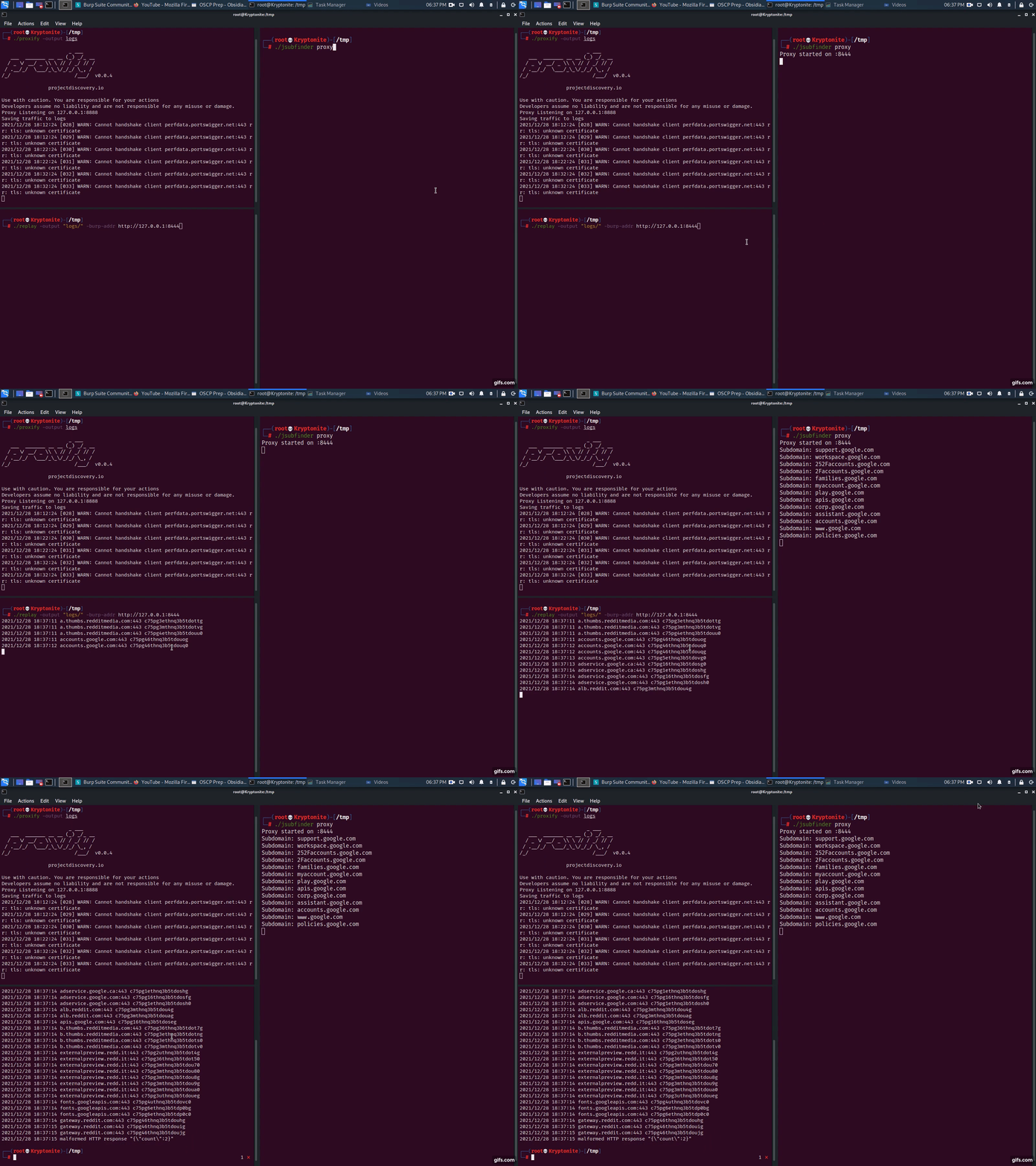
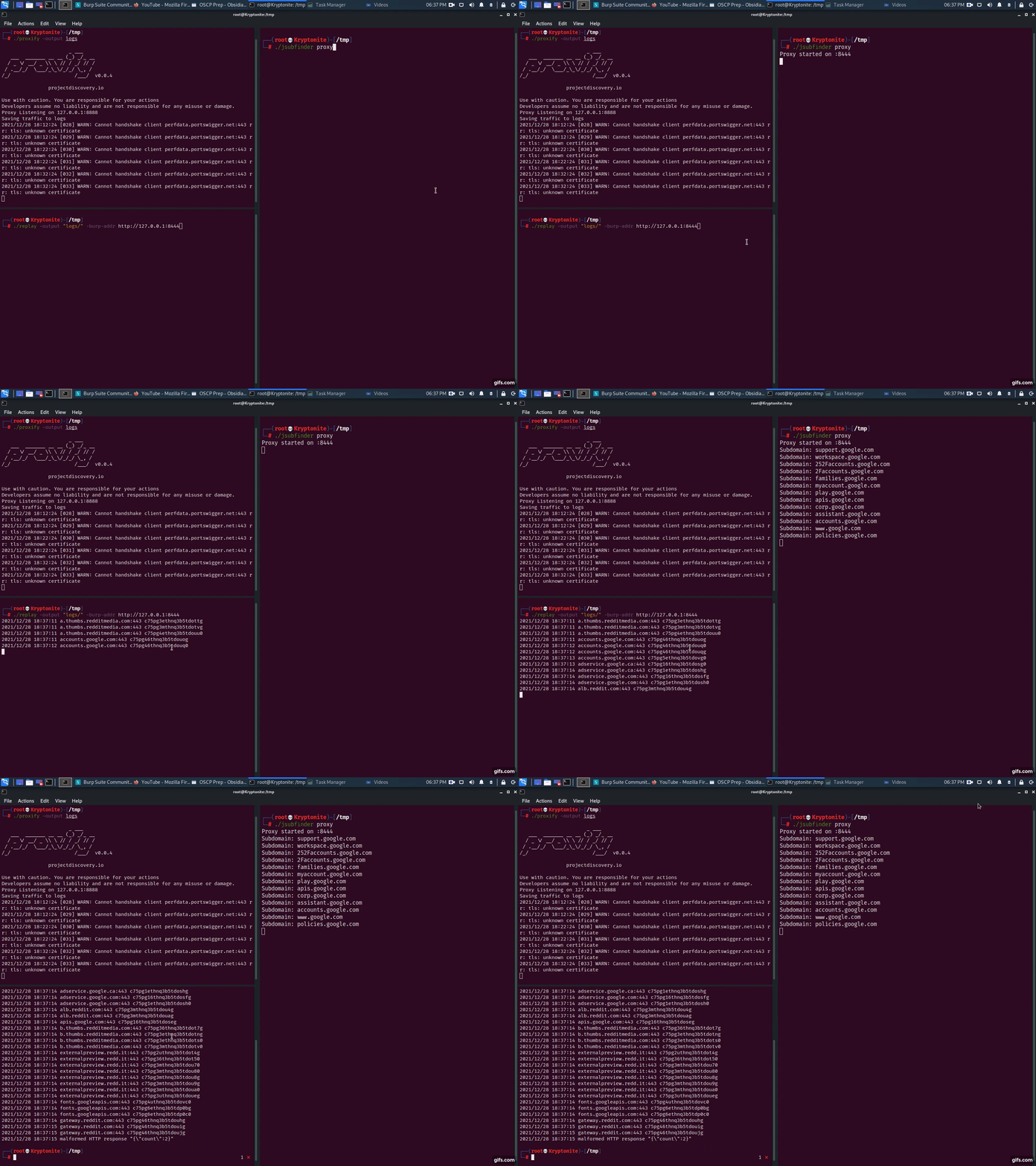
proxify -output logsjsubfinder proxy -u http://127.0.0.1:8443replay -output logs -burp-addr http://127.0.0.1:8444Einfach: Führen Sie JSubFinder im Proxy-Modus auf einem anderen Server aus, z. B. 192.168.1.2. Befolgen Sie die obigen Proxy-Schritte, aber setzen Sie den vorgelagerten Proxy Ihrer Anwendung auf 192.168.1.2:8443.
$ jsubfinder proxy --scope www.reddit.com -p 8081 -S -o jsf_reddit.txt
--scope beschränkt JSubFinder auf die Analyse von Antworten von www.reddit.com-p Port, auf dem der Proxy-Server von JSubFinder läuft-S unterdrückt die Ausgabe auf der Konsole/stdout-o <file> gibt die Beispiele in diese Datei aus