 theretardedelon/gpewebdefender
Lightweight web-attack monitor. One Go binary + SQLite. Not OSSEC, not a WAF.

A web-attack monitor. It sits next to nginx / Caddy / the app, tails access logs, and tells you when a site is being probed or exploited. If this process dies, the site keeps serving.
It is not Wazuh, not OSSEC, and not a WAF.
The command is gpewebdefender. Hosts, tokens, map pins, GeoIP, and log paths are flags or env files — nothing about a specific company or server is compiled in.
If you have never run this: read this file top to bottom once, then do Method A or Method B. Do not skip “Pick a shape.”
Full picture: dochub/index.html or /docs/ on a running manager. Start at 03 · Install & run.
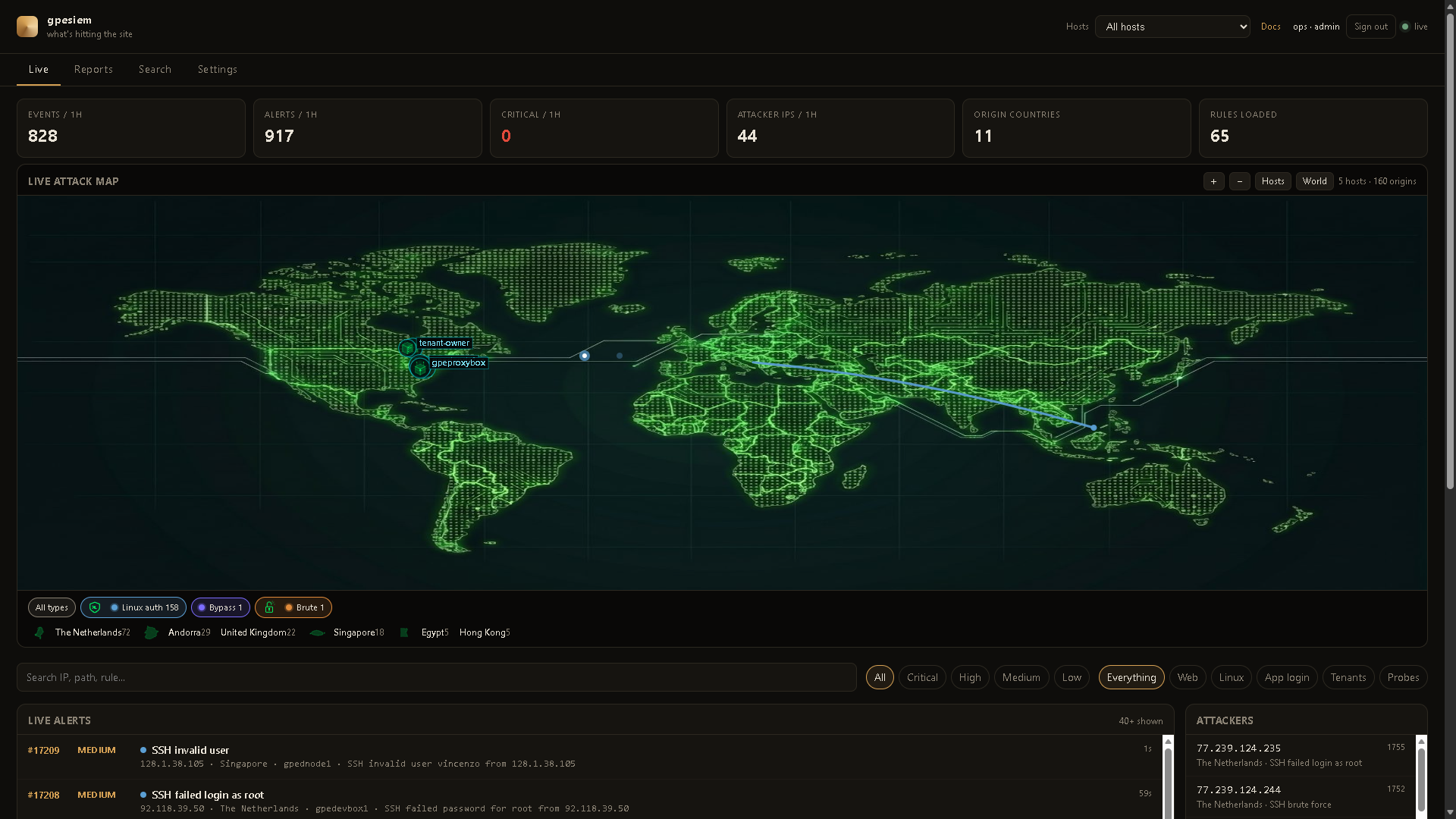
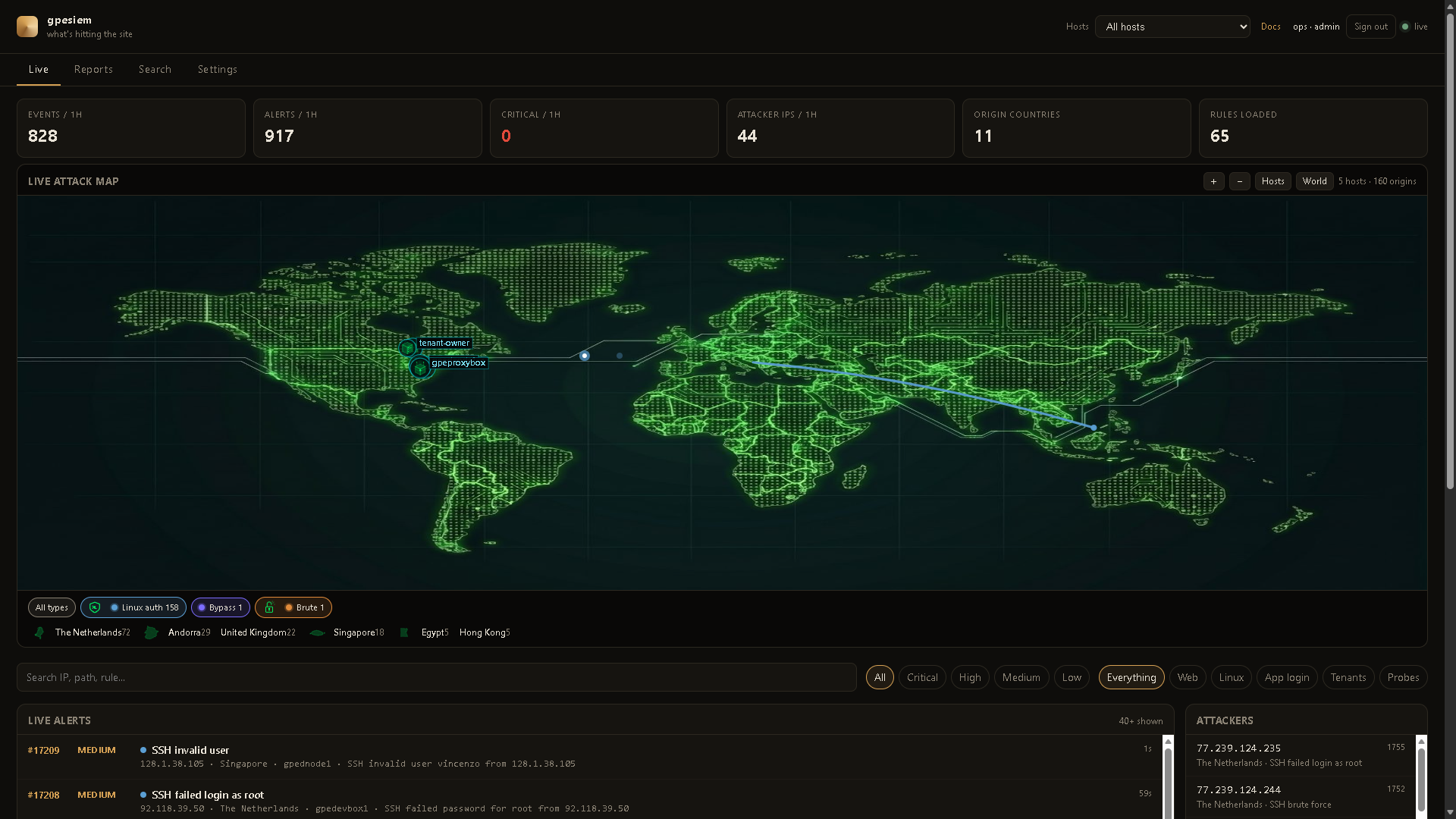
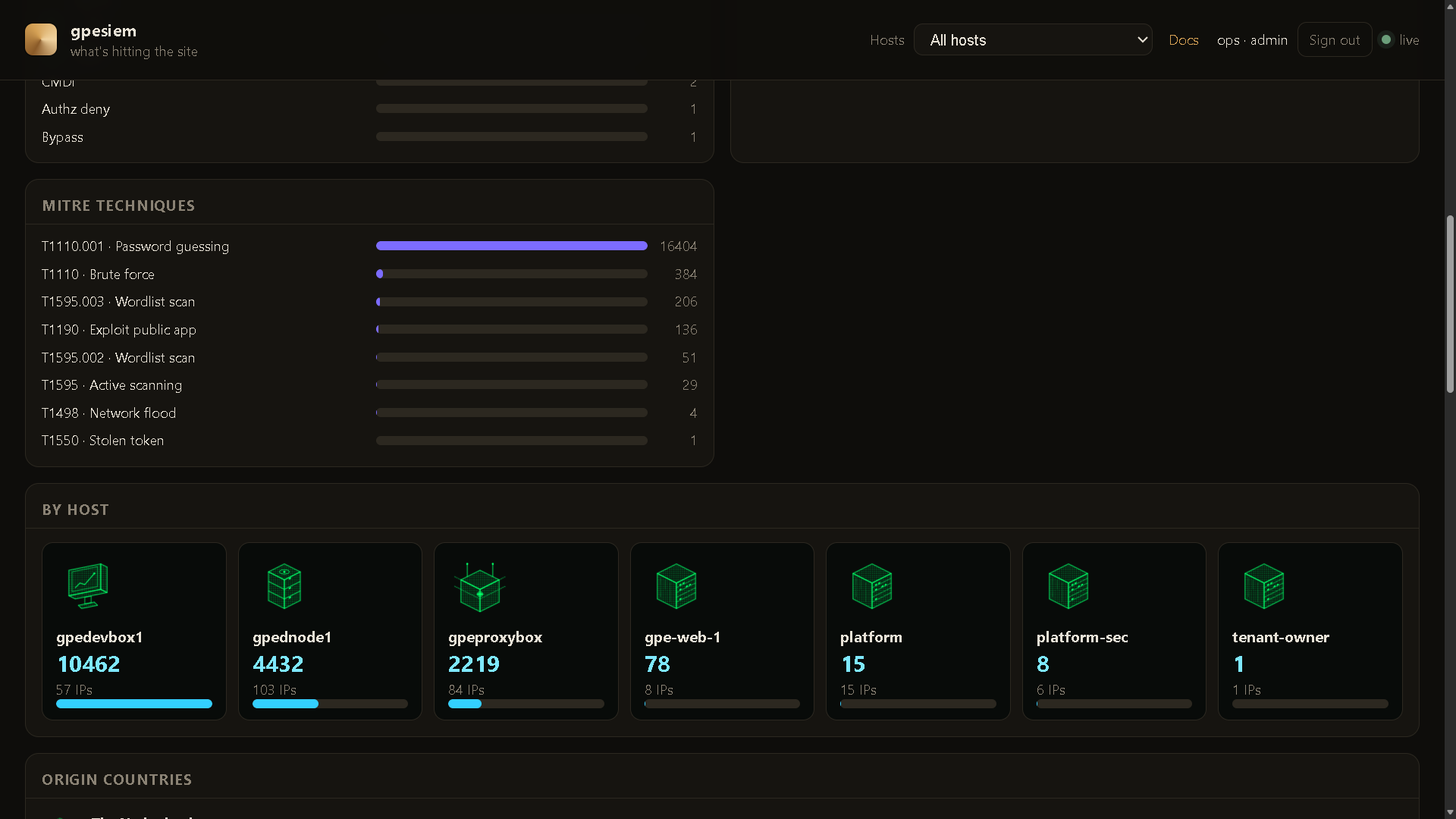
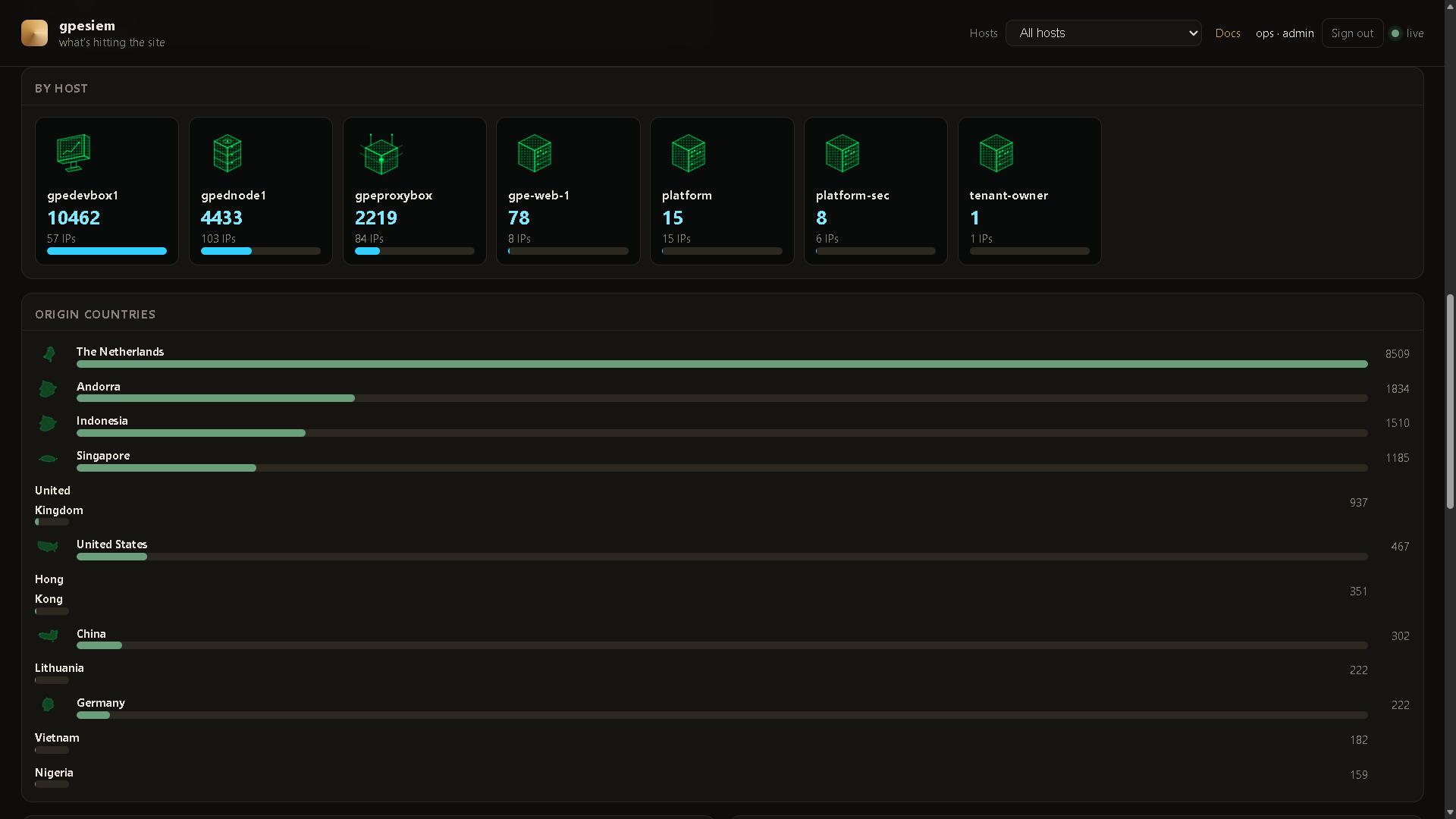
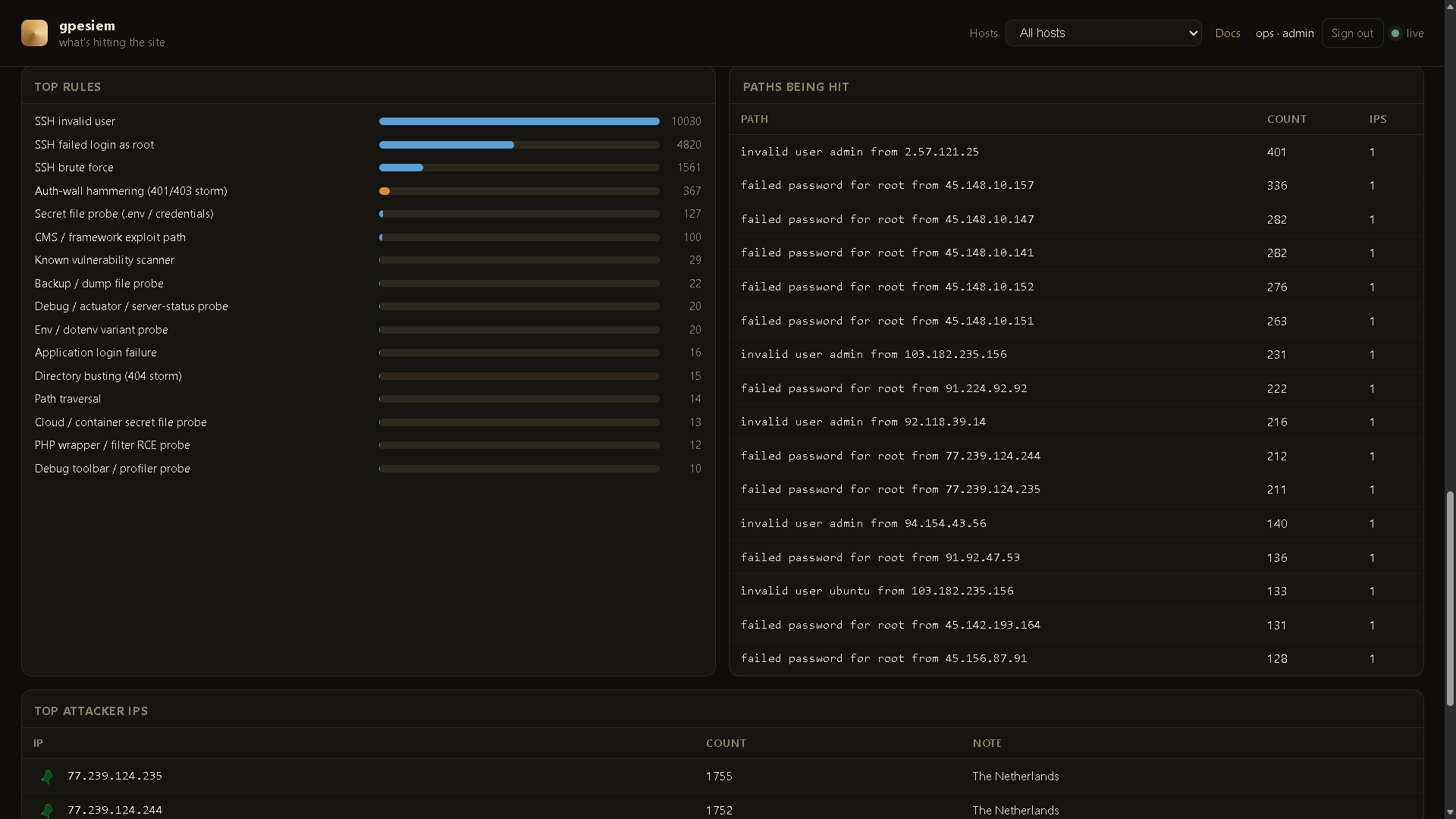
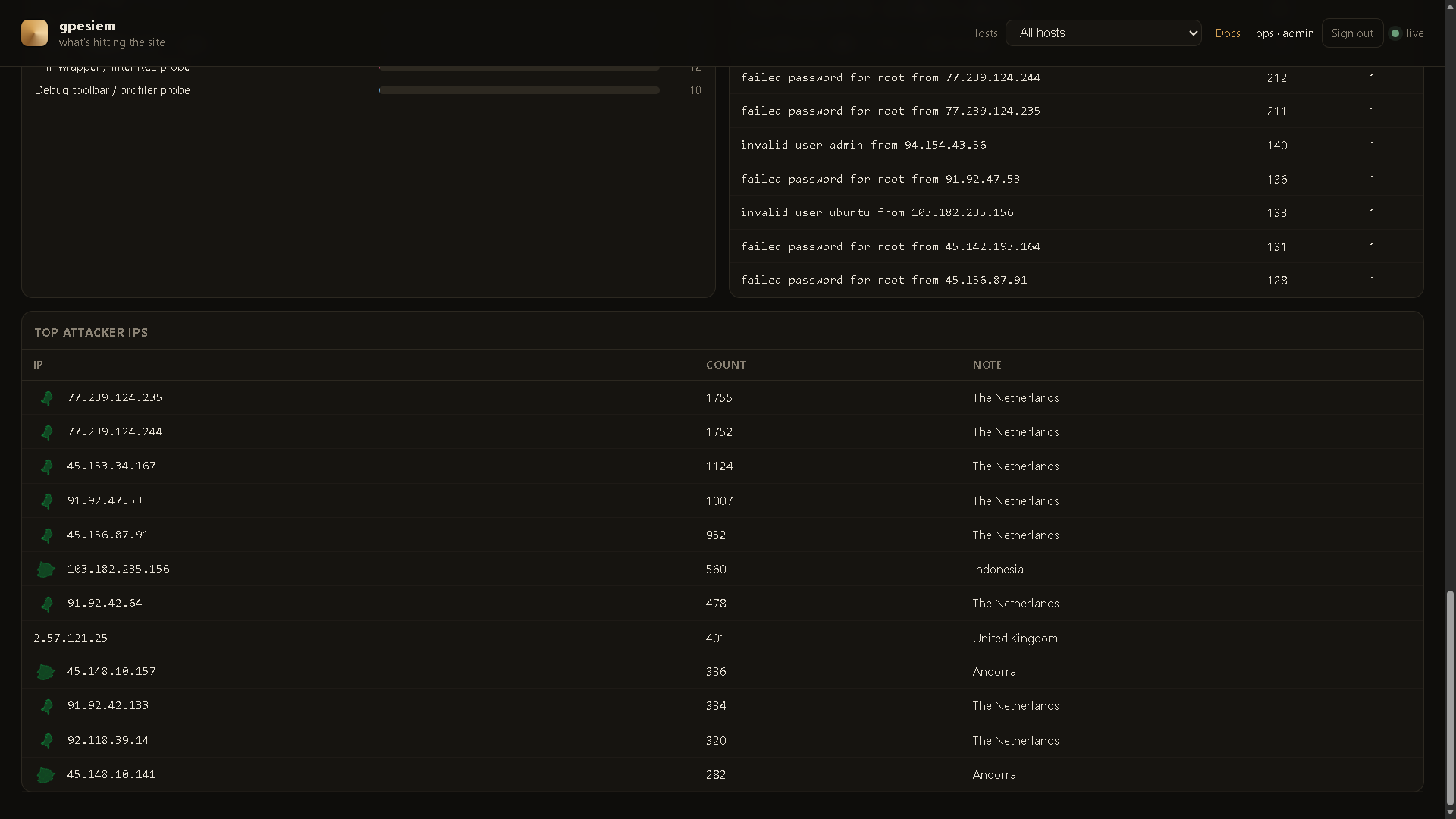
Live dashboard from a real operator box. Your names and pins will be whatever you configure.
A shot fires only when an alert happens — attacker country to the host that was hit — then it goes away. Hosts stay on the plate. The feed is the same events, numbered.
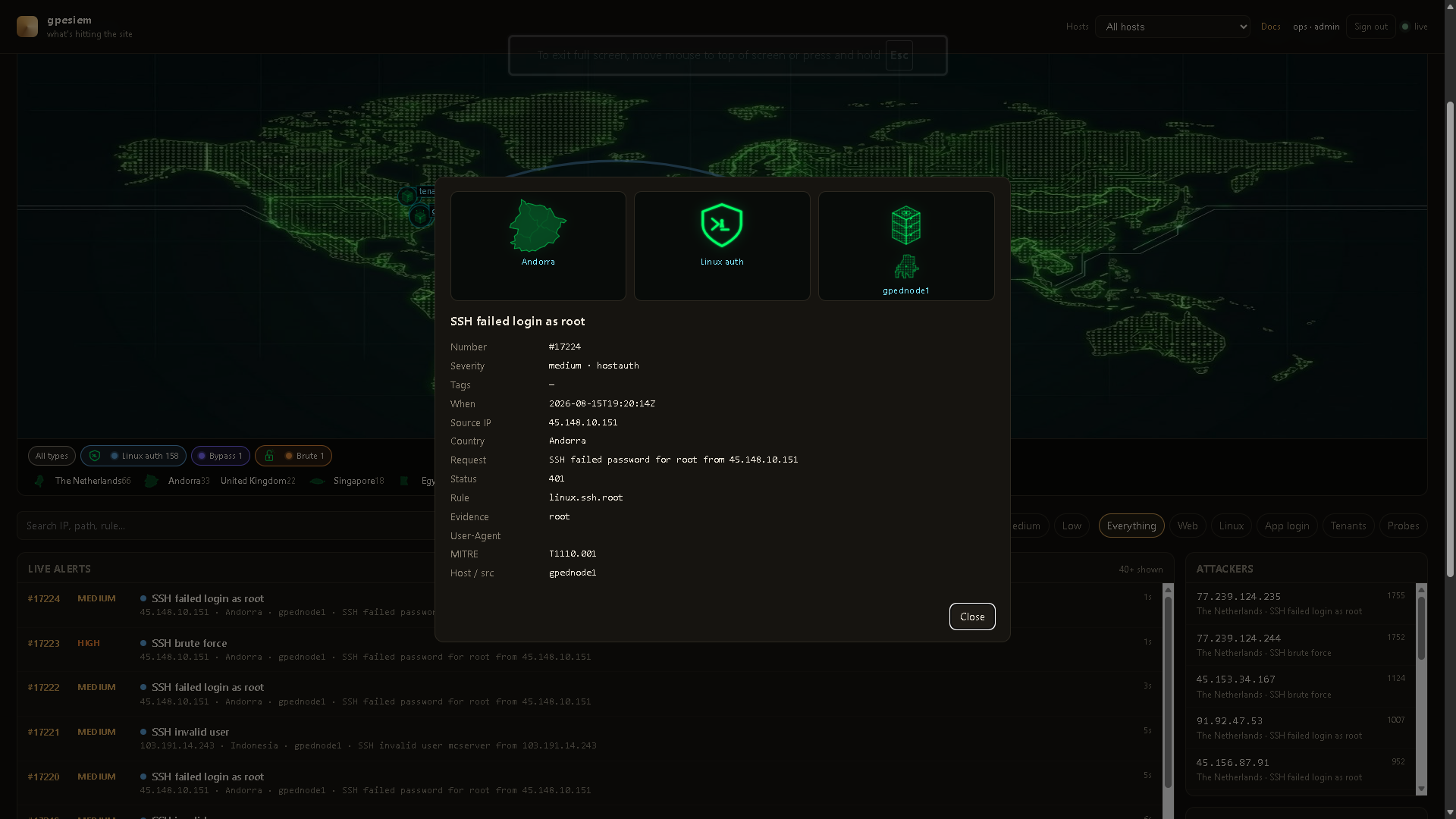
Click a row. Country plate, attack-type mark, and the server that was hit, plus the usual fields (rule, MITRE, evidence). No standing tracks.
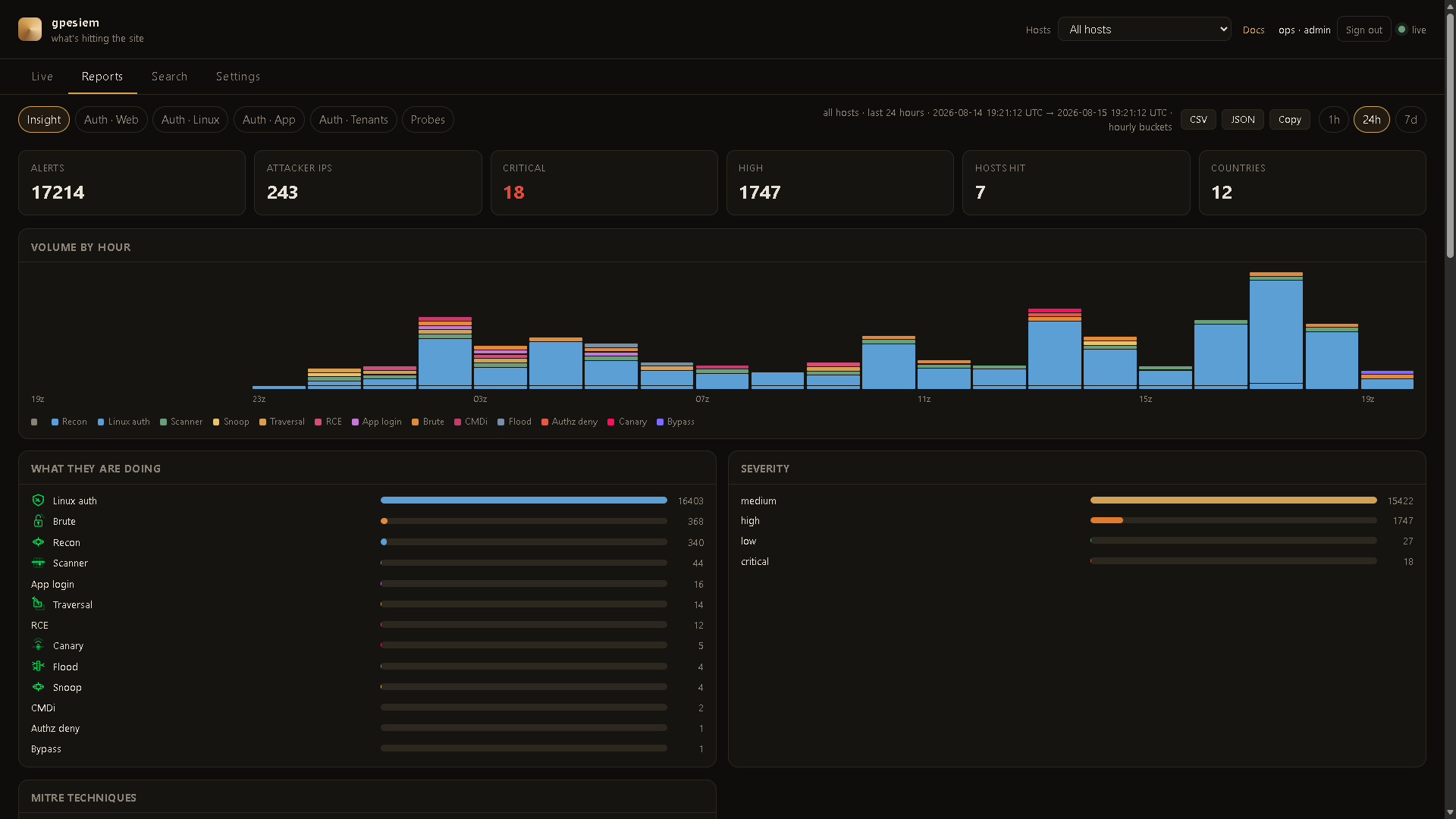
Reports → Insight. Same alerts, broken down. 1h / 24h / 7d is a real clock. Click a bar or host card to Search. CSV / JSON / Copy export that window (session cookie, no ingest token in the file).
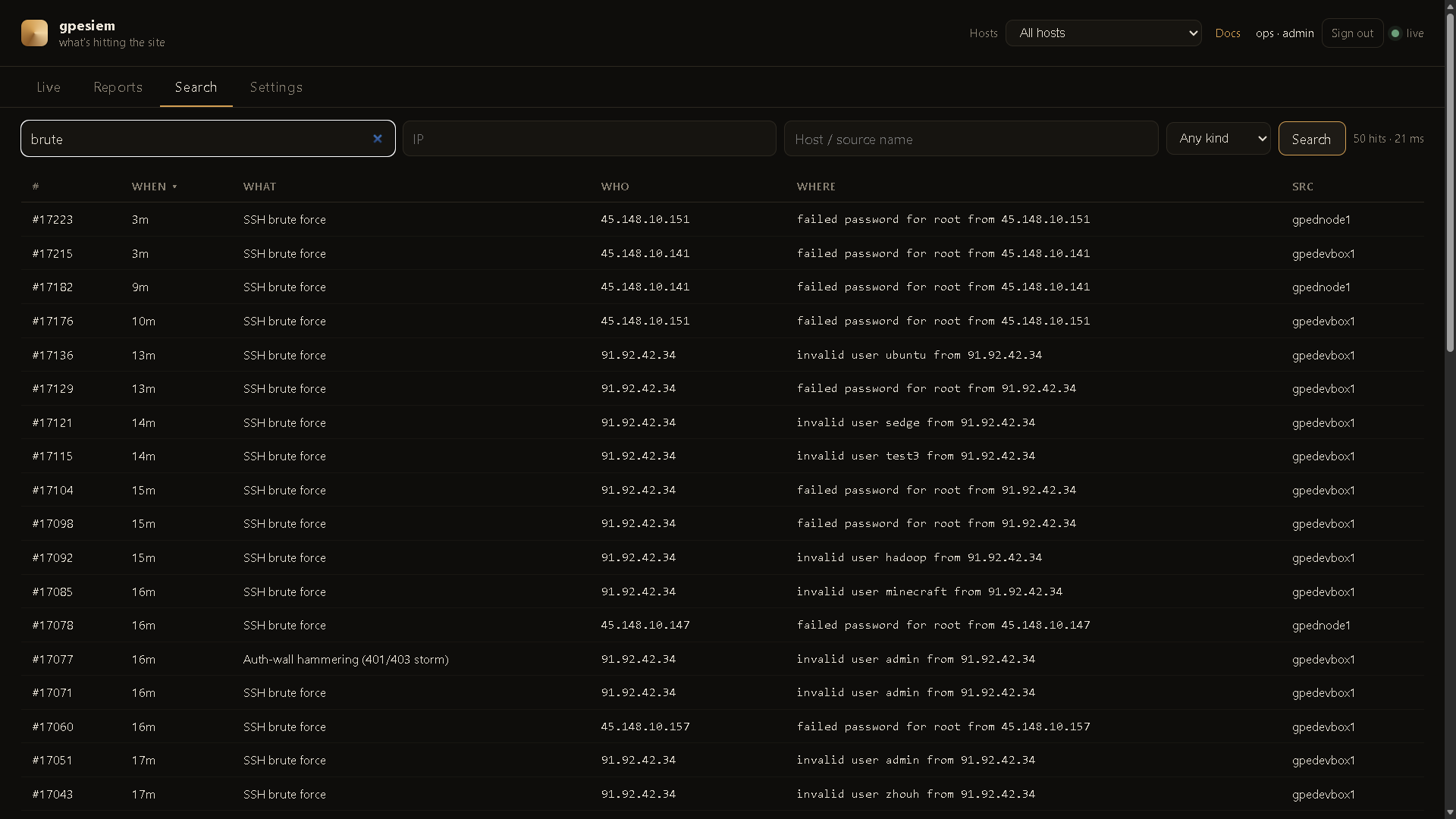
FTS5 on the manager. Keyword, IP, host, kind. Newest first (click When to flip). No Elasticsearch.
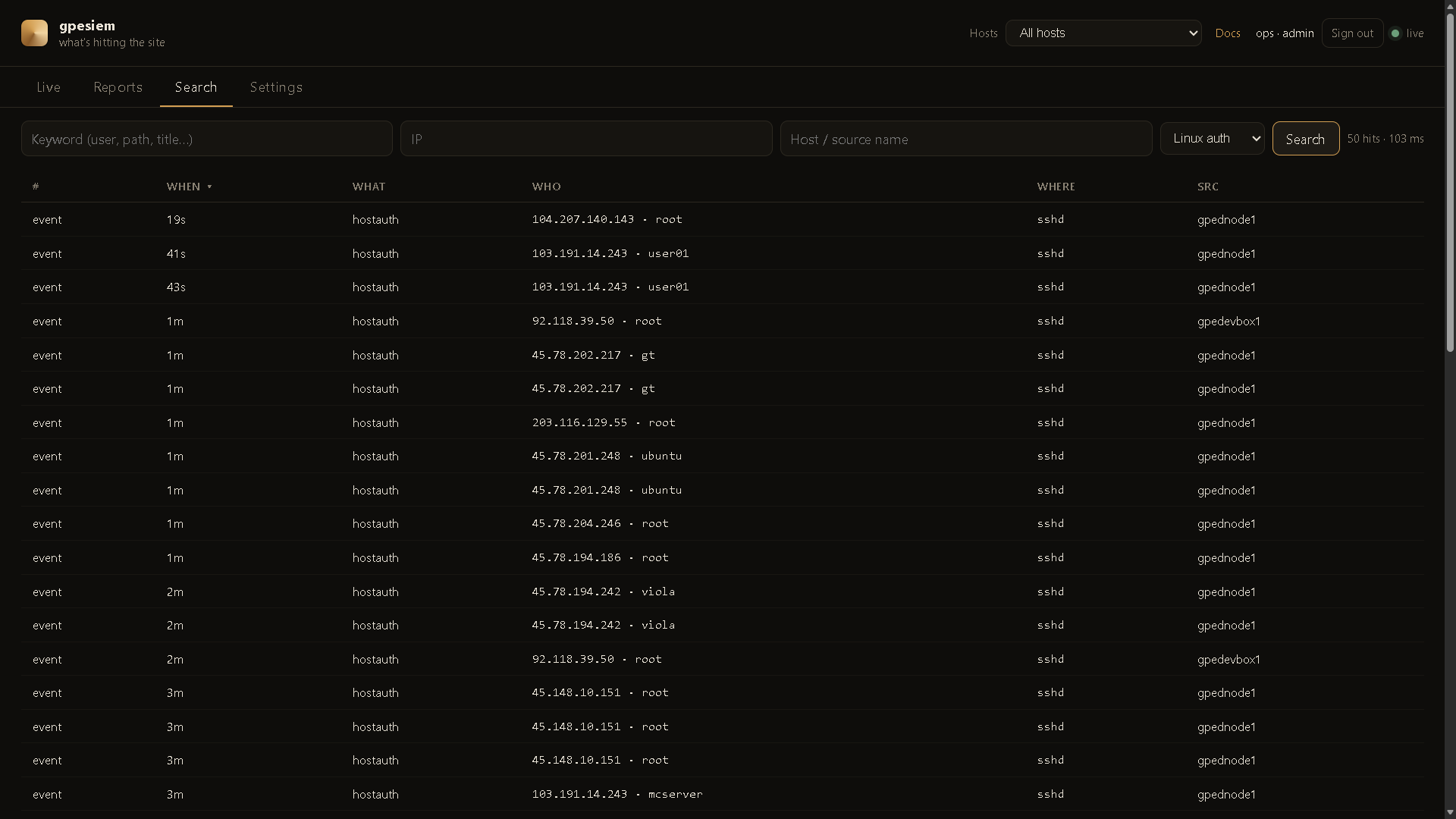
Status is on demand. Click Check now (or Check all paired hosts) when you want load, memory, and disk. The manager answers immediately. A paired sensor answers on its next command poll (a few seconds). Charts are the snapshots you asked for — nothing is scraped in the background. Pairing is the same flow as block (DocHub 20 / 21).
| You have | Install |
|---|---|
| A laptop and curiosity | gpewebdefender demo — fake attacks, not your site |
| One Linux box that already writes an access log | All-in-one — manager tails that log. No agent. |
| A small extra box + one or more web servers | Split — manager on the extra box, one agent per web (or SSH) host |
Do not open port 8787 to the internet. Default listen is 127.0.0.1:8787. Use an SSH tunnel until you put HTTPS + a login in front.
go build -o gpewebdefender.exe .\cmd\gpewebdefender
gpewebdefender.exe demo
Linux:
go build -o gpewebdefender ./cmd/gpewebdefender
./gpewebdefender demo
Open http://127.0.0.1:8787
Those map shots are invented. See DocHub 04 before you treat a dashboard as reality.
From this repo, as root. Build a Linux binary first if you are on Windows:
$env:GOOS="linux"; $env:GOARCH="amd64"; $env:CGO_ENABLED="0"
go build -o gpewebdefender-linux-amd64 .\cmd\gpewebdefender
All-in-one (this box has the access log):
chmod +x deploy/install-manager.sh deploy/install-agent.sh
sudo ./deploy/install-manager.sh --all-in-one \
  --tail /var/log/nginx/access.log \
  --journal \
  --home 40.7,-74.0
Split (monitor first, then each web box):
# on the monitor
sudo ./deploy/install-manager.sh --home 40.7,-74.0

# on a web / SSH box
scp root@MONITOR:/usr/local/bin/gpewebdefender /usr/local/bin/gpewebdefender
scp root@MONITOR:/etc/gpewebdefender/env /etc/gpewebdefender/env
sudo ./deploy/install-agent.sh \
  --url http://MONITOR:8787 \
  --name web-1 \
  --tail /var/log/nginx/access.log \
  --journal
Replace MONITOR, web-1, and the log path with your values.
Optional later — that host can take block orders: Settings → Paired hosts → phrase + code, then add --code ABCD-2341 --block fail2ban to install-agent.sh. DocHub 20.
Then from your laptop:
ssh -L 8787:127.0.0.1:8787 user@THEBOX
Open http://127.0.0.1:8787/login and create the first admin (a person). That is not the ingest token.
/usr/local/bin/gpewebdefender and chmod +x.useradd --system --home /var/lib/gpewebdefender --shell /usr/sbin/nologin gpewebdefenderrules/ and dochub/ into /var/lib/gpewebdefender/.deploy/env.example to /etc/gpewebdefender/env. Put a long random GWD_TOKEN. Mode 640.deploy/gpewebdefender.service.example to systemd. Edit home / tail if needed.systemctl daemon-reload && systemctl enable --now gpewebdefenderdeploy/gpewebdefender-agent.service.example with the same token, a stable --name, and --tail / --journal.Examples live in deploy/.
