 thebeanogamer/hstsparser
Ein Tool zum Parsen von Firefox- und Chrome-HSTS-Datenbanken in forensische Artefakte!






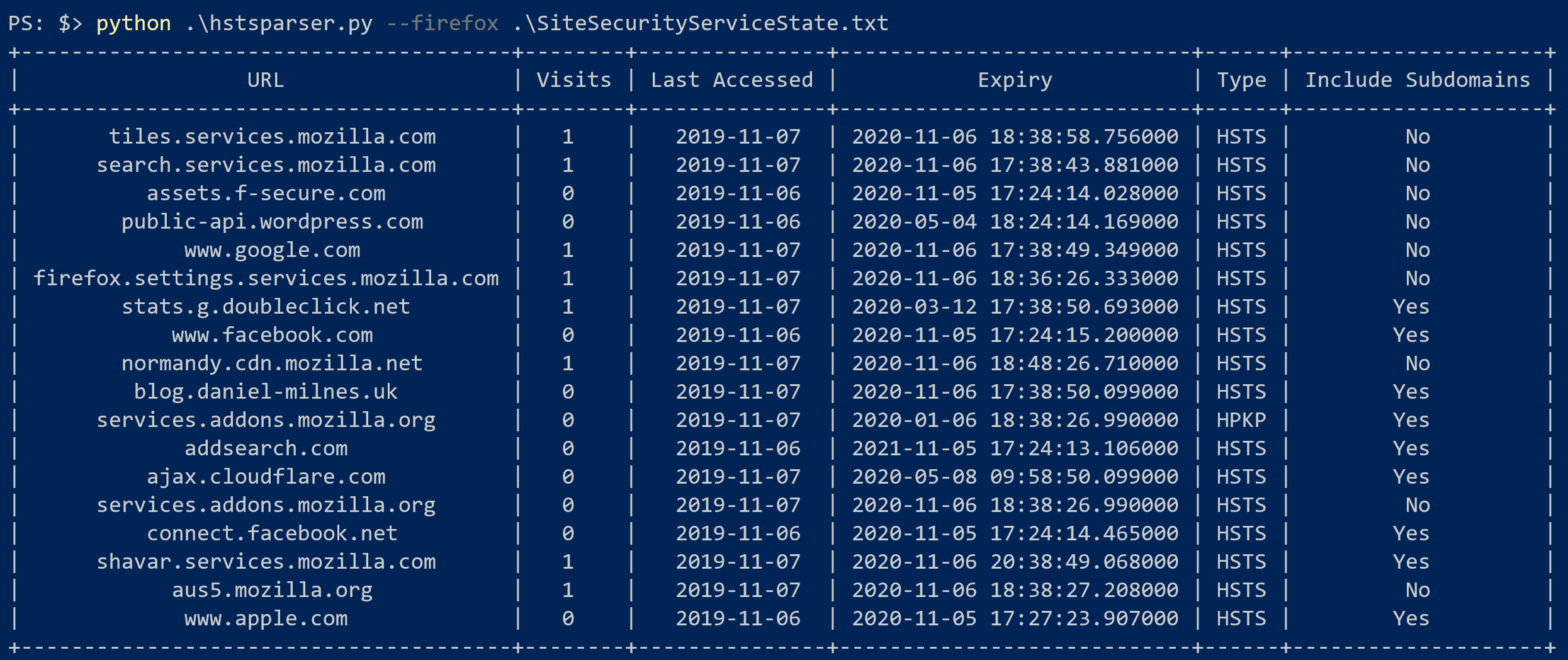
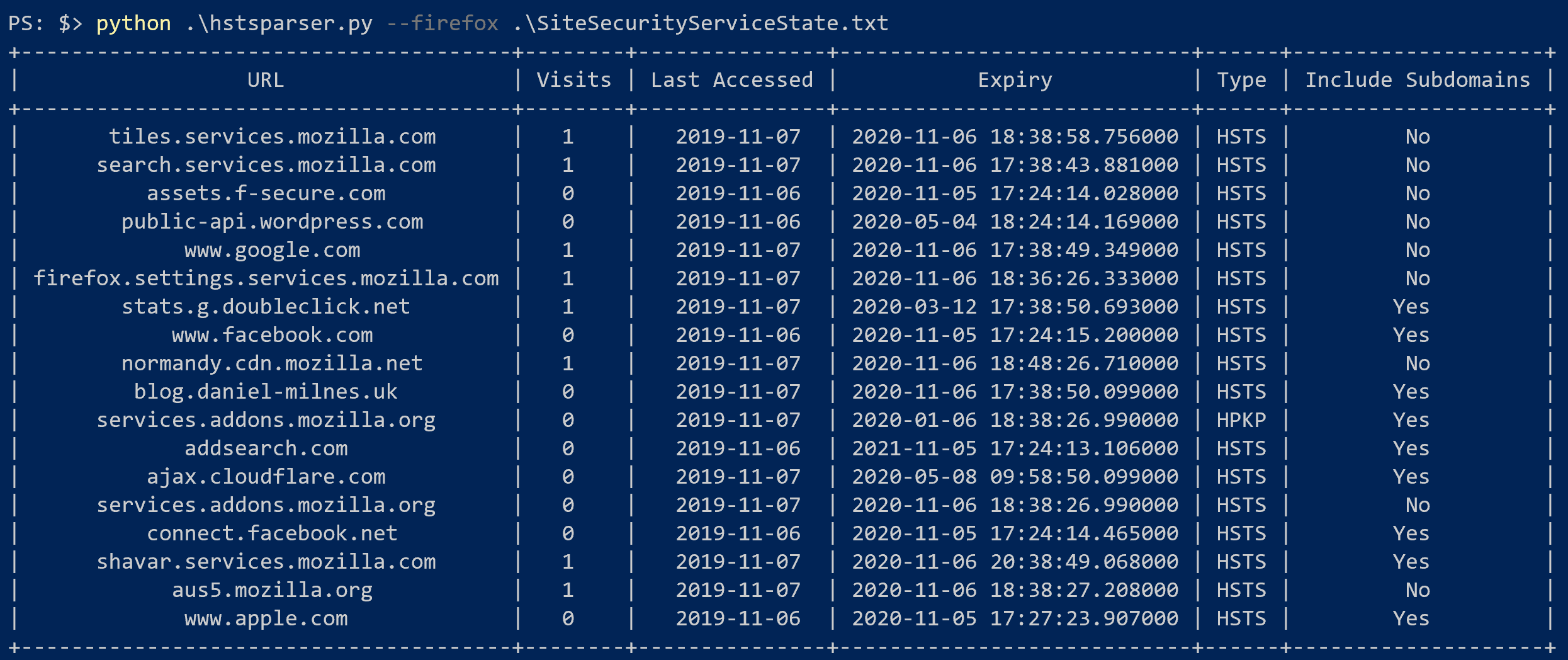
HSTS Parser ist ein einfaches Tool, um Firefox- und Chrome-HSTS-Datenbanken in wirklich hilfreiche forensische Artefakte zu parsen! Mehr über die Forschung hinter diesem Tool und mögliche Anwendungen erfahren Sie in meinem Blog!
HSTS Parser kann über pip oder als native ausführbare Datei installiert werden.
Wenn Sie bereits Python installiert haben, können Sie HSTS Parser mit pip installieren.
pip install hstsparser

HSTS Parser ist für Fedora 38+ verfügbar.
dnf install hstsparser
Windows-Binärdateien werden von GitHub Actions CI für jede Veröffentlichung von HSTS Parser bereitgestellt. Sie können diese auf der Releases-Seite herunterladen.
Die gesamte folgende Dokumentation bezieht sich auf die Python-Version und nicht auf die eigenständige ausführbare Datei, aber die Befehle sind identisch.
$ hstsparser -h
usage: hstsparser [-h] [-w WORDLIST] [--csv CSV] (--firefox | --chrome) FILE

Process HSTS databases

positional arguments:
  FILE         The path to the database to be processed

optional arguments:
  -h, --help   show this help message and exit
  -w WORDLIST  The path to a file containing a wordlist for bruteforcing hashes
  --csv CSV    Output to a CSV file
  --firefox    Process a Firefox database
  --chrome     Process a Chrome database
hstsparser --firefox SiteSecurityServiceState.txt
hstsparser --chrome TransportSecurity
hstsparser -w wordlist.txt --chrome TransportSecurity