 sauravrao637/oproxy
Open-Source-MITM-Proxy zum Abfangen, Untersuchen und Simulieren von Netzwerkverkehr.

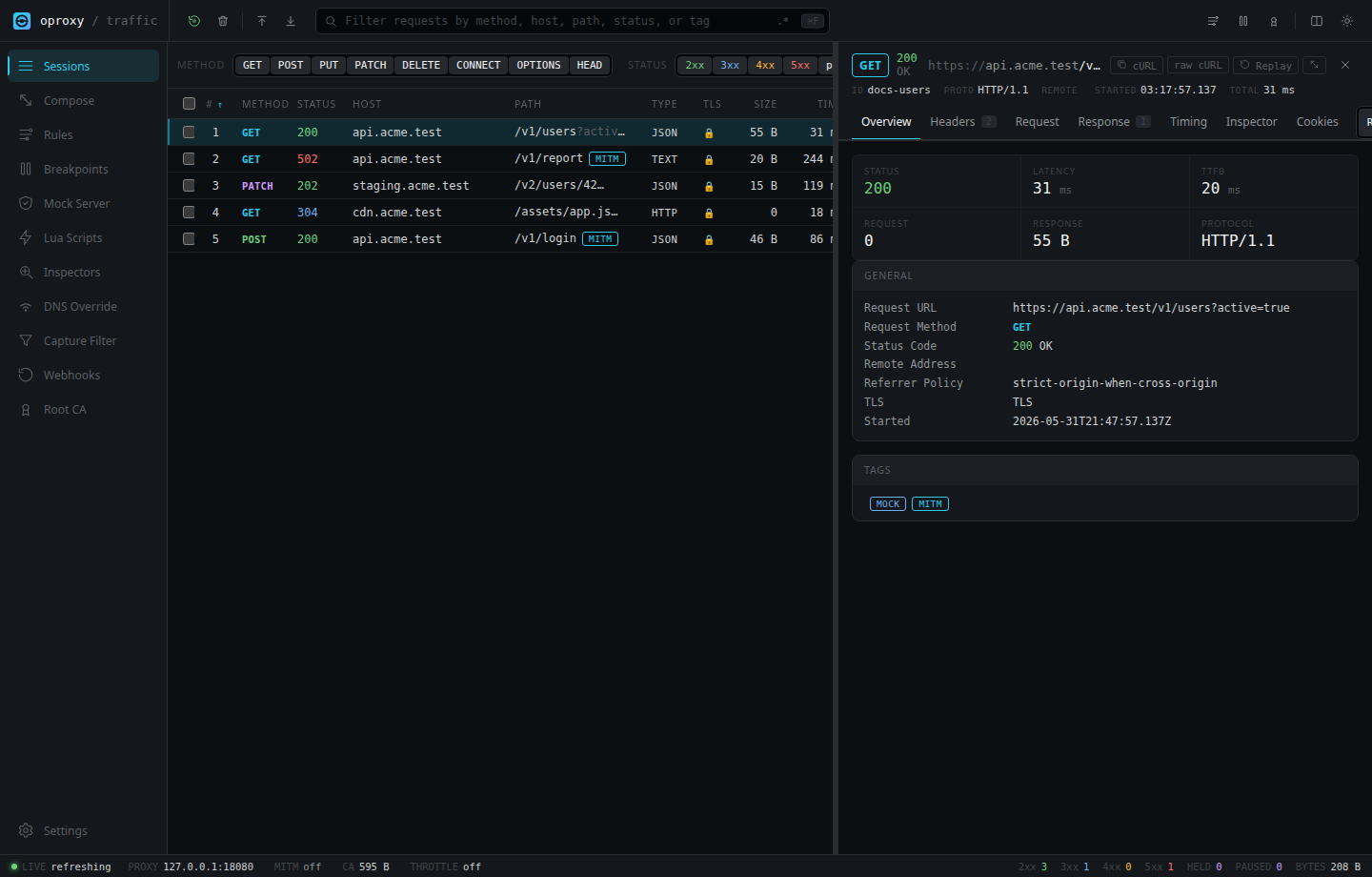
oproxy ist ein lokaler HTTP-, HTTPS-, HTTP/3-, WebSocket- und SOCKS5-Proxy zum Inspizieren, Wiederholen und Modifizieren von Datenverkehr aus Browsern, CLIs, mobilen Apps, API-Clients, Diensten und Test-Suites.
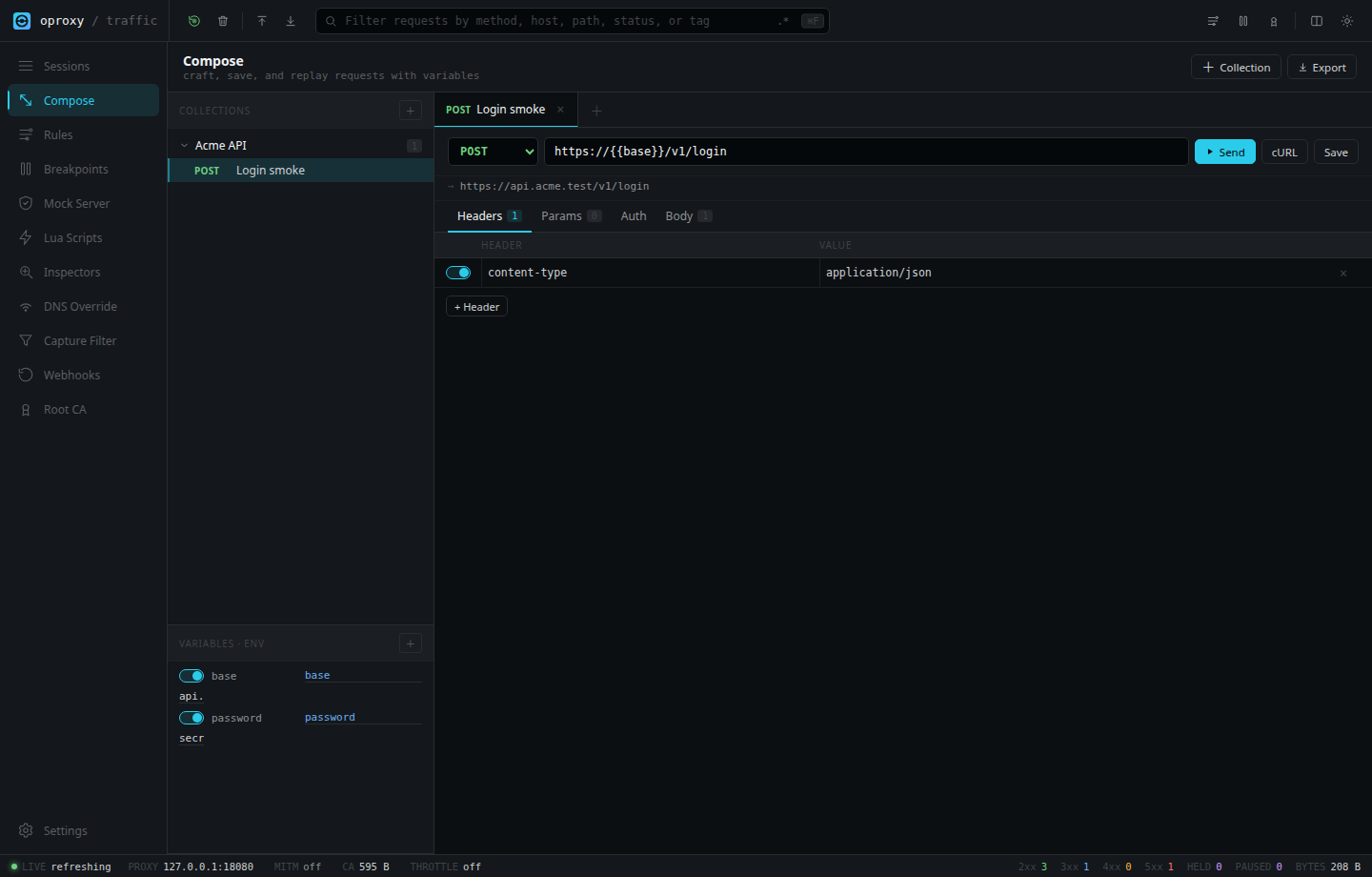
Er betreibt eine Web-UI, eine API und einen optionalen KI-Assistenten auf demselben lokalen Listener, sodass du Datenverkehr erfassen, Anfragen und Antworten inspizieren, Anfragen wiederholen, Upstreams mocken, Datenverkehr umschreiben, Antworten drosseln und reproduzierbare Snippets exportieren kannst, ohne den Anwendungscode zu ändern.
Der Assistant ist ein OpenAI-kompatibler Control-Plane-Client: Er kann den aktuellen Proxy-Zustand über allowlistete Tools inspizieren und Datenverkehrs-/Konfigurationsänderungen als überprüfbare Bestätigungskarten vorbereiten.
Sicherheitshinweis: HTTPS-Interception erfordert das Vertrauen in eine lokale oproxy-Root-CA. Installiere diese CA nur auf Maschinen und Browsern, die du kontrollierst, bewahre den generierten privaten Schlüssel sicher auf und stelle die Admin-UI nicht ohne ein starkes Token öffentlich bereit.
docker run --rm \
  --name oproxy \
  -p 127.0.0.1:8080:8080 \
  -p 127.0.0.1:1080:1080 \
  -p 127.0.0.1:8443:8443/udp \
  -e OPROXY_BIND_HOST=0.0.0.0 \
  -e OPROXY_MITM_ENABLED=true \
  -e OPROXY_HTTP3_ENABLED=true \
  -e OPROXY_HTTP3_PORT=8443 \
  -e OPROXY_ALLOW_REMOTE_ADMIN=true \
  -e OPROXY_ADMIN_TOKEN=change-me-to-a-strong-secret \
  -v oproxy-certs:/app/certs \
  -v oproxy-storage:/app/storage \
  ghcr.io/sauravrao637/oproxy:latest
Öffne http://127.0.0.1:8080 und melde dich mit dem Token an.
Docker-Bridge-Netzwerk benötigt OPROXY_BIND_HOST=0.0.0.0. Der obige Befehl veröffentlicht Ports weiterhin nur auf dem Host-Loopback. Ändere OPROXY_ADMIN_TOKEN vor dem echten Einsatz.
docker compose up --build
Die eingecheckte Compose-Datei aktiviert MITM, HTTP/3 auf UDP 8443, persistente Zertifikate/Status und einen Healthcheck.
Voraussetzungen: Rust 1.85+, Node.js 22+ und Yarn über Corepack.
corepack enable
yarn --cwd src/design install --frozen-lockfile
yarn --cwd src/design build
cargo run --release
Öffne http://127.0.0.1:8080.
curl -x http://127.0.0.1:8080 http://example.com
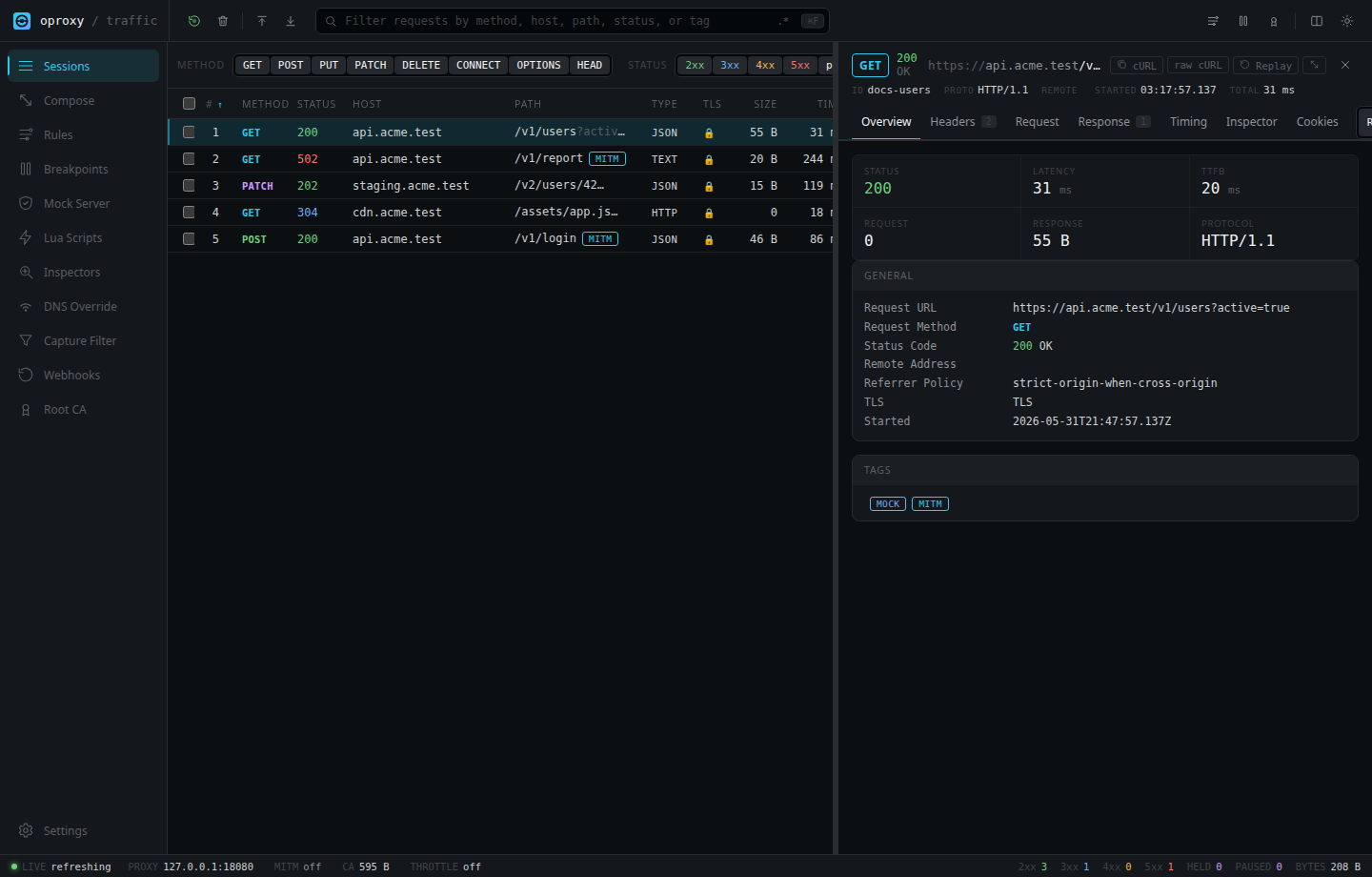
Die Anfrage erscheint in der Sessions-Ansicht.
Für HTTPS:
curl http://127.0.0.1:8080/admin/ca -o oproxy-ca.crt
curl --cacert oproxy-ca.crt -x http://127.0.0.1:8080 https://example.com
Für HTTPS-Erfassung im Browser konfiguriere den Browser oder das Betriebssystem so, dass 127.0.0.1:8080 als HTTP- und HTTPS-Proxy verwendet wird, und importiere dann die CA von http://127.0.0.1:8080/admin/ca.
oproxy ist unter der MIT-Lizenz lizenziert.
