 razvandimescu/numa
Portable DNS resolver in Rust — .numa local domains, ad blocking, developer overrides




DNS you own. Everywhere you go. — numa.rs
A portable DNS resolver in a single binary. Block ads on any network, name your local services (frontend.numa), override any hostname with auto-revert, and seal every outbound query with ODoH (RFC 9230) so no single party sees both who you are and what you asked — all from your laptop, no cloud account or Raspberry Pi required.
Built from scratch in Rust. Zero DNS libraries. Caching, ad blocking, and local service domains out of the box. Optional recursive resolution from root nameservers with full DNSSEC chain-of-trust validation, plus a DNS-over-TLS listener for encrypted client connections (iOS Private DNS, systemd-resolved, etc.). Run numa relay and the same binary becomes a public ODoH endpoint too — the curated DNSCrypt list currently has one surviving relay, so every Numa deploy materially expands the ecosystem. One ~8MB binary, everything embedded. The wire-protocol parser was written by hand as a learning project; later features (recursive resolver, DNSSEC, dashboard) were built with AI assistance.
Three ways in, from least to most commitment. Only the third changes your system DNS.
docker run -d --name numa -p 127.0.0.1:5553:53/udp -p 127.0.0.1:5553:53/tcp \
  -p 127.0.0.1:5380:5380 ghcr.io/razvandimescu/numa
dig @127.0.0.1 -p 5553 example.com
docker exec numa numa token            # dashboard password
Open http://localhost:5380 and log in with any username and that token. Port 5553 sidesteps whatever already holds 53 on the host. numa.numa won't resolve here, because the host isn't using Numa for DNS. Clean up with docker rm -f numa.
Install the binary:
# macOS
brew install razvandimescu/tap/numa

# Linux
curl -fsSL https://raw.githubusercontent.com/razvandimescu/numa/main/install.sh | sh

# Arch Linux
pacman -S numa

# Windows — download from GitHub Releases
# All platforms
cargo install numa

# Nix
nix profile install github:razvandimescu/numa
sudo numa # Ctrl-C to stop (port 53 requires root/admin)
Numa listens on port 53, but your system keeps its current resolver until you run numa install, so test with dig @127.0.0.1 example.com. The dashboard is at http://localhost:5380. If port 53 is taken (systemd-resolved on Ubuntu/Mint), set bind_addr in numa.toml or use Docker.
| Platform | Install | Upgrade | Uninstall |
|---|---|---|---|
| macOS | sudo numa install | update the binary, then sudo numa install | sudo numa uninstall |
| Linux | sudo numa install | update the binary, then sudo "$(command -v numa)" install | sudo numa uninstall |
| Windows | numa install (admin) + reboot | run the new numa.exe install (admin) | numa uninstall (admin) + reboot |
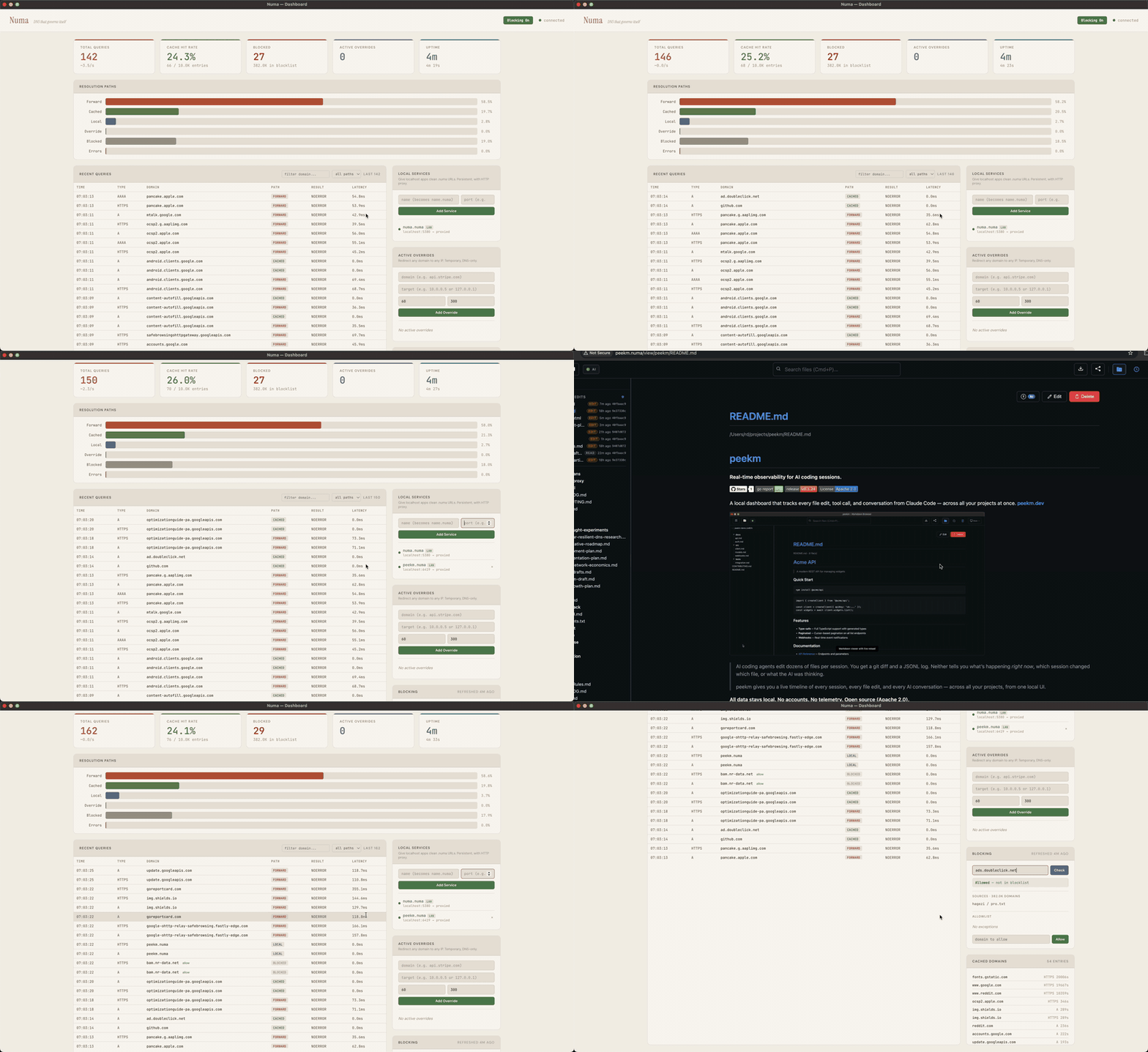
install registers a service, points system DNS at Numa and trusts its local CA. uninstall reverses all three. Once installed, the dashboard is also at http://numa.numa.
Update the binary the way you installed it (brew upgrade, cargo install numa, rerun install.sh). Re-running install restarts the service on the new binary and keeps the token and CA. On Linux, sudo searches its own secure_path and skips ~/.cargo/bin, ~/.nix-profile/bin and Linuxbrew, and an earlier install may have left a copy in /usr/local/bin, so call numa by its full path: sudo "$(command -v numa)".
On macOS and Linux, numa runs as a system service (launchd/systemd). The systemd unit is unprivileged (DynamicUser=yes, only CAP_NET_BIND_SERVICE); the launchd daemon runs as root. numa install reconfigures systemd-resolved through a drop-in that numa uninstall removes; any other process holding port 53 (dnsmasq, including NetworkManager's) has to be stopped by hand. On Windows, numa runs as a Windows service that starts at boot. Windows also binds 127.0.0.2:53 (the built-in Dnscache owns 127.0.0.1:53) and installs an NRPT rule to route queries to it — so edit bind_addr/api_bind_addr against 127.0.0.2, not 127.0.0.1.
Over loopback (localhost, 127.0.0.1, numa.numa) no login is needed. Anything else, including Docker port mapping or this machine's LAN address, is asked for the API token, which Numa generates on first start. Print it with sudo numa token (an administrator shell on Windows) and log in with any username. Pin your own with [server] api_token or NUMA_API_TOKEN.
uninstall restores DNS but keeps the data directory, so a reinstall keeps the same token and CA. To remove everything, uninstall first, then delete:
| Platform | Left behind |
|---|---|
| macOS | the binary, /usr/local/var/numa, /usr/local/var/log/numa.log |
| Linux | the binary (/usr/local/bin/numa from install.sh), /var/lib/numa |
| Windows | the binary, %PROGRAMDATA%\numa |
Package-manager installs remove the binary with brew uninstall, pacman -R or cargo uninstall. On Linux, numa install copies a binary it can't run from its original location (e.g. ~/.cargo/bin) to /usr/local/bin/numa, and uninstall leaves that copy.
Also delete ~/.config/numa if you created a user config, and the [server] data_dir path if you set one.
Name your dev services instead of remembering port numbers:
curl -X POST localhost:5380/services \
  -d '{"name":"frontend","target_port":5173}'
Now https://frontend.numa works in your browser — green lock, valid cert, WebSocket passthrough for HMR. No mkcert, no nginx, no /etc/hosts.
Add path-based routing (app.numa/api → :5001), share services across machines via LAN discovery, or configure everything in numa.toml.
Ad and tracker blocking via Hagezi Pro, refreshed daily. Works on any network — coffee shops, hotels, airports. Travels with your laptop.
Three resolution modes:
forward (default) — transparent proxy to your existing system DNS. Everything works as before, just with caching and ad blocking on top. Captive portals, VPNs, corporate DNS — all respected.recursive — resolve directly from root nameservers. No upstream dependency, no single entity sees your full query pattern. Add [dnssec] enabled = true for full chain-of-trust validation.auto — probe root servers on startup, recursive if reachable, otherwise forward over DoH to Quad9 (https://9.9.9.9/dns-query), which then sees your queries. Use forward with your own [upstream] to pick a different provider.DNSSEC validates the full chain of trust: RRSIG signatures, DNSKEY verification, DS delegation, NSEC/NSEC3 denial proofs. Read how it works →
DNS-over-TLS listener (RFC 7858) — accept encrypted queries on port 853 from strict clients like iOS Private DNS, systemd-resolved, or stubby. Two modes:
