 r57-labs/chaos
Origin-IP-Scan-Dienstprogramm entwickelt mit ChatGPT

chaos ist ein 'Origin'-IP-Scanner, der von RST in Zusammenarbeit mit ChatGPT entwickelt wurde. Es ist ein Nischenwerkzeug, das sich hauptsächlich an Penetrationstester und Bug Hunter richtet.
Eine Origin-IP ist ein Fachbegriff, der die letzte öffentliche IP-Zieladresse für Websites beschreibt, die öffentlich über Drittanbieter bereitgestellt werden. Wenn Sie mehr darüber erfahren möchten, warum jemand an Origin-IPs interessiert sein könnte, lesen Sie bitte unseren Blogbeitrag.
chaos wurde in weniger als 24 Stunden von der Idee zum funktionsfähigen Proof-of-Concept mit unseren Prinzipien von DevOps mit ChatGPT schnell prototypisiert.
usage: chaos.py [-h] -f FQDN -i IP [-a AGENT] [-C] [-D] [-j JITTER] [-o OUTPUT] [-p PORTS] [-P] [-r] [-s SLEEP] [-t TIMEOUT] [-T] [-v] [-x]
         _..._
     .-'`     `'-.
   __|___________|__
   \               /
    `._  CHAOS _.'
       `-------`
         /   \\
        /     \\
       /       \\
      /         \\
     /           \\
    /             \\
   /               \\
  /                 \\
 /                   \\
/_____________________\\
CHAtgpt Origin-ip Scanner
 _______ _______ _______ _______ _______
|\\     /|\\     /|\\     /|\\     /|\\/|
| +---+ | +---+ | +---+ | +---+ | +---+ |
| |H  | | |U  | | |M  | | |A  | | |N  | |
| |U  | | |S  | | |A  | | |N  | | |C  | |
| |M  | | |E  | | |N  | | |C  | | |O  | |
| |A  | | |R  | | |C  | | |   | | |L  | |
| +---+ | +---+ | +---+ | +---+ | +---+ |
|/_____|\\_____|\\_____|\\_____|\\_____\\

 Origin IP Scanner developed with ChatGPT
 cha*os (n): complete disorder and confusion
 (ver: 0.9.4)
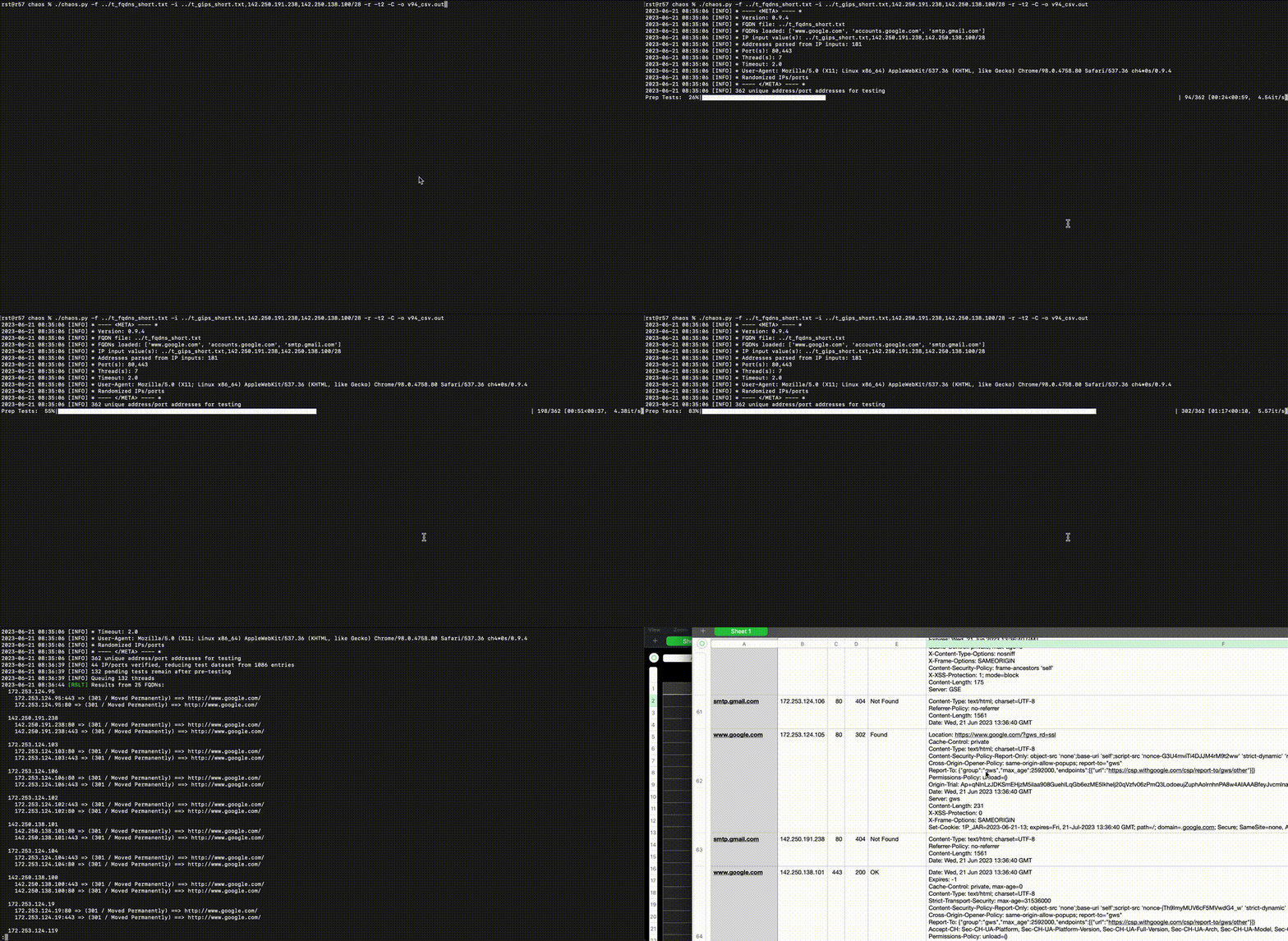
cd path/to/chaospip3 install -U pip setuptools virtualenvvirtualenv envsource env/bin/activate(env) pip3 install -U -r ./requirements.txt(env) ./chaos.py -h-h, --help show this help message and exit
-f FQDN, --fqdn FQDN Path to FQDN file (one FQDN per line)
-i IP, --ip IP IP address(es) for HTTP requests (Comma-separated IPs, IP networks, and/or files with IP/network per line)
-a AGENT, --agent AGENT
User-Agent header value for requests
-C, --csv Append CSV output to OUTPUT_FILE.csv
-D, --dns Perform fwd/rev DNS lookups on FQDN/IP values prior to request; no impact to testing queue
-j JITTER, --jitter JITTER
Add a 0-N second randomized delay to the sleep value
-o OUTPUT, --output OUTPUT
Append console output to FILE
-p PORTS, --ports PORTS
Comma-separated list of TCP ports to use (default: "80,443")
-P, --no-prep Do not pre-scan each IP/port with `GET /` using `Host: {IP:Port}` header to eliminate unresponsive hosts
-r, --randomize Randomize(ish) the order IPs/ports are tested
-s SLEEP, --sleep SLEEP
Add N seconds before thread completes
-t TIMEOUT, --timeout TIMEOUT
Wait N seconds for an unresponsive host
-T, --test Test-mode; don't send requests
-v, --verbose Enable verbose output
-x, --singlethread Single threaded execution; for 1-2 core systems; default threads=(cores-1) if cores>2
Python-HTTP-Server starten
% python3 -u -m http.server 8001
Serving HTTP on :: port 8001 (http://[::]:8001/) ...
ncat als HTTP auf einem Port starten, der als SSL erkannt wird; Schleife verwenden, da --keep-open hängen bleiben kann
% while true; do ncat -lvp 8443 -c 'printf "HTTP/1.0 204 Plaintext OK\n\n<html></html>\n"'; done
Ncat: Version 7.94 ( https://nmap.org/ncat )
Ncat: Listening on [::]:8443
Ncat: Listening on 0.0.0.0:8443
Starten Sie ncat auch als SSL auf einem Port, der standardmäßig auf HTTP-Erkennung eingestellt ist
% while true; do ncat --ssl -lvp 8444 -c 'printf "HTTP/1.0 202 OK\n\n<html></html>\n"'; done
Ncat: Version 7.94 ( https://nmap.org/ncat )
Ncat: Generating a temporary 2048-bit RSA key. Use --ssl-key and --ssl-cert to use a permanent one.
Ncat: SHA-1 fingerprint: 0208 1991 FA0D 65F0 608A 9DAB A793 78CB A6EC 27B8
Ncat: Listening on [::]:8444
Ncat: Listening on 0.0.0.0:8444
Bereiten Sie eine FQDN-Datei vor:
% cat ../test_localhost_fqdn.txt
www.example.com
localhost.example.com
localhost.local
localhost
notreally.arealdomain
Bereiten Sie eine IP-Datei / Liste vor:
% cat ../test_localhost_ips.txt
127.0.0.1
127.0.0.0/29
not_an_ip_addr
-6.a
=4.2
::1
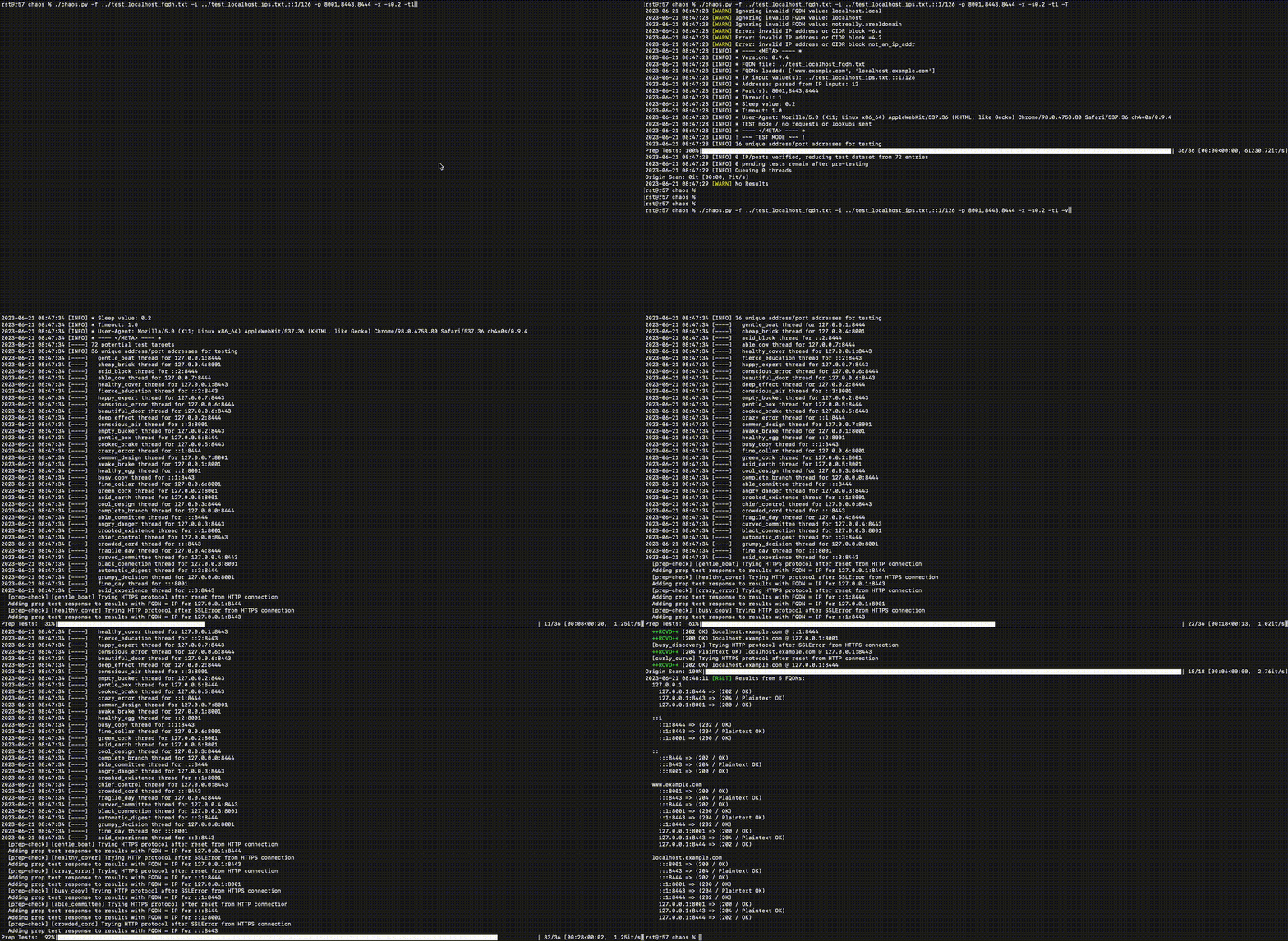
Den Scan ausführen