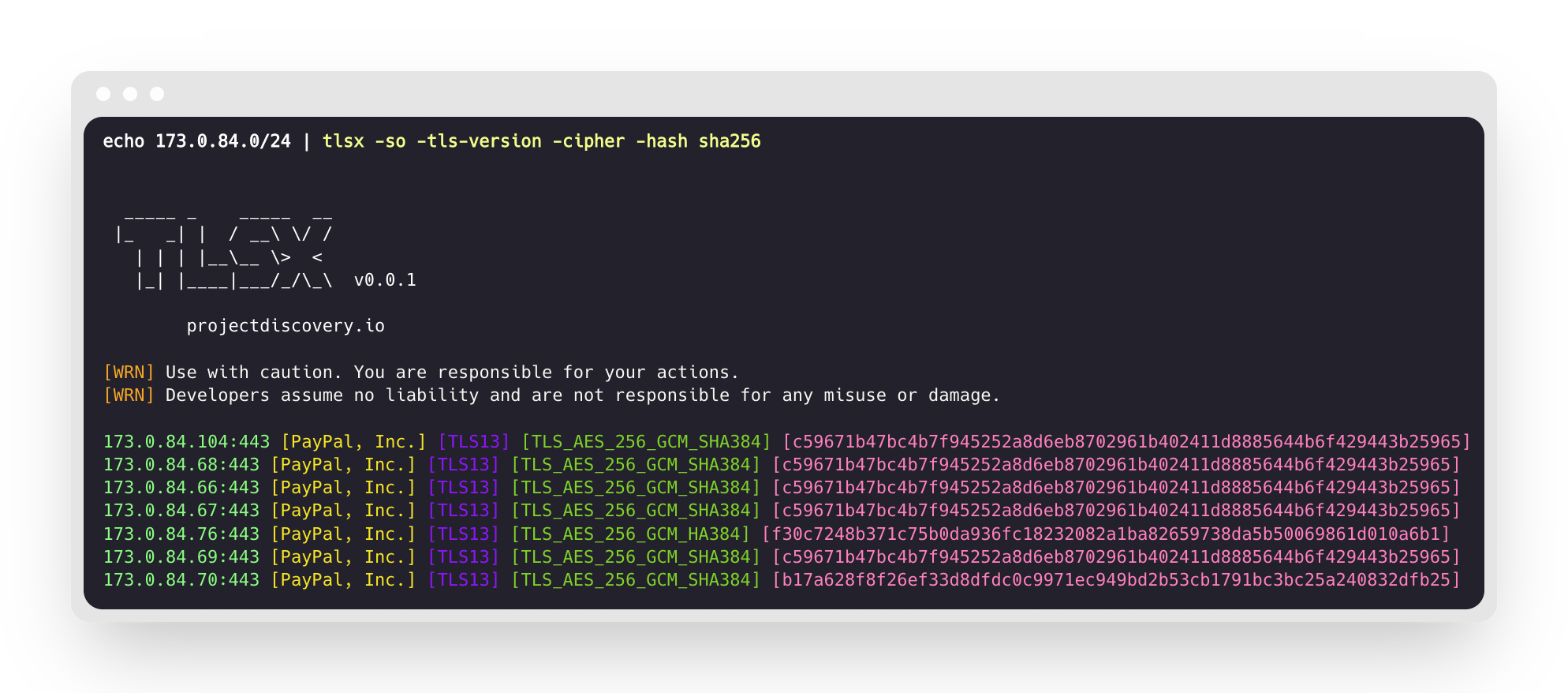
 projectdiscovery/tlsx
Schneller und konfigurierbarer TLS-Grabber, der auf TLS-basierte Datenerfassung ausgerichtet ist.

<h1 align="center">
<img src="https://assets.kitploit.com/production/public/readmes/41152/5378854a9ce1d6b8be992803fef258be9a652c389d699c22f4636b6db34acdf6.png" width="200px">
<br>
</h1>
<p align="center">
<a href="https://opensource.org/licenses/MIT"><img src="https://img.shields.io/badge/license-MIT-_red.svg"></a>
<a href="https://goreportcard.com/badge/github.com/projectdiscovery/tlsx"><img src="https://goreportcard.com/badge/github.com/projectdiscovery/tlsx"></a>
<a href="https://pkg.go.dev/github.com/projectdiscovery/tlsx/pkg/tlsx"><img src="https://img.shields.io/badge/go-reference-blue"></a>
<a href="https://github.com/projectdiscovery/tlsx/releases"><img src="https://img.shields.io/github/release/projectdiscovery/tlsx"></a>
<a href="https://twitter.com/pdiscoveryio"><img src="https://img.shields.io/twitter/follow/pdiscoveryio.svg?logo=twitter"></a>
<a href="https://discord.gg/projectdiscovery"><img src="https://img.shields.io/discord/695645237418131507.svg?logo=discord"></a>
</p>
<p align="center">
<a href="#features">Funktionen</a> •
<a href="#installation">Installation</a> •
<a href="#usage">Verwendung</a> •
<a href="#running-tlsx">tlsx ausführen</a> •
<a href="https://discord.gg/projectdiscovery">Discord beitreten</a>
</p>
Ein schneller und konfigurierbarer TLS-Grabber, der auf TLS-basierter **Datensammlung und -analyse** ausgerichtet ist.
# Funktionen
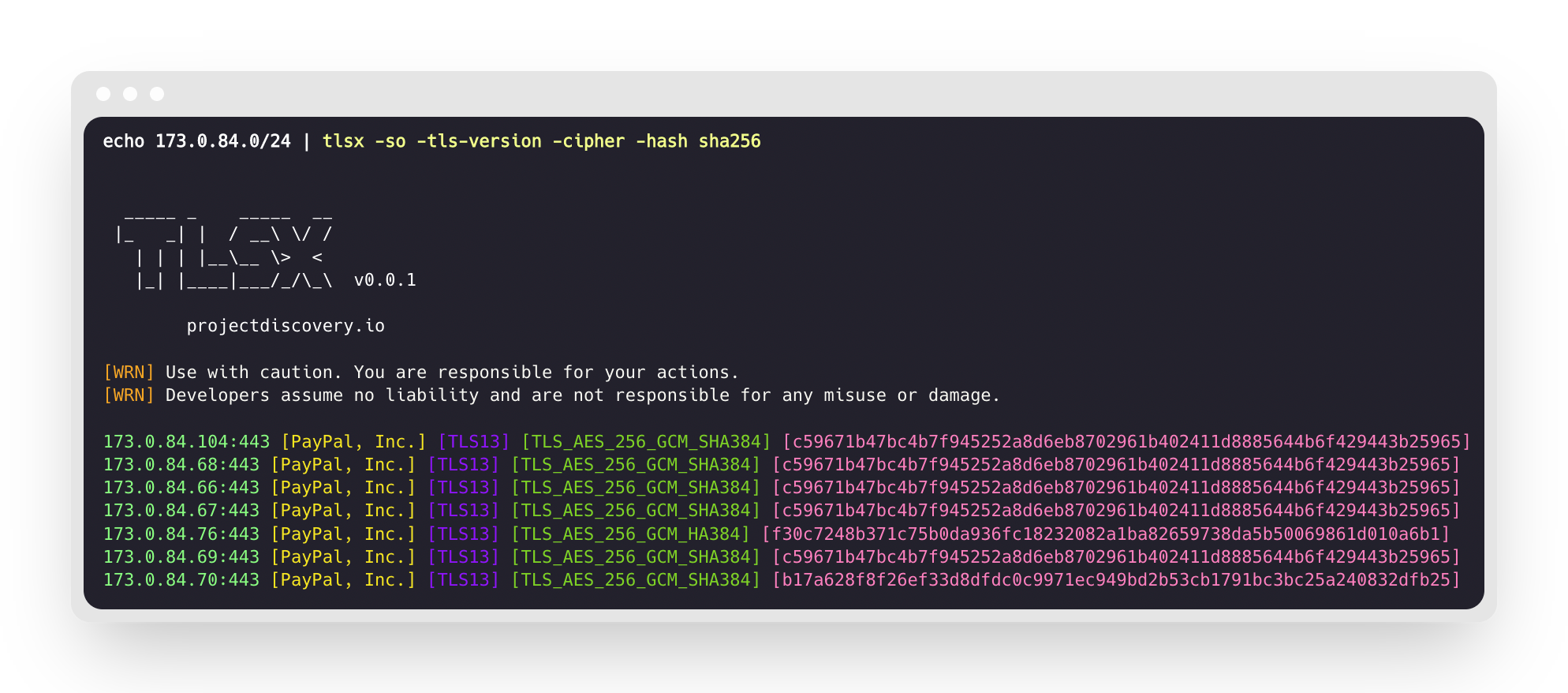
- Schnelle und vollständig konfigurierbare TLS-Verbindung
- Mehrere **Modi für TLS-Verbindung**
- Mehrere **TLS-Probes**
- **Auto-TLS-Fallback** für ältere TLS-Versionen
- **Pre-Handshake**-TLS-Verbindung (vorzeitige Beendigung)
- Anpassbare **Cipher-/SNI-/TLS-Auswahl**
- **JARM/JA3**-TLS-Fingerprint
- **TLS-Fehlkonfigurationen**
- **ASN, CIDR, IP, HOST** und **URL**-Eingabe
- STD **IN/OUT** und **TXT/JSON**-Ausgabe
## Installation
tlsx benötigt **Go 1.24**, um erfolgreich installiert zu werden. Führen Sie zum Installieren einfach den untenstehenden Befehl aus oder laden Sie eine vorkompilierte Binärdatei von der [Release-Seite](https://github.com/projectdiscovery/tlsx/releases) herunter.```console
go install github.com/projectdiscovery/tlsx/cmd/tlsx@latest
```
## Verwendung```console
tlsx -h
```
Dies zeigt die Hilfe für das Tool an. Hier sind alle unterstützten Schalter.```console
TLSX is a tls data gathering and analysis toolkit.
Usage:
tlsx [flags]
Flags:
INPUT:
-u, -host string[] target host to scan (-u INPUT1,INPUT2)
-l, -list string target list to scan (-l INPUT_FILE)
-p, -port string[] target port to connect (default 443)
SCAN-MODE:
-sm, -scan-mode string tls connection mode to use (ctls, ztls, openssl, auto) (default "auto")
-ps, -pre-handshake enable pre-handshake tls connection (early termination) using ztls
-sa, -scan-all-ips scan all ips for a host (default false)
-iv, -ip-version string[] ip version to use (4, 6) (default 4)
PROBES:
-san display subject alternative names
-cn display subject common names
-so display subject organization name
-tv, -tls-version display used tls version
-cipher display used cipher
-hash string display certificate fingerprint hashes (md5,sha1,sha256)
-jarm display jarm fingerprint hash
-ja3 display ja3 fingerprint hash (using ztls)
-wc, -wildcard-cert display host with wildcard ssl certificate
-tps, -probe-status display tls probe status
-ve, -version-enum enumerate and display supported tls versions
-ce, -cipher-enum enumerate and display supported cipher
-ct, -cipher-type value ciphers types to enumerate. possible values: all/secure/insecure/weak (comma-separated) (default all)
-ch, -client-hello include client hello in json output (ztls mode only)
-sh, -server-hello include server hello in json output (ztls mode only)
-se, -serial display certificate serial number
MISCONFIGURATIONS:
-ex, -expired display host with host expired certificate
-ss, -self-signed display host with self-signed certificate
-mm, -mismatched display host with mismatched certificate
-re, -revoked display host with revoked certificate
-un, -untrusted display host with untrusted certificate
CONFIGURATIONS:
-config string path to the tlsx configuration file
-r, -resolvers string[] list of resolvers to use
-cc, -cacert string client certificate authority file
-ci, -cipher-input string[] ciphers to use with tls connection
-sni string[] tls sni hostname to use
-rs, -random-sni use random sni when empty
-rps, -rev-ptr-sni perform reverse PTR to retrieve SNI from IP
-min-version string minimum tls version to accept (ssl30,tls10,tls11,tls12,tls13)
-max-version string maximum tls version to accept (ssl30,tls10,tls11,tls12,tls13)
-cert, -certificate include certificates in json output (PEM format)
-tc, -tls-chain include certificates chain in json output
-vc, -verify-cert enable verification of server certificate
-ob, -openssl-binary string OpenSSL Binary Path
-hf, -hardfail strategy to use if encountered errors while checking revocation status
-proxy string socks5 proxy to use for tlsx
OPTIMIZATIONS:
-c, -concurrency int number of concurrent threads to process (default 300)
-cec, -cipher-concurrency int cipher enum concurrency for each target (default 10)
-timeout int tls connection timeout in seconds (default 5)
-retry int number of retries to perform for failures (default 3)
-delay string duration to wait between each connection per thread (eg: 200ms, 1s)
UPDATE:
-up, -update update tlsx to latest version
-duc, -disable-update-check disable automatic tlsx update check
OUTPUT:
-o, -output string file to write output to
-j, -json display output in jsonline format
-dns display unique hostname from SSL certificate response
-ro, -resp-only display tls response only
-silent display silent output
-nc, -no-color disable colors in cli output
-v, -verbose display verbose output
-version display project version
PDCP:
-pd, -dashboard upload or view output in the PDCP UI dashboard
-pdu, -dashboard-upload string upload tlsx output file (JSONL format) to the PDCP UI dashboard
-auth string PDCP API key for authentication
-tid, -team-id string upload asset results to a specified team ID
-aid, -asset-id string upload new assets to an existing asset ID
-aname, -asset-name string asset group name
DEBUG:
-health-check, -hc run diagnostic check up
```
## Verwendung von tlsx als Bibliothek
Beispiele für die Verwendung von tlsx als Bibliothek finden Sie im Ordner [examples](https://github.com/projectdiscovery/tlsx/blob/main/examples).
## tlsx ausführen
### Eingabe für tlsx
**tlsx** benötigt **ip**, um eine TLS-Verbindung herzustellen und akzeptiert mehrere Formate wie unten aufgeführt:```bash
AS1449 # ASN input
173.0.84.0/24 # CIDR input
93.184.216.34 # IP input
example.com # DNS input
example.com:443 # DNS input with port
https://example.com:443 # URL input port
```
Der Eingabehost kann mit dem Flag `-host / -u` angegeben werden, und mehrere Werte können als kommagetrennte Eingabe bereitgestellt werden; ebenso wird die **Datei**-Eingabe mit dem Flag `-list / -l` unterstützt.
Beispiel für eine kommagetrennte Host-Eingabe:```console
$ tlsx -u 93.184.216.34,example.com,example.com:443,https://example.com:443 -silent
```
Beispiel für dateibasierte Host-Eingabe:```console
$ tlsx -list host_list.txt
```
**Port-Eingabe:**
**tlsx** verbindet standardmäßig auf Port **443**, was mit dem Flag `-port / -p` angepasst werden kann. Einzelne oder mehrere Ports können entweder als kommagetrennte Eingabe oder über eine durch Zeilenumbrüche getrennte Datei mit einer Liste der zu verbindenden Ports angegeben werden.
Beispiel einer kommagetrennten Port-Eingabe:```
$ tlsx -u hackerone.com -p 443,8443
```
Beispiel für dateibasierte Porteingabe:```
$ tlsx -u hackerone.com -p port_list.txt
```
**Hinweis:**
> Wenn der eingegebene Host einen Port enthält, z.B. `8.8.8.8:443` oder `hackerone.com:8443`, wird der mit dem Host angegebene Port für die TLS-Verbindung verwendet, anstelle des Standardports oder eines mit dem `-port / -p` Flag angegebenen.
### TLS-Probe (Standardausführung)
Dies führt das Tool gegen den angegebenen CIDR-Bereich aus und gibt Hosts zurück, die TLS-Verbindungen auf Port 443 akzeptieren.```console
$ echo 173.0.84.0/24 | tlsx
_____ _ _____ __
|_ _| | / __\ \/ /
| | | |__\__ \> <
|_| |____|___/_/\_\ v0.0.1
projectdiscovery.io
[WRN] Use with caution. You are responsible for your actions.
[WRN] Developers assume no liability and are not responsible for any misuse or damage.
173.0.84.69:443
173.0.84.67:443
173.0.84.68:443
173.0.84.66:443
173.0.84.76:443
173.0.84.70:443
173.0.84.72:443
```
### SAN/CN Probe
TLS-Zertifikat enthält DNS-Namen unter **subject alternative name** und **common name** Feld, die mit den Flags `-san`, `-cn` extrahiert werden können.```console
$ echo 173.0.84.0/24 | tlsx -san -cn -silent
173.0.84.104:443 [uptycspay.paypal.com]
173.0.84.104:443 [api-3t.paypal.com]
173.0.84.104:443 [api-m.paypal.com]
173.0.84.104:443 [payflowpro.paypal.com]
173.0.84.104:443 [pointofsale-s.paypal.com]
173.0.84.104:443 [svcs.paypal.com]
173.0.84.104:443 [uptycsven.paypal.com]
173.0.84.104:443 [api-aa.paypal.com]
173.0.84.104:443 [pilot-payflowpro.paypal.com]
173.0.84.104:443 [pointofsale.paypal.com]
173.0.84.104:443 [uptycshon.paypal.com]
173.0.84.104:443 [api.paypal.com]
173.0.84.104:443 [adjvendor.paypal.com]
173.0.84.104:443 [zootapi.paypal.com]
173.0.84.104:443 [api-aa-3t.paypal.com]
173.0.84.104:443 [uptycsize.paypal.com]
```
Zur Vereinfachung der Automatisierung kann optional das Flag `-resp-only` verwendet werden, um nur DNS-Namen in der CLI-Ausgabe aufzulisten.```console
$ echo 173.0.84.0/24 | tlsx -san -cn -silent -resp-only
api-aa-3t.paypal.com
pilot-payflowpro.paypal.com
pointofsale-s.paypal.com
uptycshon.paypal.com
a.paypal.com
adjvendor.paypal.com
zootapi.paypal.com
api-aa.paypal.com
payflowpro.paypal.com
pointofsale.paypal.com
uptycspay.paypal.com
api-3t.paypal.com
uptycsize.paypal.com
api.paypal.com
api-m.paypal.com
svcs.paypal.com
uptycsven.paypal.com
uptycsven.paypal.com
a.paypal.com
api.paypal.com
pointofsale-s.paypal.com
pilot-payflowpro.paypal.com
```
**subdomains**, die aus TLS-Zertifikaten stammen, können für weitere Untersuchungen an andere PD-Tools weitergeleitet werden. Hier ist ein Beispiel, bei dem TLS-Subdomains an **[dnsx](https://github.com/projectdiscovery/dnsx)** weitergeleitet werden, um passive Subdomains zu filtern, und dann an **[httpx](https://github.com/projectdiscovery/httpx)** übergeben werden, um Hosts aufzulisten, die aktive Webdienste ausführen.```console
$ echo 173.0.84.0/24 | tlsx -san -cn -silent -resp-only | dnsx -silent | httpx
__ __ __ _ __
/ /_ / /_/ /_____ | |/ /
/ __ \/ __/ __/ __ \| /
/ / / / /_/ /_/ /_/ / |
/_/ /_/\__/\__/ .___/_/|_|
/_/ v1.2.2
projectdiscovery.io
Use with caution. You are responsible for your actions.
Developers assume no liability and are not responsible for any misuse or damage.
https://api-m.paypal.com
https://uptycsize.paypal.com
https://api.paypal.com
https://uptycspay.paypal.com
https://svcs.paypal.com
https://adjvendor.paypal.com
https://uptycshap.paypal.com
https://uptycshon.paypal.com
https://pilot-payflowpro.paypal.com
https://slc-a-origin-pointofsale.paypal.com
https://uptycsven.paypal.com
https://api-aa.paypal.com
https://api-aa-3t.paypal.com
https://uptycsbrt.paypal.com
https://payflowpro.paypal.com
http://pointofsale-s.paypal.com
http://slc-b-origin-pointofsale.paypal.com
http://api-3t.paypal.com
http://zootapi.paypal.com
http://pointofsale.paypal.com
```
### TLS / Cipher-Sonde```console
$ subfinder -d hackerone.com | tlsx -tls-version -cipher
mta-sts.hackerone.com:443 [TLS1.3] [TLS_AES_128_GCM_SHA256]
hackerone.com:443 [TLS1.3] [TLS_AES_128_GCM_SHA256]
api.hackerone.com:443 [TLS1.3] [TLS_AES_128_GCM_SHA256]
mta-sts.managed.hackerone.com:443 [TLS1.3] [TLS_AES_128_GCM_SHA256]
mta-sts.forwarding.hackerone.com:443 [TLS1.3] [TLS_AES_128_GCM_SHA256]
www.hackerone.com:443 [TLS1.3] [TLS_AES_128_GCM_SHA256]
support.hackerone.com:443 [TLS1.2] [TLS_ECDHE_RSA_WITH_AES_128_GCM_SHA256]
```
# TLS-Fehlkonfiguration
### Expired / Self Signed / Mismatched / Revoked / Untrusted Certificate
Eine Liste von Hosts kann an tlsx übergeben werden, um **expired / self-signed / mismatched / revoked / untrusted** Zertifikate zu erkennen.```console
$ tlsx -l hosts.txt -expired -self-signed -mismatched -revoked -untrusted
_____ _ _____ __
|_ _| | / __\ \/ /
| | | |__\__ \> <
|_| |____|___/_/\_\ v0.0.1
projectdiscovery.io
[WRN] Use with caution. You are responsible for your actions.
[WRN] Developers assume no liability and are not responsible for any misuse or damage.
wrong.host.badssl.com:443 [mismatched]
self-signed.badssl.com:443 [self-signed]
expired.badssl.com:443 [expired]
revoked.badssl.com:443 [revoked]
untrusted-root.badssl.com:443 [untrusted]
```
### [JARM](https://engineering.salesforce.com/easily-identify-malicious-servers-on-the-internet-with-jarm-e095edac525a/) TLS-Fingerabdruck```console
$ echo hackerone.com | tlsx -jarm -silent
hackerone.com:443 [29d3dd00029d29d00042d43d00041d5de67cc9954cc85372523050f20b5007]
```
### [JA3](https://github.com/salesforce/ja3) TLS-Fingerabdruck```console
$ echo hackerone.com | tlsx -ja3 -silent
hackerone.com:443 [20c9baf81bfe96ff89722899e75d0190]
```
### JSON-Ausgabe
**tlsx** unterstützt mehrere Probe-Flags, um bestimmte Daten abzufragen, aber alle Informationen sind immer im JSON-Format verfügbar. Für Automatisierung und Nachbearbeitung ist die Verwendung der `-json`-Ausgabe die bequemste Option.```console
echo example.com | tlsx -json -silent | jq .
```
| Zeichenwert | Beschreibung |
| ----------------- | ---------------------------------------------------------------------------- |
| 0X | Internationale Zone. |
| 2 | Nicht-geografische (nationale) Zone für nationale Betreiber. |
| 3 | Geografische Zone. |
| 4 | Geografische Zone. |
| 5 | Geografische Zone. |
| 6 | Geografische Zone. |
| 7 | Geografische Zone. |
| 8 | Geografische Zone. |
| 9 | Geografische Zone. |
| 1 | Nicht-geografische (nationale) Zone für Mehrwertdienste. |
| C | Länderspezifische Top-Level-Domain (ccTLD) für Länder ohne zugewiesenen numerischen Code. |
| D | Internationale Zone. |
| F | Nicht-geografische (nationale) Zone für Multiclient- oder multinationale Betreiber. |
| S | Satellitennetzwerke. |
| A | Mögliche nicht-geografische (nationale) Zone für Mehrwertdienste. |
| B | Mögliche nicht-geografische (nationale) Zone für Mehrwertdienste. |
**E.212 Mobile Country Codes**
| MCC | Mobilfunk-Ländercode |
| --- | ----------------------------------------------------------------- |
| 202 | Greece |
| 204 | Netherlands (Kingdom of the Netherlands) |
| 206 | Andorra |
| 208 | France |
| 212 | Monaco |
| 213 | Malta |
| 214 | Spain |
| 216 | Hungary |
| 218 | Bosnia and Herzegovina |
| 219 | Croatia |
| 220 | Serbia |
| 222 | Italy |
| 225 | Vatican City State |
| 226 | Romania |
| 228 | Switzerland |
| 229 | Cyprus |
| 230 | Czech Republic |
| 231 | Slovakia |
| 232 | Austria |
| 234 | United Kingdom of Great Britain and Northern Ireland |
| 235 | United Kingdom of Great Britain and Northern Ireland |
| 238 | Denmark |
| 240 | Sweden |
| 242 | Norway |
| 244 | Finland |
| 246 | Lithuania |
| 247 | Latvia |
| 248 | Estonia |
| 250 | Russian Federation (Russian Federation) |
| 255 | Ukraine |
| 257 | Belarus |
| 259 | Moldova, Republic of |
| 260 | Poland |
| 262 | Germany |
| 266 | Gibraltar |
| 268 | Portugal |
| 270 | Luxembourg |
| 272 | Ireland |
| 274 | Iceland |
| 276 | Albania |
| 278 | Malta |
| 280 | Cyprus |
| 282 | Georgia |
| 283 | Armenia |
| 284 | Bulgaria |
| 286 | Turkey |
| 288 | Faroe Islands |
| 290 | Greenland |
| 292 | San Marino |
| 293 | Slovenia |
| 294 | Macedonia, The Former Yugoslav Republic of |
| 295 | Liechtenstein |
| 297 | Montenegro |
| 302 | Canada |
| 308 | Saint Pierre and Miquelon |
| 310 | United States of America |
| 311 | United States of America |
| 312 | United States of America |
| 313 | United States of America |
| 314 | United States of America |
| 315 | United States of America |
| 316 | United States of America |
| 330 | Puerto Rico |
| 332 | United States Virgin Islands |
| 334 | Mexico |
| 338 | Jamaica |
| 340 | Martinique (French Department of) |
| 342 | Barbados |
| 344 | Antigua and Barbuda |
| 346 | Cayman Islands |
| 348 | British Virgin Islands |
| 350 | Bermuda |
| 352 | Grenada |
| 354 | Montserrat |
| 356 | Saint Kitts and Nevis |
| 358 | Saint Lucia |
| 360 | Saint Vincent and the Grenadines |
| 362 | Netherlands Antilles |
| 363 | Netherlands Antilles |
| 364 | Netherlands Antilles |
| 365 | Anguilla |
| 366 | Dominica |
| 368 | Cuba |
| 370 | Dominican Republic |
| 372 | Haiti |
| 374 | Trinidad and Tobago |
| 376 | Turks and Caicos Islands |
| 400 | Azerbaijan |
| 401 | Kazakhstan |
| 402 | Bhutan |
| 404 | India |
| 405 | India |
| 406 | India |
| 407 | India |
| 408 | India |
| 410 | Pakistan |
| 412 | Afghanistan |
| 413 | Sri Lanka |
| 414 | Myanmar (Burma) |
| 415 | Lebanon |
| 416 | Jordan |
| 417 | Syria |
| 418 | Iraq |
| 419 | Kuwait |
| 420 | Saudi Arabia |
| 421 | Yemen |
| 422 | Oman |
| 423 | Palestine (Palestinian Authority) |
| 424 | United Arab Emirates |
| 425 | Israel |
| 426 | Bahrain |
| 427 | Qatar |
| 428 | Mongolia |
| 429 | Nepal |
| 430 | United Arab Emirates |
| 431 | United Arab Emirates |
| 432 | Iran (Islamic Republic of) |
| 434 | Uzbekistan |
| 436 | Tajikistan |
| 437 | Kyrgyzstan |
| 438 | Turkmenistan |
| 440 | Japan |
| 441 | Japan |
| 450 | Korea, Republic of (South Korea) |
| 452 | Viet Nam |
| 454 | Hong Kong |
| 455 | Macao |
| 456 | Cambodia |
| 457 | Laos (Lao People's Democratic Republic) |
| 460 | China |
| 461 | China |
| 466 | Taiwan (Chinese Taipei) |
| 470 | Bangladesh |
| 472 | Maldives |
| 502 | Malaysia |
| 505 | Australia |
| 510 | Indonesia |
| 514 | East Timor |
| 515 | Philippines |
| 520 | Thailand |
| 525 | Singapore |
| 528 | Brunei Darussalam |
| 530 | New Zealand |
| 536 | Nauru |
| 537 | Papua New Guinea |
| 539 | Tonga |
| 540 | Solomon Islands |
| 541 | Vanuatu |
| 542 | Fiji |
| 543 | Wallis and Futuna Islands |
| 544 | American Samoa (United States of America) |
| 545 | Kiribati |
| 546 | New Caledonia |
| 547 | French Polynesia |
| 548 | Cook Islands |
| 549 | Samoa |
| 550 | Micronesia, Federated States of |
| 551 | Marshall Islands |
| 552 | Palau |
| 553 | Tuvalu |
| 554 | Tokelau |
| 555 | Niue |
| 602 | Egypt |
| 603 | Algeria |
| 604 | Morocco |
| 605 | Tunisia |
| 606 | Libya |
| 607 | Gambia |
| 608 | Senegal |
| 609 | Mauritania |
| 610 | Mali |
| 611 | Guinea |
| 612 | Côte d'Ivoire (Ivory Coast) |
| 613 | Burkina Faso |
| 614 | Niger |
| 615 | Togo |
| 616 | Benin |
| 617 | Mauritius |
| 618 | Liberia |
| 619 | Sierra Leone |
| 620 | Ghana |
| 621 | Nigeria |
| 622 | Chad |
| 623 | Central African Republic |
| 624 | Cameroon |
| 625 | Cape Verde |
| 626 | São Tomé and Príncipe |
| 627 | Equatorial Guinea |
| 628 | Gabon |
| 629 | Congo, Republic of (Congo-Brazzaville) |
| 630 | Congo, Democratic Republic of the (Congo-Kinshasa) |
| 631 | Angola |
| 632 | Guinea-Bissau |
| 633 | Seychelles |
| 634 | Sudan |
| 635 | Rwanda |
| 636 | Ethiopia |
| 637 | Somalia |
| 638 | Djibouti |
| 639 | Kenya |
| 640 | Tanzania, United Republic of |
| 641 | Uganda |
| 642 | Burundi |
| 643 | Mozambique |
| 645 | Zambia |
| 646 | Madagascar |
| 647 | Reunion (French Department of) |
| 648 | Zimbabwe |
| 649 | Namibia |
| 650 | Malawi |
| 651 | Lesotho |
| 652 | Botswana |
```
---
[Read more](https://github.com/projectdiscovery/tlsx)
