
 projectdiscovery/subfinder
Schnelles passives Tool zur Subdomain-Enumeration.





Funktionen • Installation • Nutzung • API-Setup • Bibliothek • Discord beitreten
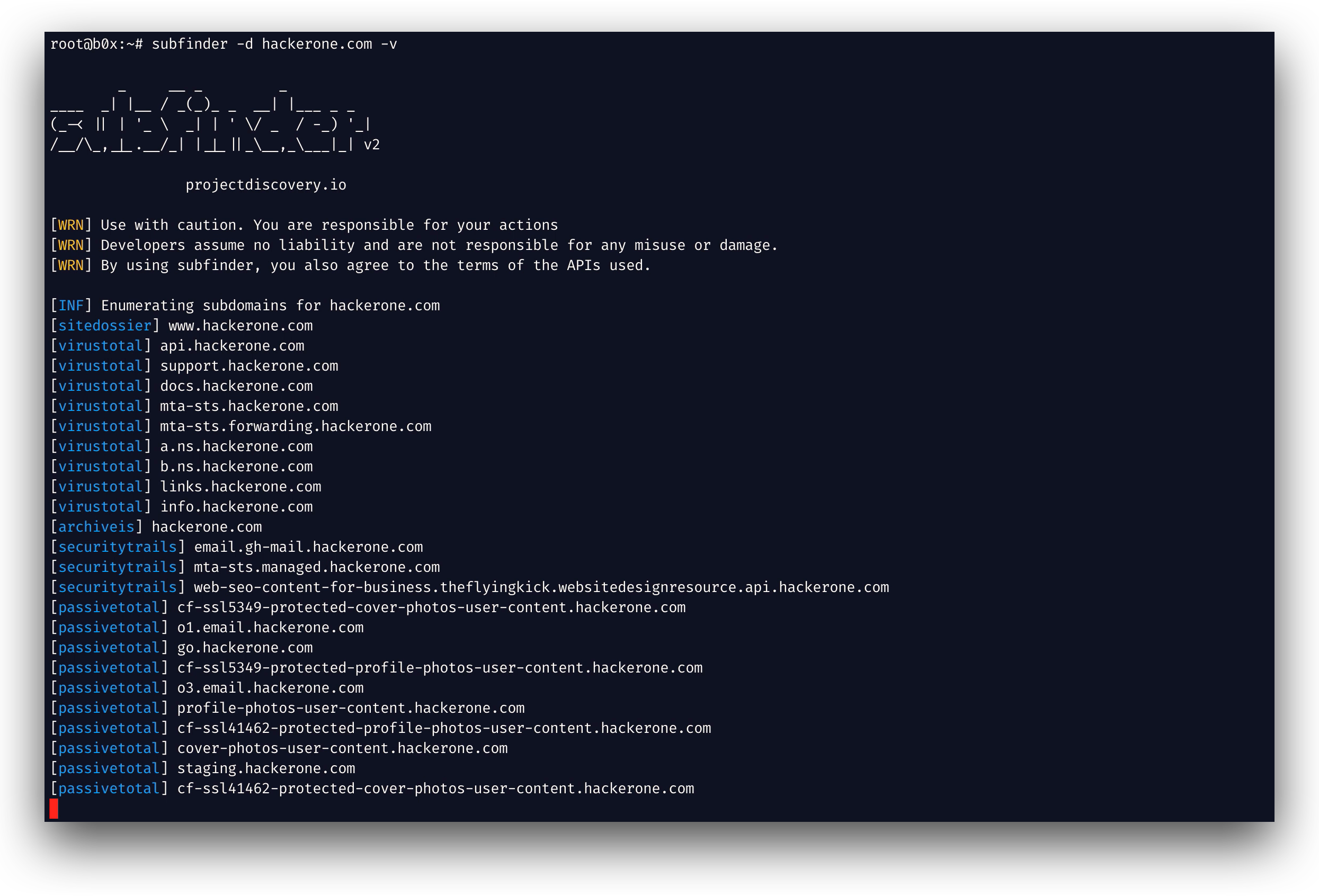
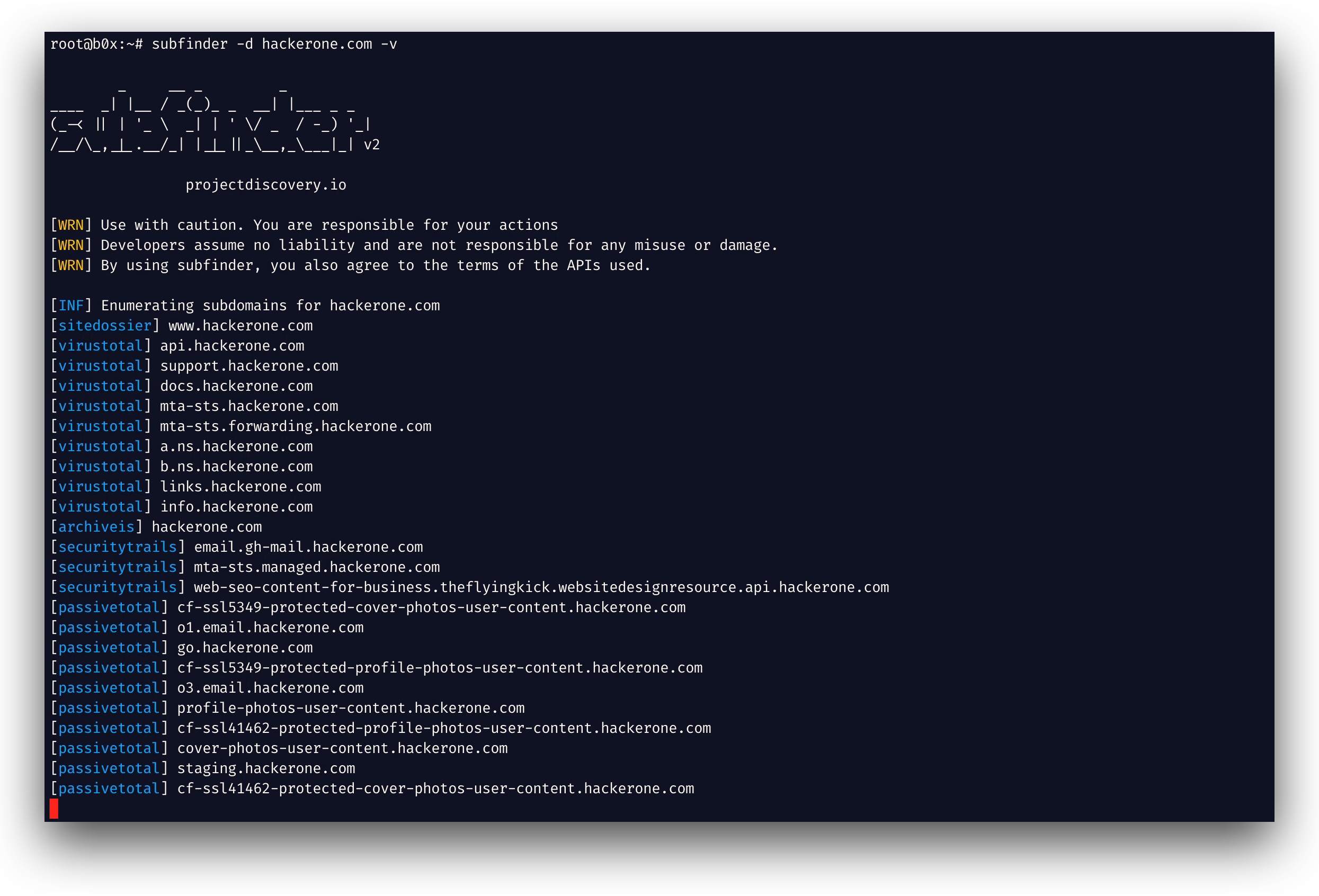
subfinder ist ein Subdomain-Erkennungstool, das gültige Subdomains für Websites mithilfe passiver Online-Quellen zurückgibt. Es hat eine einfache, modulare Architektur und ist auf Geschwindigkeit optimiert. subfinder wurde dafür entwickelt,
genau eine Aufgabe zu erfüllen – die passive Subdomain-Enumeration – und das macht es sehr gut.
Wir haben es so entwickelt, dass es alle Lizenzen und Nutzungsbeschränkungen der verwendeten passiven Quellen einhält. Das passive Modell garantiert Geschwindigkeit und Tarnung, die sowohl von Penetrationstestern als auch von Bug-Bounty-Jägern genutzt werden können.
subfinder -h
Dies zeigt die Hilfe für das Tool an. Hier sind alle Schalter, die es unterstützt.
Usage:
  ./subfinder [flags]

Flags:
INPUT:
  -d, -domain string[]  domains to find subdomains for
  -dL, -list string     file containing list of domains for subdomain discovery

SOURCE:
  -s, -sources string[]           specific sources to use for discovery (-s crtsh,github). Use -ls to display all available sources.
  -recursive                      use only sources that can handle subdomains recursively (e.g. subdomain.domain.tld vs domain.tld)
  -all                            use all sources for enumeration (slow)
  -es, -exclude-sources string[]  sources to exclude from enumeration (-es alienvault,zoomeyeapi)

FILTER:
  -m, -match string[]   subdomain or list of subdomain to match (file or comma separated)
  -f, -filter string[]   subdomain or list of subdomain to filter (file or comma separated)

RATE-LIMIT:
  -rl, -rate-limit int  maximum number of http requests to send per second
  -rls value            maximum number of http requests to send per second for providers in key=value format (-rls "hackertarget=10/s,shodan=15/s")
  -t int                number of concurrent goroutines for resolving (-active only) (default 10)

UPDATE:
  -up, -update                 update subfinder to latest version
  -duc, -disable-update-check  disable automatic subfinder update check

OUTPUT:
  -o, -output string       file to write output to
  -oJ, -json               write output in JSONL(ines) format
  -oD, -output-dir string  directory to write output (-dL only)
  -cs, -collect-sources    include all sources in the output (-json only)
  -oI, -ip                 include host IP in output (-active only)

CONFIGURATION:
  -config string                flag config file (default "$CONFIG/subfinder/config.yaml")
  -pc, -provider-config string  provider config file (default "$CONFIG/subfinder/provider-config.yaml")
  -r string[]                   comma separated list of resolvers to use
  -rL, -rlist string            file containing list of resolvers to use
  -nW, -active                  display active subdomains only
  -proxy string                 http proxy to use with subfinder
  -ei, -exclude-ip              exclude IPs from the list of domains
  -mr, -max-results int         limit the number of results per source (0 = unlimited; honored by paginating sources)

DEBUG:
  -silent             show only subdomains in output
  -version            show version of subfinder
  -v                  show verbose output
  -nc, -no-color      disable color in output
  -ls, -list-sources  list all available sources (-oJ for JSON)

OPTIMIZATION:
  -timeout int   seconds to wait before timing out (default 30)
  -max-time int  minutes to wait for enumeration results (default 10)
Subfinder unterstützt Umgebungsvariablen, um benutzerdefinierte Pfade für Konfigurationsdateien festzulegen:
SUBFINDER_CONFIG - Pfad zur config.yaml-Datei (überschreibt den Standard $CONFIG/subfinder/config.yaml)SUBFINDER_PROVIDER_CONFIG - Pfad zur provider-config.yaml-Datei (überschreibt den Standard $CONFIG/subfinder/provider-config.yaml)subfinder erfordert go1.24, um erfolgreich installiert zu werden. Führen Sie den folgenden Befehl aus, um die neueste Version zu installieren:
go install -v github.com/projectdiscovery/subfinder/v2/cmd/subfinder@latest
Weitere Installationsmöglichkeiten für subfinder finden Sie hier: https://docs.projectdiscovery.io/tools/subfinder/install.
subfinder kann direkt nach der Installation verwendet werden, allerdings benötigen viele Quellen API-Schlüssel, um zu funktionieren. Weitere Informationen finden Sie hier: https://docs.projectdiscovery.io/tools/subfinder/install#post-install-configuration.
Erfahren Sie hier, wie Sie Subfinder ausführen: https://docs.projectdiscovery.io/tools/subfinder/running.
Subfinder kann auch als Bibliothek verwendet werden, und ein minimales Beispiel für die Nutzung des subfinder SDK ist hier verfügbar.
subfinder wurde mit 🖤 vom projectdiscovery-Team entwickelt. Community-Beiträge haben das Projekt zu dem gemacht, was es ist. Weitere Details finden Sie in der Datei THANKS.md.
Lesen Sie den Nutzungshaftungsausschluss unter DISCLAIMER.md und kontaktieren Sie uns, wenn eine API entfernt werden soll.
