 projectdiscovery/asnmap
Go-CLI und Bibliothek zum schnellen Kartieren von Organisationsnetzwerkbereichen mithilfe von ASN-Informationen.






Funktionen • Installation • Verwendung • asnmap ausführen • Discord beitreten
asnmap erfordert Go 1.21, um erfolgreich installiert zu werden. Führe zum Installieren einfach den folgenden Befehl aus oder lade die vorkompilierte Binärdatei von der Release-Seite herunter.
go install github.com/projectdiscovery/asnmap/cmd/asnmap@latest
asnmap -h
Dies zeigt die Hilfe für das Tool an. Hier sind alle Flags, die es unterstützt.
Usage:
  ./asnmap [flags]

Flags:
INPUT:
   -a, -asn string[]     target asn to lookup, example: -a AS5650
   -i, -ip string[]      target ip to lookup, example: -i 100.19.12.21, -i 2a10:ad40::
   -d, -domain string[]  target domain to lookup, example: -d google.com, -d facebook.com
   -org string[]         target organization to lookup, example: -org GOOGLE
   -f, -file string[]    targets to lookup from file

CONFIGURATIONS:
   -config string           path to the asnmap configuration file
   -r, -resolvers string[]  list of resolvers to use

UPDATE:
   -up, -update                 update asnmap to latest version
   -duc, -disable-update-check  disable automatic asnmap update check

OUTPUT:
   -o, -output string  file to write output to
   -j, -json           display json format output
   -c, -csv            display csv format output
   -v6                 display ipv6 cidr ranges in cli output
   -v, -verbose        display verbose output
   -silent             display silent output
   -version            show version of the project
Die ASNMap-CLI basiert auf der ASNMap-API, die einen API-Token von der ProjectDiscovery Cloud Platform erfordert. Dieser kann entweder über eine Umgebungsvariable oder über die interaktive Option -auth konfiguriert werden, wie unten gezeigt.
export PDCP_API_KEY=*************
asnmap -auth


   ___   _____  __
  / _ | / __/ |/ /_ _  ___ ____
 / __ |_\ \/    /  ' \/ _  / _ \
/_/ |_/___/_/|_/_/_/_/\_,_/ .__/
                         /_/

    projectdiscovery.io

[INF] Get your free api key by signing up at https://cloud.projectdiscovery.io
[*] Enter PDCP API Key (exit to abort): *************
[INF] Successfully logged in as (@user)
asnmap unterstützt mehrere Eingaben, darunter ASN-, IP-, DNS- und ORG-Namen, um ASN-/CIDR-Informationen abzufragen.
| Eingabe | ASN | DNS | IP | ORG |
|---|---|---|---|---|
| Beispiel | AS14421 | example.com | 93.184.216.34 | GOOGLE |
Die Eingabe kann entweder über spezifische Optionen oder über STDIN erfolgen, das alle unterstützten Formate akzeptiert. Einzel-, Mehrfach- (durch Kommas getrennt) und Dateieingaben werden für alle Optionen unterstützt.
echo GOOGLE | ./asnmap -silent
Beispieleingabe für asnmap:
asnmap -a AS45596 -silent
asnmap -i 100.19.12.21 -silent
asnmap -d hackerone.com -silent
asnmap -org GOOGLE -silent
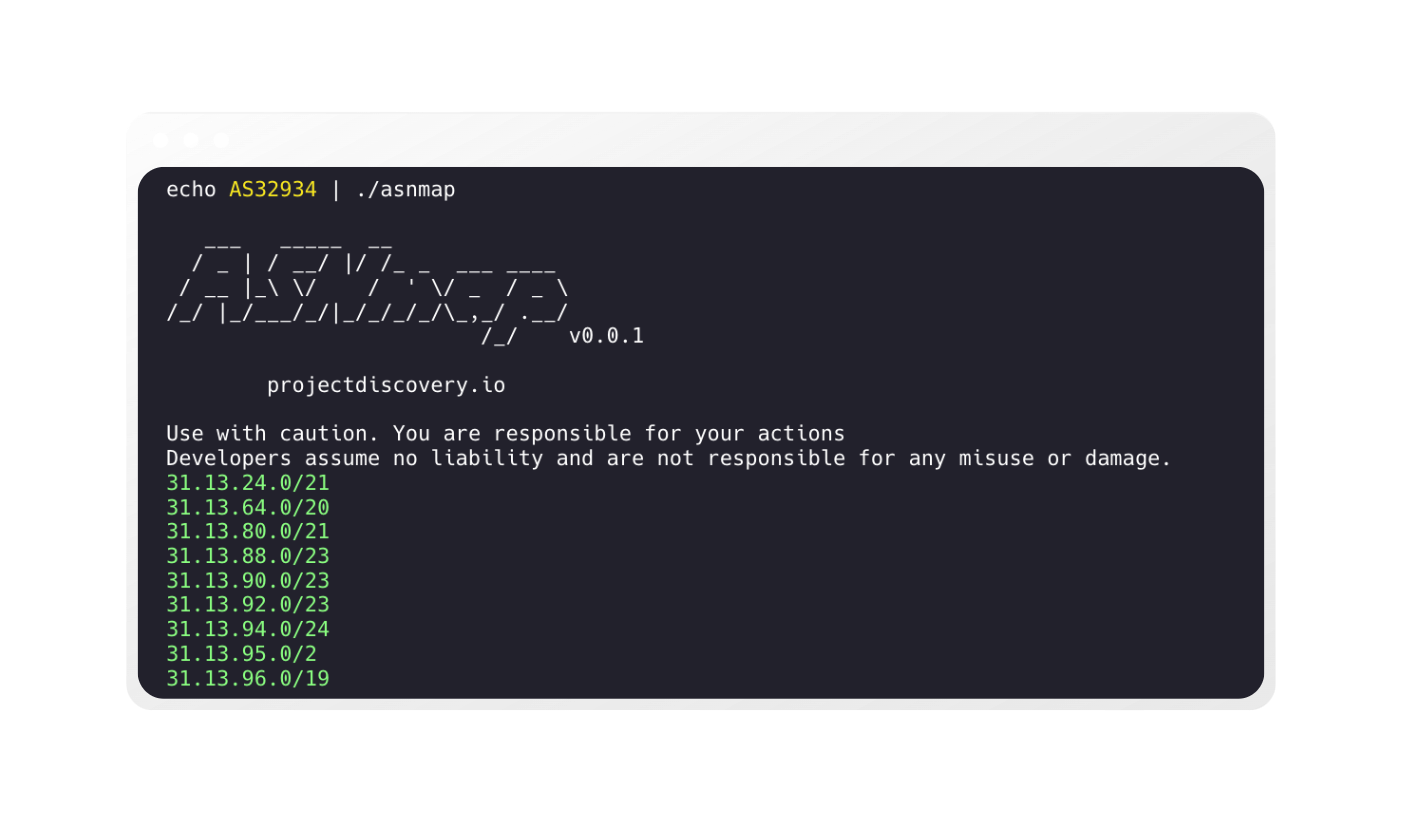
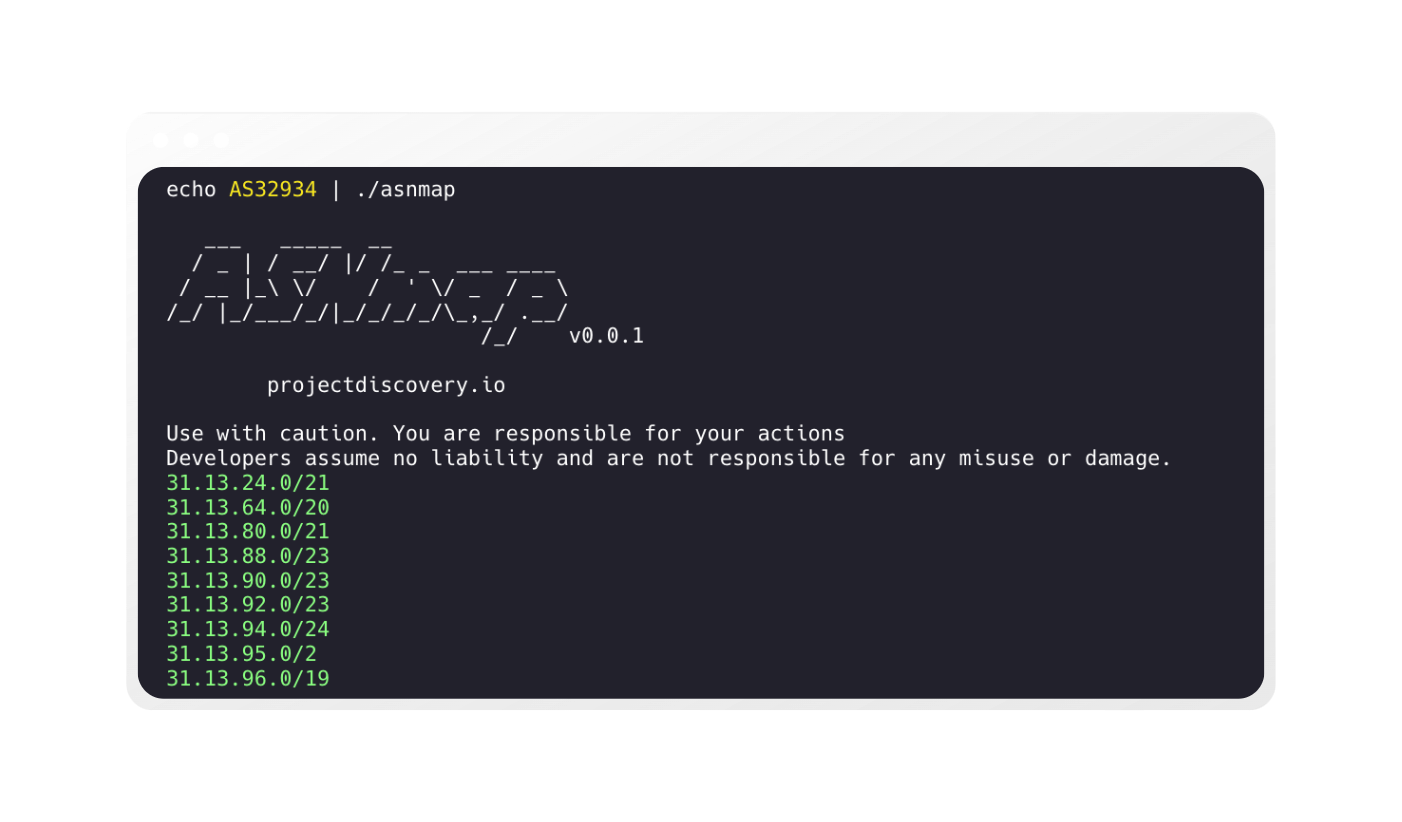
asnmap gibt standardmäßig den CIDR-Bereich für die angegebene Eingabe zurück.
echo GOOGLE | ./asnmap

   ___   _____  __
  / _ | / __/ |/ /_ _  ___ ____
 / __ |_\ \/    /  ' \/ _  / _ \
/_/ |_/___/_/|_/_/_/_/\_,_/ .__/
                         /_/    v0.0.1
		projectdiscovery.io

Use with caution. You are responsible for your actions
Developers assume no liability and are not responsible for any misuse or damage.

8.8.4.0/24
8.8.8.0/24
8.35.200.0/21
34.3.3.0/24
34.4.4.0/24
34.96.0.0/20
34.96.32.0/19
34.96.64.0/18
34.98.64.0/18
34.98.136.0/21
34.98.144.0/21
asnmap zeigt standardmäßig den CIDR-Bereich an, und alle Informationen sind immer im JSON-Format verfügbar. Für Automatisierung und Nachbearbeitung ist die Verwendung der -json-Ausgabe die bequemste Option.
echo hackerone.com | ./asnmap -json -silent | jq
{
  "timestamp": "2022-09-19 12:14:33.267339314 +0530 IST",
  "input": "hackerone.com",
  "as_number": "AS13335",
  "as_name": "CLOUDFLARENET",
  "as_country": "US",
  "as_range": [
    "104.16.0.0/14",
    "104.20.0.0/16",
    "104.21.0.0/17"
  ]
}
{
  "timestamp": "2022-09-19 12:14:33.457401266 +0530 IST",
  "input": "hackerone.com",
  "as_number": "AS13335",
  "as_name": "CLOUDFLARENET",
  "as_country": "US",
  "as_range": [
    "2606:4700:8390::/44"
  ]
}
asnmap unterstützt auch die CSV-Ausgabe, die alle Informationen genau wie die JSON-Ausgabe enthält.
echo hackerone.com | ./asnmap -csv -silent
timestamp|input|as_number|as_name|as_country|as_range
2022-09-19 12:15:04.906664007 +0530 IST|hackerone.com|AS13335|CLOUDFLARENET|US|104.16.0.0/14,104.20.0.0/16,104.21.0.0/17
2022-09-19 12:15:05.201328136 +0530 IST|hackerone.com|AS13335|CLOUDFLARENET|US|2606:4700:9760::/44
Die Ausgabe von asnmap kann in einem Workflow direkt an andere Projekte weitergeleitet werden, die stdin als Eingabe akzeptieren, zum Beispiel:
echo AS54115 | asnmap | tlsxecho AS54115 | asnmap | dnsx -ptrecho AS54115 | asnmap | naabu -p 443echo AS54115 | asnmap | naabu -p 443 | httpxecho AS54115 | asnmap | naabu -p 443 | httpx | nuclei -id tech-detectBeispiele für die Verwendung von asnmap aus Go-Code sind im Ordner examples verfügbar.
asnmap wurde mit ❤️ vom projectdiscovery-Team entwickelt und wird unter der MIT-Lizenz vertrieben.
