 noptrix/nullscan
Ein modulares Framework zum Verketten und Automatisieren von Sicherheitstests.

Ein modulares Framework, das entwickelt wurde, um Sicherheitstests zu verketten und zu automatisieren. Es analysiert Zieldefinitionen von der Kommandozeile und führt anschließend entsprechende Module und deren nullscan-Tools aus. Es kann auch Hosts entgegennehmen und zuerst nmap starten, um einen grundlegenden Portscan durchzuführen und danach die Module auszuführen. Außerdem kann nullscan eine angegebene nmap-Logdatei nach offenen TCP- und UDP-Ports parsen und wiederum die Module ausführen. Alle Ergebnisse werden in angegebenen Verzeichnissen mit einer sauberen Struktur protokolliert und es kann anschließend ein HTML-Bericht erstellt werden.
Dieser Code ist meinem Freund Zeljko (R.I.P.) gewidmet, der am 2. Dezember 2012 verstorben ist.
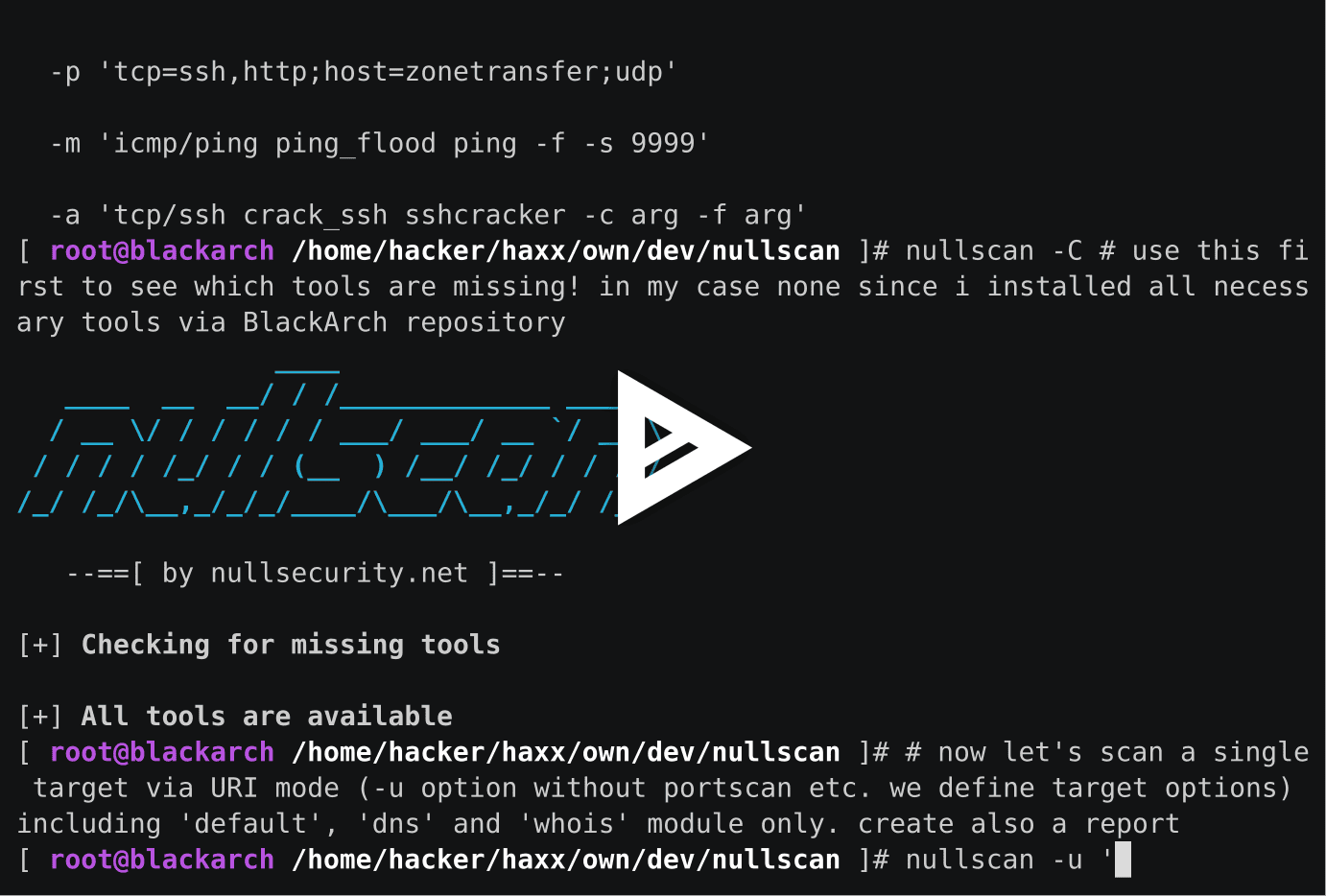
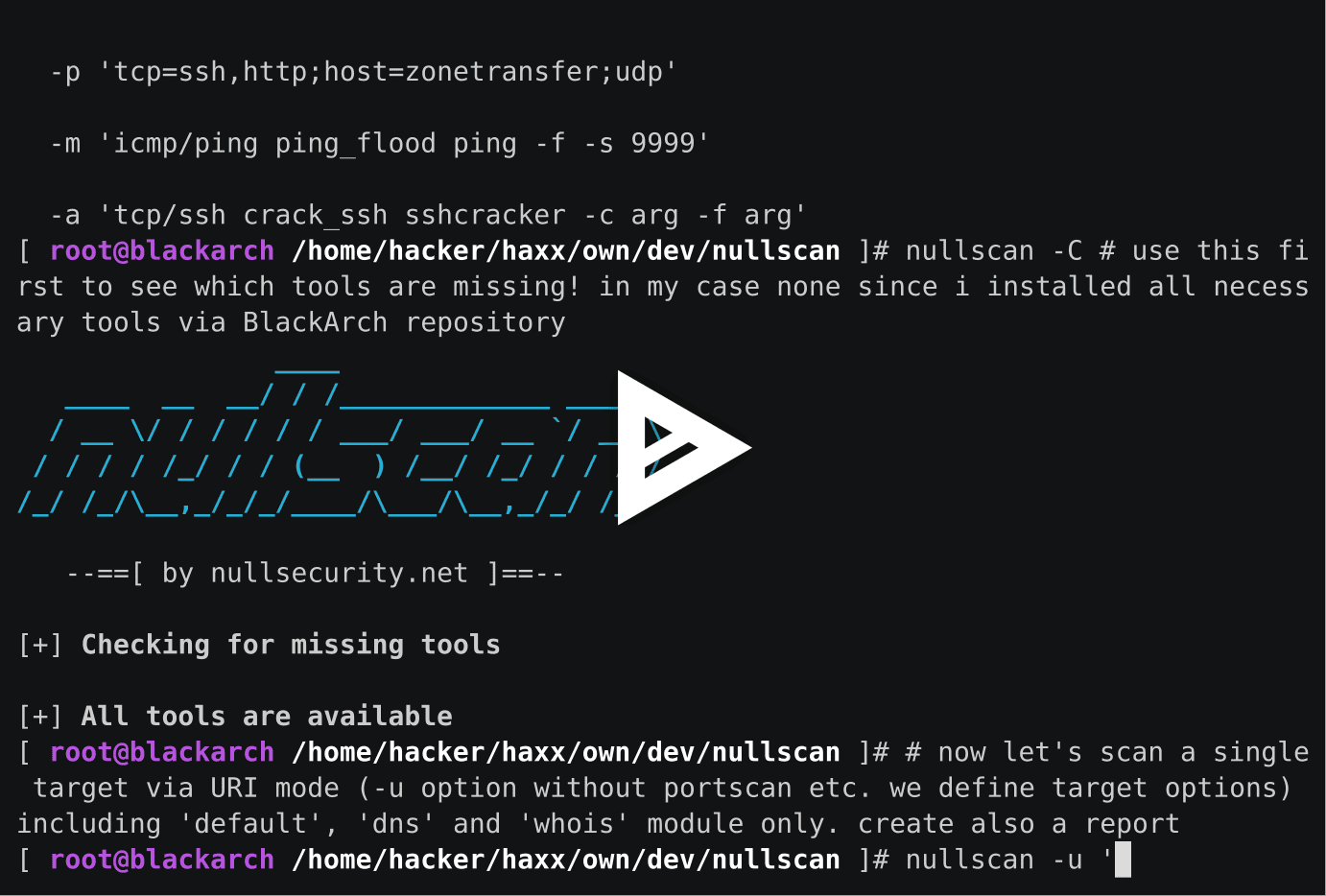
[ hacker@blackarch ~ ]$ nullscan -H
                ____
   ____  __  __/ / /_____________ _____
  / __ \/ / / / / / ___/ ___/ __ `/ __ \
 / / / / /_/ / / (__  ) /__/ /_/ / / / /
/_/ /_/\__,_/_/_/____/\___/\__,_/_/ /_/

   --==[ by nullsecurity.net ]==--

usage

  nullscan <modes> [options] | <misc>

modes

  -t <targets> - hosts to scan via nmap and then attack - ? for info
  -u <uris>    - targets to attack directly via URIs - ? for info
  -l <file>    - parse nmap xml logfile and attack hosts on open ports

options

  -o <opts>    - extra options for modes - ? for info
  -i <mods>    - include modules (default: all) - ? for info
  -I <tools>   - include tools (default: all) - ? for info
  -x <mods>    - exclude modules (default: see nullscan.cfg) - ? for info
  -X <tools>   - exclude tools (default: see nullscan.cfg) - ? for info
  -T <num>     - num workers for parallel target checks (default: 15)
  -M <num>     - num workers to run parallel modules (default: 10)
  -P <num>     - num workers to run parallel tools (default: 15)
  -k <sec>     - num seconds for tool (global) timeout (default: 0.0)
  -r           - generate an html report
  -R <dir>     - work, log and report dir (default: pwd + date)
  -c <file>    - config file (default: /etc/nullscan.conf)
  -v           - verbose mode (default: false)
  -d           - debug mode (default: false)

misc

  -C           - check for missing tools (recommended)
  -p <args>    - print tools and exit - ? for info
  -m <args>    - create and add a new module - ? for info
  -a <args>    - add tool to existing module - ? for info
  -V           - print version of nullscan and exit
  -H           - print this help and exit

examples

  -t 192.168.0.0/24 -i tcp=ssh,http -r -I hydra_ssh,crack_http_auth

  -u 'tcp://nsa.gov:80=http,22=ssh;udp://foo.bar:1337;
      http://fbi.gov,https://cia.gov;mail://[email protected];
      person://justin bieber,noptrix;lan://eth0,tap0;wifi://wlan0'
      -o 'user=root;plists=/tmp/pwds.txt;rhost=192.168.0.1;
      sport=1337;dirsearch_web=-o my -p "own opts" -c 1 -f 4;'

  -n /tmp/scanned.xml -i 'host=icmp;tcp=default' -r

  -l hosts.txt -X sqlmap,wpscan -v -o 'httping_web=-p cia.gov;
     rpcdump_udp=-f foo -b bar;nmap=-sT,-n,-p-;'

  -p 'tcp=ssh,http;host=zonetransfer;udp'

  -m 'icmp/ping ping_flood ping -f -s 9999'

  -a 'tcp/ssh crack_ssh sshcracker -c arg -f arg'
Führe setup.sh aus. Installiere anschließend die benötigten Python-Module mit pip install -r docs/requirements.txt.
noptrix
Überprüfe docs/LICENSE.
Wir betonen hiermit, dass die auf nullsecurity.net gefundenen hackingbezogenen Inhalte nur zu Bildungszwecken dienen. Wir übernehmen keine Verantwortung für etwaige Schäden. Du bist für deine eigenen Handlungen verantwortlich.
