 lxf746/outlook-auto-register
Automatisiertes Outlook-Konto-Registrierungstool, das das reine HTTP-Protokoll nutzt, mit PerimeterX-Captcha-Lösung, Proxy-Pool-Verwaltung und E-Mail-Token-Abruf für die Massenerstellung von Konten.

Microsoft Outlook Batch-Registrierung über reines Protokoll · PerimeterX-Captcha-Lösung · Web-Konsole · Proxy-Pool / Account-Pool / Aktivitätsprüfung integriert


Was es löst · Vorschau der Oberfläche · Schnellstart · Proxy-Empfehlungen · Anti-Ban-Strategie · English · Tiếng Việt · Telegram
Repository-Adresse:
lxf746/outlook-auto-register
Dieses Projekt dient ausschließlich Lern- und Forschungszwecken und darf nicht für kommerzielle oder regelwidrige Zwecke verwendet werden. Nutzer müssen die Microsoft-Nutzungsbedingungen eigenständig bewerten und einhalten; alle daraus entstehenden Konsequenzen tragen die Nutzer selbst.
In einem Satz:Outlook-Batch-Registrierung über reines Protokoll + Web-Konsole, vom PX-Captcha-Lösen über die proofs-Bindung bis zur Graph-E-Mail-Lesevalidierung – der gesamte Ablauf visualisiert.
Die meisten Outlook-Registrierungsskripte lösen nur „wie sende ich HTTP-Anfragen“, während die Engineering-Lücken groß bleiben: Wie umgeht man PerimeterX, wie rotiert man Proxys, wie bindet man die proofs-Wiederherstellungs-E-Mail, wie liest man nach der Registrierung mit dem Token E-Mails, wie verwaltet man Batches, wie prüft man die Aktivität toter Konten. Dieses Projekt verkettet diese Punkte zu einer vollständigen Pipeline.
| Ähnliche Skripte | Outlook Auto Register | |
|---|---|---|
| Implementierung | Browser-Automatisierung / halbfertiges Protokoll | Reines HTTP-Protokoll (Fluent Web API + PX-Solver), keine Browser-Abhängigkeit |
| Captcha-Lösung | Manuell / einzelne Plattform | captcha.run press/silent, kompatibel mit CapSolver / EzCaptcha |
| Proxy | Einzelnes HTTP_PROXY | SQLite-Proxy-Pool: Vorabprüfung, Erfolgsratenstatistik, Sticky-Bindung, Rotationsstrategie |
| proofs | Wird oft direkt übersprungen (hohe Sperrrate) | Externer IMAP-Wiederherstellungs-E-Mail-Pool / Cloudflare Catch-all zur Code-Empfang |
| Ausgabe | Konto-Passwort-TXT | Vier-/Sechs-Segment-Combo + einheitliche SQLite-Speicherung |
| Betrieb | Keiner | Web-Konsole: Batch-Registrierung, Kontenpool, Aktivitätstest, IMAP-Keepalive |
| E-Mail-Lesen | Stark abhängig vom IMAP-Schalter | Graph / Outlook REST / Thunderbird-Scope-Multimodus, E-Mail-Lesen direkt nach der Registrierung möglich |
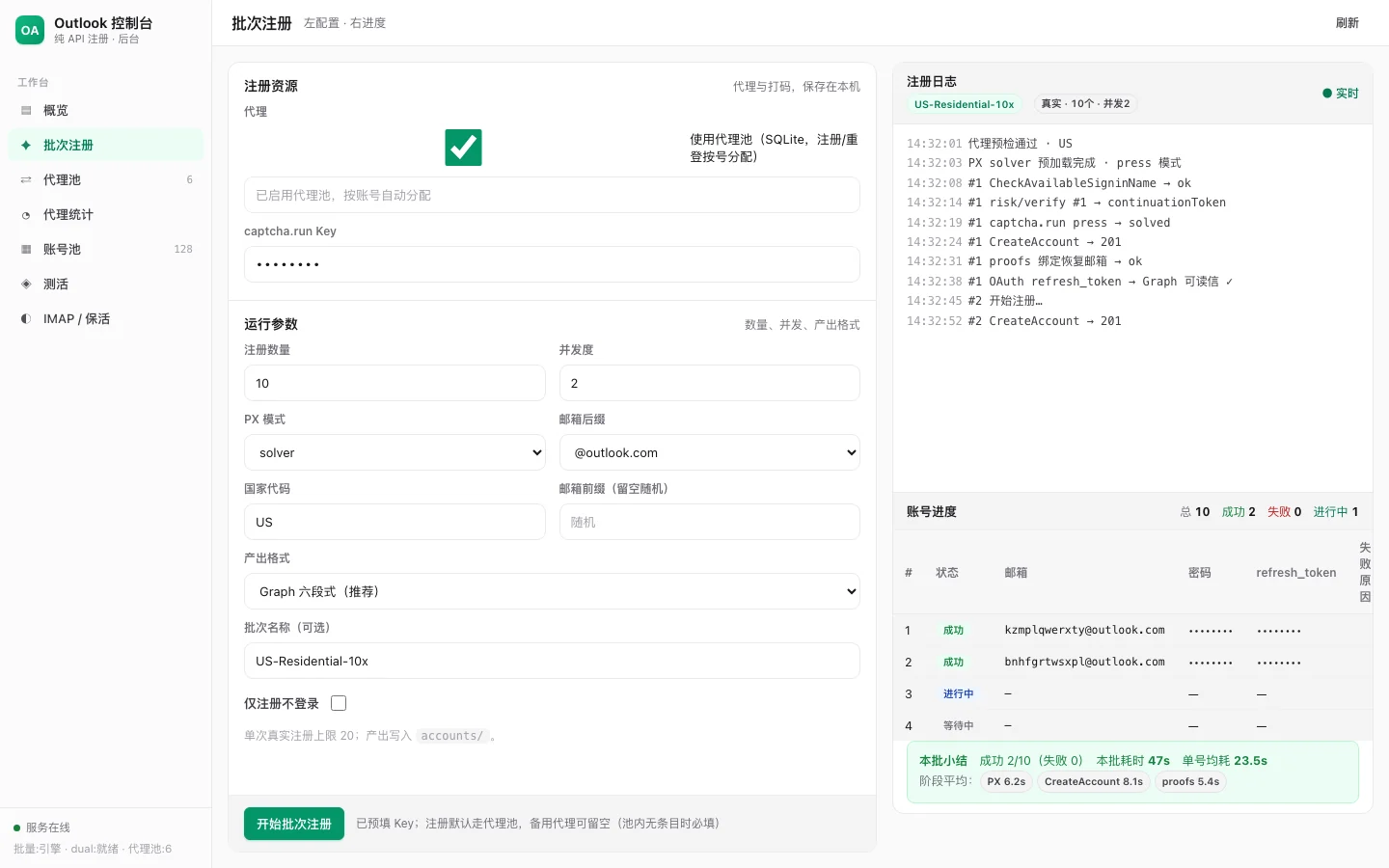
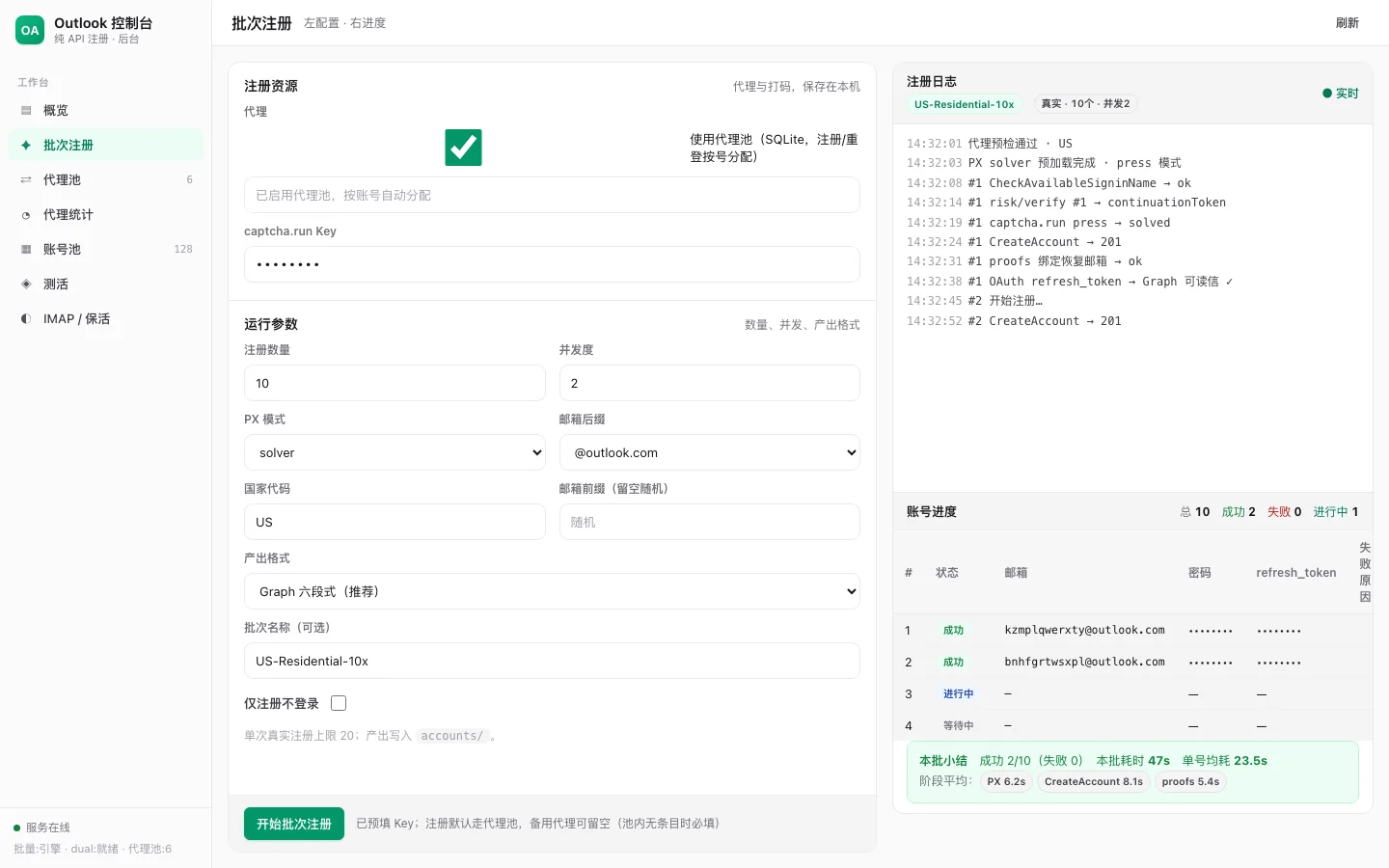
Links Parameter konfigurieren, rechts SSE-Push der vollständigen Kette: Proxy-Vorabprüfung → PX → CreateAccount → proofs → Graph lesbare E-Mails. Unten Zusammenfassung des durchschnittlichen Zeitaufwands pro Bestellung und der Phasenzeiten.
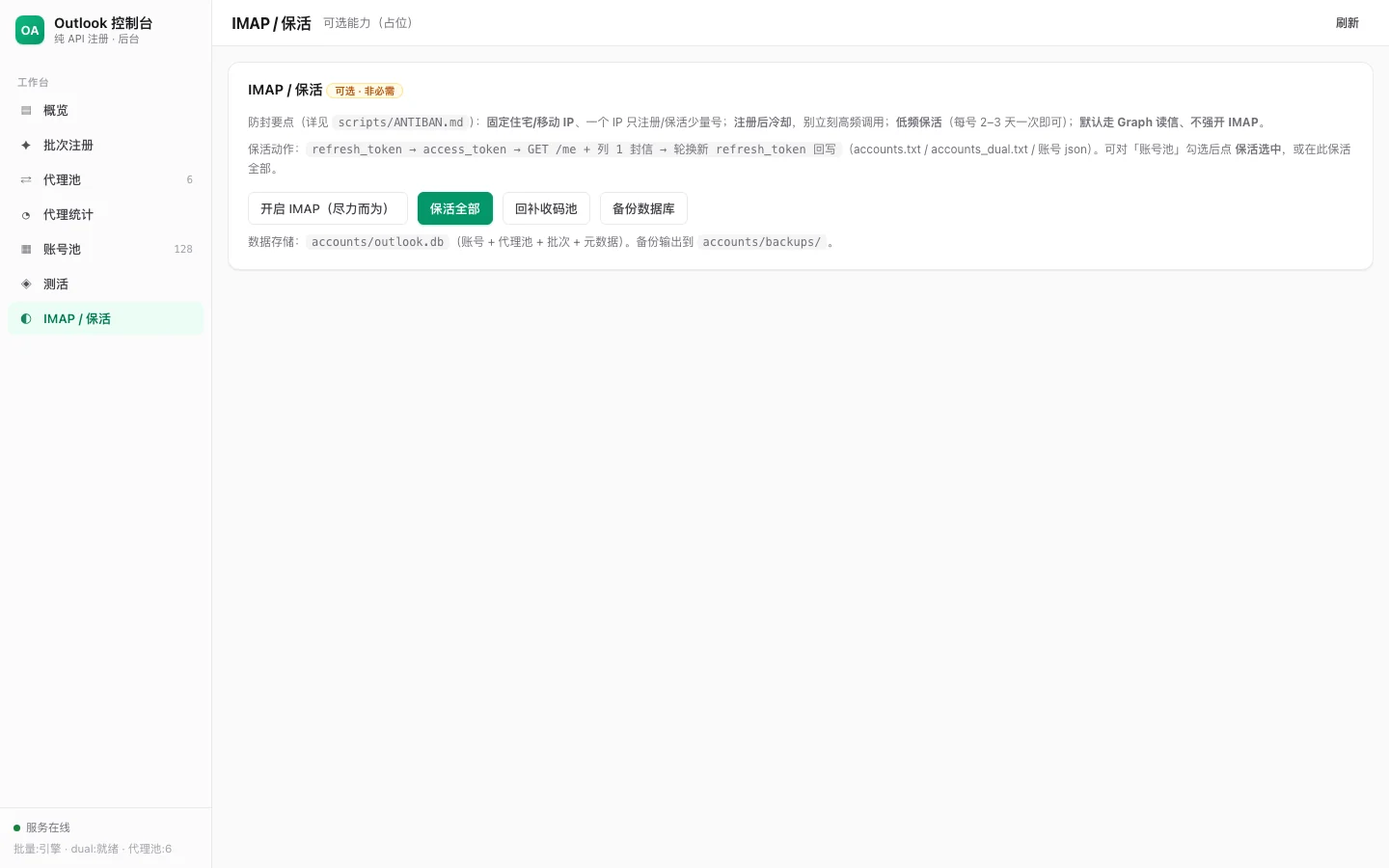
Automatisches Routing nach Scope zu Graph / Outlook REST / IMAP, Unterstützung von Batch-Keep-Alive-Aufgaben und Selbstprüfung beim E-Mail-Lesen.
Registrierungspipeline
cf_domain-Backend), standardmäßiges Überspringen verbotenBetriebsverwaltung
Captcha-Erkennung und Code-Empfang
.env dient als FallbackOAuth 登录页 (PKCE)
→ signup.live.com/signup (解析 ServerData)
→ CheckAvailableSigninName
→ risk/initialize (空 continuationToken)
→ humanSensorUrl + PX collector 预加载
→ risk/verify #1 (px metadata + msaRiskVerifySignature)
→ [riskChallengeRequired] captcha.run press/silent
→ risk/verify #2 (challengeSolution + px metadata)
→ CreateAccount
→ oauth20_authorize.srf (slt 登录)
→ [proofs] 外部恢复邮箱 / CF catch-all / (OUTLOOK_SKIP_PROOFS=1 时 cancel 跳过)
→ [可选] 跳过 Passkey / 获取邮件 OAuth refresh_token
git clone https://github.com/lxf746/outlook-auto-register.git
cd outlook-auto-register

python3 -m venv .venv && source .venv/bin/activate
pip install -r requirements.txt

cp .env.example .env
# 编辑 .env:恢复邮箱池、CF 域名等(captcha key 建议走 Web 控制台写入数据库)
.venv/bin/uvicorn main:app --host 0.0.0.0 --port 8890
Im Browser http://127.0.0.1:8890 öffnen:
host:port:user:pass oder das rotierende Gateway-{sid}-Template)