 hahwul/gitls
🖇 Git-Repository-URLs aus einer Liste von URLs / Benutzern / Organisationen auflisten. Pipeline-freundlich.






Ermittelt Git-Repository-URLs aus einer Liste von
URL/User/Org. Pipeline-freundlich
Dieses Tool ist nützlich, wenn Repositories wie GitHub im Bug-Bounty-Bereich enthalten sind. Wenn manchmal ein Organisations- oder Benutzername statt eines bestimmten Repositories angegeben ist, können Sie mit diesem Tool URLs aus allen öffentlichen Repositories extrahieren, die in der Organisation/dem Benutzer enthalten sind.
Es kann für verschiedene Aktionen wie Scannen oder Klonen mehrerer Repositories verwendet werden.
🚧 HINWEIS
Für unauthentifizierte Anfragen an die GitHub-API beträgt das Rate-Limit bis zu 60 Anfragen pro Stunde. Unauthentifizierte Anfragen werden mit der ursprünglichen IP-Adresse verknüpft, nicht mit dem anfragenden Benutzer. https://docs.github.com/en/rest/overview/resources-in-the-rest-api
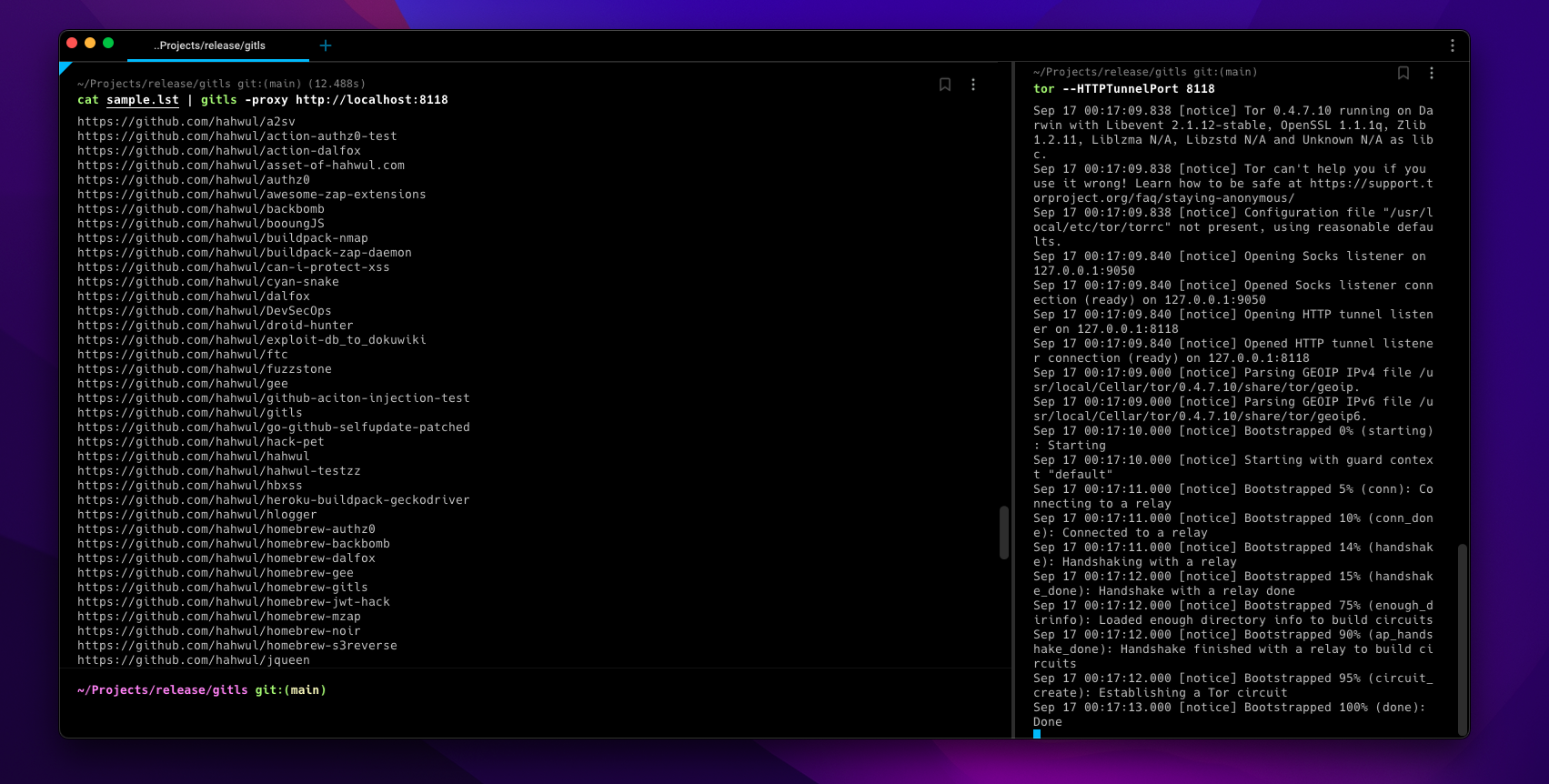
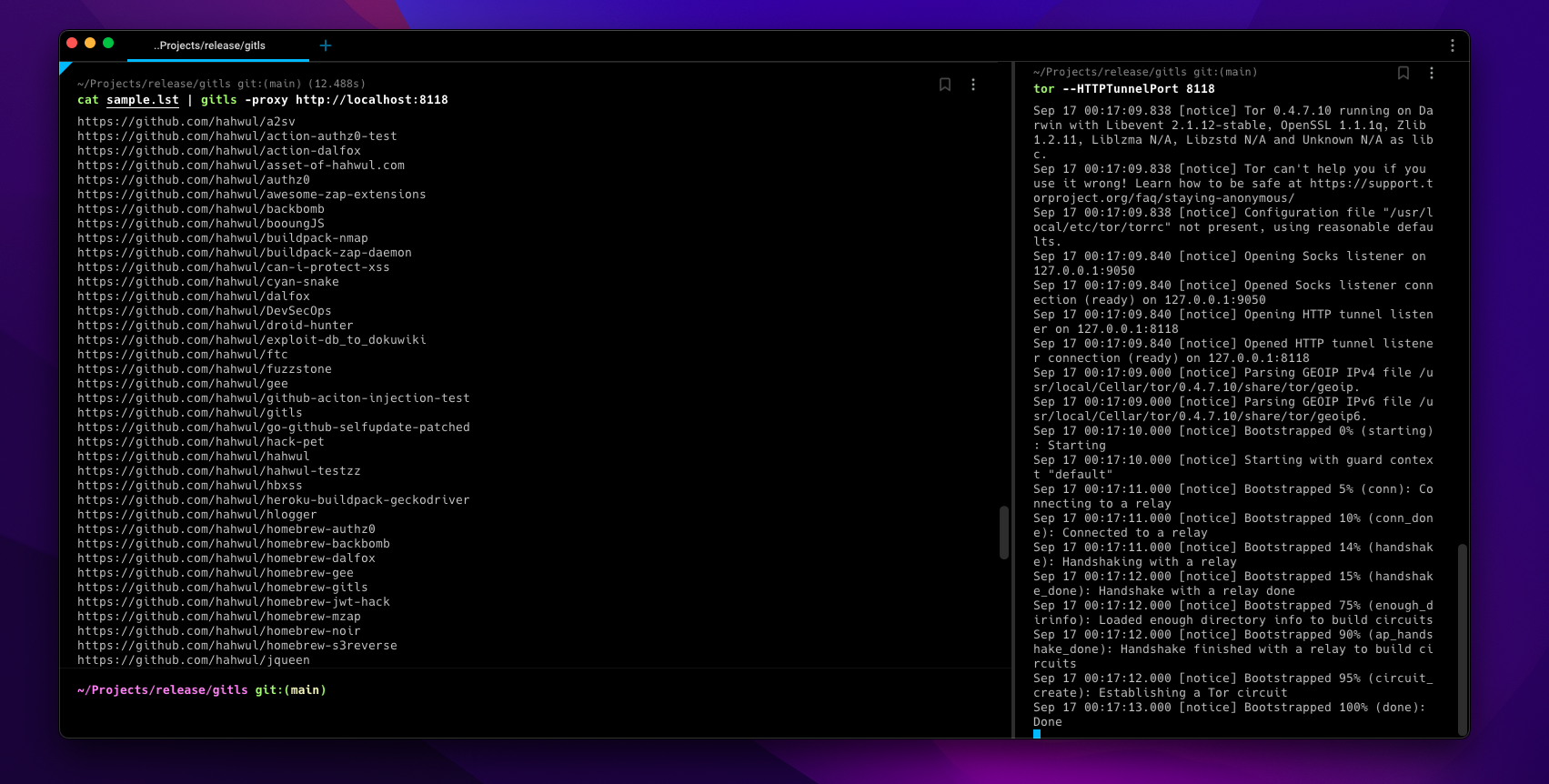
Bei zu vielen Aufgaben kann die API von GitHub für eine gewisse Zeit blockiert werden. In diesem Fall können Sie das entsprechende Ziel auswählen oder auf einen anderen IP-Adressbereich zugreifen, indem Sie torsocks (z.B.torsocks gitls -l user.list) oder die Optionen-toroder-proxy http://localhost:<TOR-PORT>verwenden.
▶ go install -v github.com/hahwul/gitls@latest
▶ brew tap hahwul/gitls
▶ brew install gitls
▶ sudo snap install gitls
Usage of gitls:
  -include-users
    	Repositories von Organisationsbenutzern (Mitglieder) einbeziehen
  -l string
    	Liste der Ziele (z.B. -l sample.lst)
  -o string
    	Ausgabedatei schreiben (optional)
  -proxy string
    	Benutzerdefinierten Proxy verwenden
  -tor
    	Tor-Proxy verwenden / localhost:9050
  -version
    	Version von gitls
sample.lst
https://github.com/hahwul
https://github.com/tomnomnom/gron
https://github.com/tomnomnom/httprobe
https://github.com/s0md3v
Repository-URL-Liste aus der Beispieldatei erstellen
▶ gitls -l sample.lst
https://github.com/hahwul/a2sv
https://github.com/hahwul/action-dalfox
https://github.com/hahwul/asset-of-hahwul.com
https://github.com/hahwul/awesome-zap-extensions
https://github.com/hahwul/backbomb
https://github.com/hahwul/booungJS
https://github.com/hahwul/buildpack-nmap
https://github.com/hahwul/buildpack-zap-daemon
https://github.com/hahwul/can-i-protect-xss
https://github.com/hahwul/cyan-snake
https://github.com/hahwul/dalfox
https://github.com/hahwul/DevSecOps
https://github.com/hahwul/droid-hunter
https://github.com/hahwul/exploit-db_to_dokuwiki
https://github.com/hahwul/ftc
https://github.com/hahwul/gitls
https://github.com/hahwul/go-github-selfupdate-patched
https://github.com/hahwul/hack-pet
...snip...
https://github.com/hahwul/zap-cloud-scan
https://github.com/tomnomnom/gron
https://github.com/tomnomnom/httprobe
https://github.com/s0md3v/Arjun
https://github.com/s0md3v/AwesomeXSS
https://github.com/s0md3v/Blazy
https://github.com/s0md3v/Bolt
...snip...
https://github.com/s0md3v/velocity
https://github.com/s0md3v/XSStrike
https://github.com/s0md3v/Zen
https://github.com/s0md3v/zetanize
▶ echo https://github.com/paypal | ./gitls -include-users
....
https://github.com/paypal/tech-talks
https://github.com/paypal/TLS-update
https://github.com/paypal/yurita
https://github.com/ahunnargikar
https://github.com/ahunnargikar/docker-chronos-image
https://github.com/ahunnargikar/docker-tomcat7
https://github.com/ahunnargikar/DockerConDemo
https://github.com/ahunnargikar/elasticsearch-registry-backend
https://github.com/ahunnargikar/elasticsearchindex
https://github.com/ahunnargikar/jenkins-dind
https://github.com/ahunnargikar/jenkins-standalone
https://github.com/ahunnargikar/vagrant-mesos
https://github.com/ahunnargikar/vagrant_docker_registry
https://github.com/anandpalanisamy
https://github.com/anilgursel
https://github.com/anilgursel/squbs-sample
https://github.com/bluepnume
▶ gitls -l sample.lst | xargs -I % gitleaks --repo-url=% -v
▶ echo "https://github.com/paypal" | gitls | xargs -I % git clone %

