 taurusomar/psobf
مبهم PowerShell

هدفه هو تحويل الكود لإعاقة التحليل والتوقيعات الثابتة، مفيد في المختبرات وفي مهام Red Team/Pentesting المصرح بها.
يدعم 6 مستويات من التعتيم بالإضافة إلى بنية التحويلات/الأنابيب التي تسمح بتراكم تقنيات مثل ترقيم السلاسل النصية، تشفير بسيط للثوابت الحرفية، إخفاء الأرقام، تشويه المعرفات، "الارتعاش" في التنسيق، تحسينات تجميلية لتدفق التحكم، إدخال كود ميت، ملفات تعريف التجزئة، وملفات تعريف حتمية.
⚠️ الاستخدام المسؤول: هذه الأداة مخصصة للبحث والاختبار المصرح به فقط. لا تستخدم لأغراض ضارة.```powershell
./psobf -h
██████╗ ███████╗ ██████╗ ██████╗ ███████╗
██╔══██╗██╔════╝██╔═══██╗██╔══██╗██╔════╝
██████╔╝███████╗██║   ██║██████╔╝█████╗
██╔═══╝ ╚════██║██║   ██║██╔══██╗██╔══╝
██║     ███████║╚██████╔╝██████╔╝██║
╚═╝     ╚══════╝ ╚═════╝ ╚═════╝ ╚═╝
Omar Salazar
v.2.0.0
Usage: psobf -i -o -level <1|2|3|4|5|6> [options]
Obfuscation Levels: 1 - Char join encoding 2 - Base64 encoding 3 - Base64 encoding (alternate) 4 - GZip + Base64 compression 5 - Script fragmentation 6 - AES-256 CTR encryption (NEW in 2.0.0)
Transform Pipeline Options (use with -pipeline): iden - Identifier morphing (use with -iden obf) strenc - String encryption (use with -strenc xor|rc4) stringdict - String tokenization (use with -stringdict N) numenc - Number encoding fmt - Format jitter (use with -fmt jitter) cf - Control flow obfuscation (use with -cf-opaque, -cf-shuffle) dead - Dead code injection (use with -deadcode N) hexenc - Hex string encoding (NEW) alias - Cmdlet alias substitution (NEW) unicode - Unicode character encoding (NEW) antidebug - Anti-debugging/VM detection (NEW) iexobf - Invoke-Expression obfuscation (NEW)
Examples:
psobf -i script.ps1 -o out.ps1 -level 2
psobf -i script.ps1 -o out.ps1 -level 6 -profile heavy
psobf -i script.ps1 -o out.ps1 -level 4 -pipeline "iden,alias,hexenc,antidebug,iexobf" -iden obf
psobf -i script.ps1 -o out.ps1 -level 4 -pipeline "strenc" -strenc rc4 -strkey 0011223344556677
## الميزات

<h1 align="center">
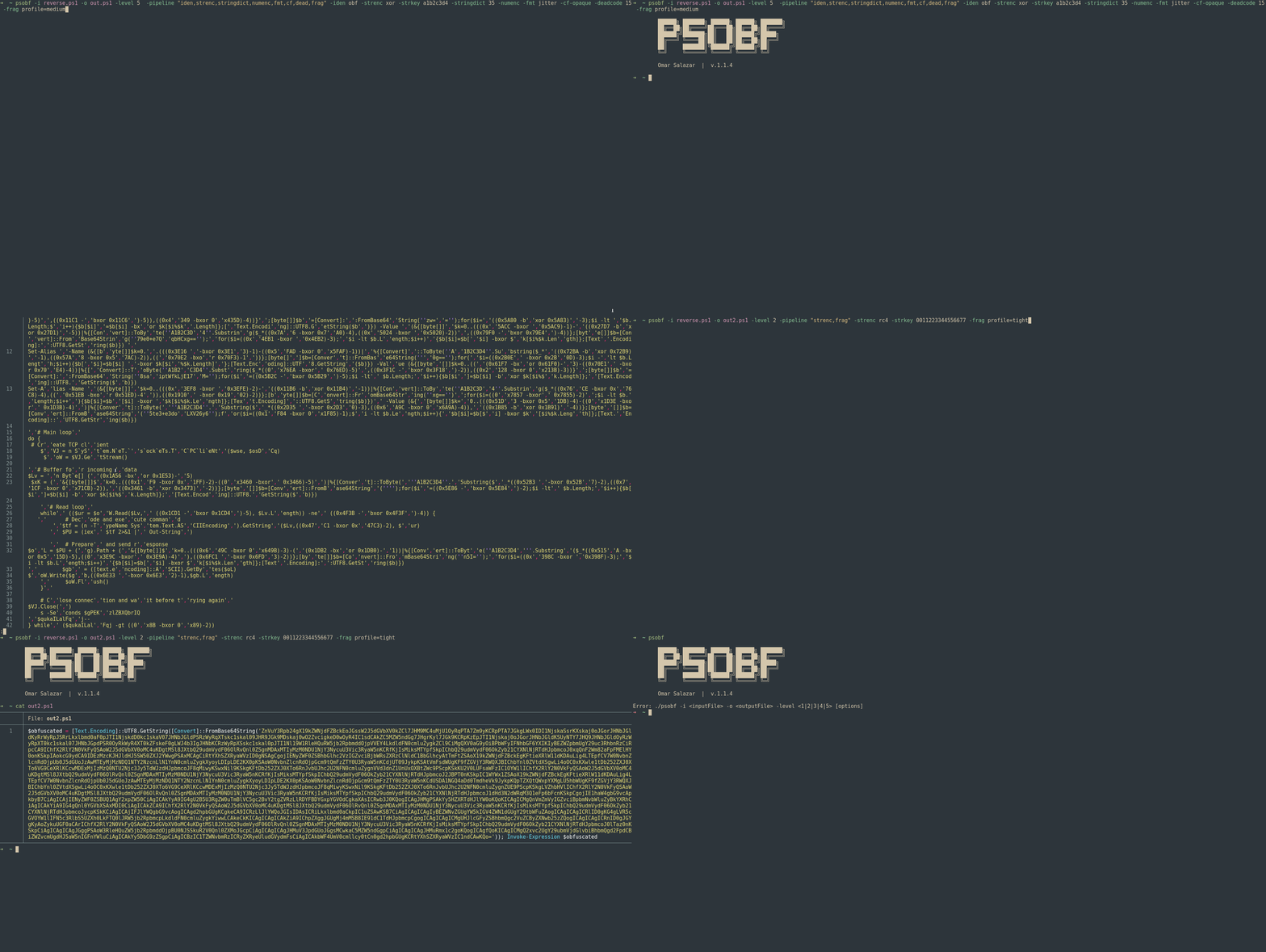
  <img src="https://assets.kitploit.com/production/public/readmes/6598/11956ab9f65e8dc1b0460652042c601f70d28bb67e9fd6f0a89813ed5369997f.gif" alt="psobf" width="700px"></a>
  <br>
</h1>

<h1 align="center">
  <img src="https://raw.githubusercontent.com/taurusomar/psobf/HEAD/static/poc2.gif" alt="psobf" width="700px"></a>
  <br>
</h1>

---

## التثبيت```bash
go install github.com/TaurusOmar/psobf/v2/cmd/[email protected]
psobf -i input.ps1 -o out.ps1 -level 1..6 [options] psobf -h # full help
## الميزات

<h1 align="center">
  <img src="https://assets.kitploit.com/production/public/readmes/6598/11956ab9f65e8dc1b0460652042c601f70d28bb67e9fd6f0a89813ed5369997f.gif" alt="psobf" width="700px"></a>
  <br>
</h1>

<h1 align="center">
  <img src="https://raw.githubusercontent.com/taurusomar/psobf/HEAD/static/poc2.gif" alt="psobf" width="700px"></a>
  <br>
</h1>

---

## التثبيت```bash
go install github.com/TaurusOmar/psobf/cmd/[email protected]
psobf -i input.ps1 -o out.ps1 -level 1..6 [options] psobf -h # full help
---

## مرجع كامل للأعلام
