
 projectdiscovery/proxify
وكيل متعدد الاستخدامات ومحمول لالتقاط حركة مرور HTTP/HTTPS ومعالجتها وإعادة تشغيلها أثناء التنقل.








الميزات • التثبيت • الاستخدام • تشغيل Proxify • تثبيت شهادة SSL • تطبيقات Proxify • انضم إلى Discord
وكيل سويسري متعدد الاستخدامات للنشر السريع. يدعم العديد من العمليات مثل تفريغ الطلبات/الردود، التصفية والتلاعب عبر لغة DSL، والوكيل العلوي HTTP/Socks5. بالإضافة إلى ذلك، تتيح أداة إعادة التشغيل (replay) استيراد حركة المرور المفرغة (الطلبات/الردود مع اسم النطاق الصحيح) إلى BurpSuite أو أي وكيل آخر بمجرد ضبط الوكيل العلوي على proxify.
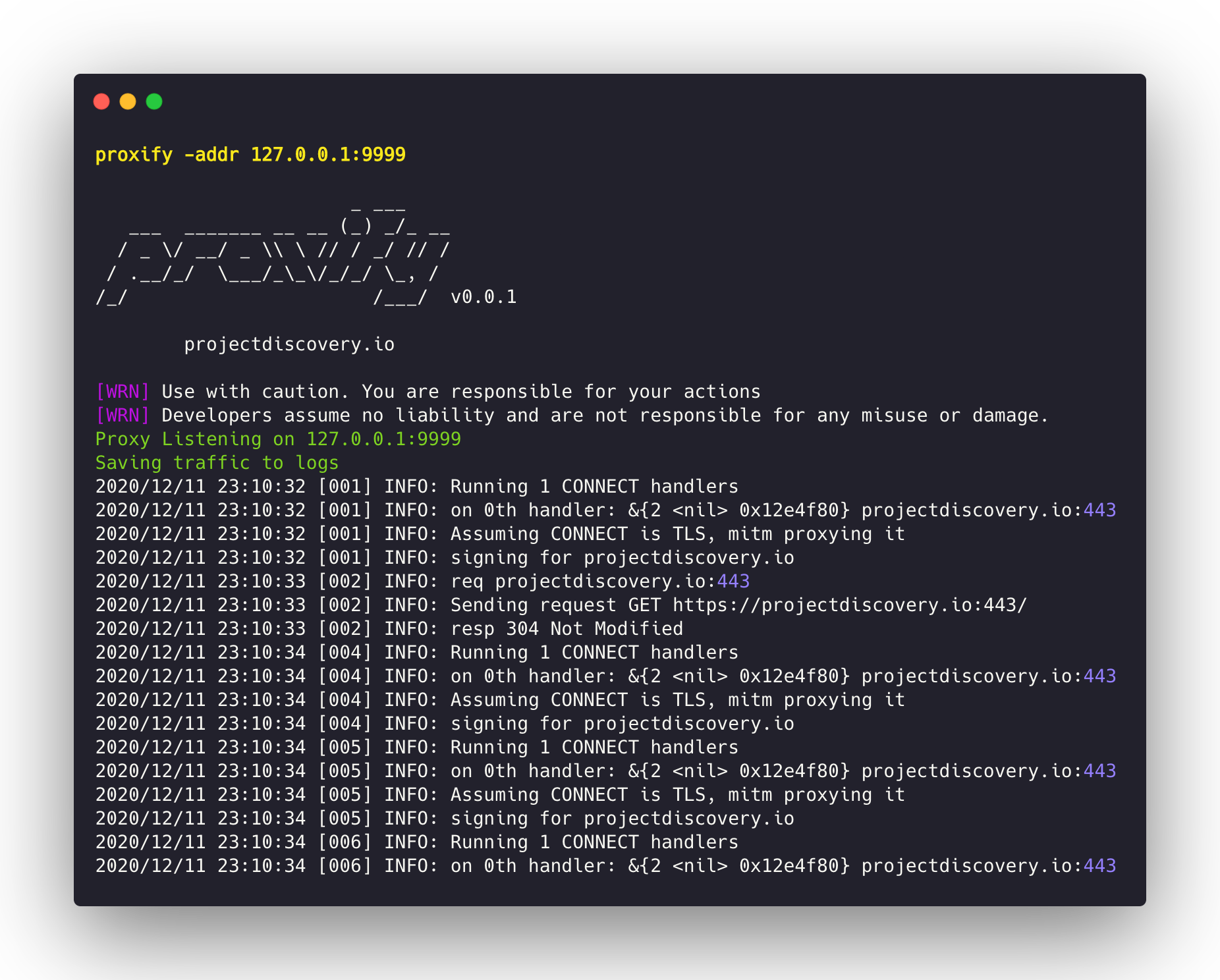
قم بتنزيل الملف الثنائي الجاهز للتشغيل أو التثبيت/البناء باستخدام GO
go install -v github.com/projectdiscovery/proxify/cmd/proxify@latest
proxify -h
سيعرض هذا مساعدة الأداة. فيما يلي جميع الخيارات التي تدعمها.
Swiss Army Knife Proxy for rapid deployments. Supports multiple operations such as request/response dump,filtering and manipulation via DSL language, upstream HTTP/Socks5 proxy

Usage:
  ./proxify [flags]

Flags:
OUTPUT:
   -sr, -store-response        store raw http request / response to output directory (default proxify_logs)
   -o, -output                 output file to store proxify logs (default proxify_logs.jsonl)
   -of, -output-format string  output format (jsonl/yaml) (default "jsonl")
   -dump-req                   Dump only HTTP requests to output file
   -dump-resp                  Dump only HTTP responses to output file
   -oca, -out-ca string        Generate and Save CA File to filename

UPDATE:
   -up, -update                 update proxify to latest version
   -duc, -disable-update-check  disable automatic proxify update check

FILTER:
   -req-fd, -request-dsl string[]                   Request Filter DSL
   -resp-fd, -response-dsl string[]                 Response Filter DSL
   -req-mrd, -request-match-replace-dsl string[]    Request Match-Replace DSL
   -resp-mrd, -response-match-replace-dsl string[]  Response Match-Replace DSL

NETWORK:
   -ha, -http-addr string    Listening HTTP IP and Port address (ip:port) (default "127.0.0.1:8888")
   -sa, -socks-addr          Listening SOCKS IP and Port address (ip:port) (default 127.0.0.1:10080)
   -da, -dns-addr string     Listening DNS IP and Port address (ip:port)
   -dm, -dns-mapping string  Domain to IP DNS mapping (eg domain:ip,domain:ip,..)
   -r, -resolver string      Custom DNS resolvers to use (ip:port)

PROXY:
   -hp, -http-proxy string[]    Upstream HTTP Proxies (eg http://proxy-ip:proxy-port)
   -sp, -socks5-proxy string[]  Upstream SOCKS5 Proxies (eg socks5://proxy-ip:proxy-port)
   -c int                       Number of requests before switching to the next upstream proxy (default 1)

EXPORT:
   -max-size int  Max export data size (request/responses will be truncated) (default 9223372036854775807)

CONFIGURATION:
   -config string              path to the proxify configuration file
   -ec, -export-config string  proxify export module configuration file (default "$CONFIG/export-config.yaml")
   -config-directory string    override the default config path (default "$CONFIG/proxify")
   -cert-cache-size int        Number of certificates to cache (default 256)
   -a, -allow string[]         Allowed list of IP/CIDR's to be proxied
   -d, -deny string[]          Denied list of IP/CIDR's to be proxied
   -pt, -passthrough string[]  List of passthrough domains

DEBUG:
   -nc, -no-color      No Color
   -version            Version
   -silent             Silent
   -v, -verbose        Verbose
   -vv, -very-verbose  Very Verbose
تشغيل وكيل HTTP على المنفذ 8888:
proxify
تشغيل وكيل HTTP على منفذ مخصص 1111:
proxify -http-addr ":1111"
يمكن استخدام العلامة -pt لتمرير (تخطي) حركة المرور المشفرة دون محاولة إنهاء اتصال TLS.
proxify -pt '(.*\.)?google\.co.in.*'
تشغيل وكيل HTTP على المنفذ 8888 وإعادة توجيه حركة المرور إلى burp على المنفذ 8080:
proxify -http-proxy http://127.0.0.1:8080
تشغيل وكيل HTTP على المنفذ 8888 وإعادة توجيه حركة المرور إلى شبكة TOR:
proxify -socks5-proxy 127.0.0.1:9050
يدعم Proxify ثلاثة تنسيقات إخراج: JSONL و YAML و Files.
JSONL (افتراضي):
في تنسيق JSON Lines، يتم تخزين كل زوج طلب/استجابة HTTP ككائن JSON في سطر واحد.
{"timestamp":"2024-02-20T01:56:49+05:30","url":"https://scanme.sh:443","request":{"header":{"Connection":"close","User-Agent":"curl/8.1.2","host":"scanme.sh:443","method":"CONNECT","path":"","scheme":"https"},"raw":"CONNECT scanme.sh:443 HTTP/1.1\r\nHost: scanme.sh:443\r\nConnection: close\r\nUser-Agent: curl/8.1.2\r\n\r\n"},"response":{"header":{"Content-Length":"0"},"raw":"HTTP/1.1 200 OK\r\nContent-Length: 0\r\n\r\n"}}
{"timestamp":"2024-02-20T01:56:49+05:30","url":"https://scanme.sh/","request":{"header":{"Accept":"*/*","Connection":"close","User-Agent":"curl/8.1.2","host":"scanme.sh","method":"GET","path":"/","scheme":"https"},"raw":"GET / HTTP/1.1\r\nHost: scanme.sh\r\nAccept: */*\r\nConnection: close\r\nUser-Agent: curl/8.1.2\r\n\r\n"},"response":{"header":{"Content-Type":"text/plain; charset=utf-8","Date":"Mon, 19 Feb 2024 20:26:49 GMT"},"body":"ok","raw":"HTTP/1.1 200 OK\r\nConnection: close\r\nContent-Type: text/plain; charset=utf-8\r\nDate: Mon, 19 Feb 2024 20:26:49 GMT\r\n\r\n"}}
Yaml MultiDoc:
في تنسيق YAML متعدد المستندات، يتم تغليف كل زوج طلب واستجابة HTTP كمستند منفصل. جميع المستندات في ملف yaml الناتج مفصولة بـ --- للسماح بتحليل التدفق والاستهلاك.
proxify -output-format yaml
