
Skip to content
KitploitKITPLOIT
أدواتعمليات الاستغلالالمدونة
Log in
إرسال
أدواتعمليات الاستغلالالمدونة
إرسال

أدوات الاختراق واختبار الاختراق والأمن السيبراني لترسانتك الأمنية!

Kitploit هو دليل لأدوات الاختراق والأمن السيبراني واختبار الاختراق. اكتشف آخر تحديثات المشاريع للعثور على الثغرات وتحليل الأنظمة وأتمتة الاختبارات وتعزيز أمنك.

الخلاصاتاتصالالخصوصية© 2026 Kitploit

دليل الأدوات

الفئات

عرض جميع الفئات
Loading categories
rustinel — Endpoint detection for Windows, Linux, and macOS. Sigma, YARA, and IOC rules on native telemetry. Written in Rust. No cloud account required. | Kitploit
أدوات/GitHubGitHub/karib0u/rustinel
Indicator of Compromise (IOC) ManagementIncident Response
GitHubkarib0u/rustinel

rustinel

Endpoint detection for Windows, Linux, and macOS. Sigma, YARA, and IOC rules on native telemetry. Written in Rust. No cloud account required.


عرض المستودعالموقع الإلكتروني
4505562منذ 2 أيامتمت المراجعة من قبل Kitploit
مشاركة
المحتوى غير متوفر باللغة المطلوبة. عرض النسخة الإنجليزية.

Rustinel

Open-source endpoint detection. Three platforms. Your rules.
Run Sigma, YARA, and IOC detections on native Windows, Linux, and macOS telemetry.
Written in Rust, with local alerts and no cloud account required.

CI Latest release Downloads Apache 2.0 license

Download | Documentation | Detection packs | Website
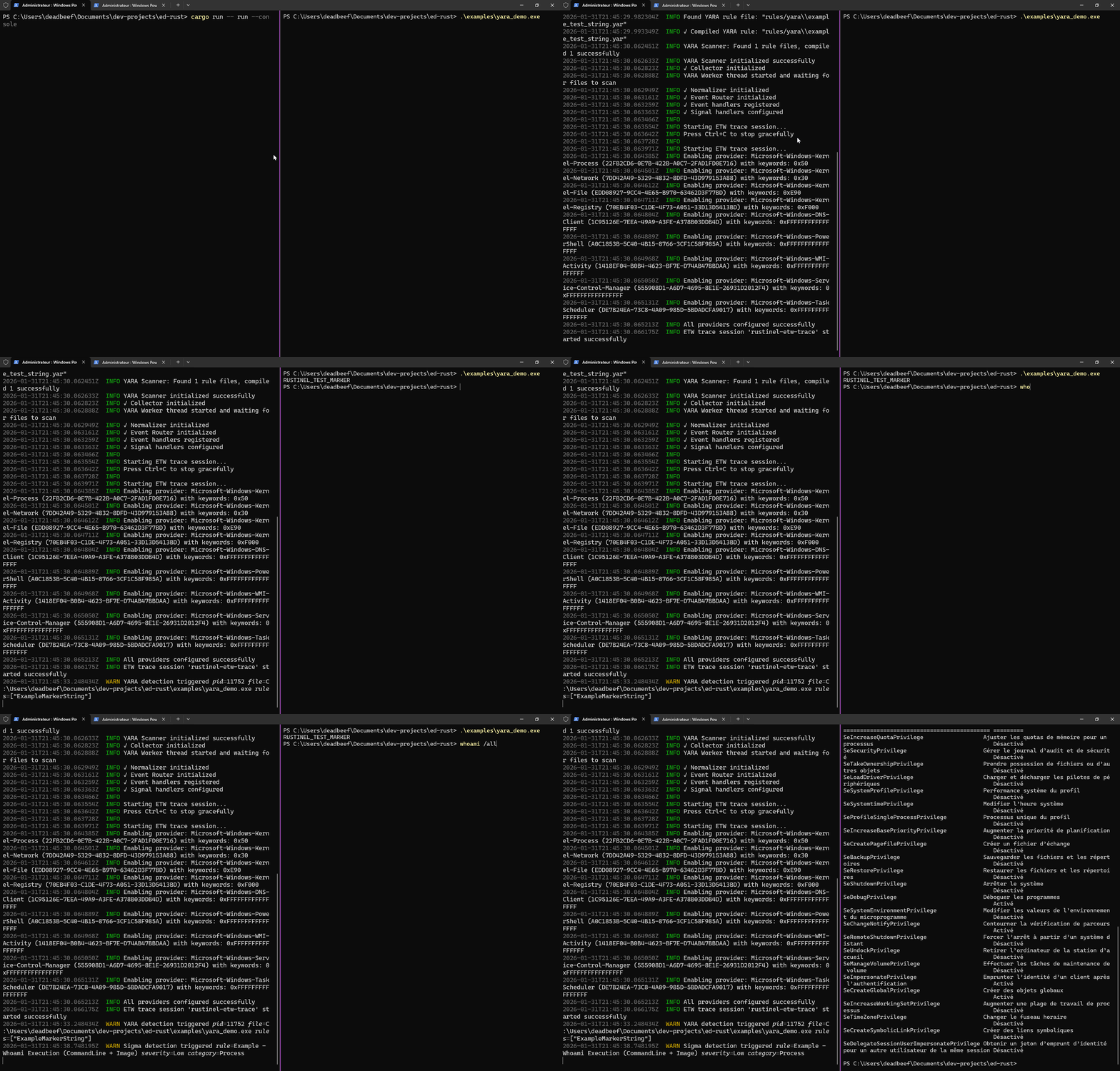
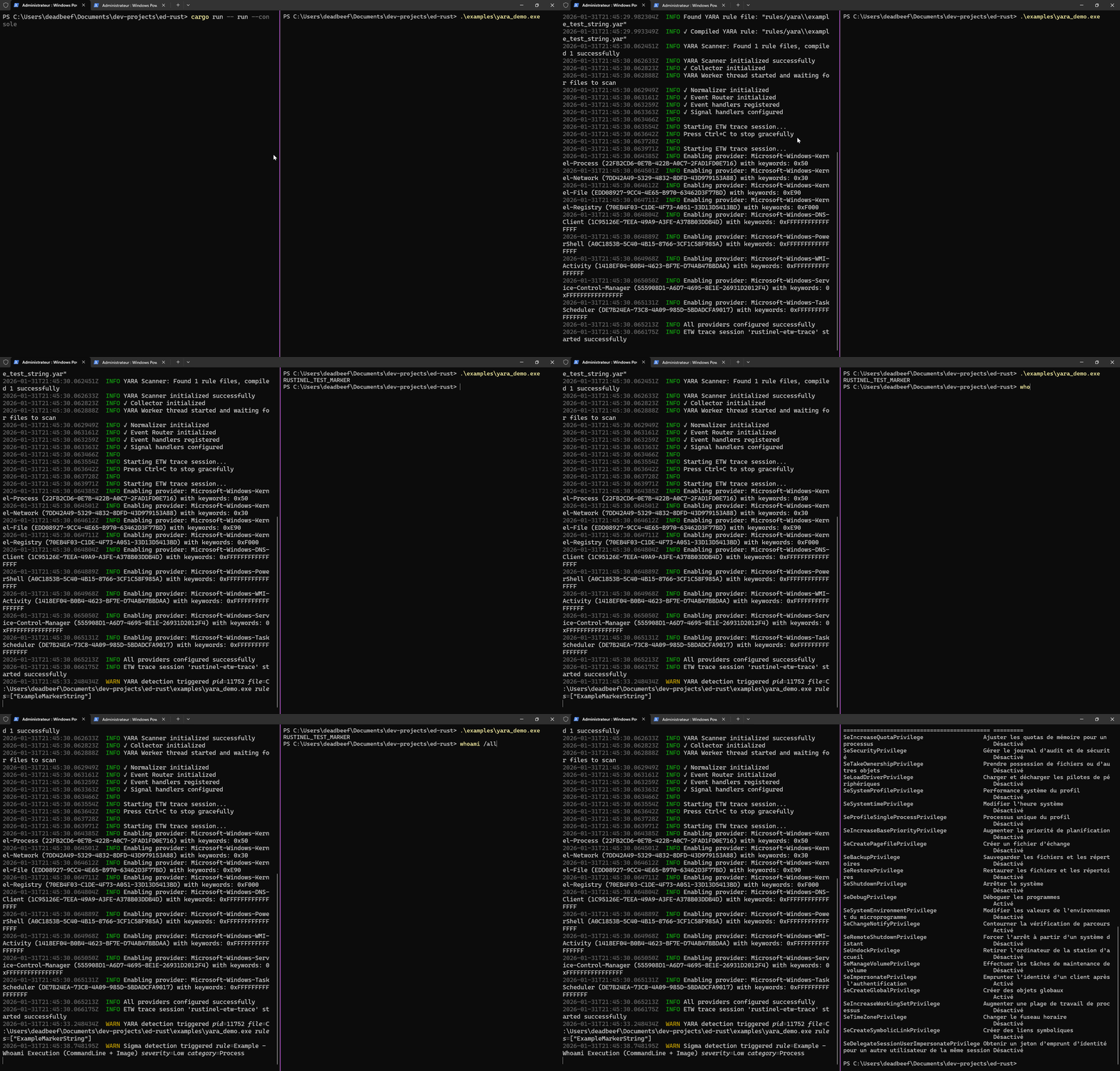
Rustinel demo

Why Rustinel?

  • Use Sigma and YARA rules. Sigma for behavior, YARA for executables and process memory, and IOC lists for hashes, IPs, domains, and paths.
  • Run on Windows, Linux, and macOS. One engine, one config format, and the same Sysmon-style field names everywhere. Coverage varies by platform.
  • Keep your data. The agent sends nothing home. Alerts are local ECS NDJSON files that Elastic, Splunk, or any log pipeline can ingest.
  • Test rules against recorded behavior. Capture activity once, then replay it on any machine as your rules change.
  • See the gaps. rustinel sigma doctor explains which rules can fire, while rustinel doctor reports runtime health and events dropped under load.

Quickstart

Install into a local rustinel folder, then start it.

Linux (kernel 5.8+):

curl -fsSL https://rustinel.io/install.sh | sh
cd rustinel && sudo ./rustinel run

Windows, in an elevated PowerShell:

irm https://rustinel.io/install.ps1 | iex
Set-Location rustinel; .\rustinel.exe run

macOS (experimental) needs Full Disk Access first, see macOS permissions:

curl -fsSL https://rustinel.io/install.sh | sh
cd rustinel && sudo ./rustinel run

Run whoami in another terminal. The demo rule fires and the alert lands in rustinel/logs/alerts.json.<date>.

To install it as a service with a real rules pack, stop it with Ctrl-C and run sudo ./rustinel setup --yes from the rustinel folder (.\rustinel.exe setup --yes on Windows). See Deploy on an endpoint.

Capture once, replay as your rules improve

sudo ./rustinel capture --output ~/captures/session.ndjson   # Ctrl-C when done
sudo chown -R "$USER" ~/captures
./rustinel replay ~/captures/session.ndjson
./rustinel replay ~/captures/session.ndjson --config candidate.toml

Replay needs no privileges and works across platforms: a Windows recording replays on Linux. See Test rules with replay.

Platform support

PlatformSensorsTelemetryStatus
Windows 10/11, Server 2016+ETW + Windows Event LogProcess, image load, network, file, registry, DNS, PowerShell, WMI, service, task, Security audit eventsStable
Linux 5.8+eBPFProcess, network, file, DNSStable
macOS 11+Endpoint Security + /dev/bpfProcess, file, network, DNSExperimental

Details: Platform coverage and Limitations.

Know the boundaries

Rustinel is built for endpoint monitoring, detection engineering, labs, and SIEM pipeline testing. It is not a replacement for a commercial EDR: it has no anti-tamper, no pre-execution blocking, and no management console. See the Security model.

Code signing policy

Free code signing for the Windows binary is provided by SignPath.io, certificate by SignPath Foundation. See the Code signing policy for roles and privacy.

Contribute

Bug reports, detection tests, and platform work are welcome. Tell us what you monitor and where you get stuck.

Contributing | Issues | Development guide | Roadmap

License

Apache 2.0.

تنزيل الأداة

الأكثر شعبية

عرض الكل →

اكتشف الأدوات الأكثر استخدامًا من قبل مجتمعنا.

  • 1

    ghostlock-app

    yukonga/ghostlock-app

    # تطبيق GhostLock للتنفيذ بنقرة واحدة (CVE-2026-43499)

    977
  • 2

    OsintHunter

    letox4/osinthunter

    🎯 مجموعة أدوات OSINT المثالية: رسم بياني للتحقيق، وتقييم الثقة، وعائلات الأسماء المستعارة، وخريطة، وخط زمني، وتقارير. 49 وحدة، وأكثر من 400 موقع، دون الحاجة إلى مفاتيح API.

    742
  • 3

    wifit3

    derv82/wifit3

    Wifite لكن عبر USB فقط ومتعدد المنصات.

    731
  • 4

    jumpserver

    jumpserver/jumpserver

    JumpServer هي منصة مفتوحة المصدر لإدارة الامتيازات (PAM) توفر لفرق DevOps وتكنولوجيا المعلومات وصولًا آمنًا عند الطلب إلى نقاط نهاية SSH وRDP وKubernetes وقواعد البيانات وRemoteApp عبر متصفح الويب.

    484
  • 5

    SafeLine

    chaitin/safeline

    WAF مستضافة ذاتيًا ووكيل عكسي يقوم بتصفية حركة المرور HTTP الضارة، ويمنع هجمات SQL injection و XSS وهجمات البوت، مع تحديد معدل الطلبات وتشفير HTML/JS الديناميكي.

    438
  • 6

    CyberStrikeAI

    ed1s0nz/cyberstrikeai

    نظام العمل للأمن السيبراني الأصلي بالذكاء الاصطناعي — حيث تتحول النية إلى تنفيذ محكوم، وتصبح الأدلة ذاكرة تشغيلية، وكل عملية تحسن التي تليها.

    399

استكشف جميع الأدوات

تصفح مجموعتنا من الأدوات

عرض جميع الأدوات →