 godaddy/tartufo
يبحث في مستودعات git عن سلاسل ذات إنتروبيا عالية وأسرار، متعمقًا في تاريخ الالتزامات (commit history)


[!WARNING] لم يعد هذا المشروع يُصان بشكل نشط.




يبحث tartufo في مستودعات git عن الأسرار، متعمقًا في سجل الالتزامات والفروع. هذا فعّال في العثور على الأسرار التي تم الالتزام بها عن طريق الخطأ. يمكن أيضًا استخدام tartufo بواسطة نصوص git pre-commit لفحص التغييرات بحثًا عن الأسرار قبل الالتزام بها إلى المستودع.
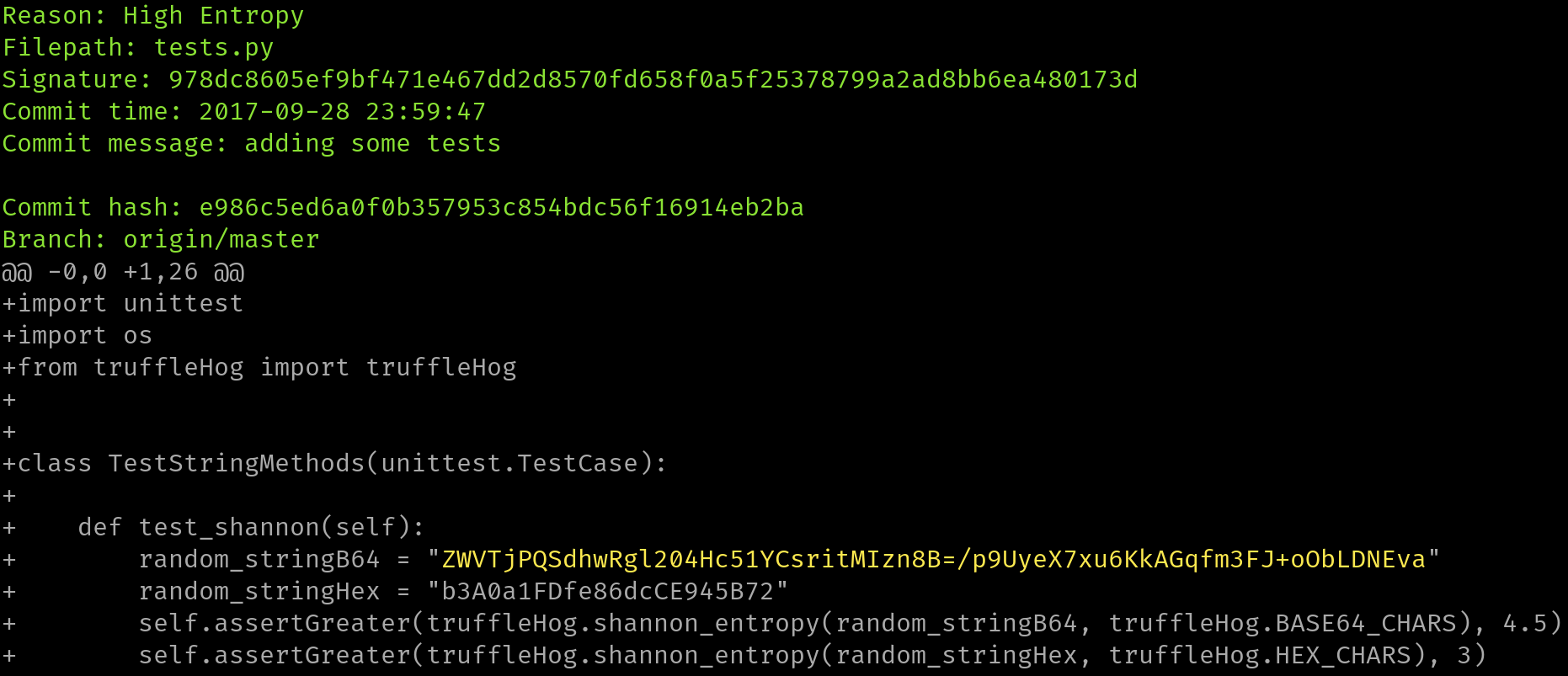
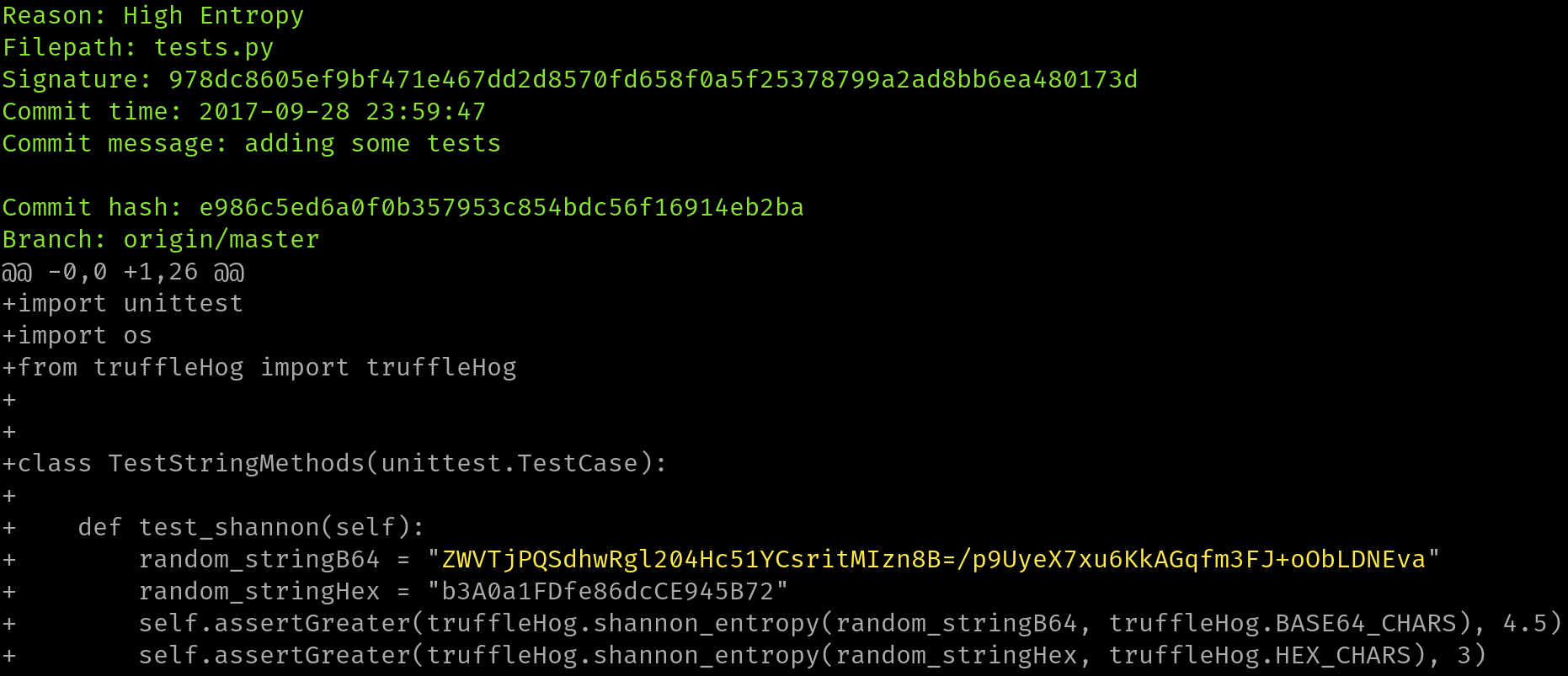
ستمر هذه الأداة عبر سجل الالتزامات بالكامل لكل فرع، وتفحص كل فرق (diff) من كل التزام، وتبحث عن الأسرار. يتم ذلك عبر التعبيرات النمطية (regex) وعبر الإنتروبيا. بالنسبة لفحوصات الإنتروبيا، ستقيّم tartufo إنتروبيا شانون لكل من مجموعة أحرف base64 ومجموعة الأحرف السداسية العشرية لكل كتلة نصية أكبر من 20 حرفًا مكوّنة من تلك المجموعات في كل فرق. إذا تم اكتشاف سلسلة عالية الإنتروبيا > 20 حرفًا في أي نقطة، فسيتم طباعتها على الشاشة.
موقع التوثيق الرئيسي لدينا مستضاف بواسطة Read The Docs، على https://tartufo.readthedocs.io.
Usage: tartufo [OPTIONS] COMMAND [ARGS]...

  Find secrets hidden in the depths of git.

  Tartufo will, by default, scan the entire history of a git repository for
  any text which looks like a secret, password, credential, etc. It can also
  be made to work in pre-commit mode, for scanning blobs of text as a pre-
  commit hook.

Options:
  --default-regexes / --no-default-regexes
                                  Whether to include the default regex list
                                  when configuring search patterns. Only
                                  applicable if --rules is also specified.
                                  [default: default-regexes]
  --entropy / --no-entropy        Enable entropy checks.  [default: entropy]
  --regex / --no-regex            Enable high signal regexes checks.
                                  [default: regex]
  --scan-filenames / --no-scan-filenames
                                  Check the names of files being scanned as
                                  well as their contents.  [default: scan-
                                  filenames]
  -of, --output-format [json|compact|text|report]
                                  Specify the format in which the output needs
                                  to be generated `--output-format
                                  json/compact/text/report`. Either `json`,
                                  `compact`, `text` or `report` can be
                                  specified. If not provided (default) the
                                  output will be generated in `text` format.
  -od, --output-dir DIRECTORY     If specified, all issues will be written out
                                  as individual JSON files to a uniquely named
                                  directory under this one. This will help
                                  with keeping the results of individual runs
                                  of tartufo separated.
  -td, --temp-dir DIRECTORY       If specified, temporary files will be
                                  written to the specified path
  --buffer-size INTEGER           Maximum number of issue to buffer in memory
                                  before shifting to temporary file buffering
                                  [default: 10000]
  --git-rules-repo TEXT           A file path, or git URL, pointing to a git
                                  repository containing regex rules to be used
                                  for scanning. By default, all .json files
                                  will be loaded from the root of that
                                  repository. --git-rules-files can be used to
                                  override this behavior and load specific
                                  files.
  --git-rules-files TEXT          Used in conjunction with --git-rules-repo,
                                  specify glob-style patterns for files from
                                  which to load the regex rules. Can be
                                  specified multiple times.
  --config FILE                   Read configuration from specified file.
                                  [default: tartufo.toml]
  --target-config/--no-target-config
                                  Enable or Disable processing of the config file in the
                                  repository or folder being scanned
                                  i.e. config files like tartufo.toml or pyproject.toml
                                  [default: target-config]
  -q, --quiet / --no-quiet        Quiet mode. No outputs are reported if the
                                  scan is successful and doesn't find any
                                  issues
  -v, --verbose                   Display more verbose output. Specifying this
                                  option multiple times will incrementally
                                  increase the amount of output.
  --log-timestamps / --no-log-timestamps
                                  Enable or disable timestamps in logging
                                  messages.  [default: log-timestamps]
  --entropy-sensitivity INTEGER RANGE
                                  Modify entropy detection sensitivity. This
                                  is expressed as on a scale of 0 to 100,
                                  where 0 means "totally nonrandom" and 100
                                  means "totally random". Decreasing the
                                  scanner's sensitivity increases the
                                  likelihood that a given string will be
                                  identified as suspicious.  [default: 75;
                                  0<=x<=100]
  --color / --no-color            Enable or disable terminal color. If not
                                  provided (default), enabled if output is a
                                  terminal (TTY).
  -V, --version                   Show the version and exit.
  -h, --help                      Show this message and exit.

Commands:
  pre-commit        Scan staged changes in a pre-commit hook.
  scan-remote-repo  Automatically clone and scan a remote git repository.
  scan-folder       Scan a folder.
  scan-local-repo   Scan a repository already cloned to your local system.
جميع المساهمين والمساهمات مرحّب بهم! يُرجى الاطلاع على [وثائق المساهمة لدينا] لمزيد من المعلومات.
استُلهم هذا المشروع من العمل الذي قام به Dylan Ayrey على مشروع truffleHog وبُني عليه.

