
New releaseSep 10, 2026
scilla v1.3.4
أداة جمع المعلومات - تعداد DNS / النطاقات الفرعية / المنافذ / الأدلة

🏴☠️ أداة جمع المعلومات 🏴☠️ - تعداد DNS / النطاقات الفرعية / المنافذ / الأدلة

برمجة بـ 💙 بواسطة edoardottt
شارك على Twitter!
التثبيت • ابدأ الآن • أمثلة • سجل التغييرات • المساهمة • الترخيص
التثبيت 📡
Homebrew
brew install scilla
Snap
sudo snap install scilla
Golang
go install -v github.com/edoardottt/scilla/cmd/scilla@latest
البناء من المصدر
تحتاج إلى Go (>=1.23)
البناء من المصدر لنظامي Linux وWindows
Linux
git clone https://github.com/edoardottt/scilla.git
cd scilla
go get ./...
make linux # (to install)
make unlinux # (to uninstall)
حرّر ملف ~/.config/scilla/keys.yaml إذا كنت تريد استخدام مفاتيح API.
أمر واحد: git clone https://github.com/edoardottt/scilla.git && cd scilla && go get ./... && make linux
Windows
لاحظ أن الملف التنفيذي يعمل فقط داخل مجلد cariddi (اسم مستعار؟).
git clone https://github.com/edoardottt/scilla.git
cd scilla
.\make.bat windows # (to install)
.\make.bat unwindows # (to uninstall)
أنشئ ملف keys.yaml إذا كنت تريد استخدام مفاتيح API.
استخدام Docker
docker build -t scilla .
docker run scilla help
أمثلة 💡
-
تعداد DNS:
scilla dns -target example.comscilla dns -oj output -target example.comscilla dns -oh output -target example.comscilla dns -ot output -target example.comscilla dns -plain -target example.com
-
تعداد النطاقات الفرعية:
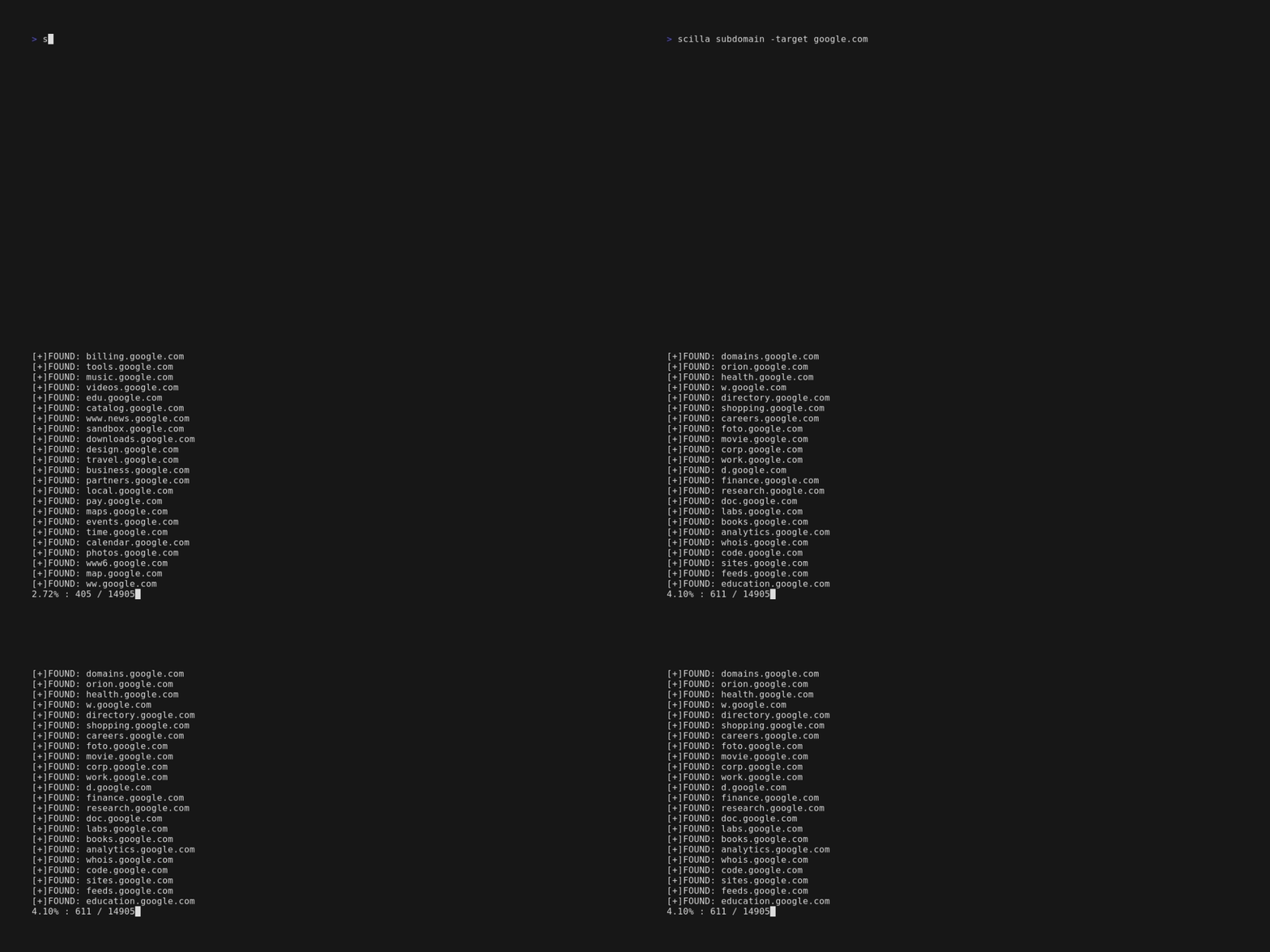
scilla subdomain -target example.comscilla subdomain -w wordlist.txt -target example.comscilla subdomain -oj output -target example.comscilla subdomain -oh output -target example.comscilla subdomain -ot output -target example.comscilla subdomain -i 400 -target example.comscilla subdomain -i 4** -target example.comscilla subdomain -c -target example.comscilla subdomain -db -target example.comscilla subdomain -plain -target example.comscilla subdomain -db -no-check -target example.comscilla subdomain -db -vt -target example.comscilla subdomain -db -bw -target example.comscilla subdomain -ua "CustomUA" -target example.comscilla subdomain -rua -target example.comscilla subdomain -dns 8.8.8.8 -target example.comscilla subdomain -alive -target example.com
-
تعداد الأدلة:
scilla dir -target example.comscilla dir -w wordlist.txt -target example.comscilla dir -oj output -target example.comscilla dir -oh output -target example.comscilla dir -ot output -target example.comscilla dir -i 500,401 -target example.comscilla dir -i 5**,401 -target example.comscilla dir -c -target example.comscilla dir -plain -target example.comscilla dir -nr -target example.comscilla dir -ua "CustomUA" -target example.comscilla dir -rua -target example.com
-
تعداد المنافذ:
- الافتراضي (جميع المنافذ، أي 1-65635)
scilla port -target example.com - تحديد نطاق المنافذ
scilla port -p 20-90 -target example.com - تحديد منفذ البداية (حتى الأخير)
scilla port -p 20- -target example.com - تحديد منفذ النهاية (من الأول)
scilla port -p -90 -target example.com - تحديد منافذ متعددة
scilla port -p 21,25,80 -target example.com - تحديد المنافذ الشائعة
scilla port -common -target example.com - تحديد منفذ واحد
scilla port -p 80 -target example.com - تحديد صيغة الإخراج (json)
scilla port -oj output -target example.com - تحديد صيغة الإخراج (html)
scilla port -oh output -target example.com - تحديد صيغة الإخراج (txt)
scilla port -ot output -target example.com - طباعة النتائج فقط
scilla port -plain -target example.com
- الافتراضي (جميع المنافذ، أي 1-65635)
-
التقرير الكامل:
- الافتراضي (جميع المنافذ، أي 1-65635)
scilla report -target example.com - تحديد نطاق المنافذ
scilla report -p 20-90 -target example.com - تحديد منفذ البداية (حتى الأخير)
scilla report -p 20- -target example.com - تحديد منفذ النهاية (من الأول)
scilla report -p -90 -target example.com - تحديد منفذ واحد
scilla report -p 80 -target example.com - تحديد منافذ متعددة
scilla report -p 21,25,80 -target example.com - تحديد صيغة الإخراج (json)
scilla report -oj output -target example.com - تحديد صيغة الإخراج (html)
scilla report -oh output -target example.com - تحديد صيغة الإخراج (txt)
scilla report -ot output -target example.com - تحديد قائمة كلمات الأدلة
scilla report -wd dirs.txt -target example.com - تحديد قائمة كلمات النطاقات الفرعية
scilla report -ws subdomains.txt -target example.com - تحديد رموز الحالة التي سيتم تجاهلها في فحص الأدلة
scilla report -id 500,501,502 -target example.com - تحديد رموز الحالة التي سيتم تجاهلها في فحص النطاقات الفرعية
scilla report -is 500,501,502 -target example.com - تحديد فئات رموز الحالة التي سيتم تجاهلها في فحص الأدلة
scilla report -id 5**,4** -target example.com - تحديد فئات رموز الحالة التي سيتم تجاهلها في فحص النطاقات الفرعية
scilla report -is 5**,4** -target example.com - استخدام زاحف ويب أيضاً لتعداد الأدلة
scilla report -cd -target example.com - استخدام زاحف ويب أيضاً لتعداد النطاقات الفرعية
scilla report -cs -target example.com - استخدام قاعدة بيانات عامة أيضاً لتعداد النطاقات الفرعية
scilla report -db -target example.com - تحديد المنافذ الشائعة
scilla report -common -target example.com - عدم اتباع عمليات إعادة التوجيه
scilla report -nr -target example.com - استخدام VirusTotal كمصدر للنطاقات الفرعية
scilla report -db -vt -target example.com - تعيين وكيل المستخدم
scilla report -ua "CustomUA" -target example.com - توليد وكيل مستخدم عشوائي لكل طلب
scilla report -rua -target example.com - تعيين عنوان IP لنظام DNS لحل النطاقات الفرعية
scilla report -dns 8.8.8.8 -target example.com - التحقق أيضاً مما إذا كانت النطاقات الفرعية نشطة
scilla report -alive -target example.com
- الافتراضي (جميع المنافذ، أي 1-65635)
ابدأ الآن 🎉
scilla help يطبع المساعدة في سطر الأوامر.
usage: scilla subcommand { options }