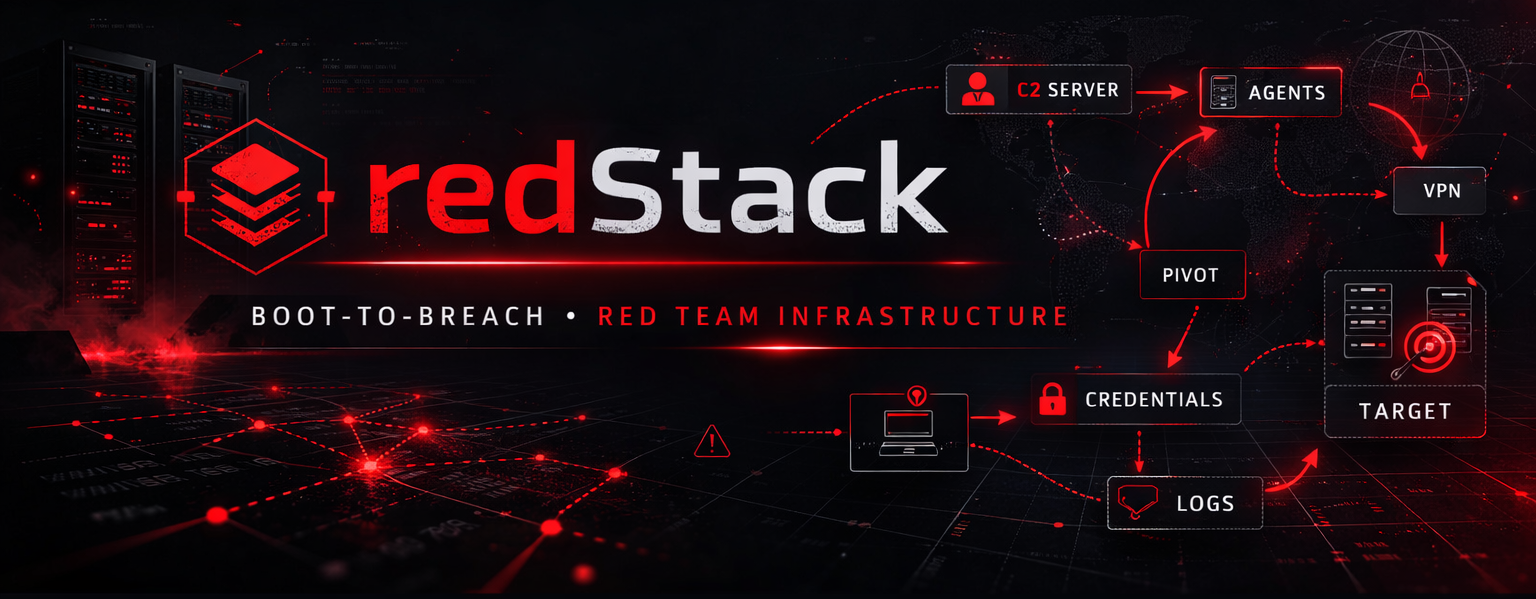
 devzero-security/redstack
Terraform-deployed red team operator lab on AWS: Mythic, Sliver, and Adaptix C2 behind a production-style Apache redirector, with Kali/Windows hosts and a Guacamole portal. Built for authorized training and self-hosted cyber ranges.

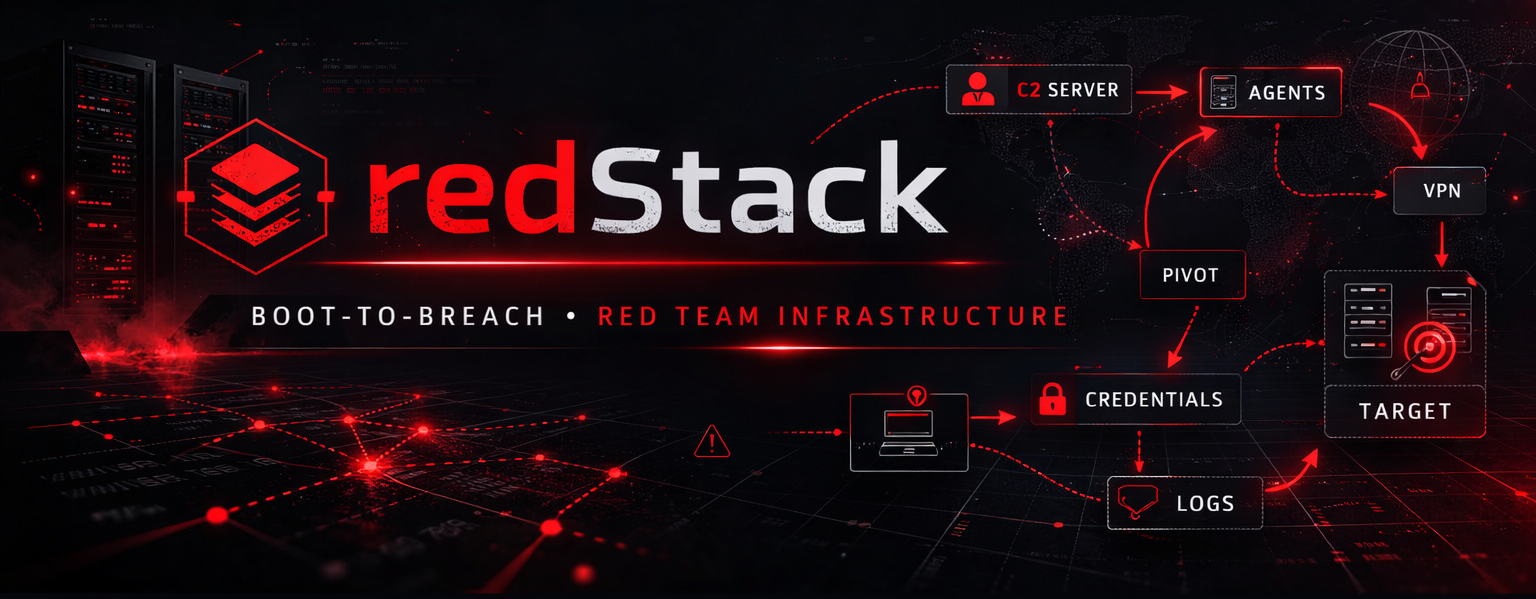
Attending DEF CON 34? Click here to see presentation times and the prerequisites needed for the workshop.





A red-team operator stack on AWS, up in ~45 minutes: three C2 frameworks (Mythic, Sliver, Adaptix), an Apache redirector, Kali and Windows workstations, and a Guacamole portal, across two peered VPCs with header + URI gating and scanner blocking. Run it two ways: Direct Access against your own self-hosted cyber range, or Tunneled Access over OpenVPN into a hosted training platform, Hack Smarter Labs, Hack The Box, OffSec Proving Grounds/Labs, VulnLab, or any platform that provides an
.ovpn.
[!TIP] redStack now has a provider-agnostic successor: redStackPRO. It is a web canvas that composes red team infrastructure and cyber ranges as a provider-agnostic topology, then compiles that topology to a complete, runnable directory of Terraform and Ansible you run yourself. GCP and AWS are tested end to end; Azure, Proxmox, and ESXi are on the roadmap. Built and maintained under devZero Security. See redstackpro.com.
📖 Full documentation lives in the redStack Wiki →
The wiki is the de facto operator handbook. This README is a thin landing page so you can find your way in. Everything you need to deploy, verify, run the C2 walkthroughs, troubleshoot, or extend the lab lives there.
[!IMPORTANT] redStack is not a tutorial on how to use C2 frameworks. It's an environment that removes the infrastructure hurdle so you can focus on learning. This lab is strictly for authorized training and lab environments only (cyber ranges, self-hosted environments, personal lab VMs, etc.). Not intended for use in real-world engagements or against targets you do not own and have explicit written permission to test.
[!CAUTION] AWS TOS: use at your own risk. Hosting C2 infrastructure on AWS may raise concerns under the AWS Acceptable Use Policy. Before deploying, review the AUP and submit the AWS Penetration Testing / Simulated Events request form. As long as you're using redStack exclusively for personal lab work and authorized training platforms, you're generally in the clear. To be safe, run redStack from a dedicated, single-purpose throwaway AWS account.
| # | What | Where |
|---|---|---|
| 1 | First-time AWS setup (account, IAM, CLI, SSH key, Kali Marketplace subscription) | Prerequisites |
| 2 | Pick open or closed environment | Deployment Modes |
| 3 | Configure tfvars and terraform apply | Deploy |
| 4 | Confirm Guacamole + Windows + internal DNS | Verify |
| 5 | Land first beacon: pick a C2 | Mythic · Sliver · Adaptix |
Total time: ~30-60 minutes on first deploy. Subsequent deploys: ~20-30 minutes.
Returning operator? Quick-Start is the abbreviated path.
Seven EC2 instances across two peered VPCs. Two have public Elastic IPs (Guacamole portal + redirector); everything else is reachable only through Guacamole.
| Hostname | Role | Public IP |
|---|---|---|
guac | Guacamole portal (web SSH/RDP) | Yes |
redirector | Apache reverse proxy + C2 frontend | EIP exposes 80/443 only |
mythic | Mythic C2 server | No |
sliver | Sliver C2 server | No |
adaptix | Adaptix C2 teamserver (headless) | No |
windows | Windows Server 2022 workstation | No |
kali | Kali Linux workstation (AD enum + attack toolset) | No |
Full inventory and sizing details: Lab-Inventory. Architecture diagram: Lab-Architecture.
Roughly $0.27/hour of compute while running. With terraform destroy between sessions (recommended), expected monthly cost is ~$15-20/month for typical 5-10 hr/wk study cadence. Full breakdown including stop-vs-destroy tradeoffs: Cost-Management.
[!CAUTION] Forgetting a deployed lab is the #1 cause of unexpected AWS bills. Set a CloudWatch billing alarm before your first
terraform apply.
Troubleshooting covers the failure modes that actually come up: Mythic SSL cert, Sliver missing, Adaptix build failed, agent not calling back, Marketplace OptInRequired, VPC limits, redirect.rules download issues, Kali user rename, ssh -R binding behavior, and more.
Getting started: Home · Quick-Start · Prerequisites · Deployment Modes · Deploy · Verify · First-Run
Reference: Lab-Architecture · Lab-Inventory · Guacamole · Cost-Management