 benthecyberone/copperhound
Rust attack-path analysis for AD, ADCS and Entra ID


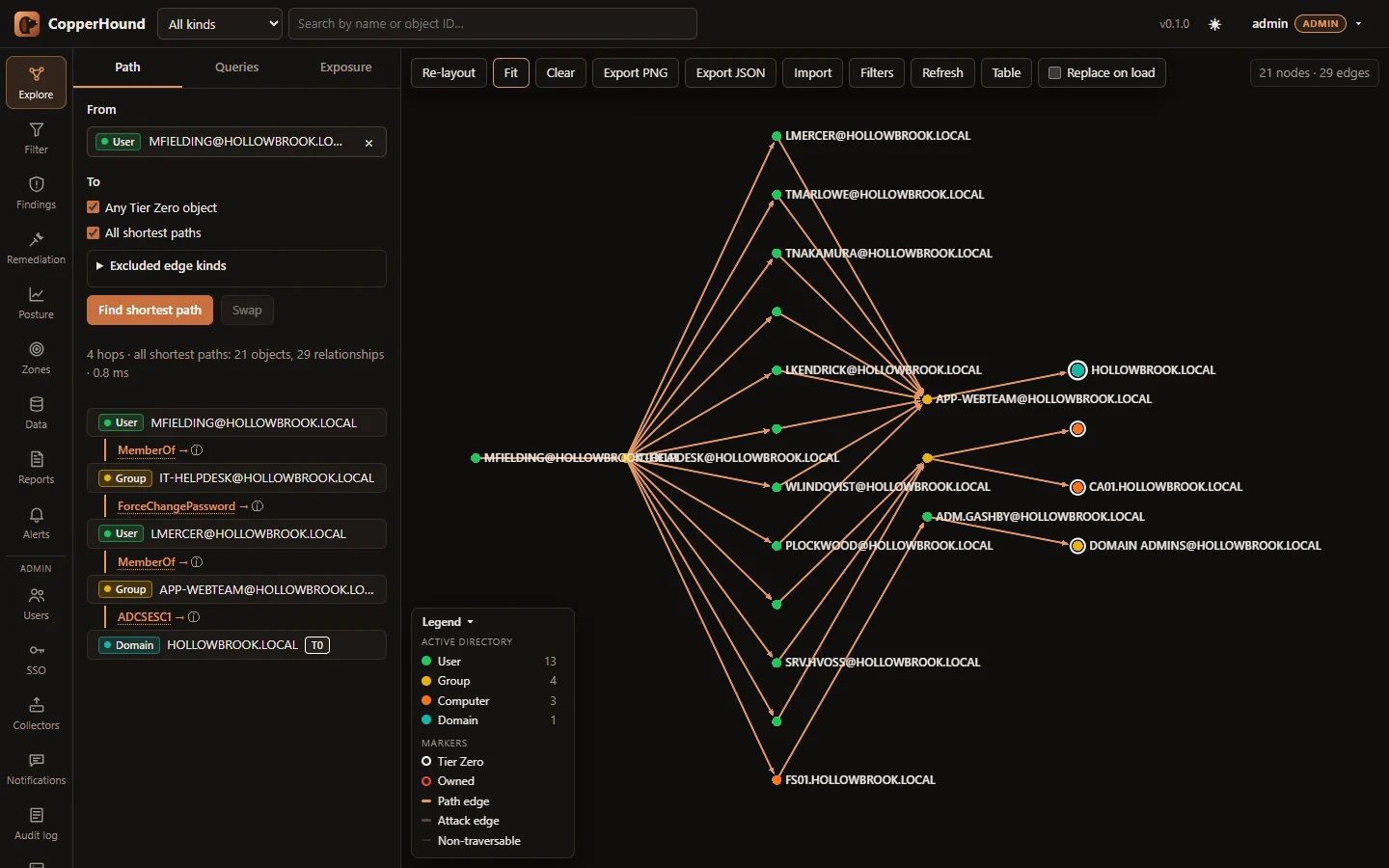
Open-source Active Directory, ADCS and Entra ID / Azure attack-path analysis, built in Rust for very large environments. CopperHound ingests SharpHound, bloodhound-python, ldapdomaindump and AzureHound output, raw LDIF dumps and Sysinternals AD Explorer snapshots into a memory-mapped graph store and runs path, exposure and CHQL queries directly on it, with no graph database. One container serves the web UI and REST API.
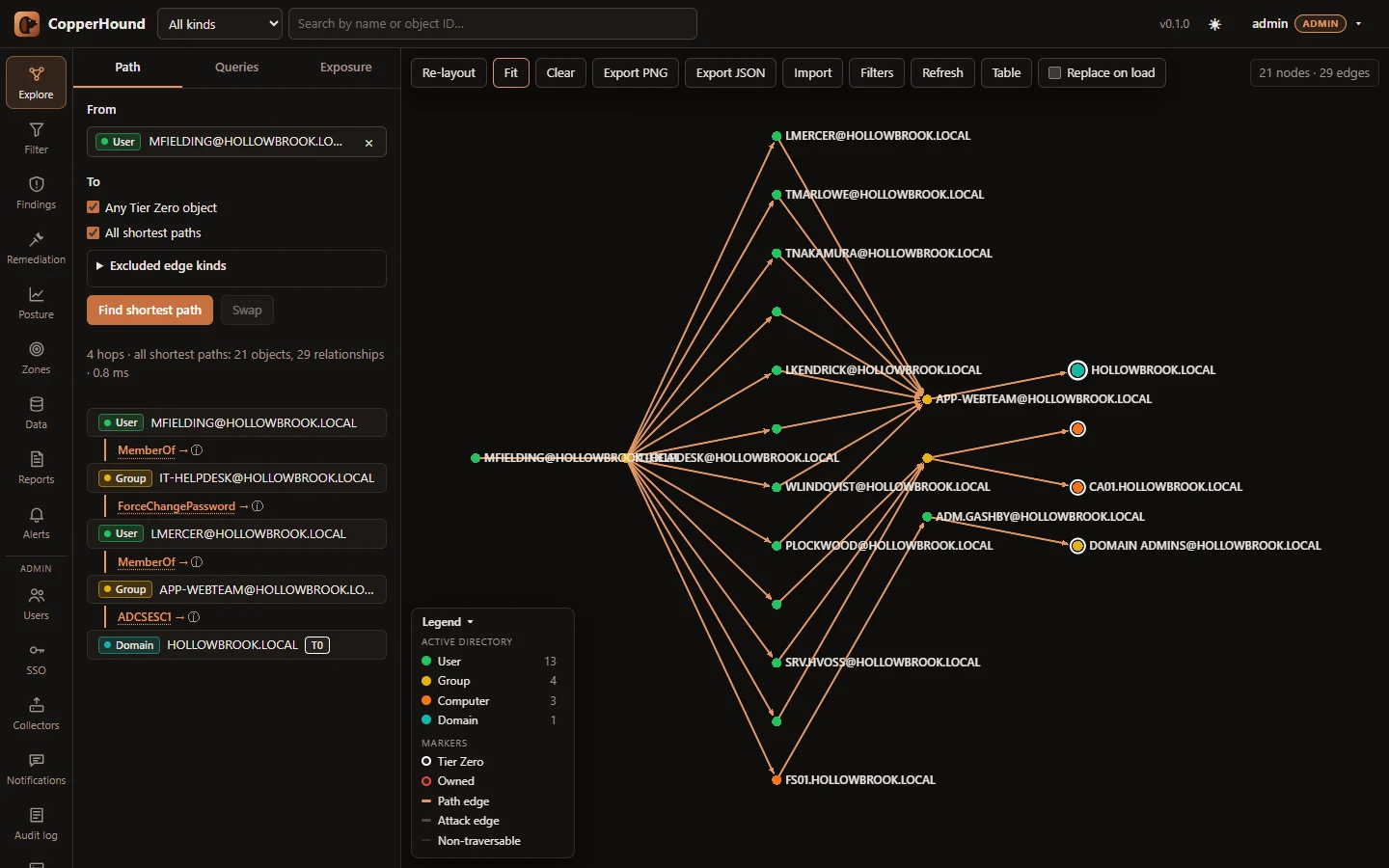
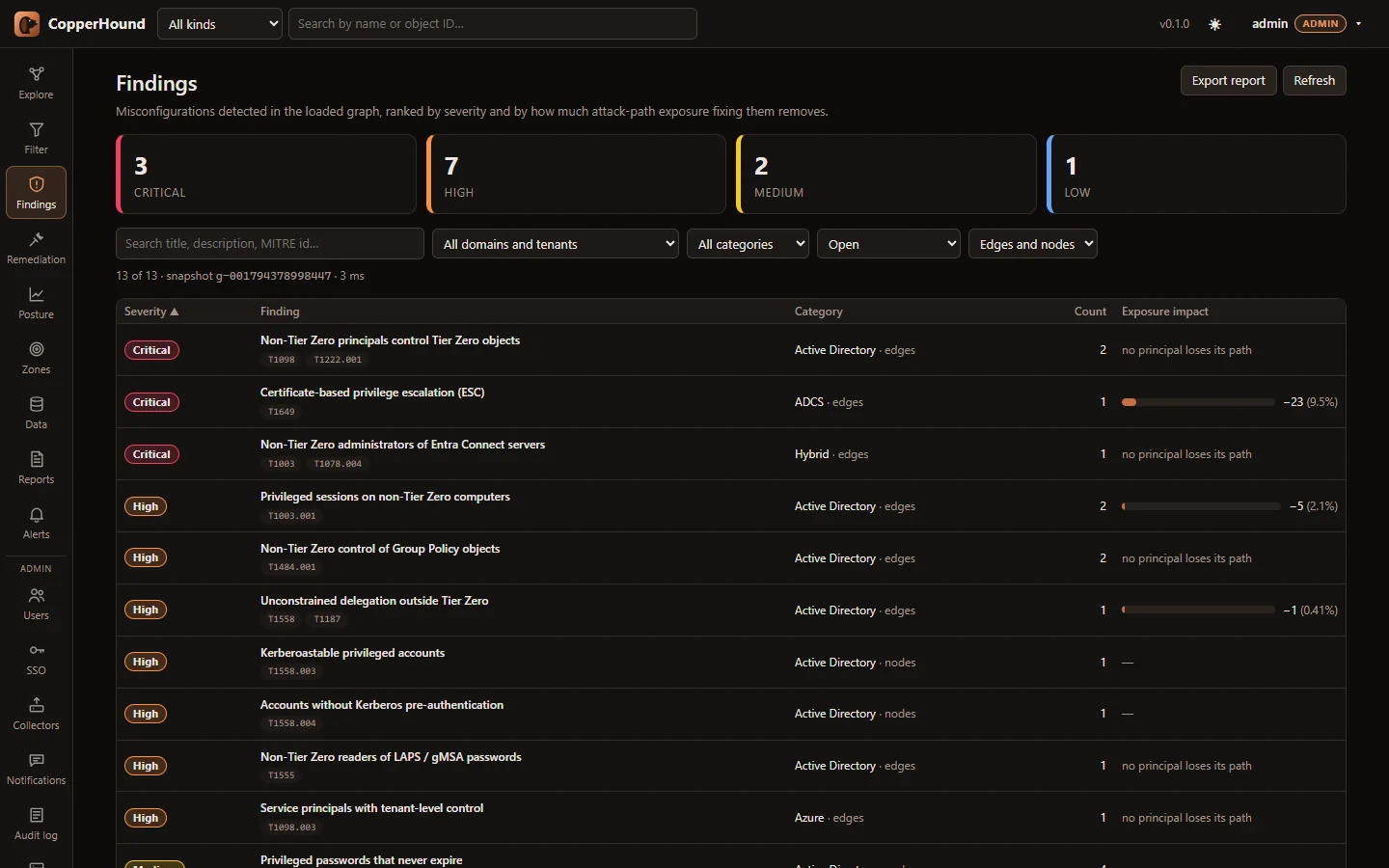 |
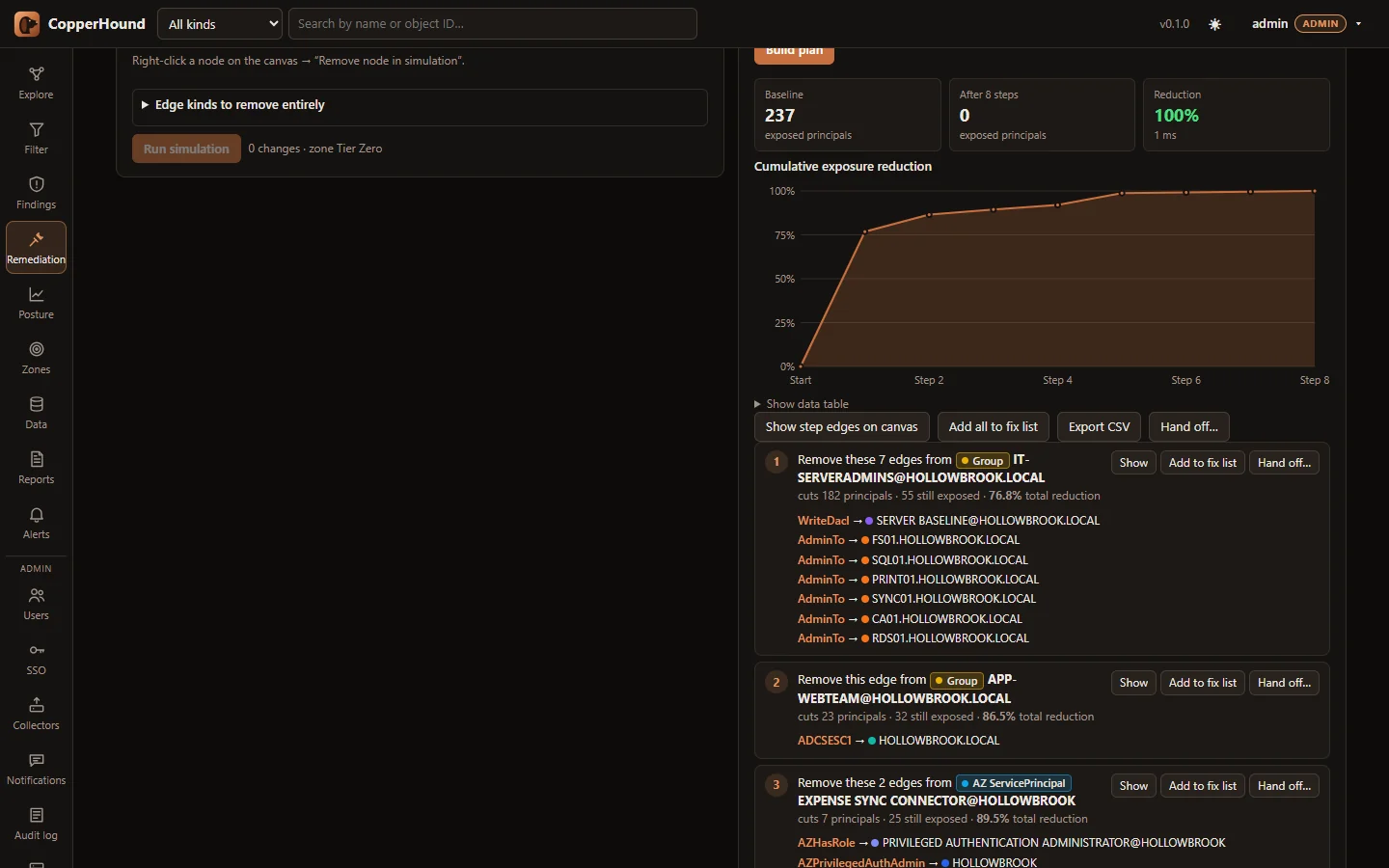 |
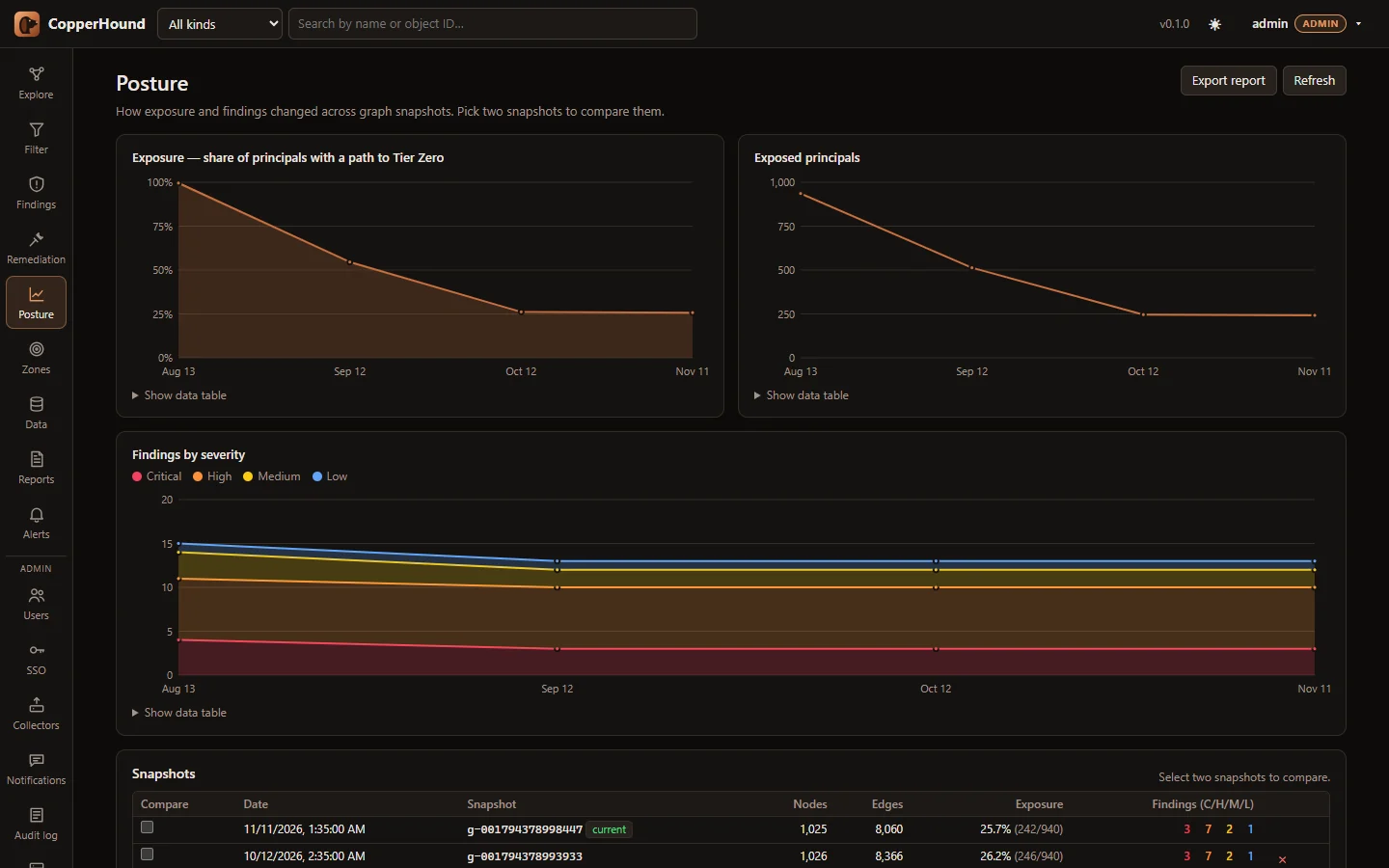 |
Screenshots use fabricated demo data (scripts/demo_data.py).
Documentation: User guide · Deployment · Data sources · REST API · CHQL · Edge reference · Performance · Architecture
docker compose up -d --build
docker compose logs copperhound | grep "Initial admin password"
Open http://127.0.0.1:8090, sign in as admin, drop your SharpHound /
AzureHound .zip or .json files on the Data tab and press Rebuild
graph. COPPERHOUND_ADMIN_PASSWORD sets the password, and
COPPERHOUND_PORT / COPPERHOUND_HOST change the published address (default
127.0.0.1:8090, so it can run next to BloodHound on 8080).
No data yet? python scripts/demo_data.py demo/ writes a fabricated
environment (AD, ADCS and Entra ID with deliberate weaknesses) to upload; see
Try it with demo data.
Without Docker: cd web && npm ci && npm run build, then
cargo run --release -- serve (defaults: 127.0.0.1:8080, data in ./data,
UI from ./web/dist).
Accounts, API tokens, the watch folder, scheduled reports, change alerts, HTTPS and single sign-on (OpenID Connect, SAML 2.0): docs/DEPLOYMENT.md.
Computed in the background after every ingest:
CLI equivalents: copperhound findings corp.chg, copperhound plan corp.chg --steps 10.
A WebGL graph canvas (sigma.js) with search, pathfinding, node details, "How was this derived?" for every derived edge, the CHQL editor and query library, and pages for findings, remediation, zones, posture, reports, data and administration. Walkthrough with screenshots: docs/USER_GUIDE.md.
A read-only Cypher dialect compiled to native graph operations — multiple
patterns and MATCH clauses, OPTIONAL MATCH, WITH, aggregation,
ORDER BY/SKIP/LIMIT, UNION, undirected and variable-length hops, path
functions and pattern predicates. Most BloodHound CE and legacy queries run
unchanged; see the CHQL reference and Cypher compatibility table.
MATCH p = shortestPath((u:User {name:'[email protected]'})-[*1..]->(t {tier0:true})) RETURN p
MATCH p = allShortestPaths((g:Group)-[*1..]->(t {tier0:true})) WHERE g.name STARTS WITH 'DOMAIN USERS@' RETURN p
MATCH (u:User {hasspn:true, enabled:true}) WHERE u.pwdlastset < 1600000000 RETURN u.name, u.pwdlastset
MATCH (g:Group)-[:AdminTo]->(c:Computer) RETURN g.name, count(c)
MATCH (p)-[r:ADCSESC1|ADCSESC6a]->(d:Domain) RETURN p, r, d
MATCH (n {owned:true}), (m:Group) WHERE m.objectid ENDS WITH '-512' MATCH p = shortestPath((n)-[*1..]->(m)) RETURN p
MATCH (dc)-[:MemberOf*0..]->(g:Group) WHERE g.objectid ENDS WITH '-516' WITH collect(dc) AS dcs
  MATCH (c:Computer {unconstraineddelegation:true}) WHERE NOT c IN dcs RETURN c
On the command line: copperhound query corp.chg "MATCH …". days_ago(n)
gives relative timestamps, e.g. WHERE u.lastlogontimestamp < days_ago(90).
The UI ships with 159 prebuilt queries in 15 categories (Domain Information, Dangerous Privileges, Kerberos, Delegation, ACL Abuse, Sessions & Lateral Movement, GPO & OU, Hygiene, Shortest Paths, Tier Zero, Owned, ADCS, Azure / Entra ID, Azure Resources and Hybrid), each tagged and tested against a synthetic graph. Your own queries can be saved server-side.
