 taurusomar/psobf
Ofuscador PowerShell

Seu objetivo é transformar código para dificultar análises e assinaturas estáticas, útil em laboratórios e em testes autorizados de Red Team/Pentesting.
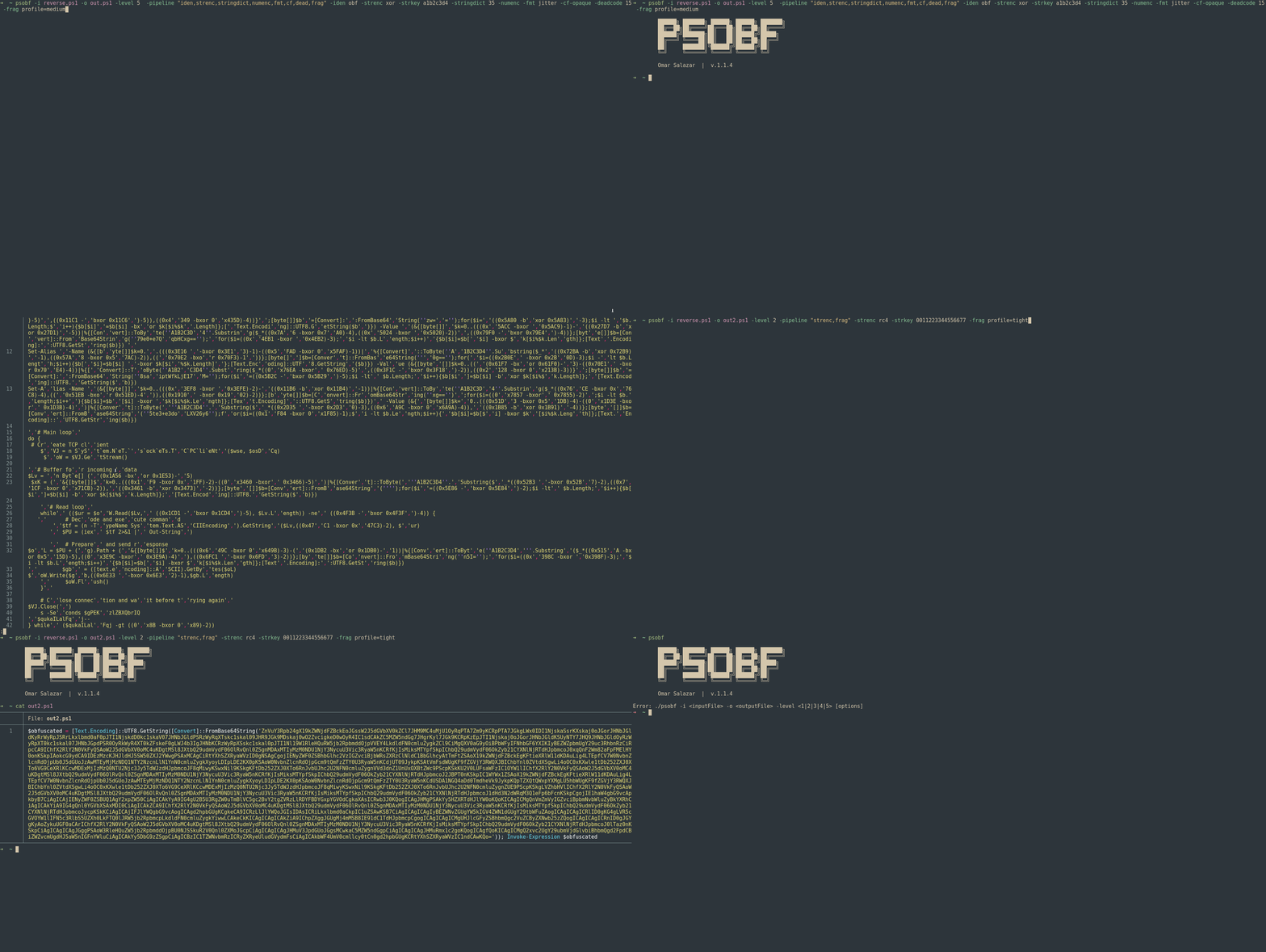
Suporta 6 níveis de ofuscação mais uma arquitetura de transformações/pipelines que permite empilhar técnicas como tokenização de strings, criptografia leve de literais, mascaramento de números, morfismo de identificadores, "jitter" de formato, cosméticos de fluxo de controle, injeção de código morto, perfis de fragmentação e perfis determinísticos.
⚠️ Uso responsável: esta ferramenta é destinada apenas para pesquisa e testes autorizados. Não use para fins maliciosos.```powershell
./psobf -h
██████╗ ███████╗ ██████╗ ██████╗ ███████╗
██╔══██╗██╔════╝██╔═══██╗██╔══██╗██╔════╝
██████╔╝███████╗██║   ██║██████╔╝█████╗
██╔═══╝ ╚════██║██║   ██║██╔══██╗██╔══╝
██║     ███████║╚██████╔╝██████╔╝██║
╚═╝     ╚══════╝ ╚═════╝ ╚═════╝ ╚═╝
Omar Salazar
v.2.0.0
Usage: psobf -i -o -level <1|2|3|4|5|6> [options]
Obfuscation Levels: 1 - Char join encoding 2 - Base64 encoding 3 - Base64 encoding (alternate) 4 - GZip + Base64 compression 5 - Script fragmentation 6 - AES-256 CTR encryption (NEW in 2.0.0)
Transform Pipeline Options (use with -pipeline): iden - Identifier morphing (use with -iden obf) strenc - String encryption (use with -strenc xor|rc4) stringdict - String tokenization (use with -stringdict N) numenc - Number encoding fmt - Format jitter (use with -fmt jitter) cf - Control flow obfuscation (use with -cf-opaque, -cf-shuffle) dead - Dead code injection (use with -deadcode N) hexenc - Hex string encoding (NEW) alias - Cmdlet alias substitution (NEW) unicode - Unicode character encoding (NEW) antidebug - Anti-debugging/VM detection (NEW) iexobf - Invoke-Expression obfuscation (NEW)
Examples:
psobf -i script.ps1 -o out.ps1 -level 2
psobf -i script.ps1 -o out.ps1 -level 6 -profile heavy
psobf -i script.ps1 -o out.ps1 -level 4 -pipeline "iden,alias,hexenc,antidebug,iexobf" -iden obf
psobf -i script.ps1 -o out.ps1 -level 4 -pipeline "strenc" -strenc rc4 -strkey 0011223344556677
## Recursos

<h1 align="center">
  <img src="https://assets.kitploit.com/production/public/readmes/6598/11956ab9f65e8dc1b0460652042c601f70d28bb67e9fd6f0a89813ed5369997f.gif" alt="psobf" width="700px"></a>
  <br>
</h1>

<h1 align="center">
  <img src="https://raw.githubusercontent.com/taurusomar/psobf/HEAD/static/poc2.gif" alt="psobf" width="700px"></a>
  <br>
</h1>

---

## Instalação```bash
go install github.com/TaurusOmar/psobf/v2/cmd/[email protected]
psobf -i input.ps1 -o out.ps1 -level 1..6 [options] psobf -h # full help
## Funcionalidades

<h1 align="center">
  <img src="https://assets.kitploit.com/production/public/readmes/6598/11956ab9f65e8dc1b0460652042c601f70d28bb67e9fd6f0a89813ed5369997f.gif" alt="psobf" width="700px"></a>
  <br>
</h1>

<h1 align="center">
  <img src="https://raw.githubusercontent.com/taurusomar/psobf/HEAD/static/poc2.gif" alt="psobf" width="700px"></a>
  <br>
</h1>

---

## Instalação```bash
go install github.com/TaurusOmar/psobf/cmd/[email protected]
psobf -i input.ps1 -o out.ps1 -level 1..6 [options] psobf -h # full help
---

## Referência completa de flags
