 securityftw/cs-suite
Cloud Security Suite - Ferramenta completa para auditar a postura de segurança da infraestrutura AWS/GCP/Azure.

usage: cs.py [-h] -env {aws,gcp,azure,digitalocean} -aip AUDIT_IP -u USER_NAME -pem
             PEM_FILE [-p] [-pId PROJECT_ID] [-az_u AZURE_USER]
             [-az_p AZURE_PASS] [-o OUTPUT] [-w] [-n NUMBER]

this is to get IP address for lynis audit only

optional arguments:
  -h, --help            show this help message and exit
  -env {aws,gcp,azure,digitalocean}, --environment {aws,gcp,azure,digitalocean}
                        The cloud on which the test-suite is to be run
  -aip AUDIT_IP, --audit_ip AUDIT_IP
                        The IP for which lynis Audit needs to be done .... by
                        default tries root/Administrator if username not
                        provided
  -u USER_NAME, --user_name USER_NAME
                        The username of the user to be logged in,for a
                        specific user
  -pem PEM_FILE, --pem_file PEM_FILE
                        The pem file to access to AWS instance
  -p, --password        hidden password prompt
  -pId PROJECT_ID, --project_id PROJECT_ID
                        Project ID for which GCP Audit needs to be run. Can be
                        retrivied using `gcloud projects list`
  -az_u AZURE_USER, --azure_user AZURE_USER
                        username of azure account, optionally used if you want
                        to run the azure audit with no user interaction.
  -az_p AZURE_PASS, --azure_pass AZURE_PASS
                        username of azure password, optionally used if you
                        want to run the azure audit with no user interaction.
  -o OUTPUT, --output OUTPUT
                        writes a log in JSON of an audit, ideal for
                        consumptions into SIEMS like ELK and Splunk. Defaults
                        to cs-audit.log
  -w, --wipe            rm -rf reports/ folder before executing an audit
  -n, --number          Retain number of report to store for a particular
                        environment and user/project.
(para evitar conflitos com as bibliotecas python já instaladas)
git clone https://github.com/SecurityFTW/cs-suite.git && cd cs-suite/pip install virtualenvvirtualenv -p python2.7 venvsource venv/bin/activatepip install -r requirements.txtpython cs.py --helparn:aws:iam::aws:policy/ReadOnlyAccessbrew install awscli para OSXaws configurecs-suite/tools/G-Scout/keyfile.jsongcloud initbrew install azaz login, você deve ver seu tipo de assinatura se for bem-sucedido, de forma semelhante à resposta abaixo:[
{
"cloudName": "AzureCloud",
"id": "xxxxx-5595-4da5-bc27-xxxeeee",
"isDefault": true,
"name": "Free Trial",
"state": "Enabled",
"tenantId": "xxxxx-18e9-41a4-961b-xxxxx",
"user": {
"name": "[email protected]",
"type": "user"
}
}
]
export DO_KEY=*********************
export DO_ACCESS_KEY=*******************
export DO_SECRET_KEY=****************************
To run AWS Audit - python cs.py -env aws
To run GCP Audit - python cs.py -env gcp -pId <project_name>
To run Azure Audit - python cs.py -env azure
To run DigitalOcean Audit - python cs.py -env digitalocean
O relatório final estará disponível no diretório reports
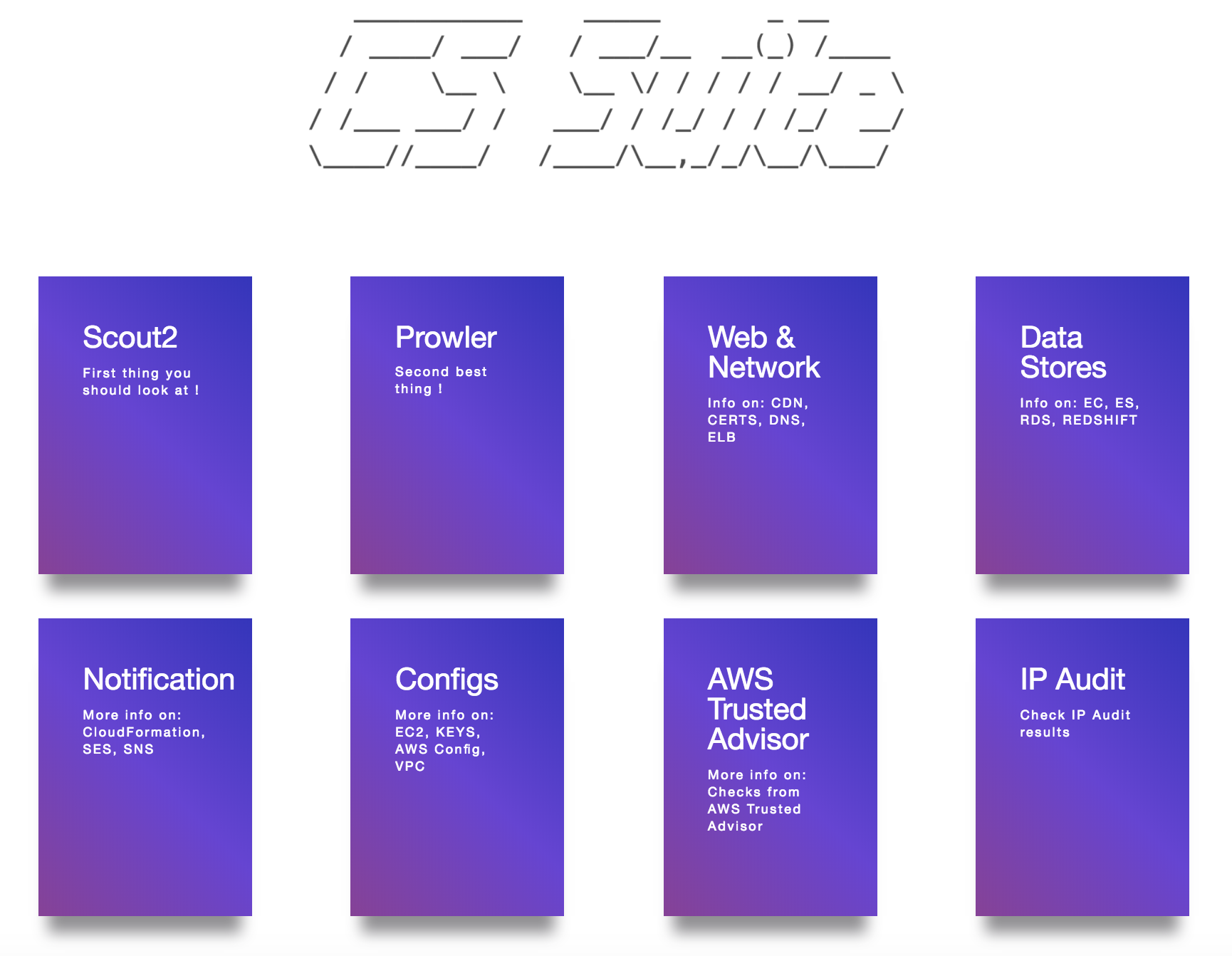
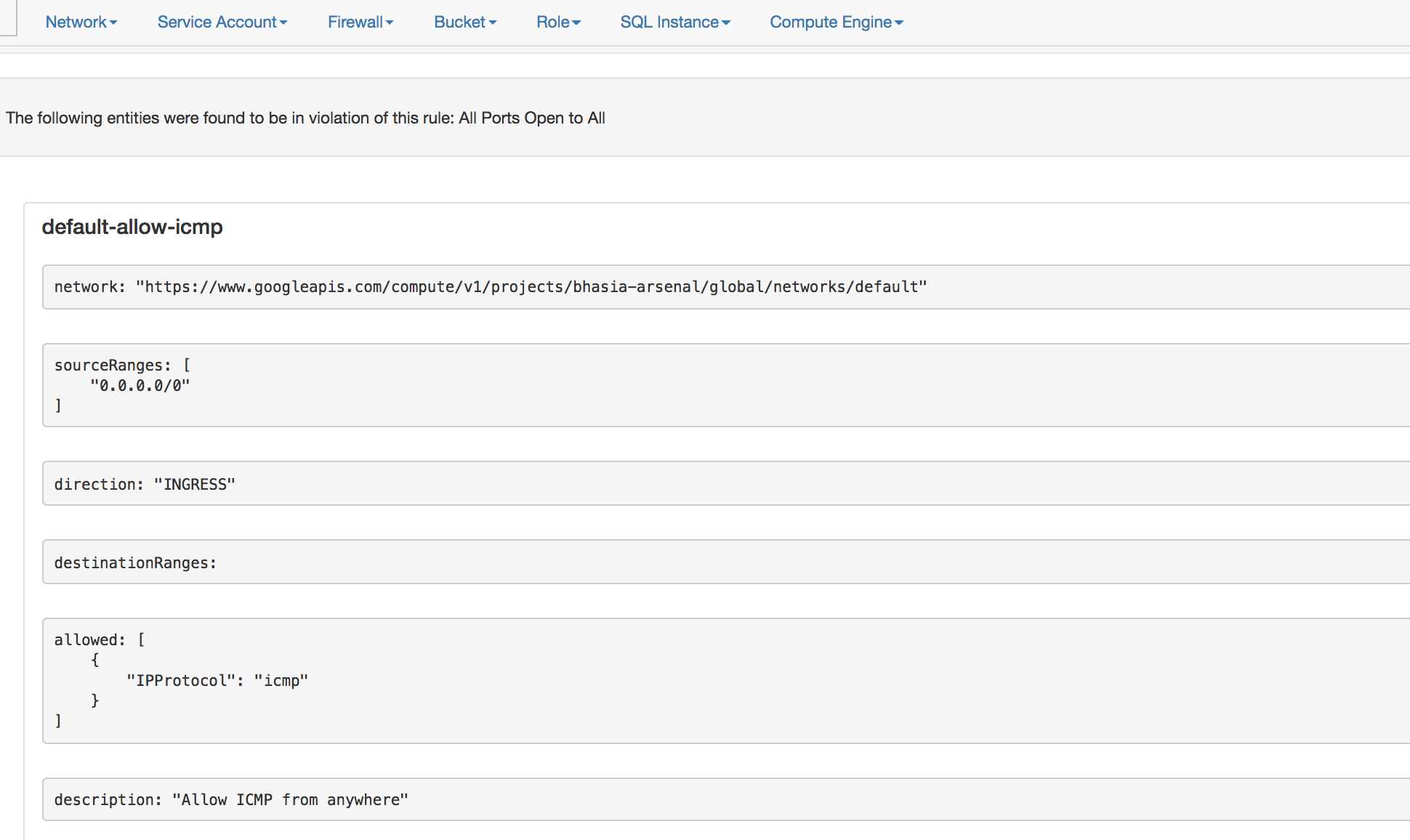
O relatório de auditoria AWS final é mostrado abaixo:
Crie um diretório local aws com os arquivos credentials e config
O arquivo config é mostrado abaixo
$ cat aws/config

[default]
output = json
region = us-east-1
credentials é mostrado abaixo$ cat aws/credentials
[default]
aws_access_key_id = XXXXXXXXXXXXXXX
aws_secret_access_key = XXXXXXXXXXXXXXXXXXXXXXXXX
Nota: Esta ferramenta requer a política IAM arn:aws:iam::aws:policy/ReadOnlyAccess
docker run -v `pwd`/aws:/root/.aws -v `pwd`/reports:/app/reports securityftw/cs-suite -env aws
