 endava/cats
Automated REST API fuzzer and negative testing tool for OpenAPI endpoints. Generates, runs, and reports thousands of self-healing tests with no coding effort, covering boundary and security scenarios.

Descubra as ferramentas mais usadas pela nossa comunidade.
Sem dados de popularidade ainda.




CATS documentation is available at https://endava.github.io/cats/
REST API fuzzer and negative testing tool. Run thousands of self-healing API tests within minutes with no coding effort!
Short on time? Check out the 1-minute Quick Start Guide!
By using a simple and minimal syntax, with a flat learning curve, CATS (Contract API Testing and Security) enables you to generate thousands of API tests within minutes with no coding effort.
All tests are generated, run and reported automatically based on a pre-defined set of 160+ Fuzzers (plus 31 random mutators for continuous fuzzing).
The Fuzzers cover a wide range of boundary testing, type coercion, injection, and negative scenarios: from large Unicode and control-character payloads to context-dependent values derived from request data types and constraints, as well as stateful checks for IDOR, PUT idempotency, update-read consistency, conditional ETag handling, deleted resource availability, and sensitive data exposure.
Out of the box, CATS orders producer POST paths before dependent operations, executes fuzzers in breadth-first waves across paths, reuses identifiers and baselines learned from 2XX responses in subsequent requests, postpones HappyPath DELETE calls until the end of the run, and validates responses against OpenAPI 3.0 and 3.1 schemas. You can also write end-to-end functional tests in YAML using cats run.
# Run the full suite against an OpenAPI contract
cats -c openapi.yml -s http://localhost:8080

# Run a built-in profile (quick, security, compliance, ci, coverage, crash, type-coercion, health-check)
cats -c openapi.yml -s http://localhost:8080 --profile quick

# Run for a fixed time budget, continuing with random mutations if deterministic fuzzers finish early, and enforce a quality gate
cats -c openapi.yml -s http://localhost:8080 --stopAfterTimeInSec 60 --fillTimeBudget --qualityGate "errors<1"

# Lint the OpenAPI contract
cats lint -c openapi.yml

# Inspect dependency-ordered paths or explain a profile/fuzzer
cats list --paths --executionOrder -c openapi.yml
cats explain --type profile security

# Replay a test case or print the equivalent curl command
cats replay Test12
cats replay Test12 --curl
Compare two report folders (or their cats-summary-report.json files):
cats compare -b baseline-report -t current-report -j
Comparison uses persisted problem occurrences: (problemId, operation), plus each mutated field for accepted requests.
The states are NEW, FIXED, UNCHANGED and NOT_COMPARABLE. Test-count changes are informational. Compatible
server-message patterns can match across runs when the miner generalized them differently.
Exit codes are 0 for no regression, 1 for a new error occurrence (also warnings with --failOnNewWarnings), and 2
for invalid input. Use --baseline <report> during fuzzing for the same gate. Occurrences found only by fuzzers absent
from the other run are not comparable. FIXED means absent in the compared run; verify coverage before claiming a fix.
NEW means newly observed, including when the API build is unchanged. Keep seed, configuration and initial data
consistent when checking regressions. A negative field test receiving 404 does not prove that the field was validated;
confirm that the unmodified request reaches the intended resource. Use cats replay TestN --stateful -r cats-report
when fresh producer IDs are needed. Repeat intermittent server-error requests under their original conditions;
cats triage --verify records one replay per occurrence.
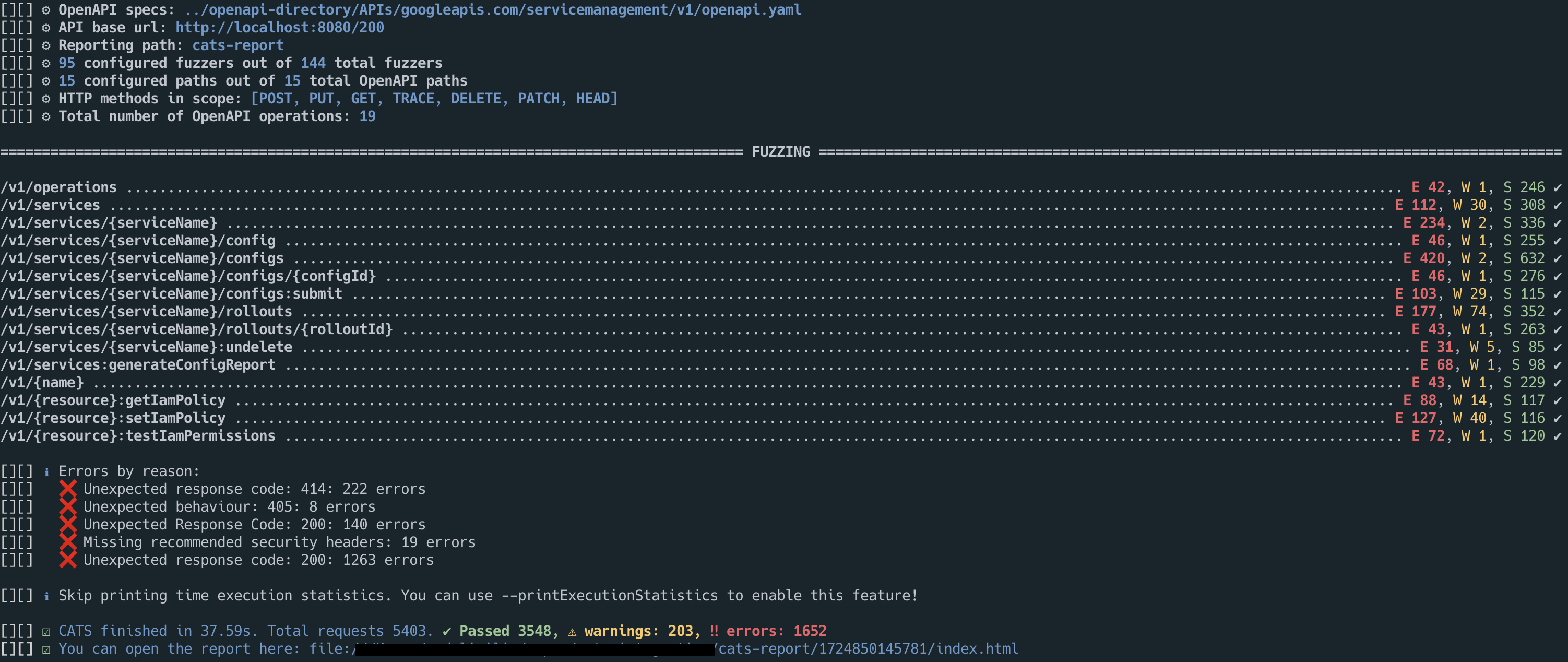
Use --tui on a normal fuzzing command to follow execution and inspect results without leaving the terminal:
cats --contract openapi.yml --server http://localhost:8080 --tui
The overview shows Paths, Run configuration, Response time, HTTP Response Codes, Success/Warnings/Errors, and Fuzzers run using the same terminology as the CLI and HTML report. The fuzzer table uses all available terminal rows; use j/k or Page Up/Page Down to browse it when the complete list does not fit. Press 2 for Execution Details, 3 for the Execution summary and Quality gate result, 4 for Execution Details by Result Reason, 5 for Paths included, or 6 for executed tests sorted by Response Time. Result Reason and Path rows open their matching tests with Enter.
Use the arrow keys or j/k to select a test, and press Enter to inspect its request, response, result, trace, and replay command in a full-screen detail view. Press / in the test list to search test IDs, fuzzers, paths, scenarios, result reasons, methods, results, and response codes. a, e, w, s, and i filter all, error, warning, successful, and skipped results. Esc first clears an active search and otherwise returns to the previous screen; 1 opens the overview.
Press q to leave the interface. During an active run this requests cancellation, finishes the current test where possible, preserves results already written, and exits with status 130. After execution has finished, q exits normally.
