
Skip to content
KitploitKITPLOIT
FerramentasBlog
Enviar
FerramentasBlog
Enviar

Ferramentas de Hacking, PenTest e Cibersegurança para o seu Arsenal de Segurança!

Kitploit é um diretório de ferramentas de hacking, cibersegurança e pentesting. Descubra as últimas atualizações de projetos para encontrar vulnerabilidades, analisar sistemas, automatizar testes e fortalecer sua segurança.

··Feeds·Contato·Privacidade·© 2026 Kitploit

Diretório de Ferramentas

Categorias

Ver todas as categorias
Loading categories
scilla — Ferramenta de coleta de informações - DNS / Subdomínios / Portas / Enumeração de diretórios | Kitploit
Ferramentas/GitHubGitHub/edoardottt/scilla
ReconhecimentoEscaneamento de PortasEnumeração de DNS e SubdomíniosColeta de InformaçõesTestes de PenetraçãoEnumeração de SubdomíniosAnálise de DNS
GitHubedoardottt/scilla

scilla

Ferramenta de coleta de informações - DNS / Subdomínios / Portas / Enumeração de diretórios

Ver Repositório
1.2k1443há 14 horasRevisado pelo Kitploit

Mais Populares

Ver todos →

Descubra as ferramentas mais usadas pela nossa comunidade.

Explore todas as ferramentas

Navegue pela nossa coleção de ferramentas

Ver todas as ferramentas →
Site
Compartilhar


🏴‍☠️ Ferramenta de Coleta de Informações 🏴‍☠️ - Enumeração de DNS / Subdomínios / Portas / Diretórios

go-report-card workflows
Codificado com 💙 por edoardottt
Compartilhe no Twitter!

Instalar • Começar • Exemplos • Changelog • Contribuir • Licença

Instalação 📡

Homebrew

root@kitploit:~
brew install scilla

Snap

root@kitploit:~
sudo snap install scilla

Golang

root@kitploit:~
go install -v github.com/edoardottt/scilla/cmd/scilla@latest

Compilando a partir do código-fonte

Você precisa do Go (>=1.23)

Compilando a partir do código-fonte para Linux e Windows

Linux

root@kitploit:~
git clone https://github.com/edoardottt/scilla.git
cd scilla
go get ./...
make linux # (para instalar)
make unlinux # (para desinstalar)

Edite o arquivo ~/.config/scilla/keys.yaml se quiser usar chaves de API.

One-liner: git clone https://github.com/edoardottt/scilla.git && cd scilla && go get ./... && make linux

Windows

Observe que o executável funciona apenas na pasta cariddi (Alias?).

root@kitploit:~
git clone https://github.com/edoardottt/scilla.git
cd scilla
.\make.bat windows # (para instalar)
.\make.bat unwindows # (para desinstalar)

Crie um arquivo keys.yaml se quiser usar chaves de API.

Usando Docker

root@kitploit:~
docker build -t scilla .
docker run scilla help

Exemplos 💡

  • Enumeração de DNS:

    • scilla dns -target example.com
    • scilla dns -oj output -target example.com
    • scilla dns -oh output -target example.com
    • scilla dns -ot output -target example.com
    • scilla dns -plain -target example.com
  • Enumeração de subdomínios:

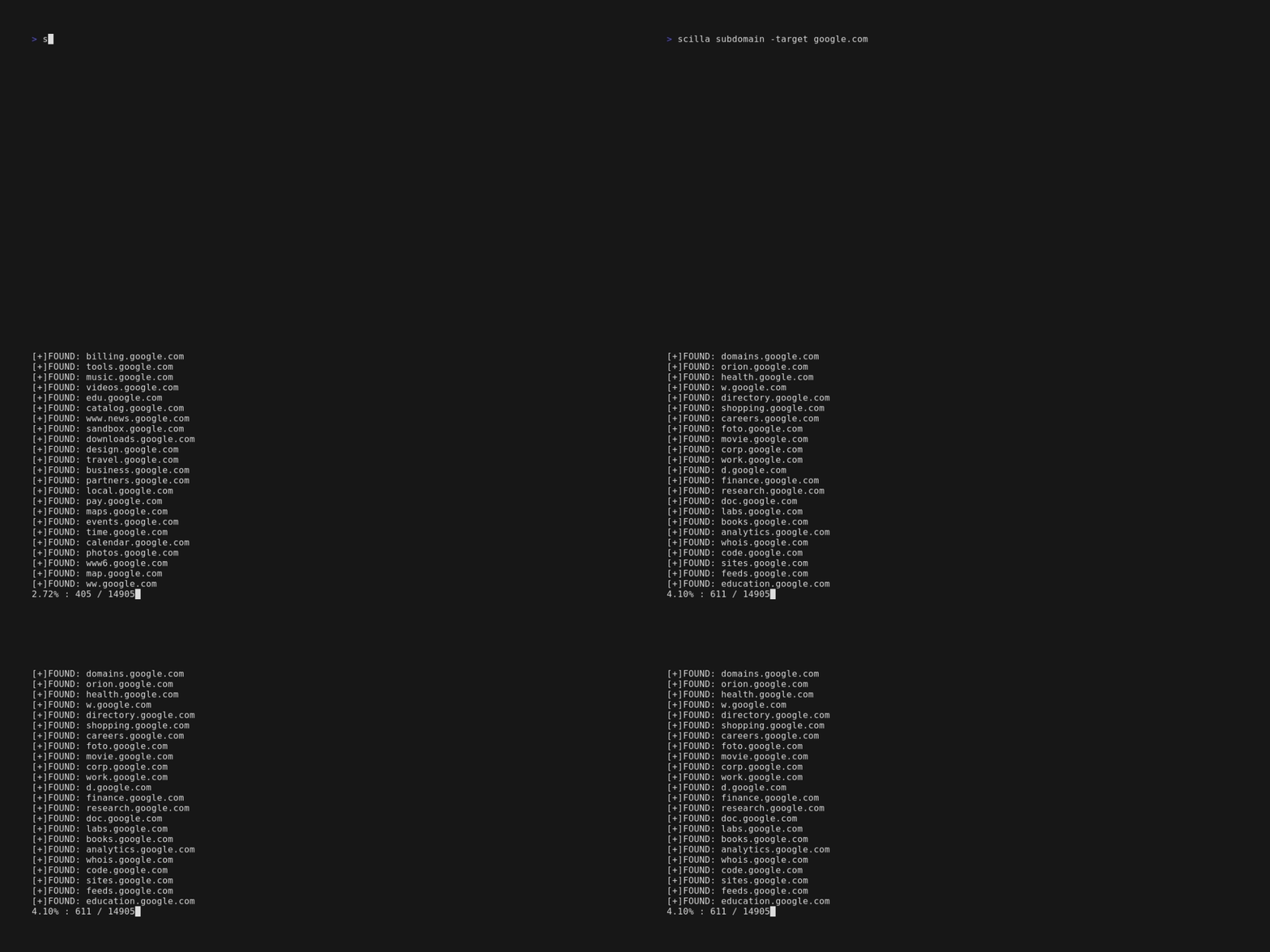
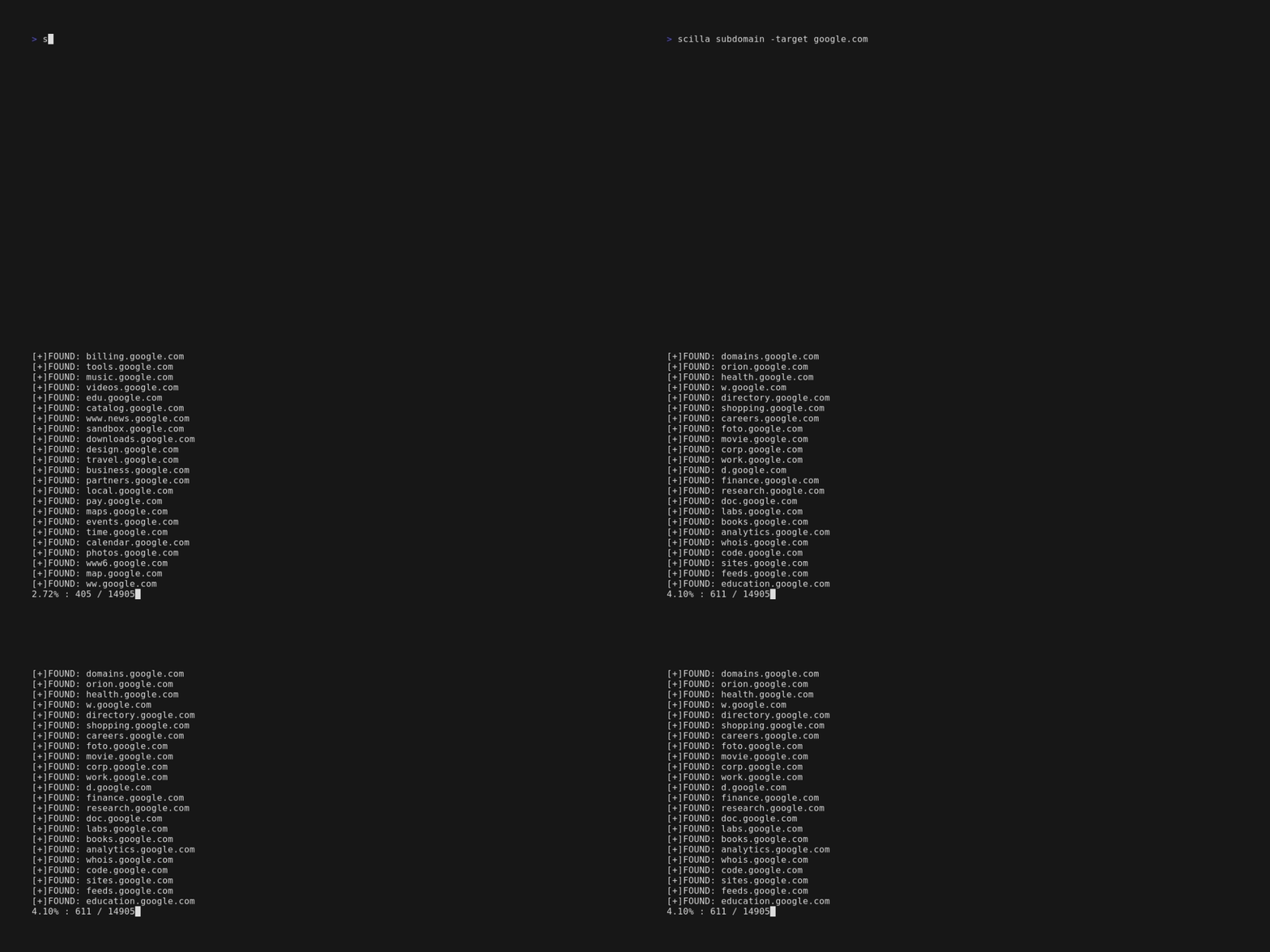
    • scilla subdomain -target example.com
    • scilla subdomain -w wordlist.txt -target example.com
    • scilla subdomain -oj output -target example.com
    • scilla subdomain -oh output -target example.com
    • scilla subdomain -ot output -target example.com
    • scilla subdomain -i 400 -target example.com

Começar 🎉

scilla help exibe a ajuda na linha de comando.

root@kitploit:~
usage: scilla subcommand { options }

   Available subcommands:
       - dns [-oj JSON output file]
             [-oh HTML output file]
             [-ot TXT output file]
             [-plain Print only results]
             -target <target (URL/IP)> REQUIRED
       - port [-p <start-end> or ports divided by comma]
              [-oj JSON output file]
              [-oh HTML output file]
              [-ot TXT output file]
              [-common scan common ports]
              [-plain Print only results]
              -target <target (URL/IP)> REQUIRED
       - subdomain [-w wordlist]
                   [-oj JSON output file]
                   [-oh HTML output file]
                   [-ot TXT output file]
                   [-i ignore status codes]
                   [-c use also a web crawler]
                   [-db use also a public database]
                   [-plain Print only results]
                   [-db -no-check Don't check status codes for subdomains]
                   [-db -vt Use VirusTotal as subdomains source]
                   [-db -bw Use BuiltWith as subdomains source]
                   [-ua Set the User Agent]
                   [-rua Generate a random user agent for each request]
                   [-dns Set DNS IP to resolve the subdomains]
                   [-alive Check also if the subdomains are alive]
                   -target <target (URL)> REQUIRED
       - dir [-w wordlist]
             [-oj JSON output file]
             [-oh HTML output file]
             [-ot TXT output file]
             [-i ignore status codes]
             [-c use also a web crawler]
             [-plain Print only results]
             [-nr No follow redirects]
             [-ua Set the User Agent]
             [-rua Generate a random user agent for each request]
             -target <target (URL/IP)> REQUIRED
       - report [-p <start-end> or ports divided by comma]
                [-ws subdomains wordlist]
                [-wd directories wordlist]
                [-oj JSON output file]
                [-oh HTML output file]
                [-ot TXT output file]
                [-id ignore status codes in directories scanning]
                [-is ignore status codes in subdomains scanning]
                [-cd use also a web crawler for directories scanning]
                [-cs use also a web crawler for subdomains scanning]
                [-db use also a public database for subdomains scanning]
                [-common scan common ports]
                [-nr No follow redirects]
                [-db -vt Use VirusTotal as subdomains source]
                [-ua Set the User Agent]
                [-rua Generate a random user agent for each request]
                [-dns Set DNS IP to resolve the subdomains]
                [-alive Check also if the subdomains are alive]
                -target <target (URL)> REQUIRED
       - help
       - examples

Changelog 📌

As alterações detalhadas de cada versão estão documentadas nas notas de versão.

Contribuindo 🛠

Basta abrir uma issue / pull request.

Antes de abrir um pull request, faça o download do golangci-lint e execute

root@kitploit:~
golangci-lint run

Se não houver erros, vá em frente :)

A fazer:

  • Adicionar mais testes

  • Suporte a Tor

  • Suporte a proxy

Nas notícias 📰

  • Kali Linux Tutorials
  • GeeksForGeeks.org
  • Brisk Infosec
  • Kalitut

Licença 📝

Este repositório está sob a GNU General Public License v3.0.
edoardottt.com para entrar em contato comigo.

Baixar ferramenta
  • scilla subdomain -i 4** -target example.com
  • scilla subdomain -c -target example.com
  • scilla subdomain -db -target example.com
  • scilla subdomain -plain -target example.com
  • scilla subdomain -db -no-check -target example.com
  • scilla subdomain -db -vt -target example.com
  • scilla subdomain -db -bw -target example.com
  • scilla subdomain -ua "CustomUA" -target example.com
  • scilla subdomain -rua -target example.com
  • scilla subdomain -dns 8.8.8.8 -target example.com
  • scilla subdomain -alive -target example.com
  • Enumeração de diretórios:

    • scilla dir -target example.com
    • scilla dir -w wordlist.txt -target example.com
    • scilla dir -oj output -target example.com
    • scilla dir -oh output -target example.com
    • scilla dir -ot output -target example.com
    • scilla dir -i 500,401 -target example.com
    • scilla dir -i 5**,401 -target example.com
    • scilla dir -c -target example.com
    • scilla dir -plain -target example.com
    • scilla dir -nr -target example.com
    • scilla dir -ua "CustomUA" -target example.com
    • scilla dir -rua -target example.com
  • Enumeração de portas:

    • Padrão (todas as portas, ou seja, 1-65635) scilla port -target example.com
    • Especificando intervalo de portas scilla port -p 20-90 -target example.com
    • Especificando porta inicial (até a última) scilla port -p 20- -target example.com
    • Especificando porta final (a partir da primeira) scilla port -p -90 -target example.com
    • Especificando múltiplas portas scilla port -p 21,25,80 -target example.com
    • Especificando portas comuns scilla port -common -target example.com
    • Especificando porta única scilla port -p 80 -target example.com
    • Especificando formato de saída (json) scilla port -oj output -target example.com
    • Especificando formato de saída (html) scilla port -oh output -target example.com
    • Especificando formato de saída (txt) scilla port -ot output -target example.com
    • Imprimir apenas resultados scilla port -plain -target example.com
  • Relatório completo:

    • Padrão (todas as portas, ou seja, 1-65635) scilla report -target example.com
    • Especificando intervalo de portas scilla report -p 20-90 -target example.com
    • Especificando porta inicial (até a última) scilla report -p 20- -target example.com
    • Especificando porta final (a partir da primeira) scilla report -p -90 -target example.com
    • Especificando porta única scilla report -p 80 -target example.com
    • Especificando múltiplas portas scilla report -p 21,25,80 -target example.com
    • Especificando formato de saída (json) scilla report -oj output -target example.com
    • Especificando formato de saída (html) scilla report -oh output -target example.com
    • Especificando formato de saída (txt) scilla report -ot output -target example.com
    • Especificando wordlist de diretórios scilla report -wd dirs.txt -target example.com
    • Especificando wordlist de subdomínios scilla report -ws subdomains.txt -target example.com
    • Especificando códigos de status a serem ignorados na varredura de diretórios scilla report -id 500,501,502 -target example.com
    • Especificando códigos de status a serem ignorados na varredura de subdomínios scilla report -is 500,501,502 -target example.com
    • Especificando classes de códigos de status a serem ignoradas na varredura de diretórios scilla report -id 5**,4** -target example.com
    • Especificando classes de códigos de status a serem ignoradas na varredura de subdomínios scilla report -is 5**,4** -target example.com
    • Usar também um web crawler para enumeração de diretórios scilla report -cd -target example.com
    • Usar também um web crawler para enumeração de subdomínios scilla report -cs -target example.com
    • Usar também um banco de dados público para enumeração de subdomínios scilla report -db -target example.com
    • Especificando portas comuns scilla report -common -target example.com
    • Não seguir redirecionamentos scilla report -nr -target example.com
    • Usar VirusTotal como fonte de subdomínios scilla report -db -vt -target example.com
    • Definir o User Agent scilla report -ua "CustomUA" -target example.com
    • Gerar um user agent aleatório para cada requisição scilla report -rua -target example.com
    • Definir IP DNS para resolver os subdomínios scilla report -dns 8.8.8.8 -target example.com
    • Verificar também se os subdomínios estão ativos scilla report -alive -target example.com