
subfinder v2.17.0
Ferramenta rápida de enumeração passiva de subdomínios.

Ferramenta rápida de enumeração passiva de subdomínios.




Recursos • Instalação • Uso • Configuração de API • Biblioteca • Entrar no Discord
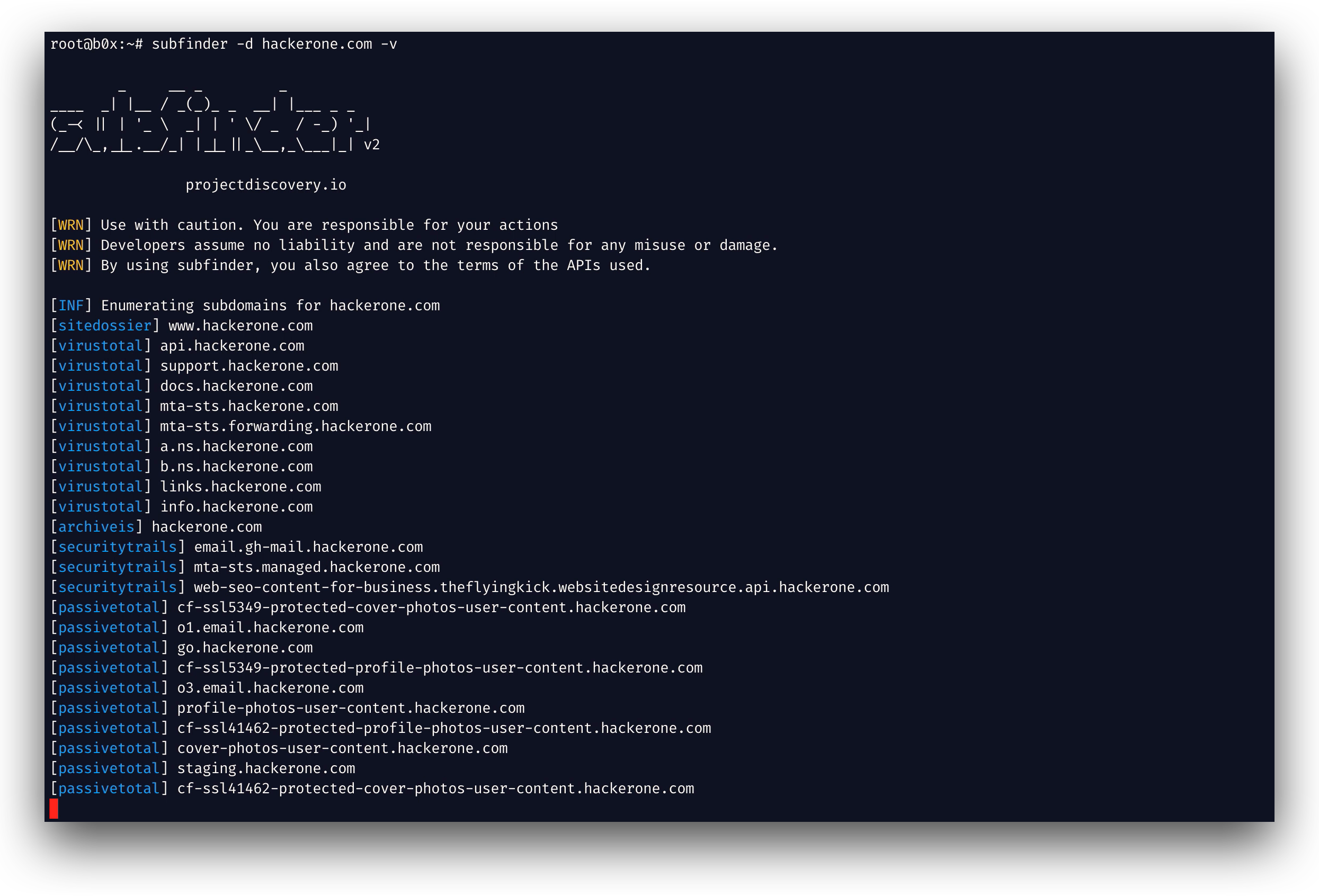
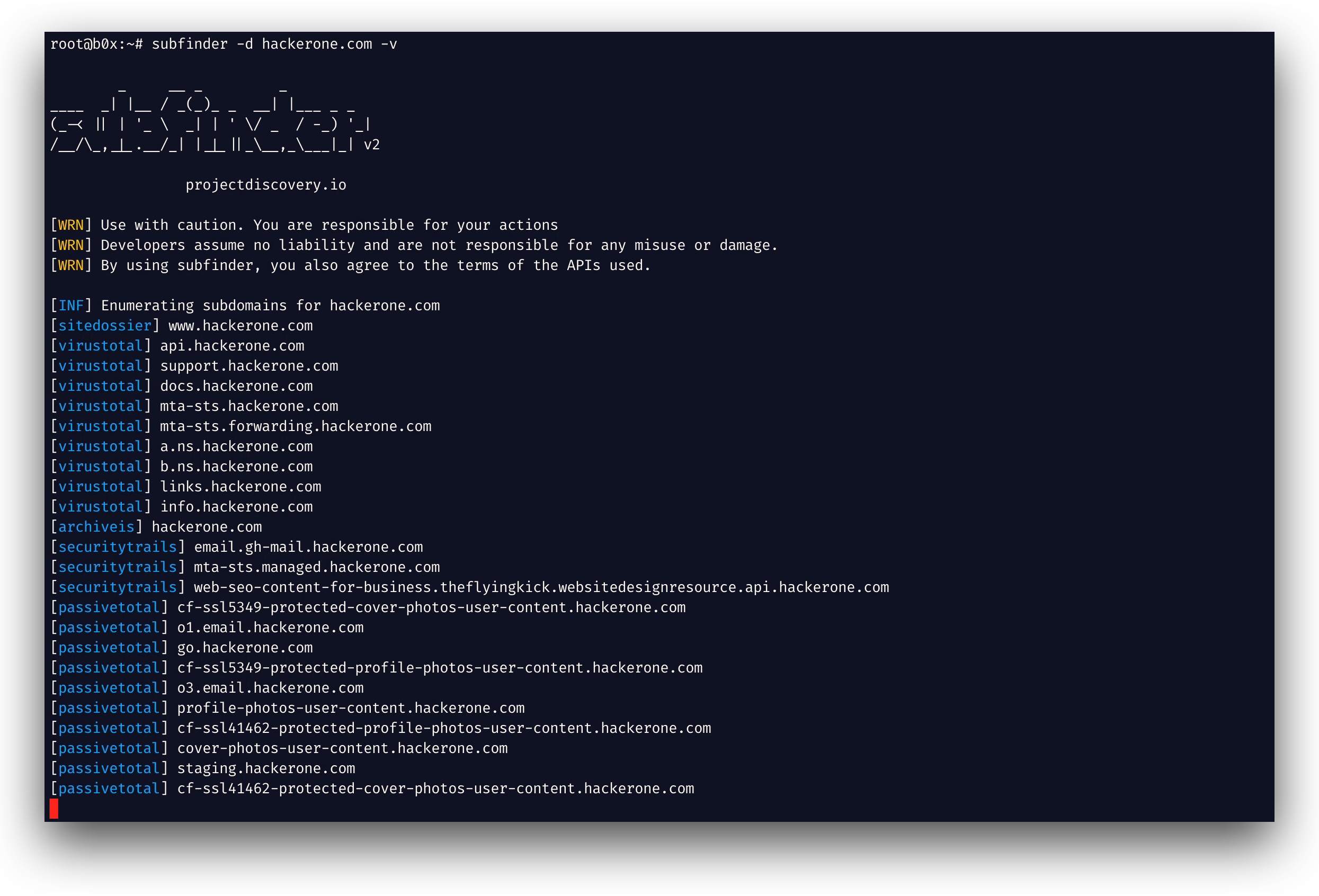
subfinder é uma ferramenta de descoberta de subdomínios que retorna subdomínios válidos para sites, utilizando fontes online passivas. Possui uma arquitetura simples e modular e é otimizada para velocidade. O subfinder foi criado para
fazer apenas uma coisa - enumeração passiva de subdomínios, e faz isso muito bem.
Nós o desenvolvemos em conformidade com todas as licenças e restrições de uso das fontes passivas utilizadas. O modelo passivo garante velocidade e furtividade que podem ser aproveitadas tanto por testadores de penetração quanto por caçadores de bug bounty.
Recursos
- Módulos rápidos e poderosos de resolução e eliminação de wildcard
- Fontes passivas selecionadas para maximizar os resultados
- Múltiplos formatos de saída suportados (JSON, arquivo, stdout)
- Otimizado para velocidade e leve em recursos
- Suporte a STDIN/OUT permite fácil integração em fluxos de trabalho
Uso
subfinder -h
Isso exibirá a ajuda para a ferramenta. Aqui estão todas as opções que ela suporta.
Usage:
  ./subfinder [flags]

Flags:
INPUT:
  -d, -domain string[]  domains to find subdomains for
  -dL, -list string     file containing list of domains for subdomain discovery

SOURCE:
  -s, -sources string[]           specific sources to use for discovery (-s crtsh,github). Use -ls to display all available sources.
  -recursive                      use only sources that can handle subdomains recursively (e.g. subdomain.domain.tld vs domain.tld)
  -all                            use all sources for enumeration (slow)
  -es, -exclude-sources string[]  sources to exclude from enumeration (-es alienvault,zoomeyeapi)

FILTER:
  -m, -match string[]     subdomain or list of subdomain to match (file or comma separated)
  -f, -filter string[]     subdomain or list of subdomain to filter (file or comma separated)
  -match-regex string[]   regex or list of regex to match on output subdomain (cli, file)
  -filter-regex string[]  regex or list of regex to filter on output subdomain (cli, file)

RATE-LIMIT:
  -rl, -rate-limit int  maximum number of http requests to send per second
  -rls value            maximum number of http requests to send per second for providers in key=value format (-rls "hackertarget=10/s,shodan=15/s")
  -t int                number of concurrent goroutines for resolving (-active only) (default 10)

UPDATE:
  -up, -update                 update subfinder to latest version
  -duc, -disable-update-check  disable automatic subfinder update check

OUTPUT:
  -o, -output string       file to write output to
  -oJ, -json               write output in JSONL format
  -oD, -output-dir string  directory to write output (-dL only)
  -cs, -collect-sources    include all sources in the output (-json only)
  -oI, -ip                 include host IP in output (-active only)

CONFIGURATION:
  -config string                flag config file (default "$CONFIG/subfinder/config.yaml")
  -pc, -provider-config string  provider config file (default "$CONFIG/subfinder/provider-config.yaml")
  -r string[]                   comma separated list of resolvers to use
  -rL, -rlist string            file containing list of resolvers to use
  -nW, -active                  display active subdomains only
  -proxy string                 http proxy to use with subfinder
  -ei, -exclude-ip              exclude IPs from the list of domains
  -mr, -max-results int         limit the number of results per source (0 = unlimited; honored by paginating sources)

DEBUG:
  -silent             show only subdomains in output
  -version            show version of subfinder
  -v                  show verbose output
  -nc, -no-color      disable color in output
  -ls, -list-sources  list all available sources (-oJ for JSON)

OPTIMIZATION:
  -timeout int                  seconds to wait before timing out (default 30)
  -max-time int                 minutes to wait for enumeration results (default 10)
  -rsr, -response-size-read int max response body size to read in bytes from passive sources (0 = unlimited)
Variáveis de Ambiente
O Subfinder suporta variáveis de ambiente para especificar caminhos personalizados para arquivos de configuração:
SUBFINDER_CONFIG- Caminho para o arquivo config.yaml (substitui o padrão$CONFIG/subfinder/config.yaml)SUBFINDER_PROVIDER_CONFIG- Caminho para o arquivo provider-config.yaml (substitui o padrão$CONFIG/subfinder/provider-config.yaml)
Instalação
O subfinder requer go1.26.10 para ser instalado com sucesso. Execute o seguinte comando para instalar a versão mais recente:
go install -v github.com/projectdiscovery/subfinder/v2/cmd/subfinder@latest
Saiba mais sobre outras formas de instalar o subfinder aqui: https://docs.projectdiscovery.io/tools/subfinder/install.
Instruções pós-instalação
O subfinder pode ser usado logo após a instalação, porém muitas fontes exigem chaves de API para funcionar. Saiba mais aqui: https://docs.projectdiscovery.io/tools/subfinder/install#post-install-configuration.
Executando o Subfinder
Saiba como executar o Subfinder aqui: https://docs.projectdiscovery.io/tools/subfinder/running.
Filtrando resultados com expressões regulares
-match-regex e -filter-regex aceitam expressões regulares Go, repetidas ou provenientes de um arquivo (uma por linha), e combinam-se com -match e -filter:
subfinder -d example.com -match-regex '^(api|web)[0-9]{1,3}\.' -filter-regex '(^|\.)dev\.'
Biblioteca Go Subfinder
O Subfinder também pode ser usado como biblioteca, e um exemplo mínimo de uso do SDK do subfinder está disponível aqui
Recursos
Licença
subfinder é feito com 🖤 pela equipe projectdiscovery. As contribuições da comunidade fizeram o projeto ser o que é. Consulte
o arquivo THANKS.md para mais detalhes.
Leia o aviso de uso em DISCLAIMER.md e entre em contato para qualquer remoção de API.