
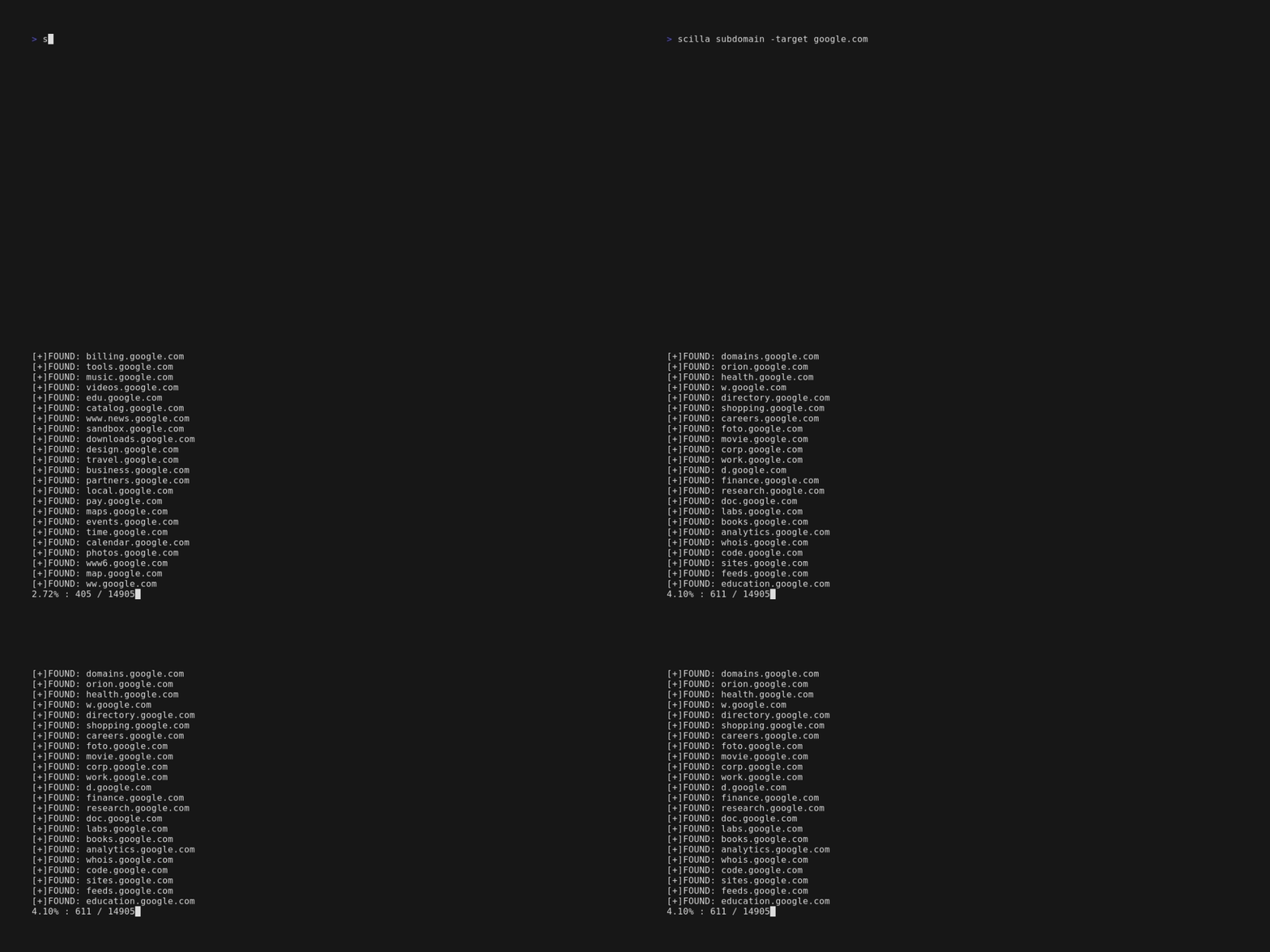
scilla v1.3.4
Ferramenta de coleta de informações - DNS / Subdomínios / Portas / Enumeração de diretórios

🏴☠️ Ferramenta de Coleta de Informações 🏴☠️ - enumeração de DNS / Subdomínios / Portas / Diretórios

Codificado com 💙 por edoardottt
Compartilhe no Twitter!
Instalar • Começar • Exemplos • Changelog • Contribuir • Licença
Instalação 📡
Homebrew
brew install scilla
Snap
sudo snap install scilla
Golang
go install -v github.com/edoardottt/scilla/cmd/scilla@latest
Compilando a partir do código-fonte
Você precisa do Go (>=1.23)
Compilando a partir do código-fonte para Linux e Windows
Linux
git clone https://github.com/edoardottt/scilla.git
cd scilla
go get ./...
make linux # (to install)
make unlinux # (to uninstall)
Edite o arquivo ~/.config/scilla/keys.yaml se quiser usar chaves de API.
One-liner: git clone https://github.com/edoardottt/scilla.git && cd scilla && go get ./... && make linux
Windows
Observe que o executável funciona apenas na pasta cariddi (Alias?).
git clone https://github.com/edoardottt/scilla.git
cd scilla
.\make.bat windows # (to install)
.\make.bat unwindows # (to uninstall)
Crie um arquivo keys.yaml se quiser usar chaves de API.
Usando Docker
docker build -t scilla .
docker run scilla help
Exemplos 💡
-
Enumeração de DNS:
scilla dns -target example.comscilla dns -oj output -target example.comscilla dns -oh output -target example.comscilla dns -ot output -target example.comscilla dns -plain -target example.com
-
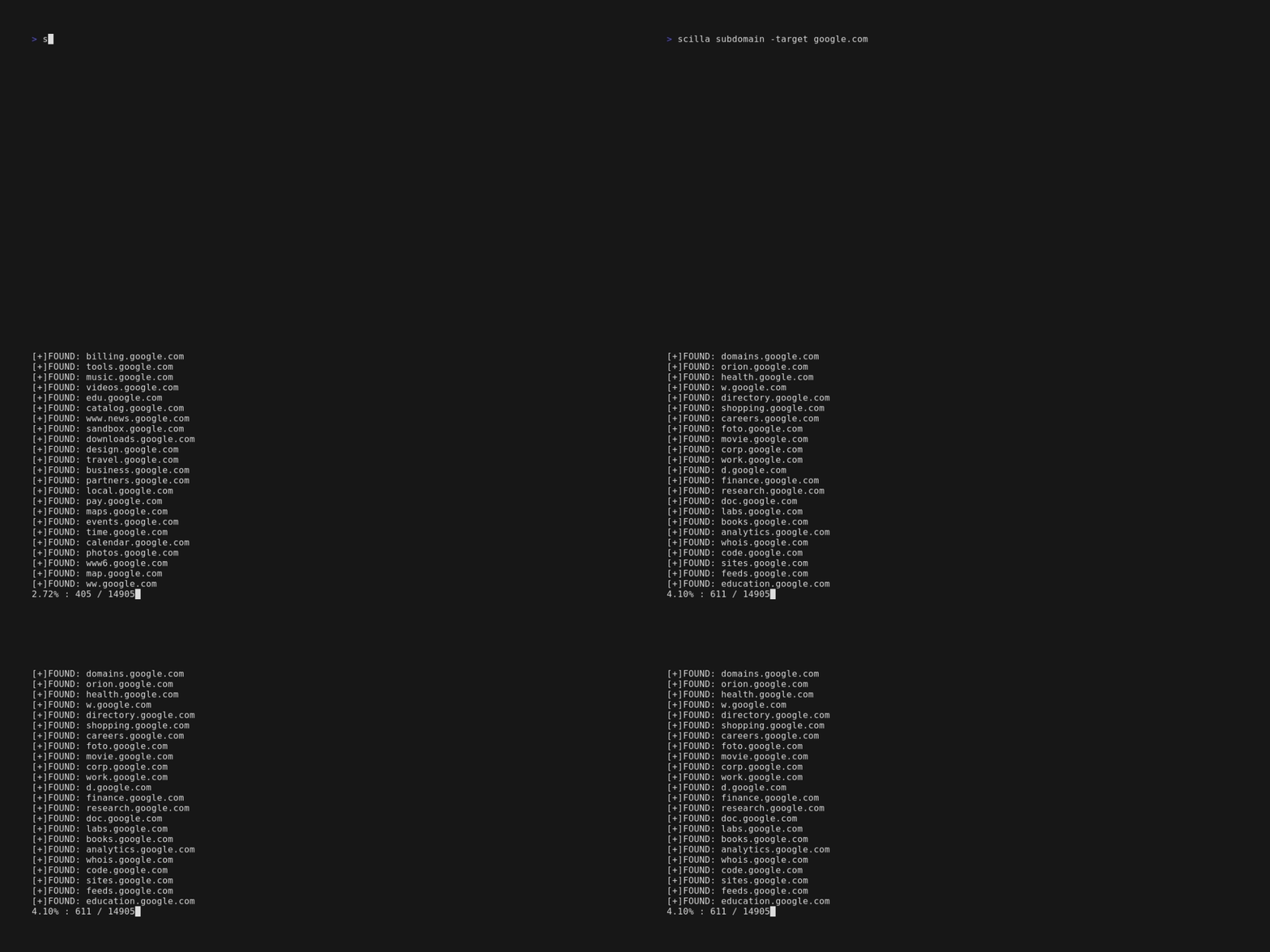
Enumeração de subdomínios:
scilla subdomain -target example.comscilla subdomain -w wordlist.txt -target example.comscilla subdomain -oj output -target example.comscilla subdomain -oh output -target example.comscilla subdomain -ot output -target example.comscilla subdomain -i 400 -target example.comscilla subdomain -i 4** -target example.comscilla subdomain -c -target example.comscilla subdomain -db -target example.comscilla subdomain -plain -target example.comscilla subdomain -db -no-check -target example.comscilla subdomain -db -vt -target example.comscilla subdomain -db -bw -target example.comscilla subdomain -ua "CustomUA" -target example.comscilla subdomain -rua -target example.comscilla subdomain -dns 8.8.8.8 -target example.comscilla subdomain -alive -target example.com
-
Enumeração de diretórios:
scilla dir -target example.comscilla dir -w wordlist.txt -target example.comscilla dir -oj output -target example.comscilla dir -oh output -target example.comscilla dir -ot output -target example.comscilla dir -i 500,401 -target example.comscilla dir -i 5**,401 -target example.comscilla dir -c -target example.comscilla dir -plain -target example.comscilla dir -nr -target example.comscilla dir -ua "CustomUA" -target example.comscilla dir -rua -target example.com
-
Enumeração de portas:
- Padrão (todas as portas, ou seja, 1-65635)
scilla port -target example.com - Especificando intervalo de portas
scilla port -p 20-90 -target example.com - Especificando porta inicial (até a última)
scilla port -p 20- -target example.com - Especificando porta final (a partir da primeira)
scilla port -p -90 -target example.com - Especificando múltiplas portas
scilla port -p 21,25,80 -target example.com - Especificando portas comuns
scilla port -common -target example.com - Especificando porta única
scilla port -p 80 -target example.com - Especificando formato de saída (json)
scilla port -oj output -target example.com - Especificando formato de saída (html)
scilla port -oh output -target example.com - Especificando formato de saída (txt)
scilla port -ot output -target example.com - Imprimir apenas resultados
scilla port -plain -target example.com
- Padrão (todas as portas, ou seja, 1-65635)
-
Relatório completo:
- Padrão (todas as portas, ou seja, 1-65635)
scilla report -target example.com - Especificar intervalo de portas
scilla report -p 20-90 -target example.com - Especificar porta inicial (até a última)
scilla report -p 20- -target example.com - Especificar porta final (a partir da primeira)
scilla report -p -90 -target example.com - Especificar porta única
scilla report -p 80 -target example.com - Especificar múltiplas portas
scilla report -p 21,25,80 -target example.com - Especificar formato de saída (json)
scilla report -oj output -target example.com - Especificar formato de saída (html)
scilla report -oh output -target example.com - Especificar formato de saída (txt)
scilla report -ot output -target example.com - Especificar wordlist de diretórios
scilla report -wd dirs.txt -target example.com - Especificar wordlist de subdomínios
scilla report -ws subdomains.txt -target example.com - Especificar códigos de status a serem ignorados na varredura de diretórios
scilla report -id 500,501,502 -target example.com - Especificar códigos de status a serem ignorados na varredura de subdomínios
scilla report -is 500,501,502 -target example.com - Especificar classes de códigos de status a serem ignoradas na varredura de diretórios
scilla report -id 5**,4** -target example.com - Especificar classes de códigos de status a serem ignoradas na varredura de subdomínios
scilla report -is 5**,4** -target example.com - Usar também um web crawler para enumeração de diretórios
scilla report -cd -target example.com - Usar também um web crawler para enumeração de subdomínios
scilla report -cs -target example.com - Usar também um banco de dados público para enumeração de subdomínios
scilla report -db -target example.com - Especificar portas comuns
scilla report -common -target example.com - Não seguir redirecionamentos
scilla report -nr -target example.com - Usar o VirusTotal como fonte de subdomínios
scilla report -db -vt -target example.com - Definir o User Agent
scilla report -ua "CustomUA" -target example.com - Gerar um user agent aleatório para cada requisição
scilla report -rua -target example.com - Definir o IP de DNS para resolver os subdomínios
scilla report -dns 8.8.8.8 -target example.com - Verificar também se os subdomínios estão ativos
scilla report -alive -target example.com
- Padrão (todas as portas, ou seja, 1-65635)
Comece agora 🎉
scilla help exibe a ajuda na linha de comando.
usage: scilla subcommand { options }