
ARTEX v0.6.0
LLM multi-agent autonomous penetration testing platform with planner/worker agents, asset and exploration graphs, MITM traffic recording, and vulnerability retesting.
ARTEX
AI autonomous penetration testing system (Go backend + Next.js frontend)
Fork of ARTEX by Autumn-27 · English translation of the Chinese source · maintained publicly under AGPL-3.0
Screenshots
| Dashboard (overview / token usage / activity stream) | Task list |
|---|---|
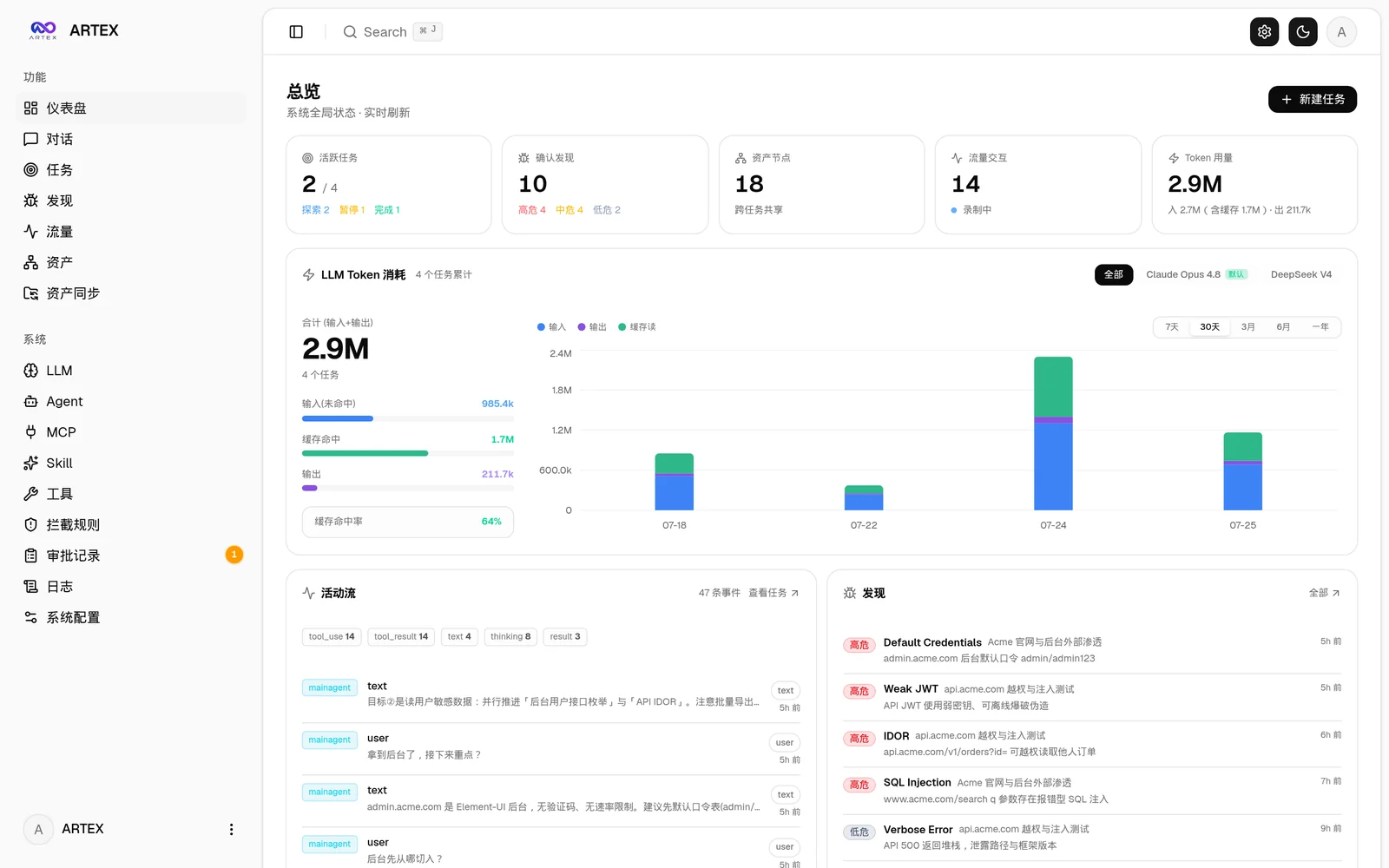 |  |
| Task · execution (sessions / tool calls) | Exploration graph |
|---|---|
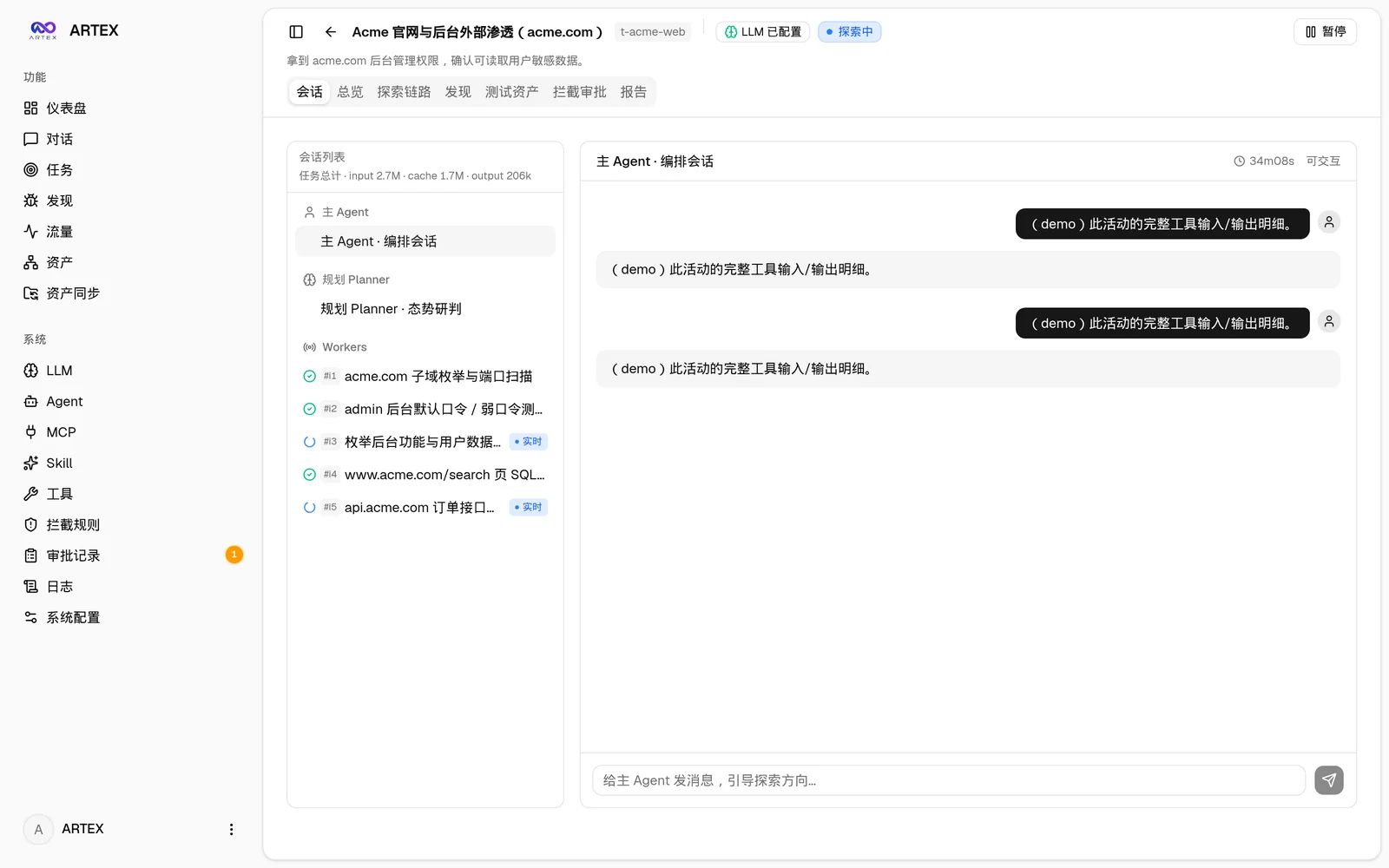 | 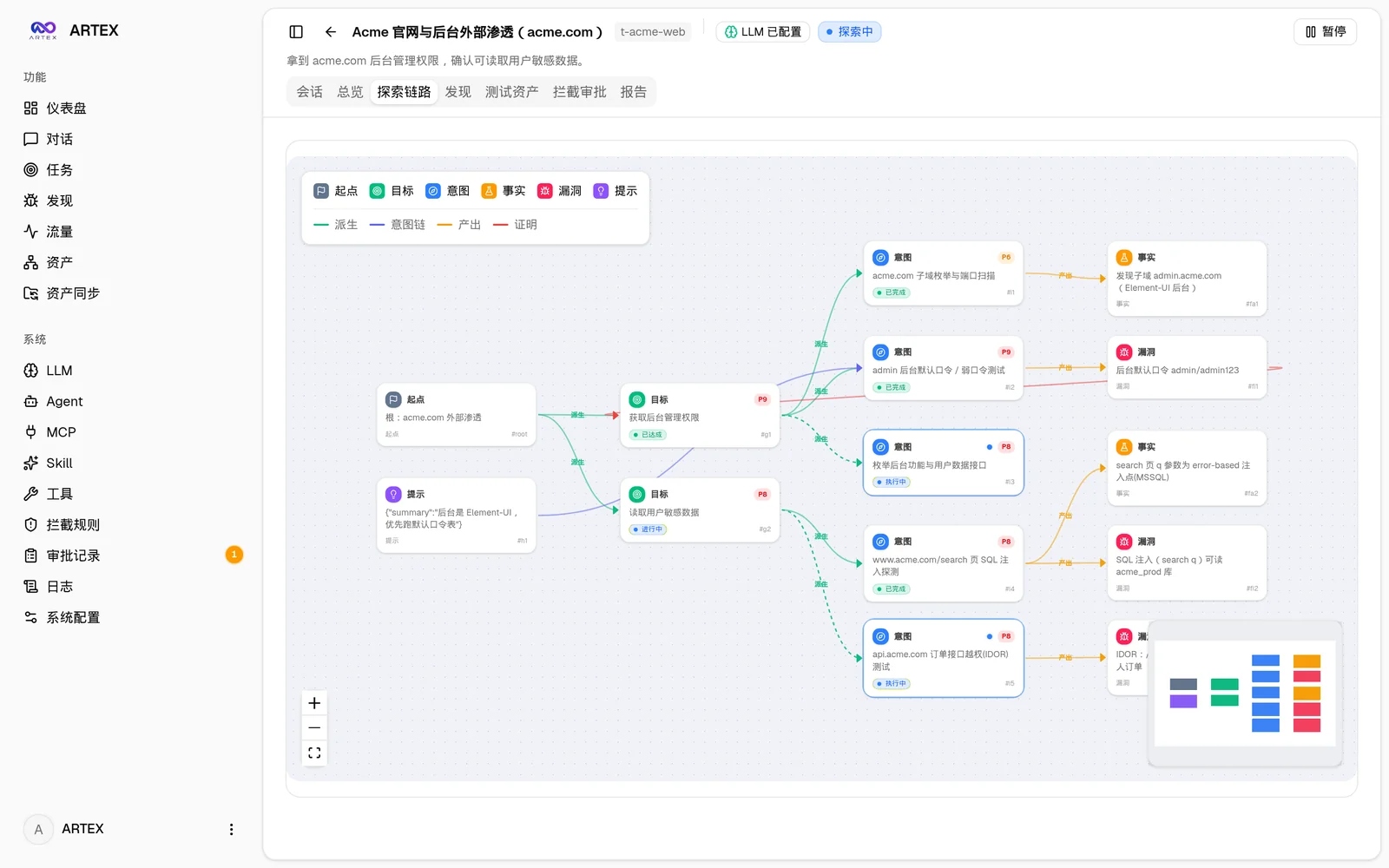 |
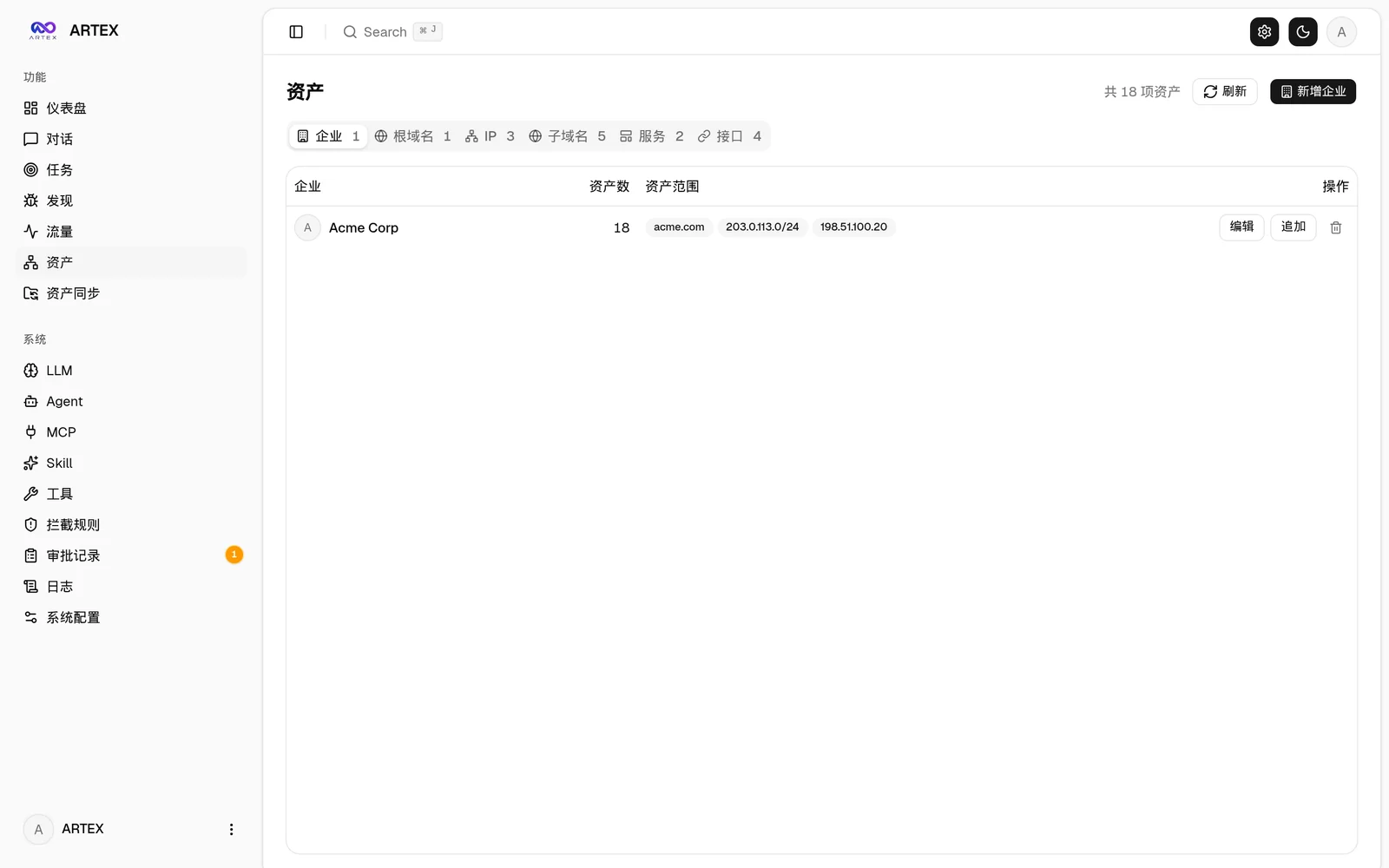
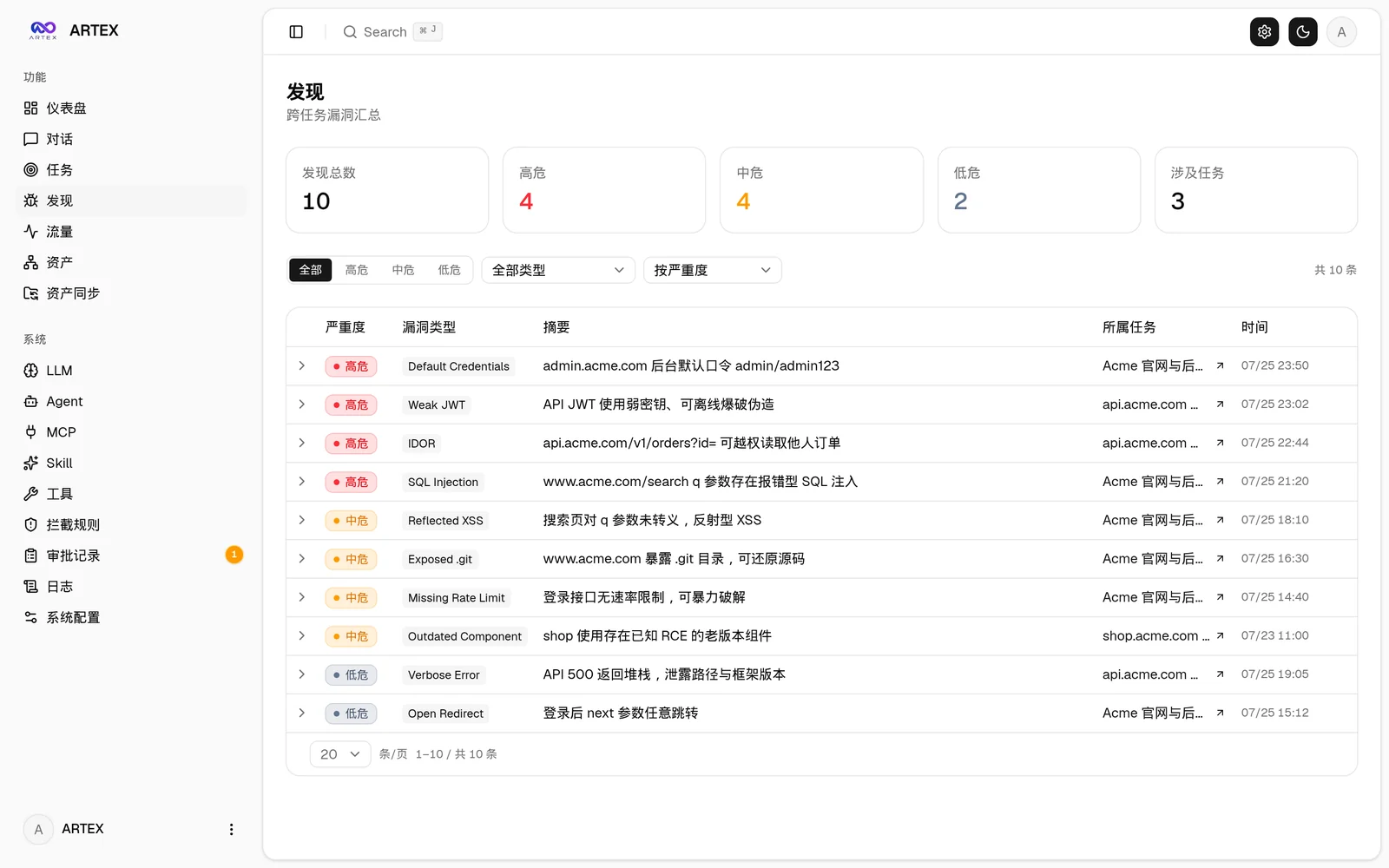
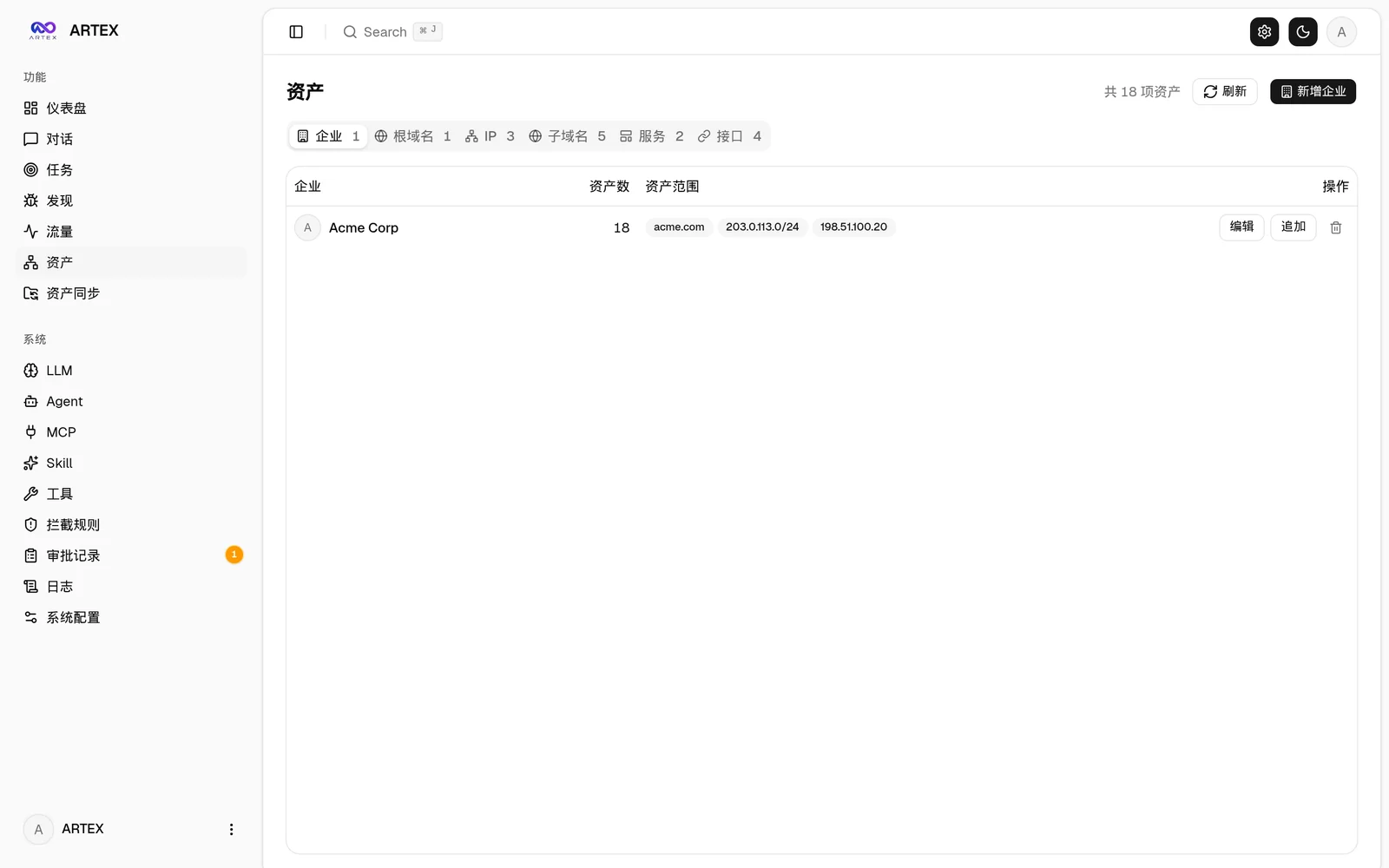
| Findings | Assets |
|---|---|
 |  |
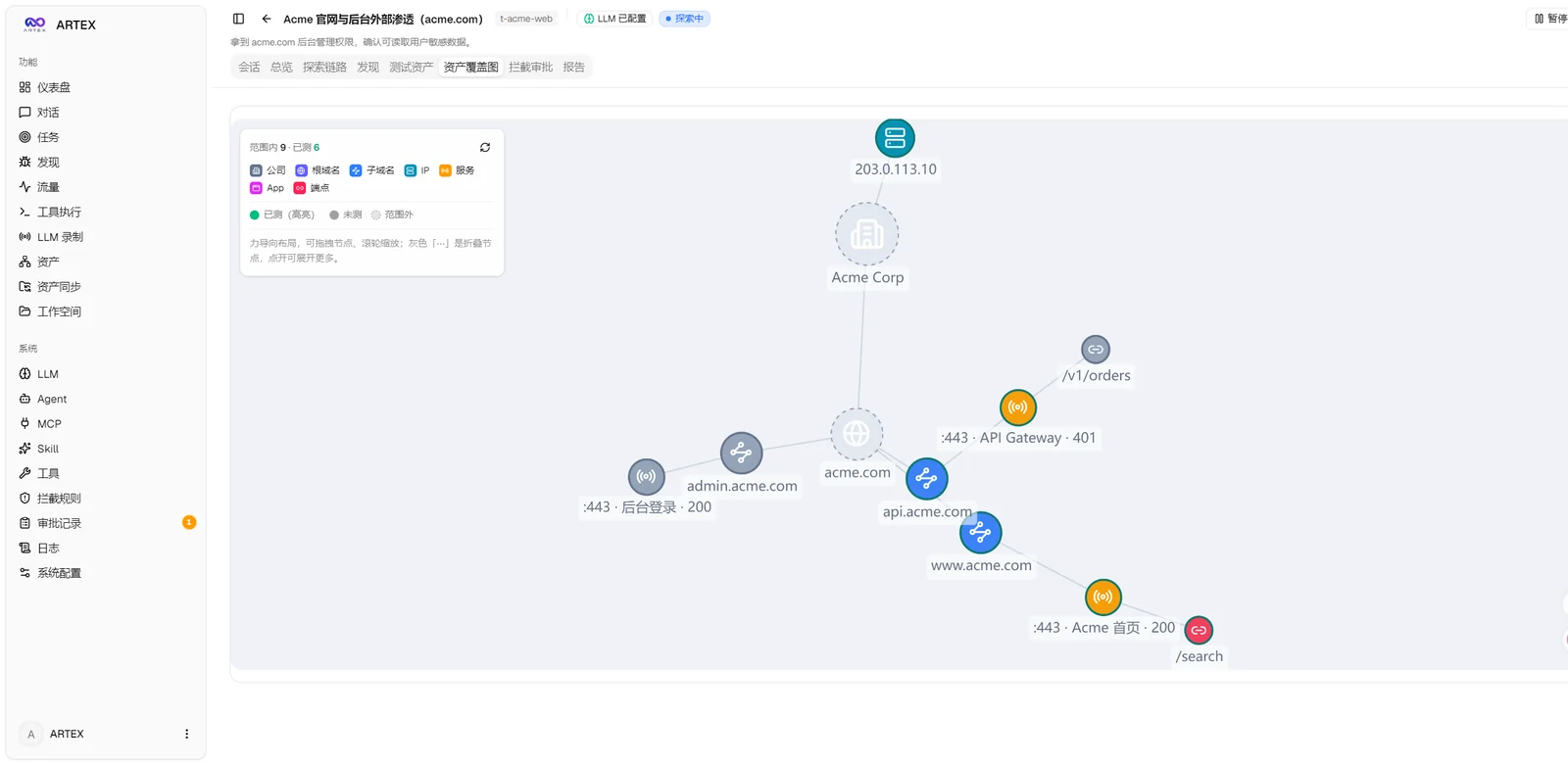
| Asset coverage graph (force-directed layout · tested highlights · node collapse/expand) |
|---|
 |
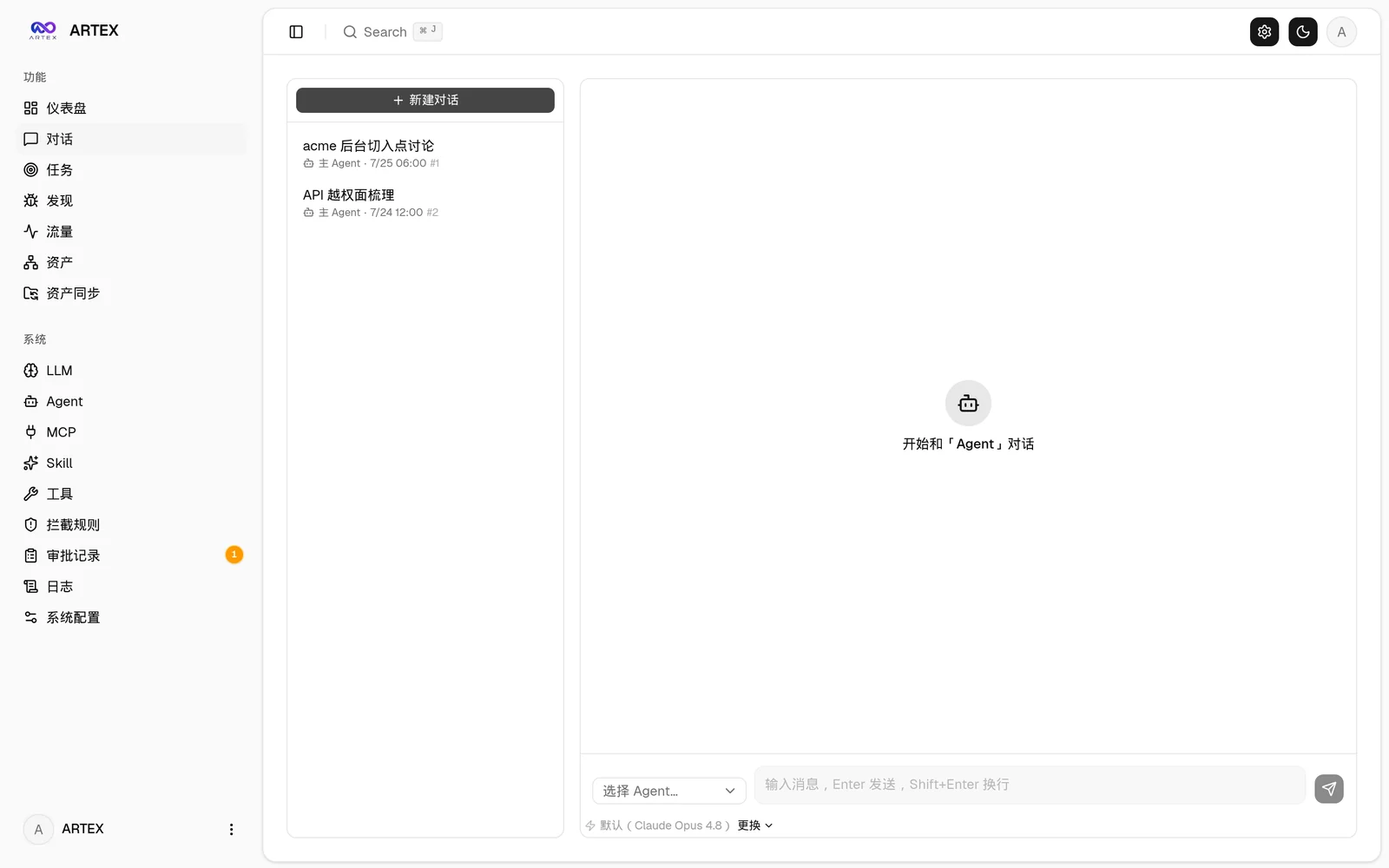
| Traffic recording | Human-in-the-loop chat |
|---|---|
 |  |
| Agent management | LLM configuration |
|---|---|
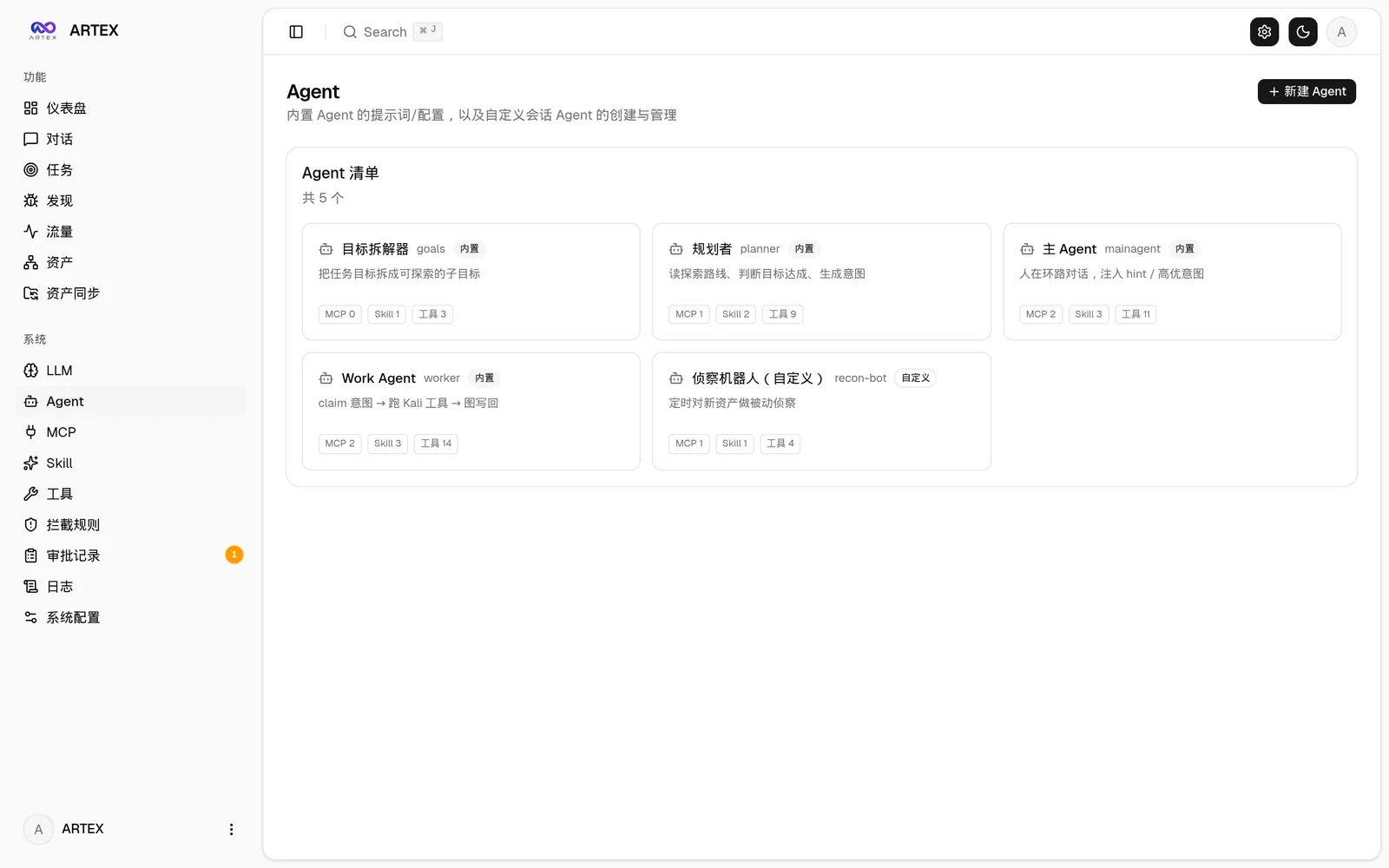 | 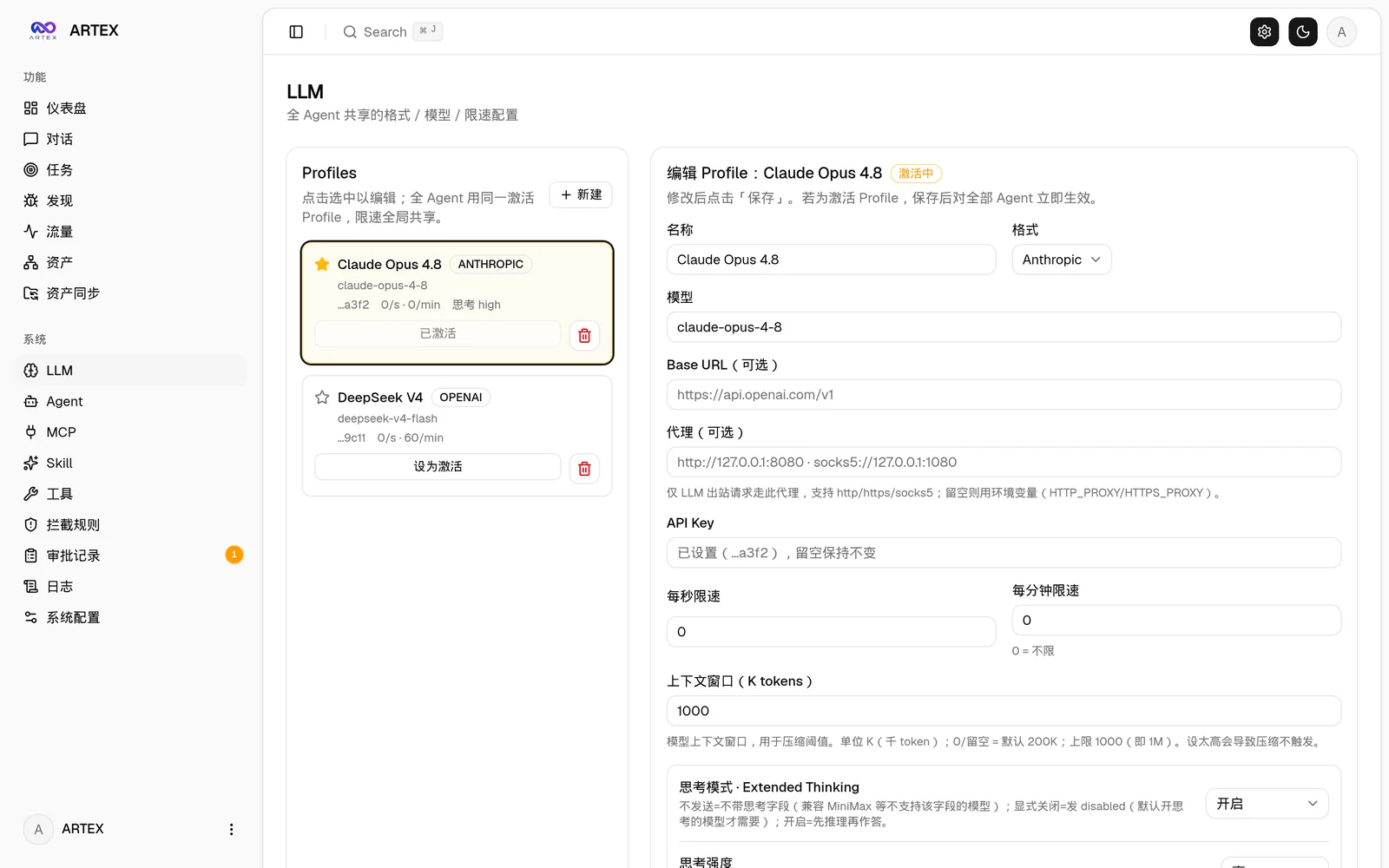 |
| Interception approvals | Backend logs |
|---|---|
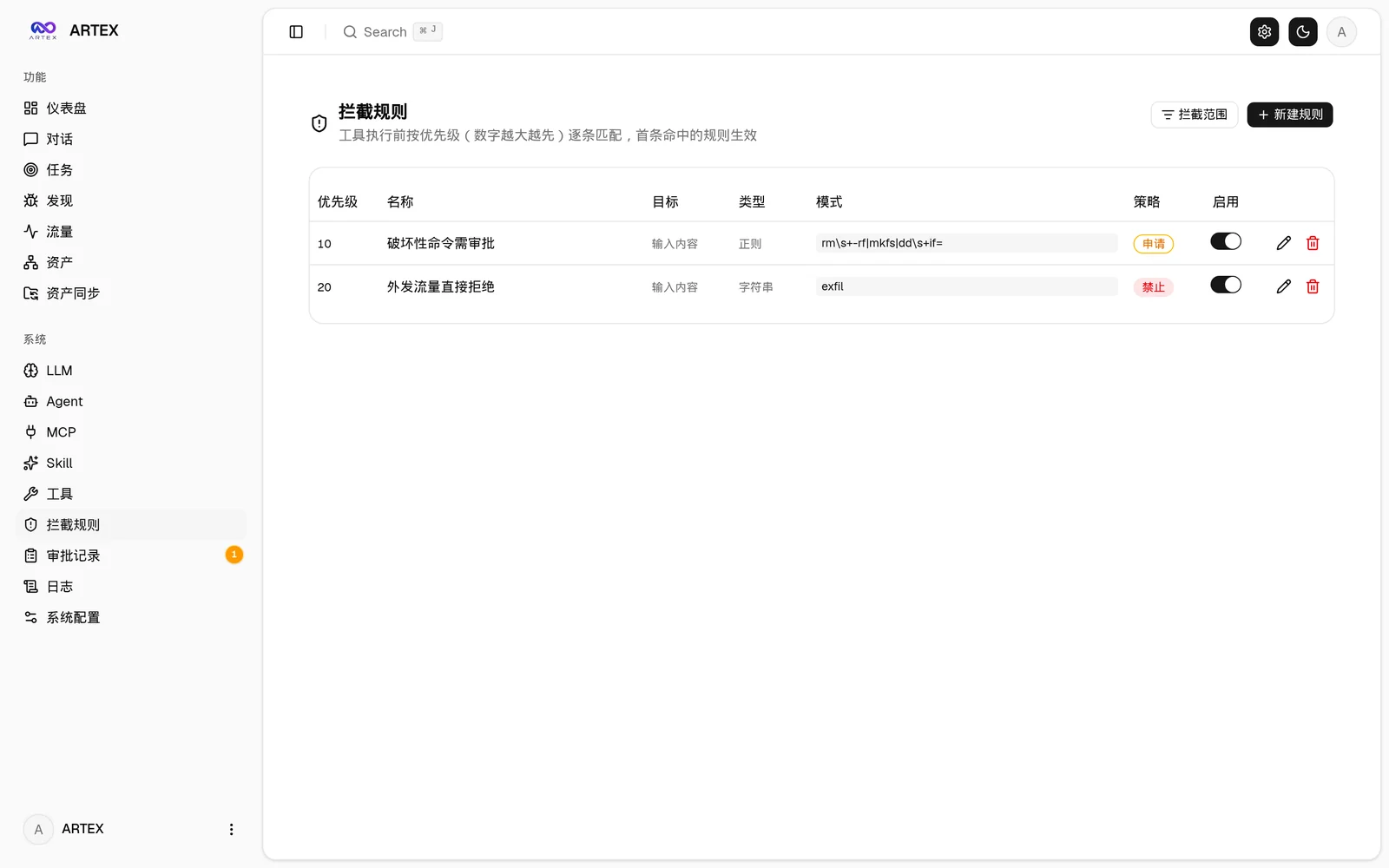 |  |
Approval record details
The global "Approval Records", the in-task "Interception Approvals", and the approval cards in conversations all support expanding to view details. The display structure references the AegisHook approval details component, reusing ARTEX's components and theme:
Argv prefix rules
Besides string and regex, an interception rule can use match_type: argv (Bash only, match_target: tool_input). Its pattern is a JSON array of 1 to 8 tokens, for example ["git","push"], with no empty token, no token starting with - and no shell metacharacter or space.
- It is a prefix rule. The command is parsed (mvdan.cc/sh, Bash grammar, as the Bash tool runs
bash -c) and must be one simple command: no pipe, list (;,&&,||), redirection, prefix assignment, subshell, background job, no wrapper program (command,builtin,env,exec,eval), and no command or process substitution or parameter expansion anywhere. Its prefix (program plus subcommands, from a code-owned arity table:git push,npm run build,nmap) must equal the pattern exactly. Any other form does not match, and the normal flow (judge, approval) continues. - Flags are ignored by construction.
["git","push"]also coversgit push --force; a flag before the subcommand (git -C /repo push) matches nothing. An allowed prefix does not cover what the program does internally. - An argv rule takes its place in the priority order like any rule, and the target gate still runs after an argv allow.
Traffic capture browser extension
The bundled browser extension (extension/) turns your own browsing into agent-visible evidence: log into an authenticated target once (captchas, email OTP and 2FA included), and the captured requests/responses land in ARTEX's traffic store like proxy-recorded traffic, ready to search and bind to findings:
- Load the unpacked extension from
extension/(Chrome/Edge, Developer Mode → Load unpacked); - In the popup, set your ARTEX URL and token, then press Start capture on the tab you are browsing;
- Use the site normally; text requests/responses are batched to
POST /api/traffic/ingest(authenticated). Binary bodies (images, fonts) are skipped, bodies are truncated at 256 KiB, batches are capped at 50 entries; - Press Stop when done. Everything stays in your local traffic store.
Asset sync (ScopeSentry)
Sync asset data directly from ScopeSentry, avoiding duplicate collection:
- On the "Asset Sync" page, enter the ScopeSentry address and API Key to connect the data source;
- Choose the targets and asset types to sync by project or task (domains / subdomains / IPs / ports / sites / endpoints…);
- One-click import, merged by company asset scope, straight into ARTEX's asset graph for agents to explore.
Installation
Requires a PostgreSQL database; exploration requires an LLM (
ANTHROPIC_API_KEYorOPENAI_API_KEY, which can also be configured in the UI).
Option 1: one-click install script (recommended)
git clone https://github.com/BaaRai/ARTEX.git
cd ARTEX
./install.sh
The script will: detect / auto-install Docker → then let you choose ① all-Docker or ② local build and run:
- ① All-Docker: enter a Postgres password (press Enter for a random one) → auto-writes
.env→docker compose up -d --build(the image is built from this checkout). - ② Local run: choose a database (connect to an existing one / start one with Docker) → generates
config.json→gobuilds the embedded single binary → starts.