

spyse.comでホストされているツールのためのPython APIラッパーおよびコマンドラインクライアント。
「Spyseは、インターネットセキュリティ専門家、企業およびリモートシステム管理者、SSL/TLS暗号化証明書プロバイダー、データセンター、ビジネスアナリスト向けの完全なDAAS(Data-As-A-Service)ソリューションの開発者です。すべてのSpyseオンラインソリューションは、情報の収集、処理、集約のための単一のプラットフォームを持つテーマ別サービスで表現されています。」 - spyse.com
以下のAPIをサポートしています:
domains_starts_with* オプションのサポート(ライブラリのみ)pip3 install spyse.py
pip3 install --no-cache-dir spyse.py
-target-param-page-apikey--rawSpyseを使用すると、IP、IPレンジ、ドメイン名、URLなどでデータベースを検索できます。パラメータ引数は、入力のタイプを指定するためのものです。
2019年7月6日現在、ほとんどの関数ではパラメータを設定する必要はありません。デフォルトのものを上書きしたい場合のみ設定します。
例えば、--domains-on-ipのデフォルトパラメータはipですが、このパラメータを上書きしてCIDRや組織で検索することもできます。パラメータ検出も追加されたため、エラーメッセージが表示される場合にのみこれを行う必要があります。
検出は非常にシンプルです:
# detect whether input is cidr or ip or search query (q)
if "/" in args.target:
  param = "cidr"
elif ":" in args.target:
  param = "q"
else:
  param = "ip"
検出は関数によって異なります。特定の関数では異なるデフォルトパラメータが必要だからです。
cidrdomainippageurlhashqShodanと同様に、Spyseでは検索クエリを使用できます。
spyse -target "org: Microsoft" --ssl-certificates
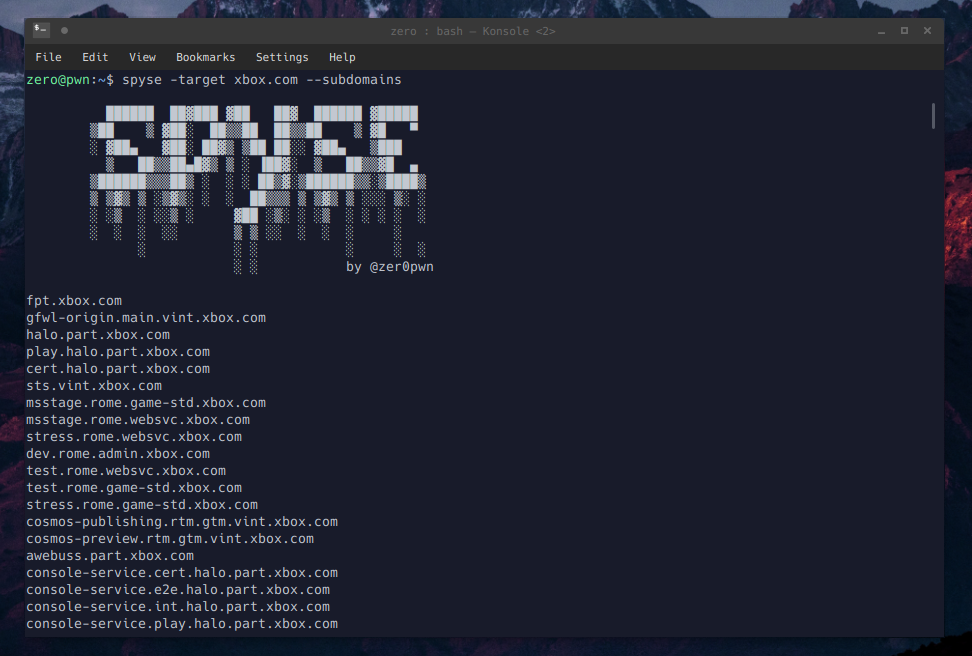
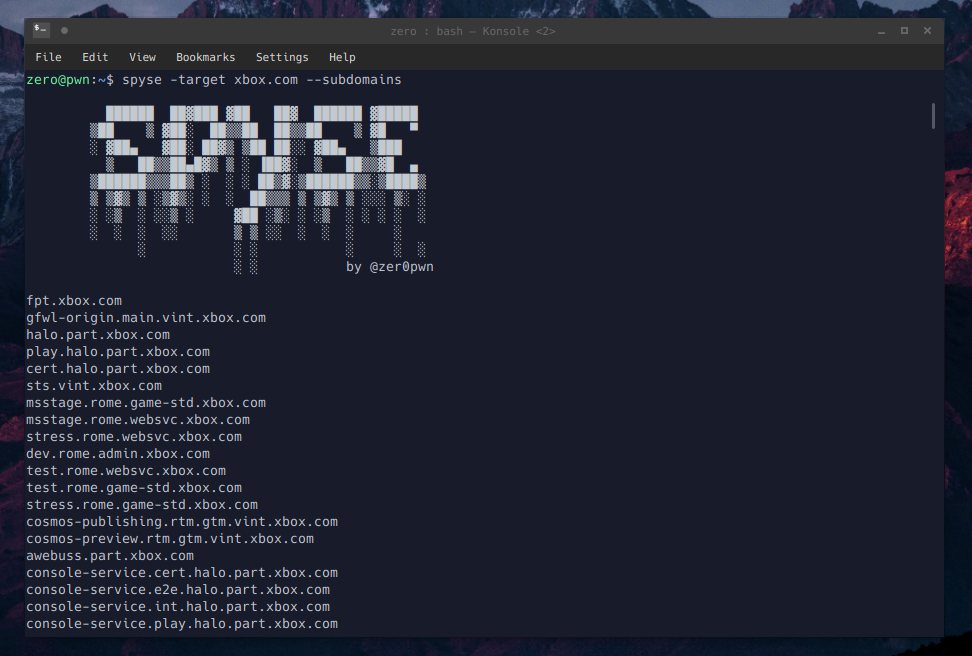
spyse -target xbox.com --subdomains
spyse -target 52.14.144.171 --domains-on-ip
spyse -target hotmail.com --ssl-certificates
spyse -target "org: Microsoft" --ssl-certificates
spyse -target xbox.com --dns-all
spyse -target hackerone.com -param domain --subdomains
export SPYSEKEY="yourkeyhere"
spyse -target xbox.com -apikey $SPYSEKEY -page 2 ---ssl-certificates
このクライアントを書こうと決めた当初、コマンドライン内での柔軟性に重点を置きたいと考えていました。そのため、--rawオプションがあります。これにより、APIから返される生のJSONを扱うことができます。
spyse -target hackerone.com --dns-soa --raw | jq

spyse -target hackerone.com -param domain --subdomains --raw | aquatone

usage: spyse [-h] [-target TARGET] [-param PARAM] [-page PAGE]
             [-apikey APIKEY] [--raw] [--dns-ptr] [--dns-soa] [--dns-mx]
             [--dns-aaaa] [--dns-ns] [--dns-a] [--dns-txt] [--dns-all]
             [--domains-with-same-ns] [--domains-using-as-mx]
             [--domains-on-ip] [--domains-with-same-mx]
             [--domains-using-as-ns] [--download-dns-aaaa]
             [--download-dns-soa] [--download-dns-ns] [--download-dns-ptr]
             [--download-dns-mx] [--download-dns-a] [--download-dns-txt]
             [--download-dns-all] [--ip-port-lookup]
             [--ip-port-lookup-aggregate] [--ssl-certificates] [--subdomains]

Client for Spyse.com

optional arguments:
  -h, --help            show this help message and exit
  -target TARGET        target
  -param PARAM          parameter to use (ip, domain, cidr, url, hash)
  -page PAGE            page
  -apikey APIKEY        set the api key
  --raw                 show raw json
  --dns-ptr             show dns ptr records
  --dns-soa             show dns soa records
  --dns-mx              show dns mx records
  --dns-aaaa            show dns aaaa records
  --dns-ns              show dns ns records
  --dns-a               show dns a records
  --dns-txt             show dns txt records
  --dns-all             show all dns records
  --domains-with-same-ns
                        show domains with same ns
  --domains-using-as-mx
                        show domains using as mx
  --domains-on-ip       show domains on ip
  --domains-with-same-mx
                        show domains with same mx
  --domains-using-as-ns
                        show domains using as ns
  --download-dns-aaaa   download dns aaaa records
  --download-dns-soa    download dns soa records
  --download-dns-ns     download dns ns records
  --download-dns-ptr    download dns ptr records
  --download-dns-mx     download dns mx records
  --download-dns-a      download dns a records
  --download-dns-txt    download dns txt records
  --download-dns-all    download all dns records
  --ip-port-lookup      show ip port lookup
  --ip-port-lookup-aggregate
                        show ip port lookup aggregate
  --ssl-certificates    show ssl certificates associated with a target
  --subdomains          show subdomains

Usage: spyse -target hackerone.com --subdomains
from spyse import spyse

s = spyse()
subdomains = s.subdomains("xbox.com", param="domain")
from spyse import spyse

# APIキーを使用すると、結果の複数ページを取得できます。
s = spyse('API_TOKEN_GOES_HERE')
subdomains = s.subdomains_aggregate("xbox.com", param="domain", page=2)
from spyse import spyse

s = spyse()
results = s.domains_on_ip("172.217.1.0/24", param="cidr")
from spyse import spyse

s = spyse()
results = []

with open("domains.txt") as d:
    for line in d:
        # param="domain"がデフォルト値なので、ここで指定する必要はありません
        r = s.subdomains_aggregate(line)
        results.append(r)

print(results)
https://api-doc.spyse.com/ にリストされているすべてのメソッド
  API_METHODS = {
    "DNS_PTR": "/dns-ptr",
    "DNS_SOA": "/dns-soa",
    "DNS_MX": "/dns-mx",
    "DNS_AAAA": "/dns-aaaa",
    "DNS_NS": "/dns-ns",
    "DNS_A": "/dns-a",
    "DNS_TXT": "/dns-txt",
    "domains_with_same_ns": "/domains-with-same-ns",
    "domains_using_as_mx": "/domains-using-as-mx",
    "domains_on_ip": "/domains-on-ip",
    "domains_with_same_mx": "/domains-with-same-mx",
    "domains_using_as_ns": "/domains-using-as-ns",
    "download_dns_aaaa": "/download-dns-aaaa",
    "download_dns_soa": "/download-dns-soa",
    "download_dns_ns": "/download-dns-ns",
    "download_dns_ptr": "/download-ns-ptr",
    "download_dns_mx": "/download-dns-mx",
    "download_dns_a": "/download-dns-a",
    "download_dns_txt": "/download-dns-txt",
    "download_domains_with_same_mx": "/download-domains-with-same-mx",
    "download_domains_on_ip": "/download-domains-on-ip",
    "download_domains_with_same_ns": "/download-domains-with-same-ns",
    "download_domains_using_as_ns": "/download-domains-using-as-ns",
    "download_domains_using_as_mx": "/download-domains-using-as-mx",
    "ip_port_lookup_aggregate": "/ip-port-lookup-aggregate",
    "ip_port_lookup": "/ip-port-lookup",
    "ssl_certificates": "/ssl-certificates",
    "ssl_certificate_raw": "/ssl-certificate-raw",
    "ssl_certificates_aggregate": "ssl-certificates-aggregate",
    "ssl_certificate": "/ssl-certificate",
    "ssl_certificate_public_key": "/ssl-certificate-public-key",
    "ssl_certificate_json": "/ssl-certificate-json",
    "subdomains": "/subdomains",
    "subdomains_aggregate": "/subdomains-aggregate",
    "domains_starts_with": "/domains-starts-with",
    "domains_starts_with_aggregate": "/domains-starts-with-aggregate"
  }

