 xchopath/pathprober
ブルートフォース手法を使用してHTTPパス名をプローブおよび発見し、特定の単語または同時に2つの単語でフィルタリングします。

ブルートフォース手法を使用してHTTPパス名を探索・発見し、特定の1語または2語でフィルタリングします。


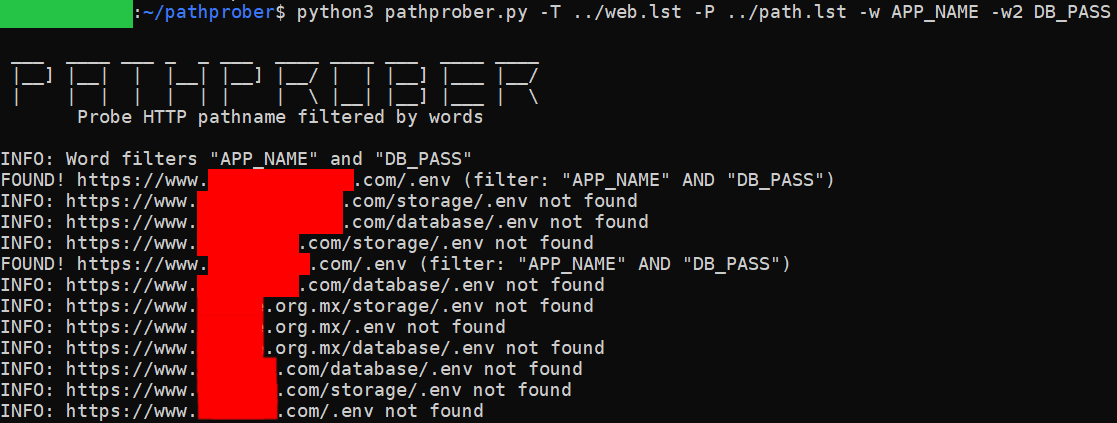
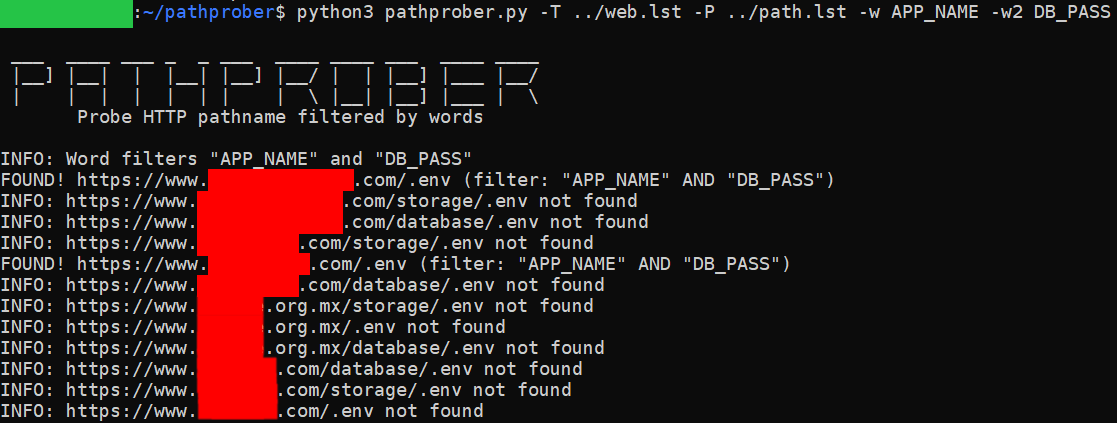
ウェブサイトのディレクトリやHTTPパス名をブルートフォースし、HTTPレスポンスコードで検証する方法はもはや適切ではありません。このツールは、特定の1語または2語でディレクトリを検証できるため、より正確な結果が得られ、ペネトレーションテストの実施に役立ちます。
git clone https://github.com/xchopath/pathprober
cd pathprober/
pip3 install -r requirements.txt
複数ターゲット、複数パス、複数語の例:
python3 pathprober.py -T target.txt -P path.txt -w "APP_NAME" -w2 "DB_PASSWORD"
単一ターゲット、複数パス、単一語の例:
python3 pathprober.py -t https://redacted.com/ -P path.txt -w "APP_NAME"
複数ターゲット、単一パス、複数語、出力をファイルに保存する例:
python3 pathprober.py -T target.txt -p /.env -w "APP_NAME" -w2 "TWILIO" -o output.txt
bash:~/pathprober$ python3 pathprober.py --help

 ___  ____ ___ _  _ ___  ____ ____ ___  ____ ____
 |__] |__|  |  |__| |__] |__/ |  | |__] |___ |__/
 |    |  |  |  |  | |    |  \ |__| |__] |___ |  \
       Probe HTTP pathname filtered by words

usage: pathprober.py [-h] [-t https://example.com] [-p pathname] [-T target.txt] [-P path.txt] [-w Word] [-w2 Word] [-o output.txt]

PathProber - Probe and discover HTTP pathname using brute-force methodology and filtered by specific word or 2 words at once

optional arguments:
  -h, --help            show this help message and exit
  -t https://example.com
                        Single website target
  -p pathname           Single pathname
  -T target.txt         Multiple target separated by newline
  -P path.txt           Multiple pathname separated by newline
  -w Word               A word that you want to find in a path
  -w2 Word              A second word that you want to find in a path
  -o output.txt         Save the results to file
