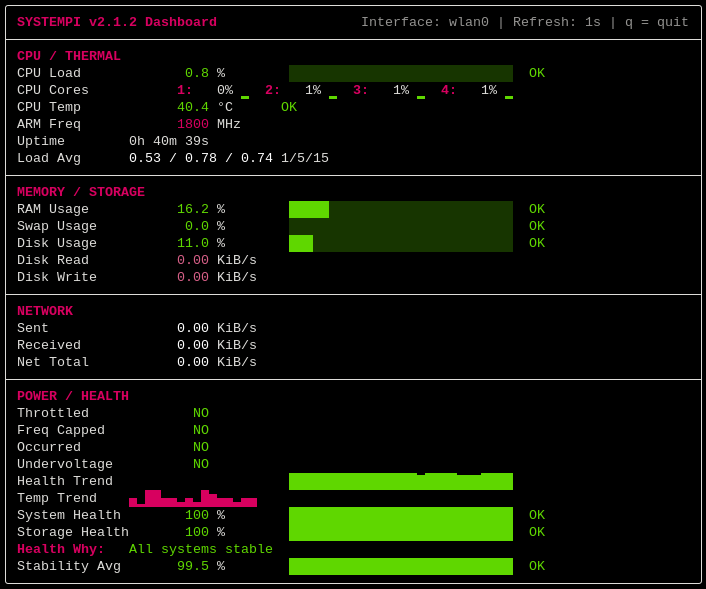

Linux端末向けのRaspberry Piリアルタイムシステム監視ダッシュボード。ライブテレメトリ、ハードウェアヘルス分析、低フリッカーレンダリングを提供します。
vcgencmd によるRaspberry Piハードウェアテレメトリq での即時ダッシュボード終了を含むキーボードショートカット| モード | 目的 |
|---|---|
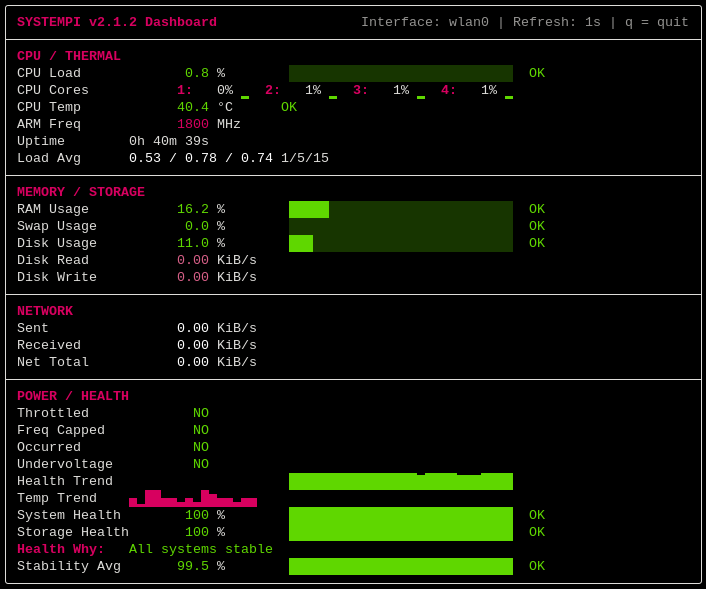
| バランス | フル監視ダッシュボード |
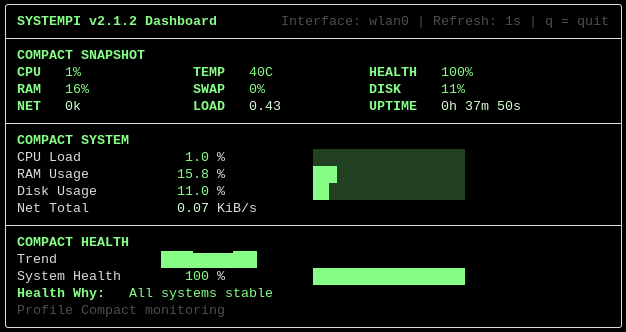
| コンパクト | 小型端末に最適化 |
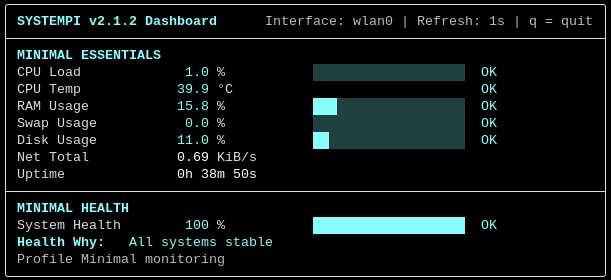
| ミニマル | 必須項目のみのクリーンモード |
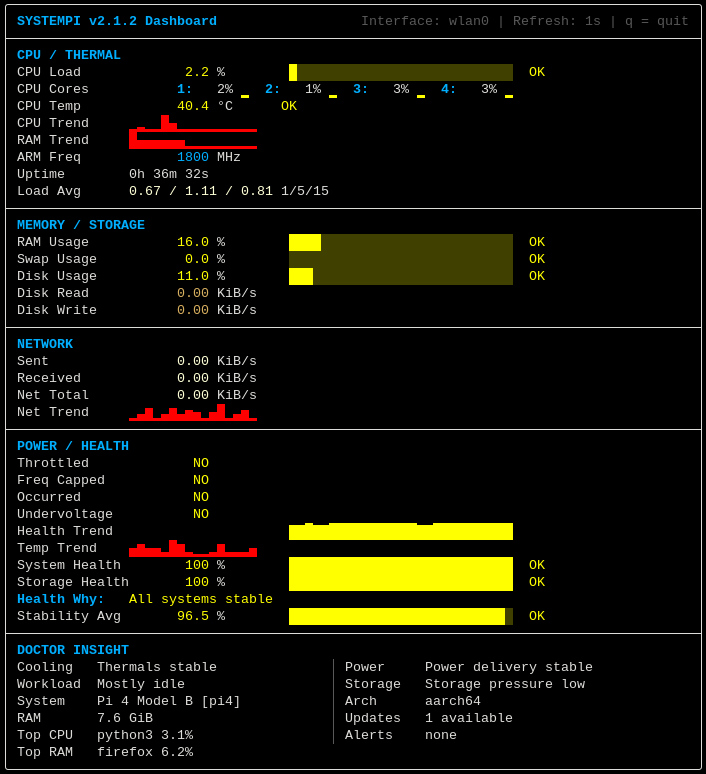
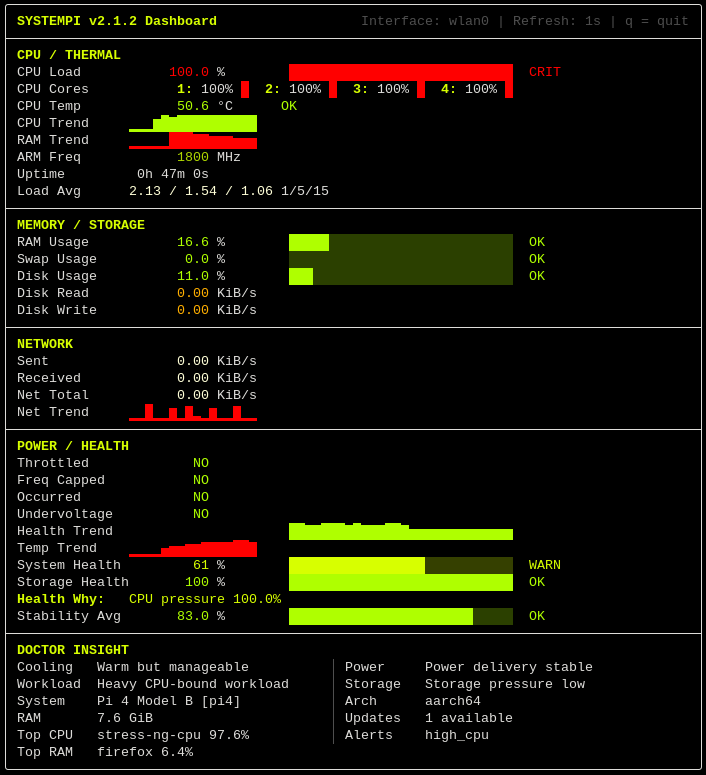
| ドクター | 診断、アラート、更新監視モード |
各バリエーションは、軽量な最小限の監視から深い診断分析まで、異なる監視ワークフロー向けに設計されています。
systempi --variation balanced --theme wasteland
--variant および --var も --variation のエイリアスとして使用できます。
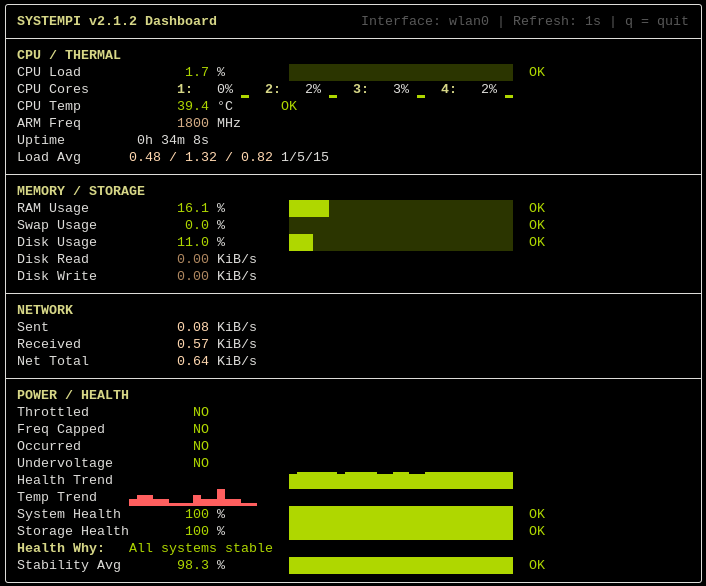
systempi --variation doctor --theme vaulttec
systempi --variation compact --theme crt
systempi --variation minimal --theme ice
systempi --theme raspberrypi
systempi --variation doctor --theme biohazard
systempi --theme ocean
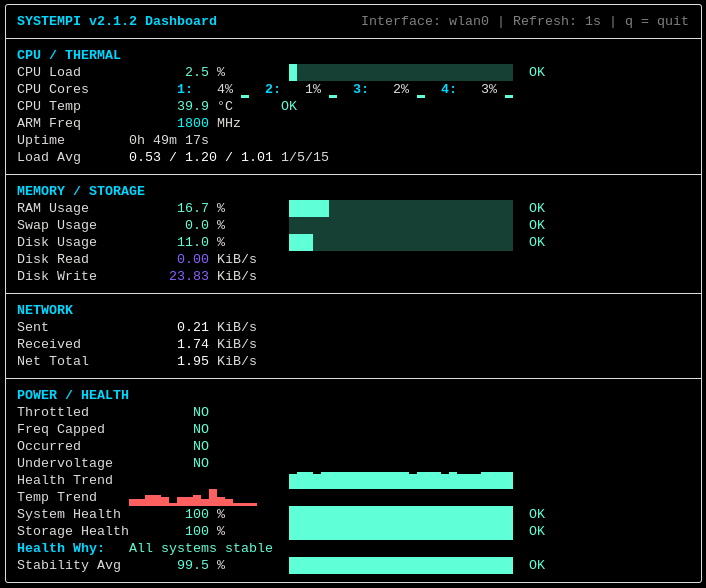
systempi --theme synthwave
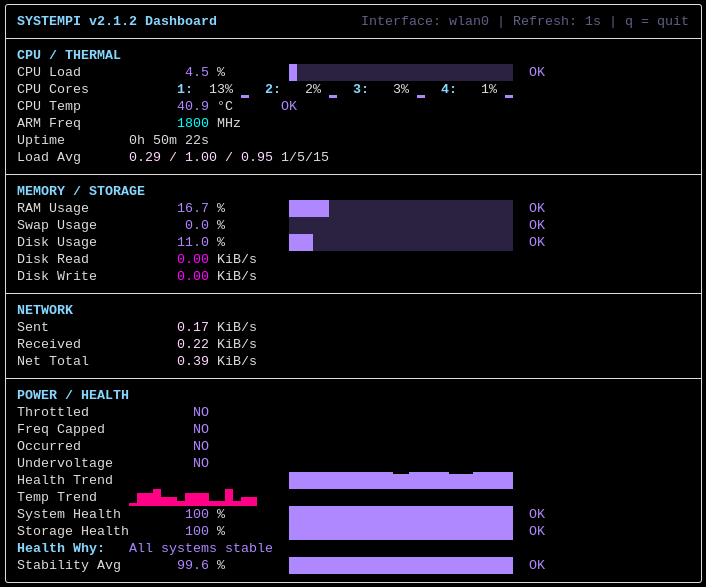
git clone https://github.com/WastelandSYS/systempi.git
cd systempi
chmod +x install.sh uninstall.sh
sudo ./install.sh
次のコマンドで起動:
systempi
cd systempi
sudo ./uninstall.sh
オプションの依存関係クリーンアップ:
sudo ./uninstall.sh --remove-deps
アンインストーラは /usr/local/bin からグローバルな systempi ショートカットを削除します。クローンしたリポジトリフォルダは削除しません。
デフォルト起動:
systempi
ライブダッシュボードを終了するにはいつでも q を押します。
ワンショットスナップショットモード(1回レンダリングして終了):
systempi --once
コンパクトモード:
systempi --variation compact
ミニマルモード:
systempi --variation minimal
バランスモード:
systempi --variation balanced
ドクターモード(診断重視):
systempi --variation doctor
ワンショット + スナップショットエクスポート:
systempi --once --export text --output report.txt
systempi --once --export json --output report.json
ウォッチ/履歴サポート付きのライブアラートイベントログ:
systempi --watch
systempi --history
--watch は新たにアクティブなアラートイベントを記録し、--history は以下から最近のイベントを表示します:
~/.local/state/systempi/events.log
テーマ選択例:
systempi --theme ocean
systempi --theme matrix
systempi --theme wasteland
リフレッシュ間隔例:
systempi --refresh 0.5
systempi --refresh 2
ネットワークメトリクスを特定のインターフェースに固定:
systempi --interface eth0
systempi --interface wlan0
ANSIカラーを無効化:
systempi --no-color
オプションの組み合わせ:
systempi --variation compact --theme mono --refresh 2 --interface wlan0 --no-color
ヘルプメニュー:
systempi -h
バージョン情報:
systempi --version
端末グリフ選択:
systempi --glyphs auto
systempi --glyphs unicode
systempi --glyphs ascii
auto はアクティブな端末に最も互換性のあるグリフセットを自動選択します。unicode は完全なUnicodeレンダリングを強制し、ascii は最大互換性のためにプレーンASCIIフォールバックを使用します。
主にLinuxシステム向けに設計されています。
テスト済み:
注意:
vcgencmd が必要です。psutil が必要で、install.sh によってインストールされます。hailortcli が利用可能な場合に自動検出されます。systempi は、Raspberry Piの監視を、散らかっていたり時代遅れではなく、モダンで応答性が高く、視覚的に楽しいものにするために作られました。
このダッシュボードは以下の点に重点を置いています:
Systempi は GNU General Public License v3.0 の下でリリースされています。完全なライセンステキストについては LICENSE を参照してください。

