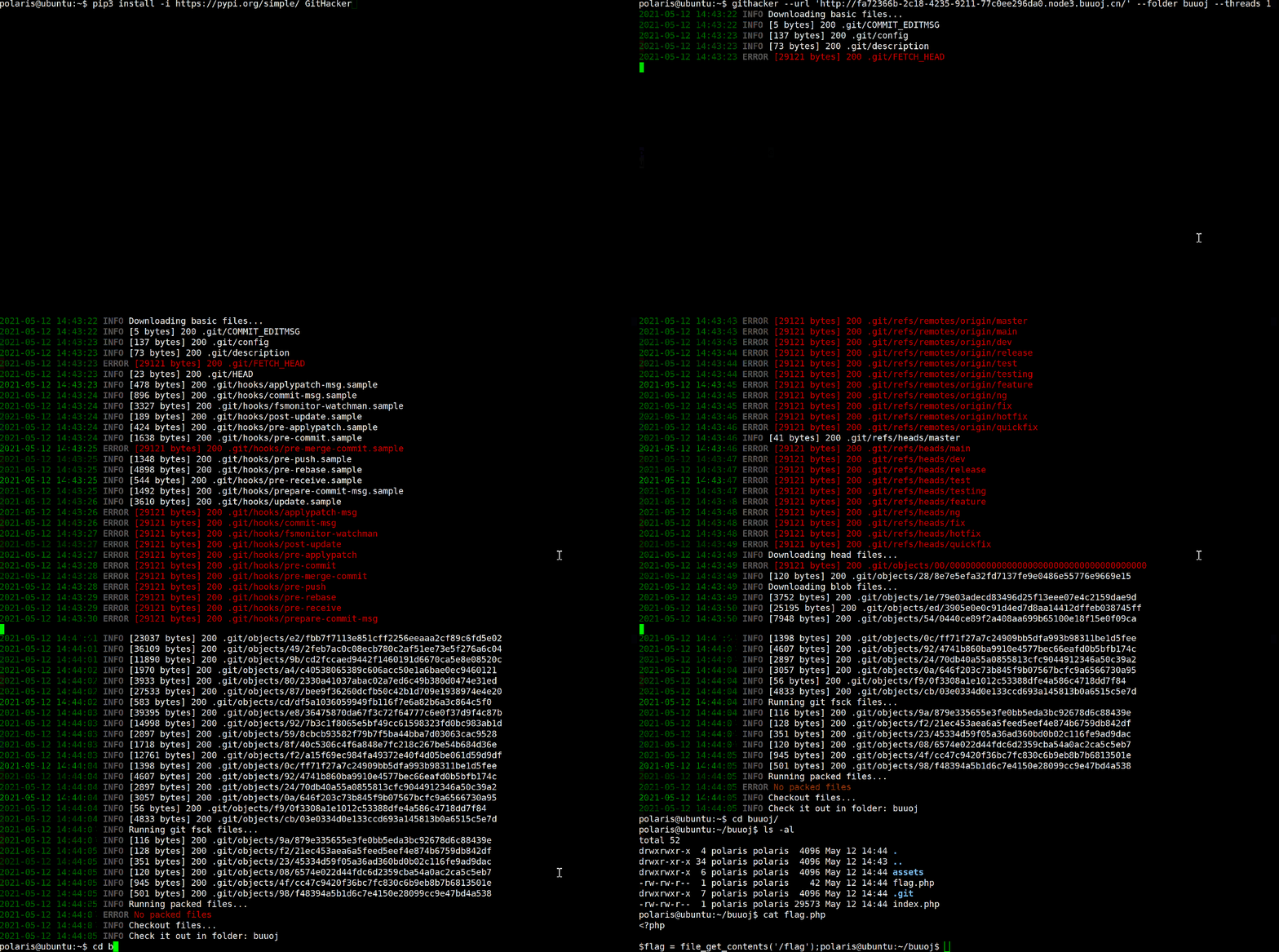



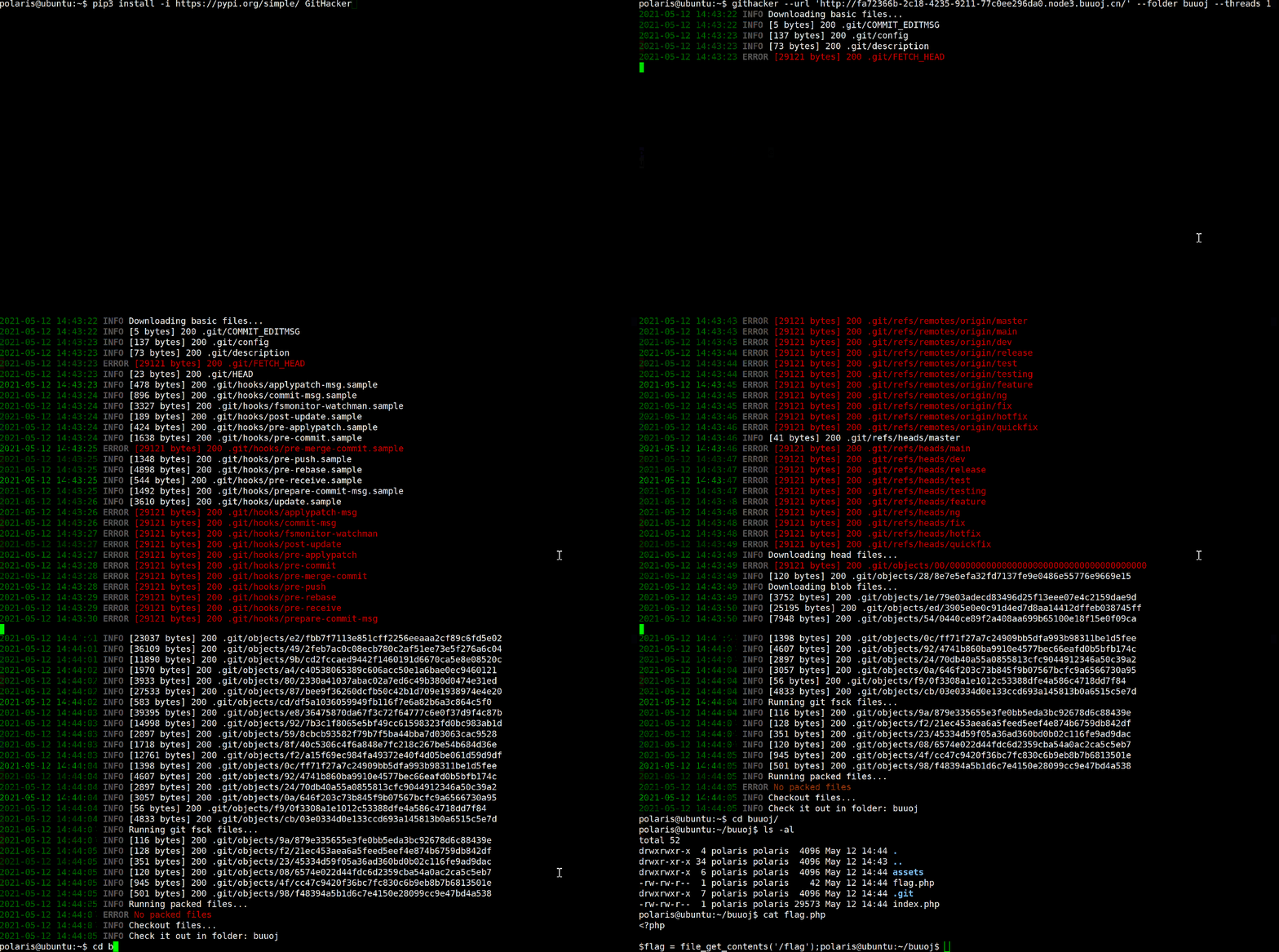
マルチスレッドの .git フォルダ悪用ツール。ターゲットリポジトリ全体(ソースコード、コミット履歴、ブランチ、スタッシュ、リモート、タグ)をフルで復元します。DirectoryListings が無効の場合でも、既知の refs をブルートフォースすることで復元可能です。
付属の研究サイト https://githacker.pages.dev では以下を公開しています:
.git/ ディレクトリに対して全ツールを実行し、発見結果の調整開示を追跡する敵対的な セキュリティスイートダウンロードするリモートの .git は 悪意がある可能性があります。公開された研究では、細工された .git/config、フック、サブモジュール、LFSオブジェクト、HTTPリダイレクトを介した、ピルエイジャー(pillagers)に対するコード実行、任意ファイル書き込み、SSRFが実証されています。GitHacker は 使い捨てのコンテナ内 で実行してください:
docker run -v $(pwd)/results:/tmp/githacker/results \
  wangyihang/githacker \
  --url http://target/.git/ \
  --output-folder /tmp/githacker/results
セキュリティページ では、GitHacker自身の強化履歴と、他ツールに対する事前開示の発見結果の両方を追跡しています。
# Help
docker run wangyihang/githacker --help

# Single target
docker run -v $(pwd)/results:/tmp/githacker/results \
  wangyihang/githacker \
  --url http://target/.git/ \
  --output-folder /tmp/githacker/results

# Brute-force branch and tag names (use when directory listing is off)
docker run -v $(pwd)/results:/tmp/githacker/results \
  wangyihang/githacker --brute \
  --url http://target/.git/ \
  --output-folder /tmp/githacker/results

# Multiple targets, one URL per line
docker run -v $(pwd)/results:/tmp/githacker/results \
  -v $(pwd)/websites.txt:/websites.txt \
  wangyihang/githacker --brute \
  --url-file /websites.txt \
  --output-folder /tmp/githacker/results
pip install GitHacker

githacker --help
githacker --url http://target/.git/ --output-folder result
githacker --brute --url http://target/.git/ --output-folder result
githacker --brute --url-file websites.txt --output-folder result
必要条件:git >= 2.11.0、Python 3.10以上。
比較結果はダッシュボードにリアルタイムで表示されるため、表が現実とずれることはありません: https://githacker.pages.dev/benchmark。
ベンチマークは実行のたびに再生成されます(GitHub Actionsで週次、および手動実行)。現時点では、GitHacker だけが5種類すべてのWebサーバシナリオで100%のアーティファクトを復元し、公開されている敵対的コーパスで100% PASSしています。
セットアップ:
git clone https://github.com/WangYihang/GitHacker
cd GitHacker
uv sync --group dev
単体テストの実行:
uv run pytest
フルベンチマーク/セキュリティハーネスの実行(Dockerが必要):
python -m benchmark run        # 7 tools × 5 web-server scenarios
python -m benchmark security   # adversarial corpus
どちらもJSONを docs/public/data/ に書き込みます。ドキュメントサイトは次のビルド時にそれを取り込みます。ハーネス設計の詳細:
https://githacker.pages.dev/methodology。
core.fsmonitor in a directory's .git/config, 2022 — https://github.com/justinsteven/advisoriescore.fsmonitor / 再帰的ダウンローダに関するアドバイザリ(2022年)add_head_file_tasks / add_hashes_parsed におけるパストラバーサル(CVE審査中、シングルトラストゲート修正 5f2a8ba に統合)THE DRINKWARE LICENSE
<[email protected]> wrote this file. As long as
you retain this notice you can do whatever you want
with this stuff. If we meet some day, and you think
this stuff is worth it, you can buy me the following
drink(s) in return.
Red Bull
JDB
Coffee
Sprite
Cola
Harbin Beer
etc
Wang Yihang


