<br />
<img src="https://assets.kitploit.com/production/public/readmes/56857/03a87bda02a41a7660c689de28dc906472e3ef7e78b546231068b62071a1bc15/84705e34a782298d095ed2c9ea6513c6e50a79337589b4f9f13a4152d68114c3-display-v1.webp" width="80"/>
### Bruno - API の探索とテストのためのオープンソース IDE
[](https://badge.fury.io/gh/usebruno%2Fbruno)
[](https://github.com/usebruno/bruno/actions/workflows/tests.yml)
[](https://github.com/usebruno/bruno/pulse)
[](https://twitter.com/use_bruno)
[](https://www.usebruno.com)
[](https://www.usebruno.com/downloads)
**English**
| [Українська](https://github.com/usebruno/bruno/blob/main/docs/readme/readme_ua.md)
| [Русский](https://github.com/usebruno/bruno/blob/main/docs/readme/readme_ru.md)
| [Türkçe](https://github.com/usebruno/bruno/blob/main/docs/readme/readme_tr.md)
| [Deutsch](https://github.com/usebruno/bruno/blob/main/docs/readme/readme_de.md)
| [Français](https://github.com/usebruno/bruno/blob/main/docs/readme/readme_fr.md)
| [Português (BR)](https://github.com/usebruno/bruno/blob/main/docs/readme/readme_pt_br.md)
| [한국어](https://github.com/usebruno/bruno/blob/main/docs/readme/readme_kr.md)
| [বাংলা](https://github.com/usebruno/bruno/blob/main/docs/readme/readme_bn.md)
| [Español](https://github.com/usebruno/bruno/blob/main/docs/readme/readme_es.md)
| [Italiano](https://github.com/usebruno/bruno/blob/main/docs/readme/readme_it.md)
| [Română](https://github.com/usebruno/bruno/blob/main/docs/readme/readme_ro.md)
| [Polski](https://github.com/usebruno/bruno/blob/main/docs/readme/readme_pl.md)
| [简体中文](https://github.com/usebruno/bruno/blob/main/docs/readme/readme_cn.md)
| [正體中文](https://github.com/usebruno/bruno/blob/main/docs/readme/readme_zhtw.md)
| [العربية](https://github.com/usebruno/bruno/blob/main/docs/readme/readme_ar.md)
| [日本語](https://github.com/usebruno/bruno/blob/main/docs/readme/readme_ja.md)
| [ქართული](https://github.com/usebruno/bruno/blob/main/docs/readme/readme_ka.md)
| [Nederlands](https://github.com/usebruno/bruno/blob/main/docs/readme/readme_nl.md)
| [فارسی](https://github.com/usebruno/bruno/blob/main/docs/readme/readme_fa.md)
| [हिन्दी](https://github.com/usebruno/bruno/blob/main/docs/readme/readme_hi.md)
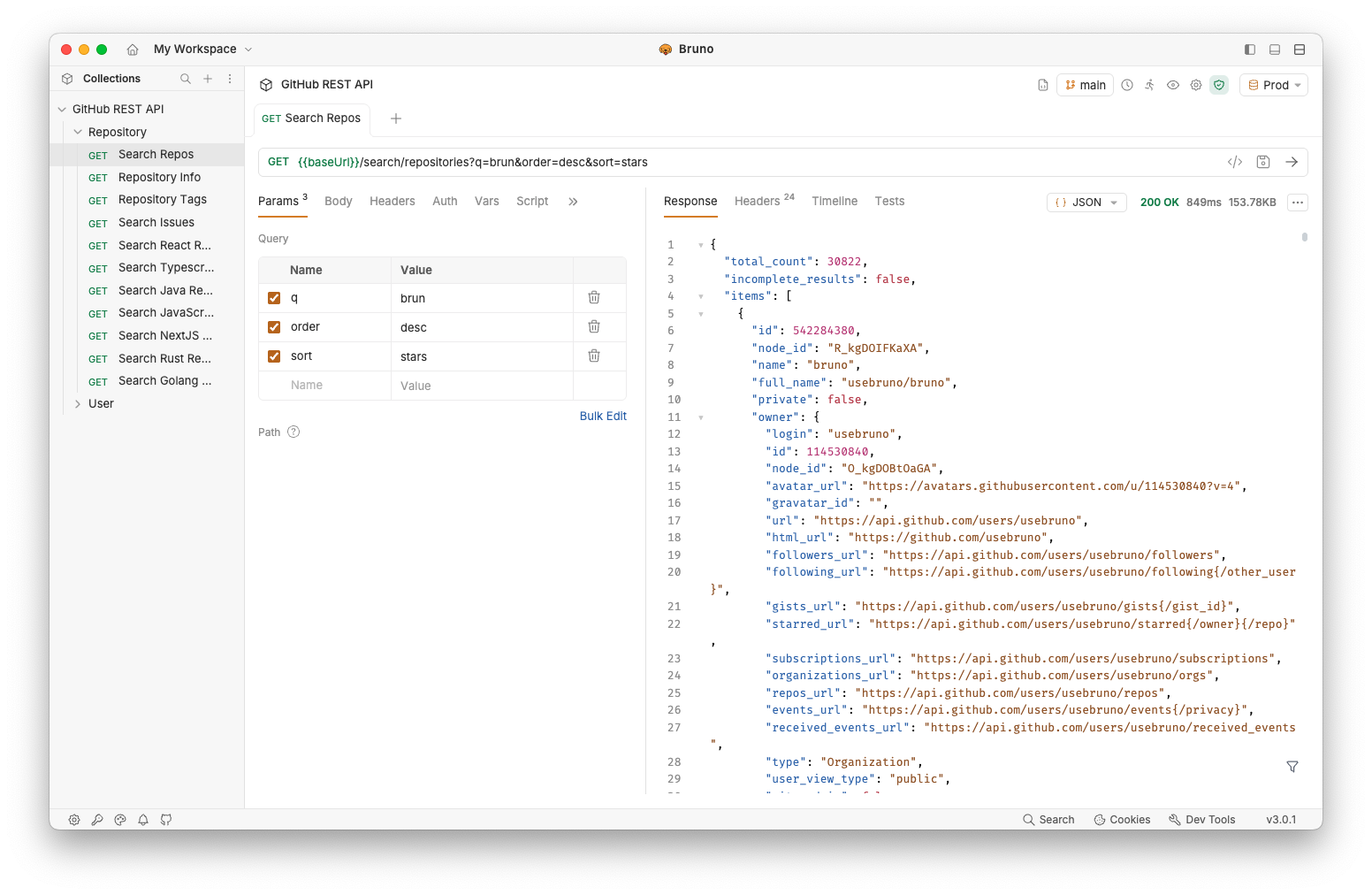
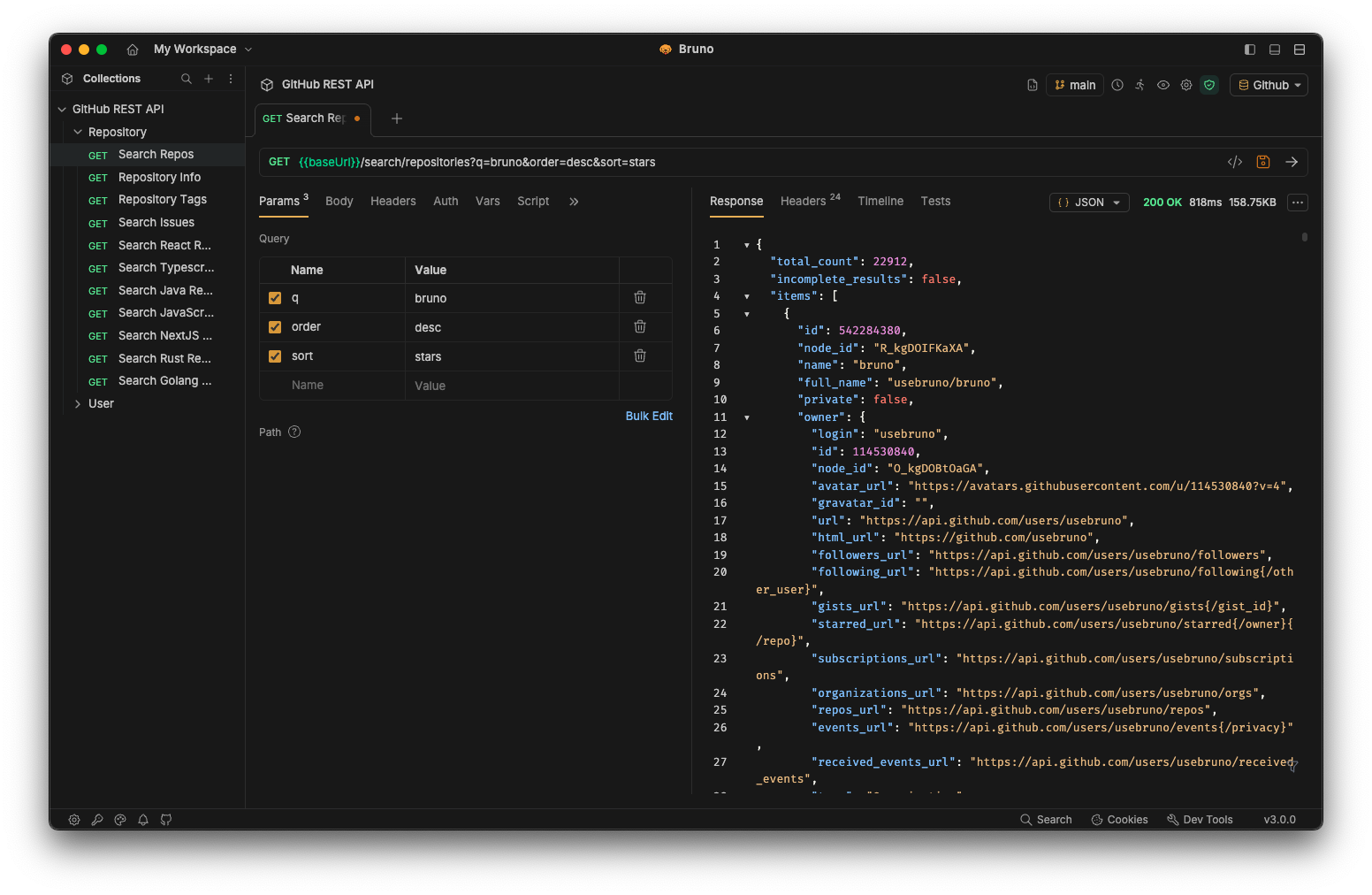
Bruno は、Postman やその他の類似ツールが表す現状を革新することを目指した、新しい革新的な API クライアントです。
Bruno はコレクションをファイルシステム上のフォルダに直接保存します。API リクエストに関する情報を保存するために、プレーンテキストのマークアップ言語である Bru を使用します。
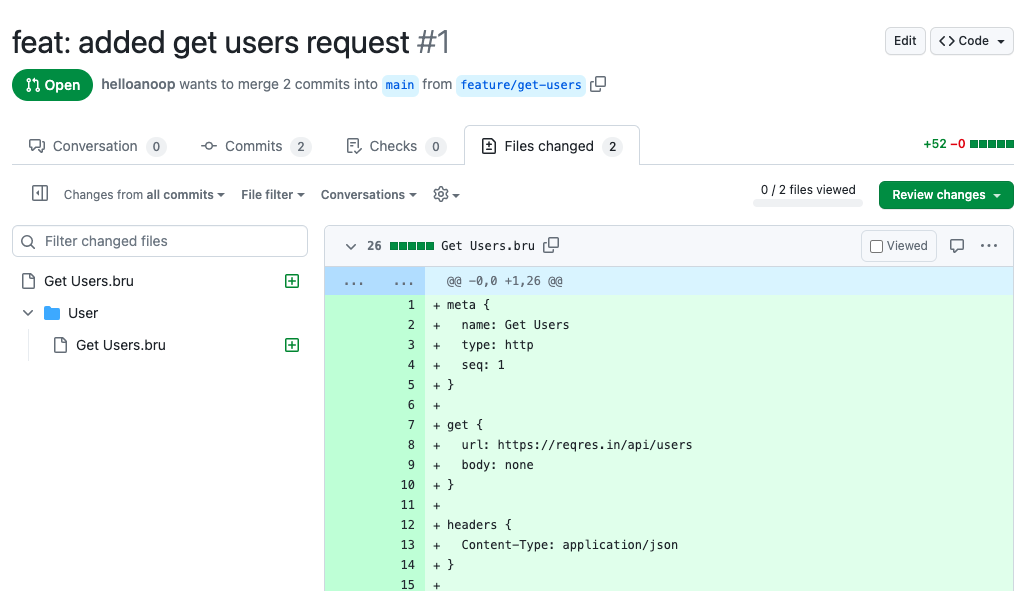
API コレクションでの共同作業には、Git やお好みの任意のバージョン管理システムを使用できます。
Bruno はオフライン専用です。Bruno にクラウド同期を追加する予定は一切ありません。私たちはあなたのデータプライバシーを重視し、データはあなたのデバイス上に留まるべきだと考えています。私たちの長期的なビジョンは[こちら](https://github.com/usebruno/bruno/discussions/269)をご覧ください。
[Bruno をダウンロード](https://www.usebruno.com/downloads)
📢 India FOSS 3.0 カンファレンスでの最近の講演を[こちら](https://www.youtube.com/watch?v=7bSMFpbcPiY)でご覧ください
 <br /><br />
## 商用版 ✨
私たちの機能の大部分は無料かつオープンソースです。
私たちは[オープンソースの原則と持続可能性](https://github.com/usebruno/bruno/discussions/269)の調和のとれたバランスを取るよう努めています。
あなたやあなたのチームにとって役立つ追加機能があるかどうか、[有料版](https://www.usebruno.com/pricing)をご覧ください! <br/>
## 目次
- [インストール](#installation)
- [Bruno CLI](#bruno-cli)
- [Docker で実行](#run-with-docker)
- [機能](#features)
- [複数のプラットフォームで実行 🖥️](#run-across-multiple-platforms-%EF%B8%8F)
- [Git を介した共同作業 👩💻🧑💻](#collaborate-via-git-%E2%80%8D%E2%80%8D)
- [重要なリンク 📌](#important-links-)
- [ショーケース 🎥](#showcase-)
- [ testimonial を共有 📣](#share-testimonials-)
- [新しいパッケージマネージャへの公開](#publishing-to-new-package-managers)
- [つながりを保つ 🌐](#stay-in-touch-)
- [商標](#trademark)
- [貢献 👩💻🧑💻](#contribute-%E2%80%8D%E2%80%8D)
- [作者](#authors)
- [ライセンス 📄](#license-)
## インストール
Bruno は Mac、Windows、Linux 向けに[当社のウェブサイト](https://www.usebruno.com/downloads)でバイナリとしてダウンロードできます。
Homebrew、Chocolatey、Scoop、Snap、Flatpak、Apt などのパッケージマネージャを介して Bruno をインストールすることもできます。
```sh
# On Mac via Homebrew
brew install bruno
# On Windows via Chocolatey
choco install bruno
# On Windows via Scoop
scoop bucket add extras
scoop install bruno
# On Windows via winget
winget install Bruno.Bruno
# On Linux via Snap
snap install bruno
# On Linux via Flatpak
flatpak install com.usebruno.Bruno
# On Arch Linux via AUR
yay -S bruno
# On Linux via Apt
sudo mkdir -p /etc/apt/keyrings
sudo apt update && sudo apt install gpg curl
curl -fsSL "https://keyserver.ubuntu.com/pks/lookup?op=get&search=0x9FA6017ECABE0266" \
| gpg --dearmor \
| sudo tee /etc/apt/keyrings/bruno.gpg > /dev/null
sudo chmod 644 /etc/apt/keyrings/bruno.gpg
echo "deb [arch=amd64 signed-by=/etc/apt/keyrings/bruno.gpg] http://debian.usebruno.com/ bruno stable" \
| sudo tee /etc/apt/sources.list.d/bruno.list
sudo apt update && sudo apt install bruno
```
## Bruno CLI
**Bruno CLI** を使用すると、コマンドラインから API コレクションを実行できます。これは自動テストや CI/CD パイプラインに最適です。お好みのパッケージマネージャを使用して npm からインストールしてください:
```sh
npm install -g @usebruno/cli
```
コレクションを含むディレクトリに移動して実行します:
```sh
# Run every request in the collection
bru run
# Run a single request
bru run request.bru
# Run a folder against a specific environment
bru run folder --env Local
```
完全なコマンドリファレンスについては、[Bruno CLI ドキュメント](https://docs.usebruno.com/bru-cli/overview)をご覧ください。
## Docker で実行
**Bruno CLI** の公式 Docker イメージを使用すると、ホストに Node.js や npm をインストールすることなく、CI/CD パイプラインやローカルで API コレクションを実行できます。イメージは CLI のリリースごとに [Docker Hub](https://hub.docker.com/r/usebruno/cli) と [GitHub Container Registry](https://ghcr.io/usebruno/cli) の両方に公開され、`linux/amd64` および `linux/arm64` 向けの `alpine` と `debian` のバリアントが用意されています。
```sh
# Pull from Docker Hub
docker pull usebruno/cli:latest
# Or pull from the GitHub Container Registry
docker pull ghcr.io/usebruno/cli:latest
# Run a collection by mounting the current directory
docker run -v $(pwd):/bruno usebruno/cli run
```
バリアント、タグマトリックス、環境ファイル、CI の例 (GitHub Actions、GitLab CI、Jenkins) については、完全な [Bruno CLI Docker ドキュメント](https://docs.usebruno.com/bru-cli/docker)をご覧ください。
## 機能
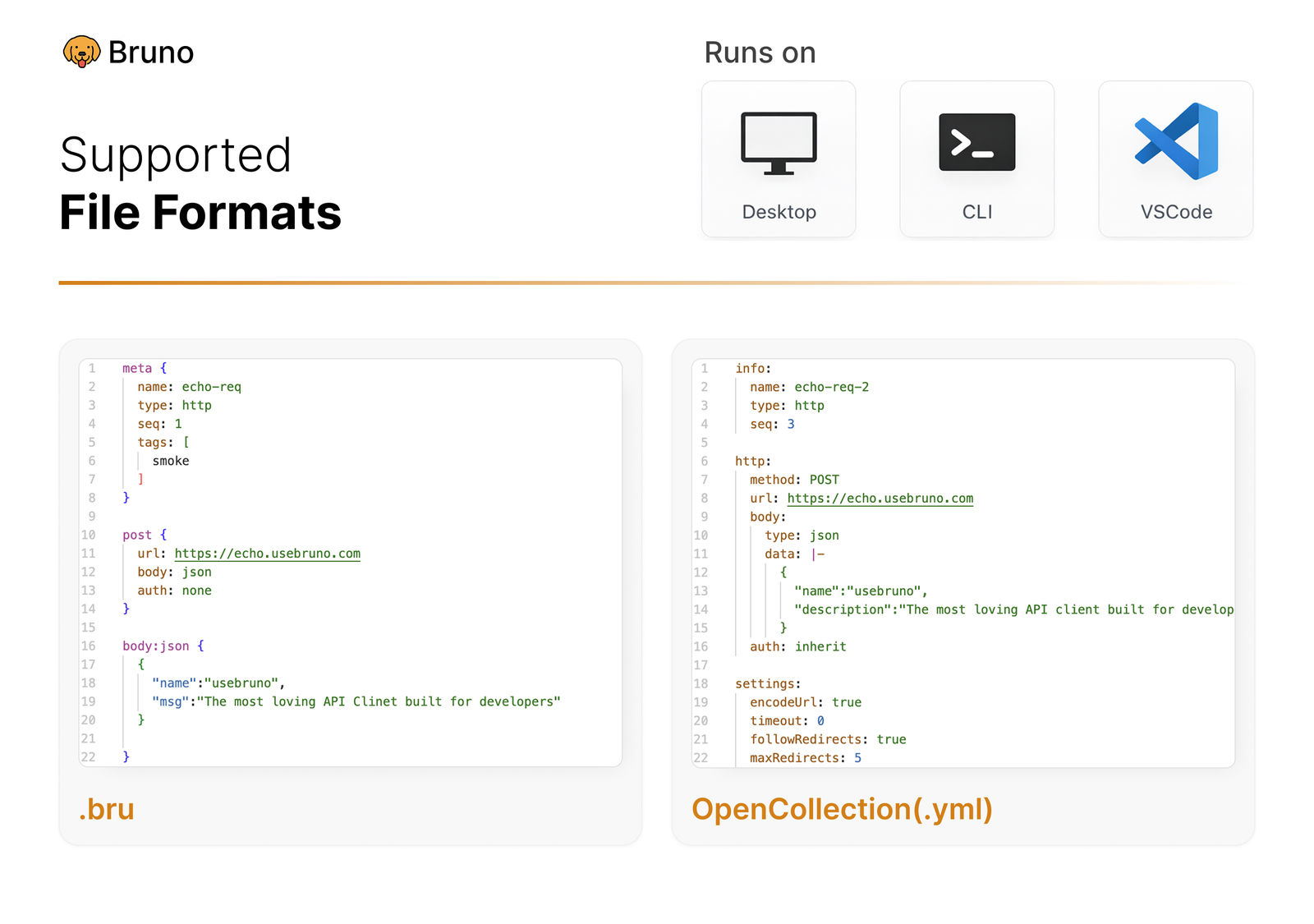
### 複数のプラットフォームで実行 🖥️
 <br /><br />
### Git を介した共同作業 👩💻🧑💻
またはお好みの任意のバージョン管理システム
 <br /><br />
## 重要なリンク 📌
- [私たちの長期的なビジョン](https://github.com/usebruno/bruno/discussions/269)
- [ロードマップ](https://www.usebruno.com/roadmap)
- [ドキュメント](https://docs.usebruno.com)
- [Stack Overflow](https://stackoverflow.com/questions/tagged/bruno)
- [ウェブサイト](https://www.usebruno.com)
- [料金](https://www.usebruno.com/pricing)
- [ダウンロード](https://www.usebruno.com/downloads)
## ショーケース 🎥
- [ testimonial](https://github.com/usebruno/bruno/discussions/343)
- [ナレッジハブ](https://github.com/usebruno/bruno/discussions/386)
- [Scriptmania](https://github.com/usebruno/bruno/discussions/385)
## testimonial を共有 📣
Bruno があなたの仕事やチームの役に立ったなら、[GitHub ディスカッションで testimonial を共有](https://github.com/usebruno/bruno/discussions/343)することを忘れないでください。
## 新しいパッケージマネージャへの公開
詳細については[こちら](https://github.com/usebruno/bruno/blob/main/publishing.md)をご覧ください。
## つながりを保つ 🌐
[𝕏 (Twitter)](https://twitter.com/use_bruno) <br />
[ウェブサイト](https://www.usebruno.com) <br />
[Discord](https://discord.com/invite/KgcZUncpjq) <br />
[LinkedIn](https://www.linkedin.com/company/usebruno)
## 商標
**名称**
`Bruno` は [Anoop M D](https://www.helloanoop.com/) が保有する商標です。
**ロゴ**
ロゴは [OpenMoji](https://openmoji.org/library/emoji-1F436/) から取得しています。ライセンス: CC [BY-SA 4.0](https://creativecommons.org/licenses/by-sa/4.0/)
## 貢献 👩💻🧑💻
bruno を改善しようと考えてくださり嬉しく思います。[貢献ガイド](https://github.com/usebruno/bruno/blob/main/contributing.md)をご確認ください。
コードによる貢献ができなくても、あなたのユースケースを解決するために実装が必要なバグや機能リクエストを遠慮なく報告してください。
## 作者
<div align="center">
<a href="https://github.com/usebruno/bruno/graphs/contributors">
<img src="https://contrib.rocks/image?repo=usebruno/bruno" />
</a>
</div>
## ライセンス 📄
[MIT](https://github.com/usebruno/bruno/blob/main/license.md)