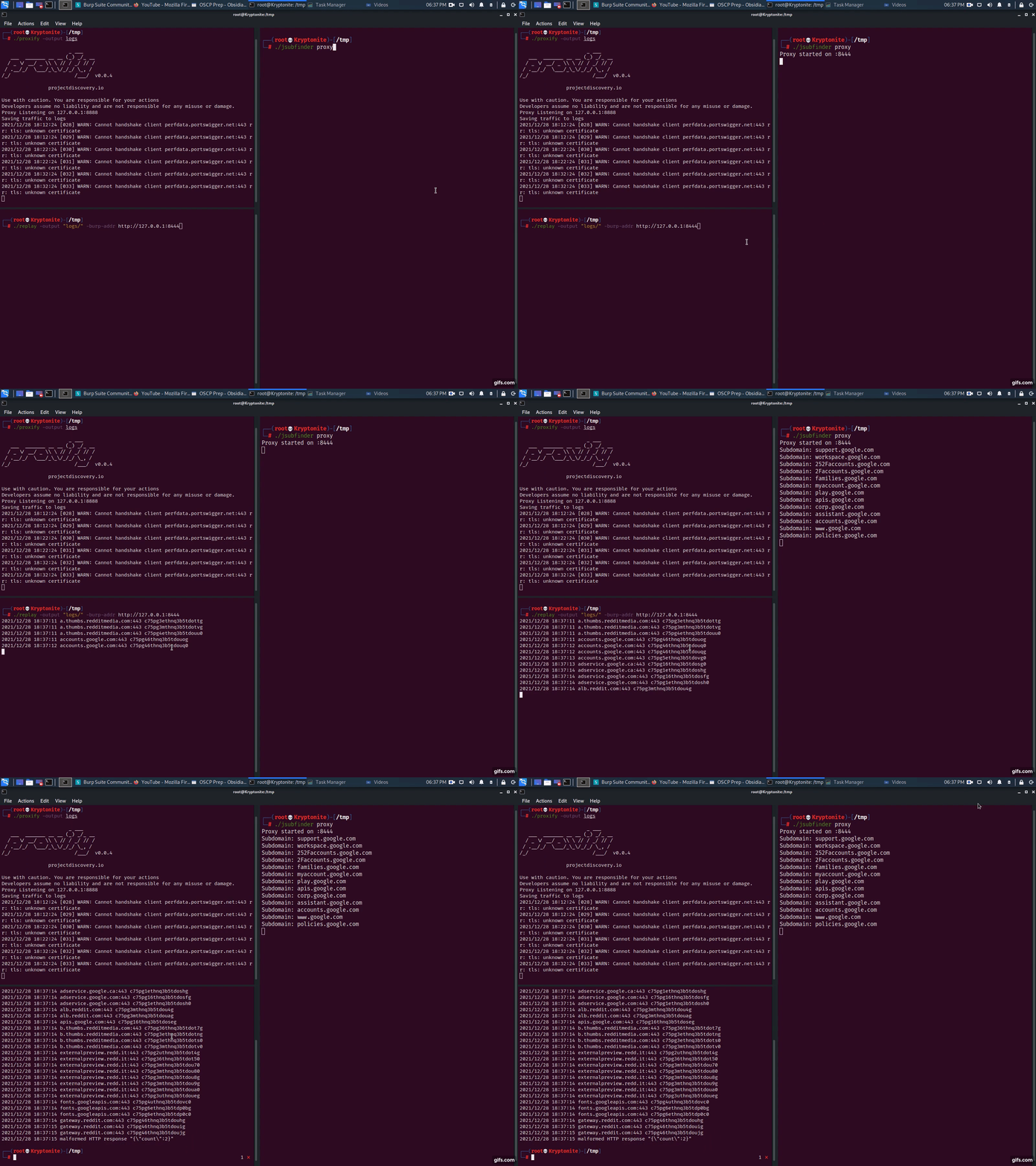


JSubFinder は、指定された URL のウェブページと JavaScript から隠れたサブドメインとシークレットを検索するために Golang で書かれたツールです。BugBounty ハンター向けに開発された JSubFinder は、Go の優れたパフォーマンスを活用し、大規模なデータセットを利用でき、他のツールと簡単に連携できます。
アプリケーションをインストールし、シークレットを見つけるために必要なシグネチャをダウンロードします。
GO を使用:
go install github.com/ThreatUnkown/jsubfinder@latest
wget https://raw.githubusercontent.com/ThreatUnkown/jsubfinder/master/.jsf_signatures.yaml && mv .jsf_signatures.yaml ~/.jsf_signatures.yaml
または
指定された URL からサブドメインとシークレットを検索します。
$ jsubfinder search -h

Execute the command specified

Usage:
  JSubFinder search [flags]

Flags:
  -c, --crawl              Enable crawling
  -g, --greedy             Check all files for URL's not just Javascript
  -h, --help               help for search
  -f, --inputFile string   File containing domains
  -t, --threads int        Ammount of threads to be used (default 5)
  -u, --url strings        Url to check

Global Flags:
  -d, --debug               Enable debug mode. Logs are stored in log.info
  -K, --nossl               Skip SSL cert verification (default true)
  -o, --outputFile string   name/location to store the file
  -s, --secrets             Check results for secrets e.g api keys
      --sig string          Location of signatures for finding secrets
  -S, --silent              Disable printing to the console
例(この場合、結果は同じです):
$ jsubfinder search -u www.google.com
$ jsubfinder search -f file.txt
$ echo www.google.com | jsubfinder search
$ echo www.google.com | httpx --silent | jsubfinder search$

apis.google.com
ogs.google.com
store.google.com
mail.google.com
accounts.google.com
www.google.com
policies.google.com
support.google.com
adservice.google.com
play.google.com
注: --secrets="" とすると、シークレット結果が secrets.txt ファイルに保存されます
$ echo www.youtube.com | jsubfinder search --secrets=""
www.youtube.com
youtubei.youtube.com
payments.youtube.com
2Fwww.youtube.com
252Fwww.youtube.com
m.youtube.com
tv.youtube.com
music.youtube.com
creatoracademy.youtube.com
artists.youtube.com

Google Cloud API Key <redacted> found in content of https://www.youtube.com
Google Cloud API Key <redacted> found in content of https://www.youtube.com
Google Cloud API Key <redacted> found in content of https://www.youtube.com
Google Cloud API Key <redacted> found in content of https://www.youtube.com
Google Cloud API Key <redacted> found in content of https://www.youtube.com
Google Cloud API Key <redacted> found in content of https://www.youtube.com
$ echo www.google.com | jsubfinder search -crawl -s "google_secrets.txt" -S -o jsf_google.txt -t 10 -g
-crawl デフォルトのクローラーを使用して、分析対象の他の URL をクロールします-s JSubFinder がシークレットを検索できるようにします-S コンソールへの出力を抑制します-o <file> 出力を指定ファイルに保存します-t 10 10スレッドを使用します-g JS がないと思われる URL も含め、すべての URL を検索しますTLS MITM 対応のアップストリーム HTTP プロキシを有効にします。これにより、以下が可能になります:
$ JSubFinder proxy -h

Execute the command specified

Usage:
  JSubFinder proxy [flags]

Flags:
  -h, --help                    help for proxy
  -p, --port int                Port for the proxy to listen on (default 8444)
      --scope strings           Url's in scope seperated by commas. e.g www.google.com,www.netflix.com
  -u, --upstream-proxy string   Adress of upsteam proxy e.g http://127.0.0.1:8888 (default "http://127.0.0.1:8888")

Global Flags:
  -d, --debug               Enable debug mode. Logs are stored in log.info
  -K, --nossl               Skip SSL cert verification (default true)
  -o, --outputFile string   name/location to store the file
  -s, --secrets             Check results for secrets e.g api keys
      --sig string          Location of signatures for finding secrets
  -S, --silent              Disable printing to the console
$ jsubfinder proxy
Proxy started on :8444
Subdomain: out.reddit.com
Subdomain: www.reddit.com
Subdomain: 2Fwww.reddit.com
Subdomain: alb.reddit.com
Subdomain: about.reddit.com
Burp Suite は、プロキシされたすべてのトラフィックを JSubFinder に転送します。JSubFinder はレスポンスを取得し、Burp に返し、別のスレッドでサブドメインとシークレットを検索します。
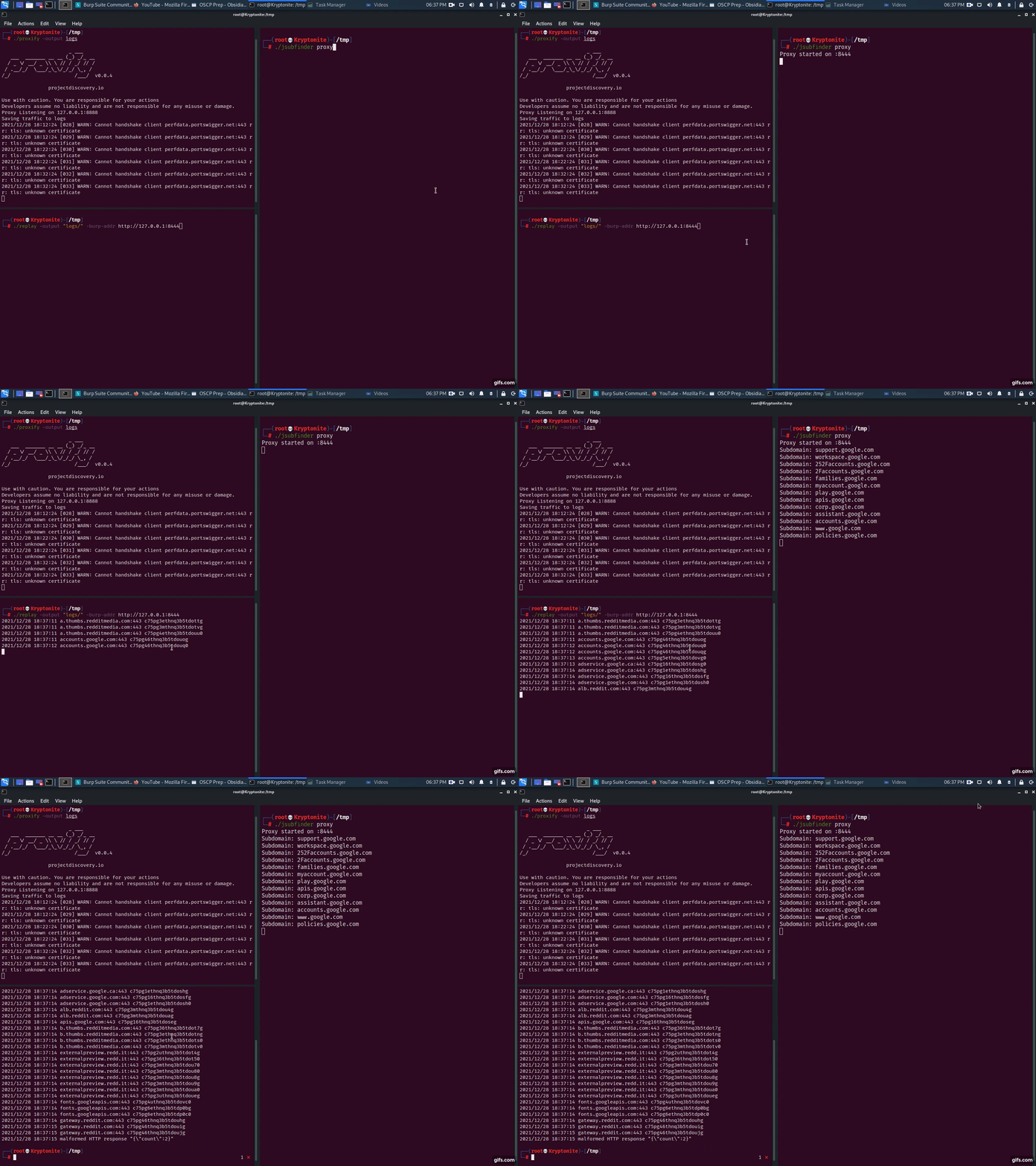
proxify -output logsjsubfinder proxy -u http://127.0.0.1:8443replay -output logs -burp-addr http://127.0.0.1:8444簡単です。別のサーバー(例: 192.168.1.2)で JSubFinder をプロキシモードで実行します。上記のプロキシ手順に従いますが、アプリケーションのアップストリームプロキシを 192.168.1.2:8443 に設定します。
$ jsubfinder proxy --scope www.reddit.com -p 8081 -S -o jsf_reddit.txt
--scope JSubFinder が www.reddit.com からのレスポンスのみを分析するように制限します-p JSubFinder のプロキシサーバーが動作しているポート-S コンソール/標準出力への出力を抑制します-o <file> 出力例をこのファイルに保存します
