 thewhiteh4t/pwnedornot
侵害されたメールアドレスのパスワードを見つけるためのOSINTツール

Lohitya Pushkar(thewhiteh4t)によって作成されました。
Twitter
-
ブログ
| 利用可能 | 環境 | |
|---|---|---|
| BlackArch Linux | SecBSD | Tsurugi Linux |
 |  |  |
pwnedOrNotは2つのフェーズで動作します。第一フェーズでは、指定されたメールアドレスをHaveIBeenPwned v3 APIを使用してテストし、アカウントが過去に侵害されたかどうかを確認します。第二フェーズでは、利用可能な公開ダンプの中からパスワードを検索します。
[!IMPORTANT]
このツールを使用するにはAPIキーが必要です。以下のリンクのHIBPウェブサイトからキーを購入できます。
https://haveibeenpwned.com/API/v3
PastebinのためのOSINT収集ツール - Jake Creps
https://github.com/thewhiteh4t/pwnedOrNot/wiki/Changelog
haveibeenpwnedは侵害されたメールに関する多くの情報を提供します。pwnedOrNotは最も有用な情報を次のように表示します:
パスワードが見つかる可能性は以下の要因に依存します:
WindowsユーザーはKali Linux WSL2またはVMの使用をお勧めします。
Ubuntu / Kali Linux / Nethunter / Termux
git clone https://github.com/thewhiteh4t/pwnedOrNot.git
cd pwnedOrNot
chmod +x install.sh
./install.sh
BlackArch Linux
pacman -S pwnedornot
Docker
git clone https://github.com/thewhiteh4t/pwnedOrNot.git
docker build -t pon .
docker run -it pon
cd pwnedOrNot
git pull
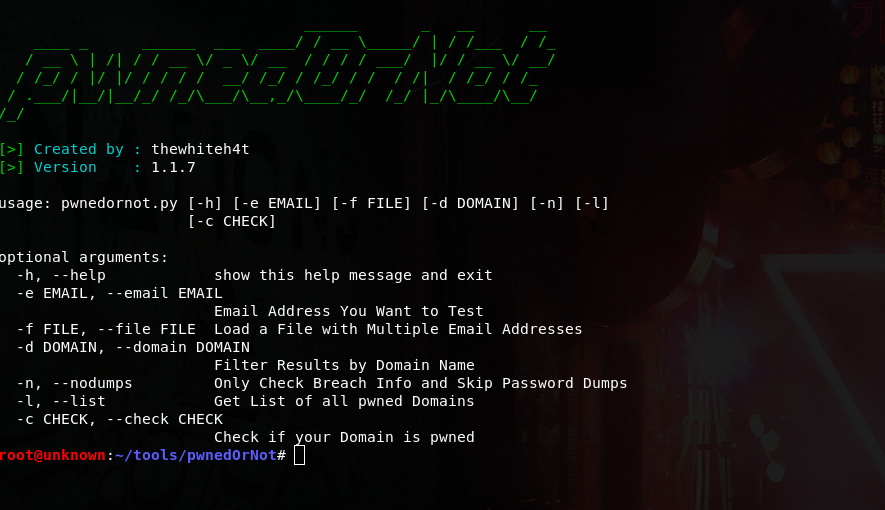
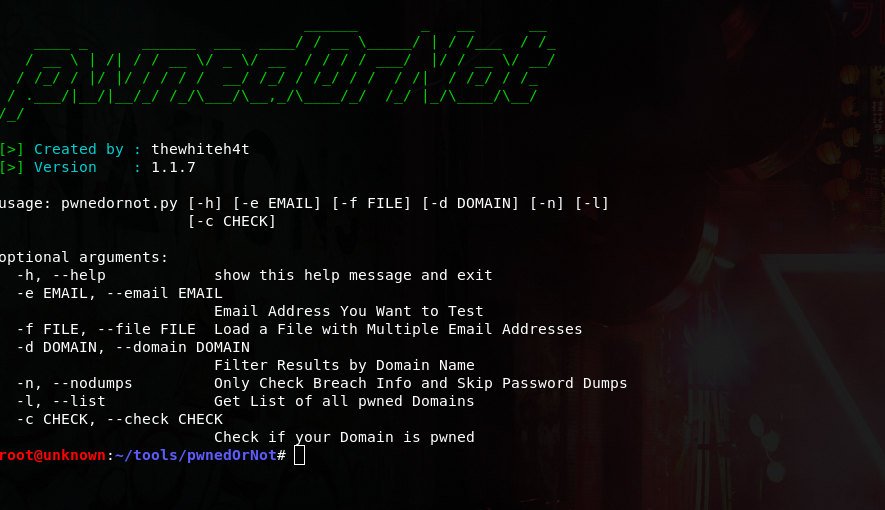
python3 pwnedornot.py -h
usage: pwnedornot.py [-h] [-e EMAIL] [-f FILE] [-s SAVE] [-d DOMAIN] [-b BREACH]
                     [-n] [-l] [-c CHECK] [-k KEY]

options:
  -h, --help           show this help message and exit
  -e, --email EMAIL    Email address
  -f, --file FILE      input file with multiple email addresses
  -s, --save SAVE      Output file for pwned email addresses
  -d, --domain DOMAIN  Filter results by domain name
  -b, --breach BREACH  Get info about a breach by breach name
  -n, --nodumps        Only Check Breach Info and Skip Password Dumps
  -l, --list           Get List of all pwned Domains
  -c, --check CHECK    Check if your Domain is pwned
  -k, --key KEY        API Key
# Using ENV variable :

export PWNED_API_KEY="<hibp-api-key>"

# Using CLI argument :

python3 pwnedornot.py -e [email protected] -k <hibp-api-key>


# Using config file :

nano ~/.config/pwnedornot/config.json
{
  "api_key": "<hibp-api-key>"
}
# Check Single Email

python3 pwnedornot.py -e <email>
#OR
python3 pwnedornot.py --email <email>

# Check Multiple Emails from File

python3 pwnedornot.py -f <file name>
#OR
python3 pwnedornot.py --file <file name>

# Filter Result for a Domain Name [Ex : adobe.com]

python3 pwnedornot.py -e <email> -d <domain name>
#OR
python3 pwnedornot.py -f <file name> --domain <domain name>

# Get only Breach Info, Skip Password Dumps

python3 pwnedornot.py -e <email> -n
#OR
python3 pwnedornot.py -f <file name> --nodumps

# Get List of all Breached Domains

python3 pwnedornot.py -l
#OR
python3 pwnedornot.py --list

# Check if a Domain is Pwned

python3 pwnedornot.py -c <domain name>
#OR
python3 pwnedornot.py --check <domain name>