






実際にやるべき仕事があるのに、忙しいふりをしたり、コンピュータを待っているふりをしましょう! 驚異的なマルチタスクスキルで人を感心させましょう。genact のインスタンスをいくつか開いて、ショーを見てください。genact には、何かエキサイティングで役に立つことをしているふりをする複数のシーンがありますが、実際には何も起こっていません。
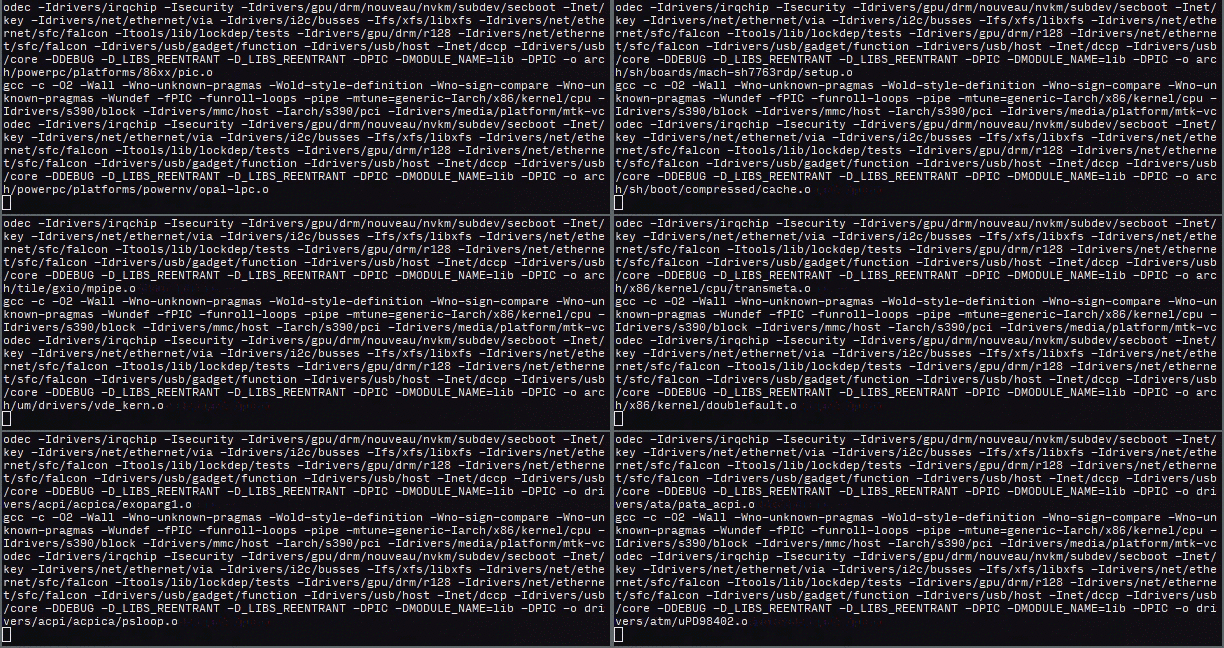
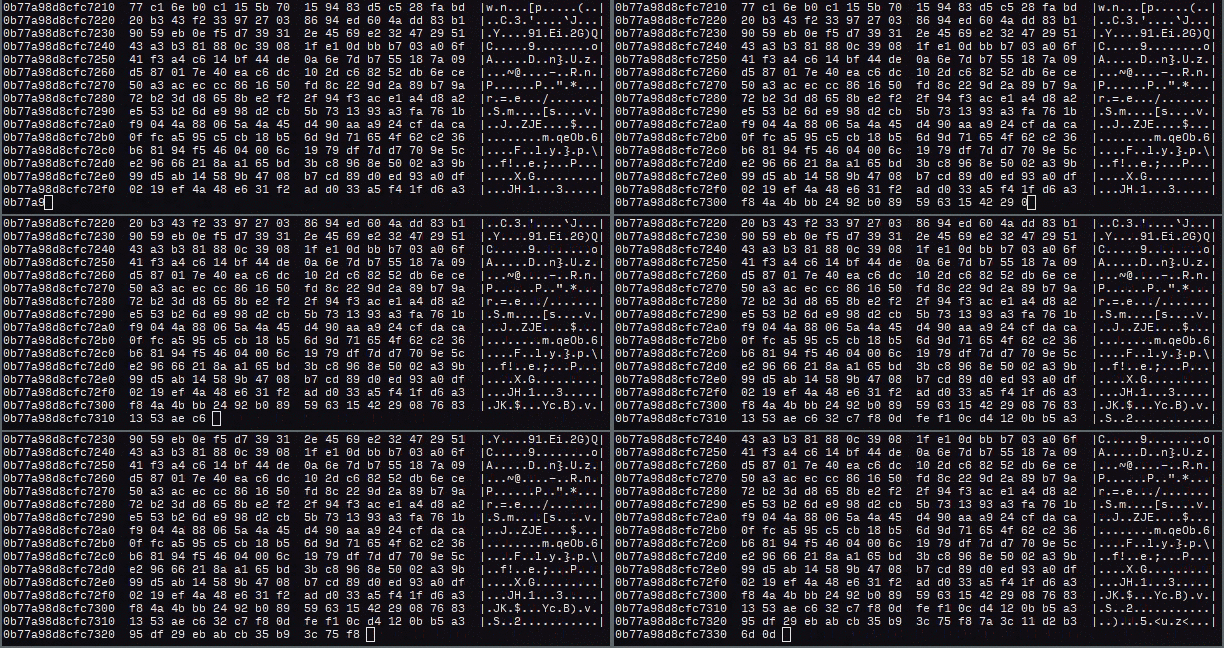
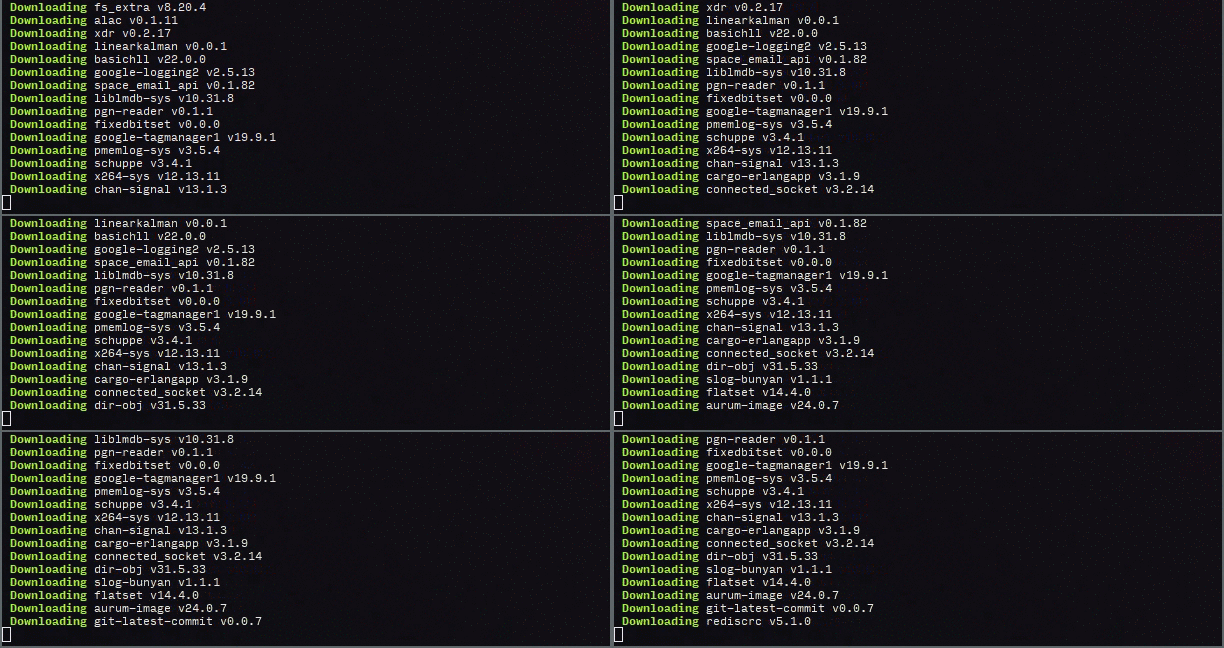

何もインストールする必要はありません!便利なことに、Linux、OSX、Windows用のプレビルドバイナリがこちらで提供されており、依存関係なしで実行できます。さらに、ウェブ版もあります:https://svenstaro.github.io/genact/
FreeBSD、Linux、macOS、Windows、およびWebAssemblyをサポートするほとんどの最新のWebブラウザと互換性があります。
FreeBSDの場合: 特別なことは必要ありません。以下を実行するだけです
pkg install genact
genact
Linuxの場合: リリースページから genact-linux をダウンロードして、以下を実行します
chmod +x genact-linux
./genact-linux
macOSの場合: リリースページから genact-osx をダウンロードして、以下を実行します
chmod +x genact-osx
./genact-osx
Homebrewパッケージも利用可能です。この方法でインストールするには、以下を実行します
brew install genact
macOSでは、MacPortsを使ってインストールすることもできます:
sudo port install genact
Windowsの場合: リリースページから genact-win.exe をダウンロードして、ダブルクリックします。
Scoopでも利用可能です:
scoop install genact
Cargoを使う場合: 比較的新しいバージョンのRustとCargoがインストールされている場合は、以下を実行できます
cargo install genact
genact
gahを使う場合: gah を使用している場合は、以下を実行できます
gah install genact
利用可能なすべてのオプションの一覧を表示するには、以下を実行します
./genact -h
または
cargo run -- -h
または(Dockerの場合)
docker run -it --rm svenstaro/genact -h
A nonsense activity generator

Usage: genact [OPTIONS]

Options:
  -l, --list-modules                               List available modules
  -m, --modules <MODULES>                          Run only these modules [possible values: ansible, bootlog, botnet, bruteforce, cargo, cc, composer,
                                                   cryptomining, docker_build, docker_image_rm, download, julia, kernel_compile, memdump, mkinitcpio,
                                                   rkhunter, simcity, terraform, uv, weblog, wpt]
  -s, --speed-factor <SPEED_FACTOR>                Global speed factor [default: 1]
  -i, --instant-print-lines <INSTANT_PRINT_LINES>  Instantly print this many lines [default: 0]
      --exit-after-time <EXIT_AFTER_TIME>          Exit after running for this long (format example: 2h10min)
      --exit-after-modules <EXIT_AFTER_MODULES>    Exit after running this many modules
      --print-completions <shell>                  Generate completion file for a shell [possible values: bash, elvish, fish, powershell, zsh]
      --print-manpage                              Generate man page
  -h, --help                                       Print help
  -V, --version                                    Print version
ウェブ版では、特定のモジュールを ?module パラメータとして指定して実行できます。例: https://svenstaro.github.io/genact?module=cc&module=memdump
?speed-factor も指定できます。例:
https://svenstaro.github.io/genact?speed-factor=5
最新バージョンのRustとcargoがインストールされている必要があります。
その後、いつものようにクローンして cargo run を実行すると出力が得られます:
git clone https://github.com/svenstaro/genact.git
cd genact
cargo run --release
これは主に、このツールのリリース方法に関する自分用のメモです:
CHANGELOG.md が最新であることを確認してください。cargo release <version>cargo release --execute <version>
